Immersive English
Details
- Release date: December 18, 2025
- Genre: Utility, Education
- Developer: Immersive Languages
- Publisher: Immersive Languages
- Platforms: Steam
Current prices

|
Steam
Digital
|
$5.99
|
Price history
| All time low | |
| $4.79 | (-20%) |
Description
Immersive English is an application that helps you learn English while playing video games.
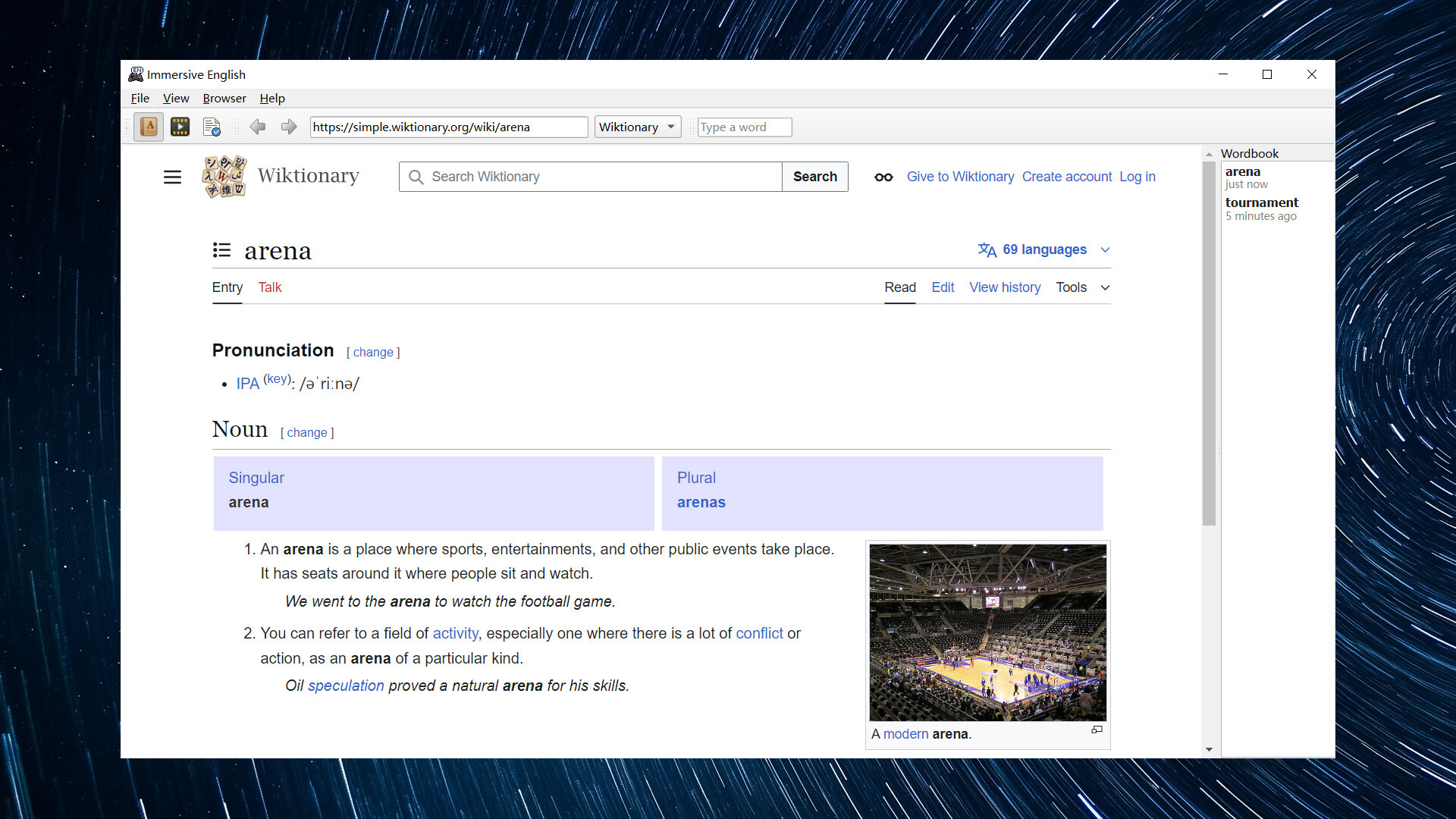
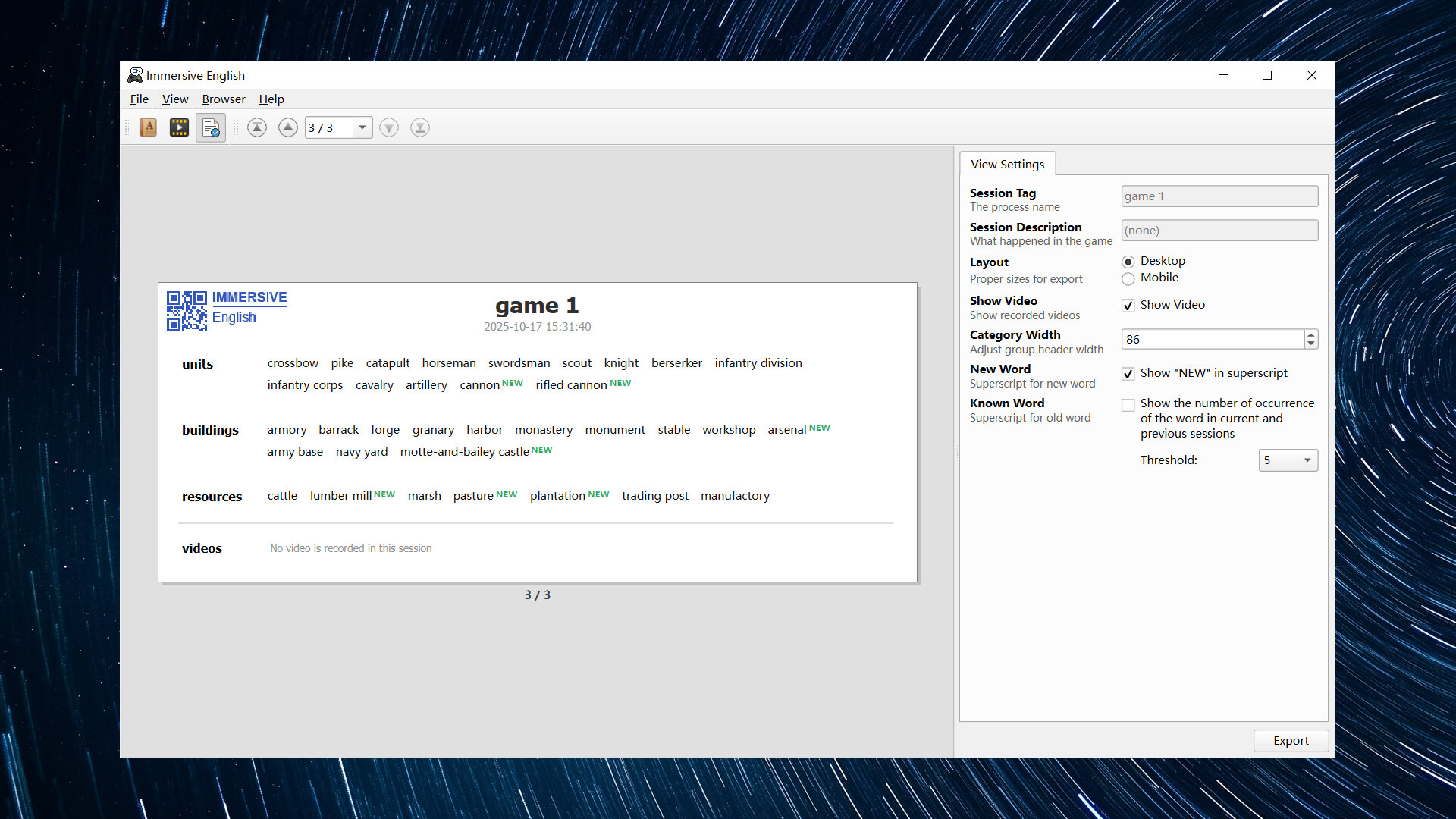
With Immersive English, you can pause the game at any time and look up words that appear in games with online dictionaries. The words you look up will be collected in a wordbook. You can also record game videos for learning.
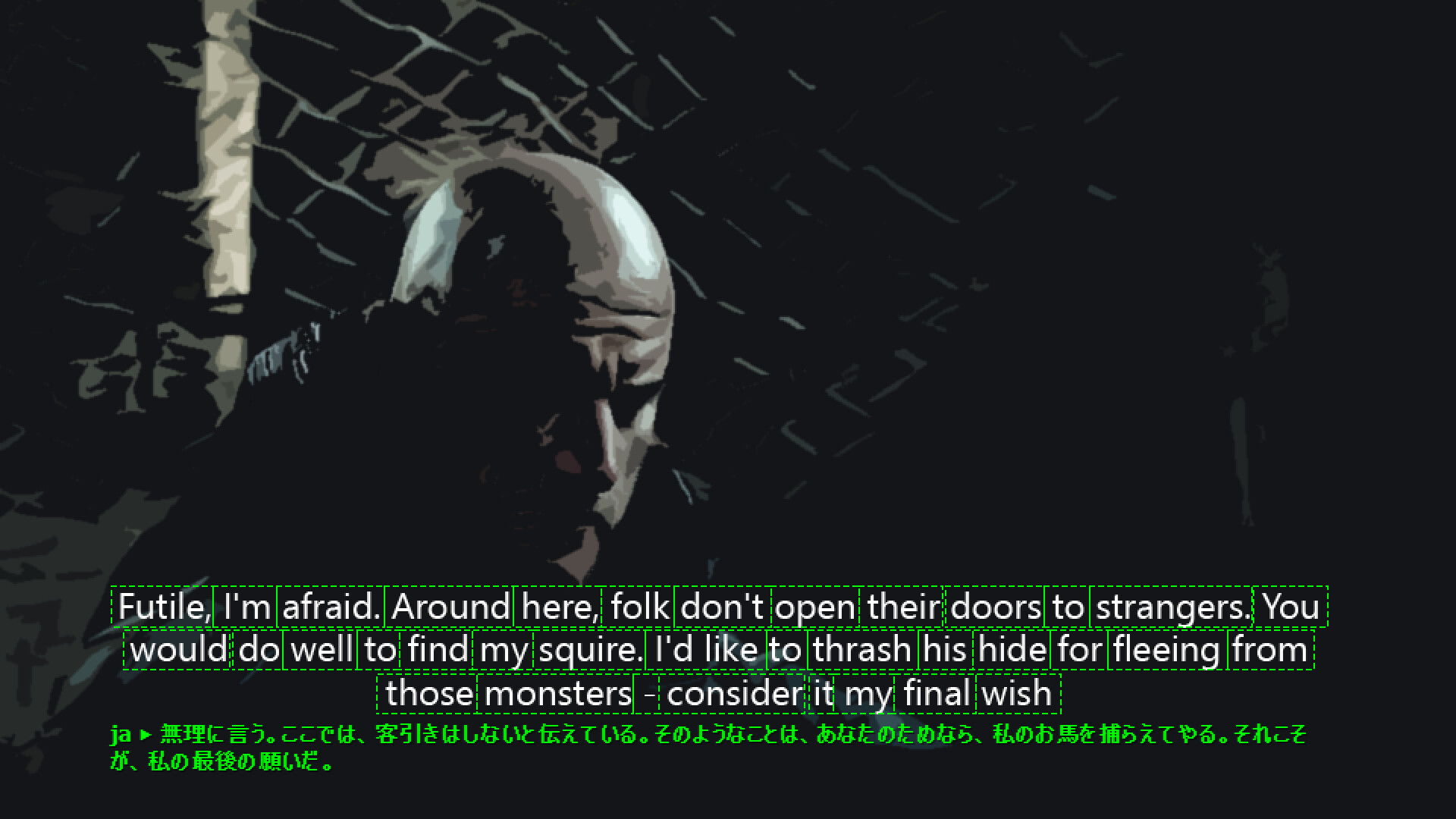
If the Translation Extension DLC (7.5 GB) is installed, game subtitles can be translated into another language, which is useful when the conversation contains many new words.
1. Start the Target Game
The first step is to start the game. The supported display modes are:
Borderless windowed mode
Windowed mode
Full screen mode
Borderless windowed mode is recommended in most cases. Support for full screen mode is experimental and should only be used for older games.
2. Start Immersive English
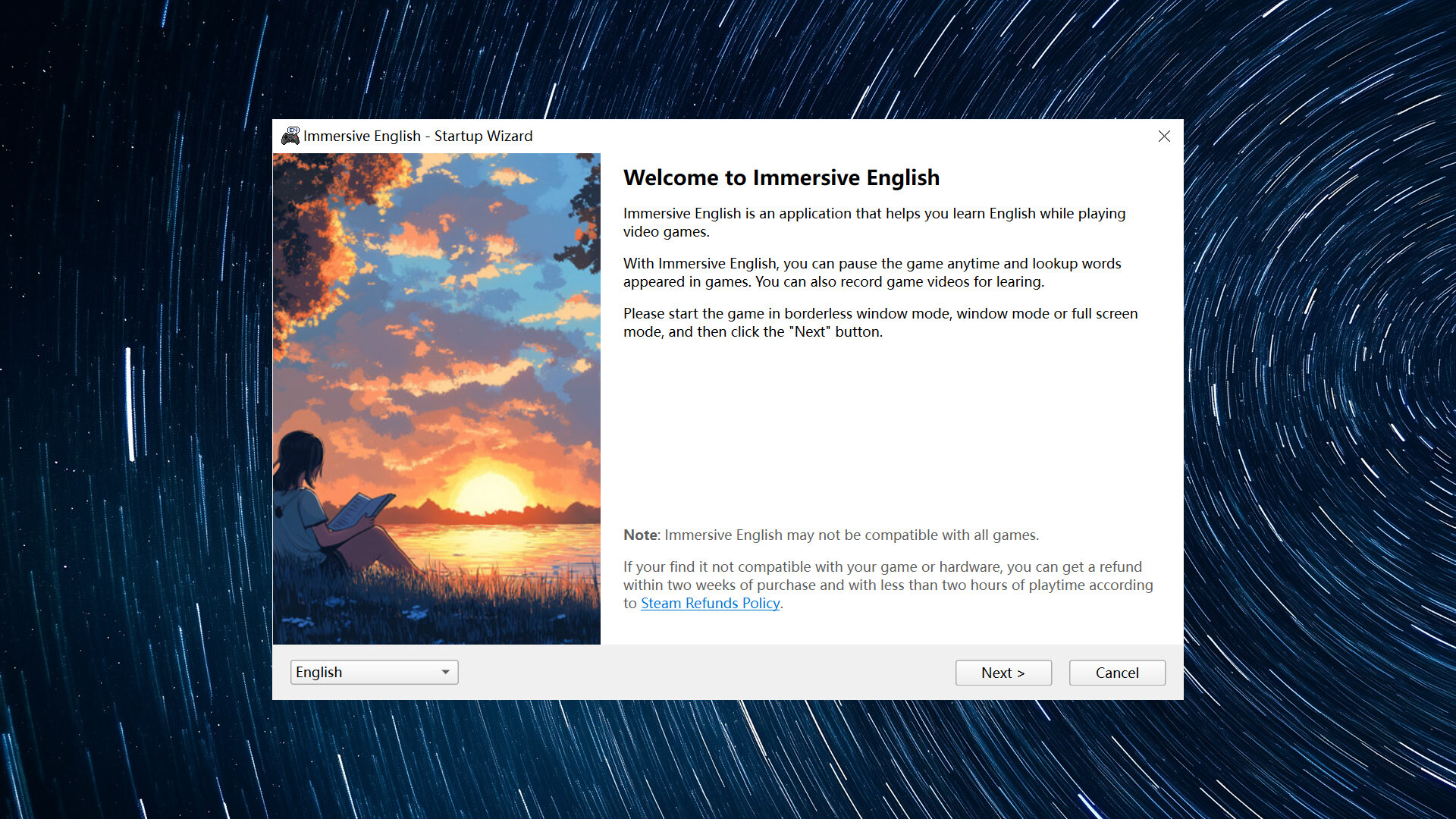
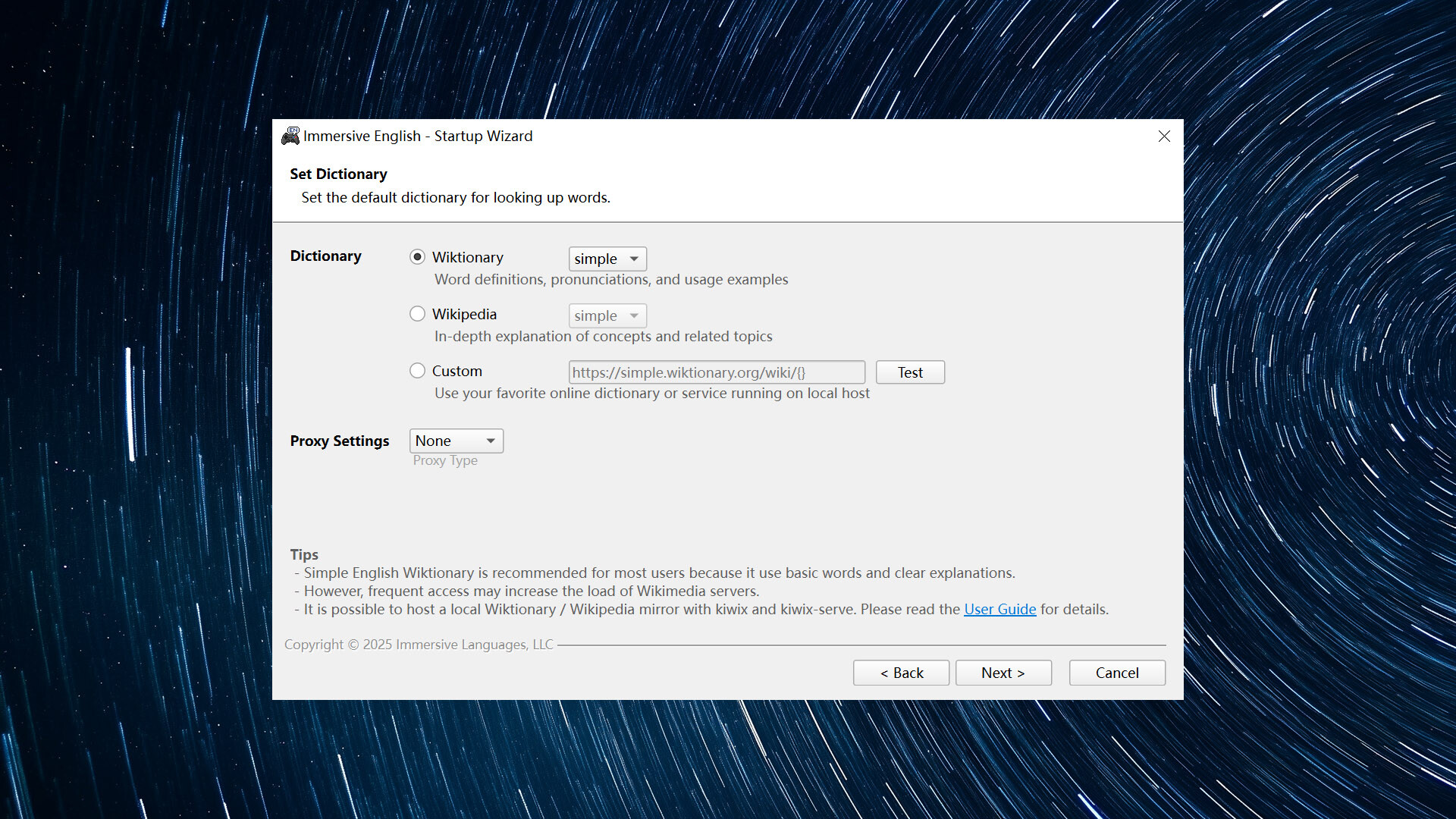
Start Immersive English. In the startup wizard, you will need to select the game window, set video capture options, the hotkey, the pause mode, and the default dictionary.
When the startup wizard is complete, a small widget window will appear, indicating that Immersive English is running in the background.
3. Pause the Game
Switch back to the game window and start playing. When you see a word that you are not familiar with, press the hotkey (Pause/Break by default), and the game will be paused.
The words on the screen will be recognized and marked. You can look up a word with a click.
Note: The pause function cannot be used to pause online games.
4. Save Game Video Clip
If you have just watched a long conversation with full audio and subtitles, and there are several words you are interested in, it's a good idea to save the video clip to your computer for learning.
In the video panel of the main window, you can export the specified segment of the live video to your computer. The exported video clips will be collected in a video list and can be played at any time.
5. Resume the Game
After you have looked up the words you are interested in, you can resume the game by pressing the hotkey again.