USCM
Current prices

|
Unavailable
|
Description
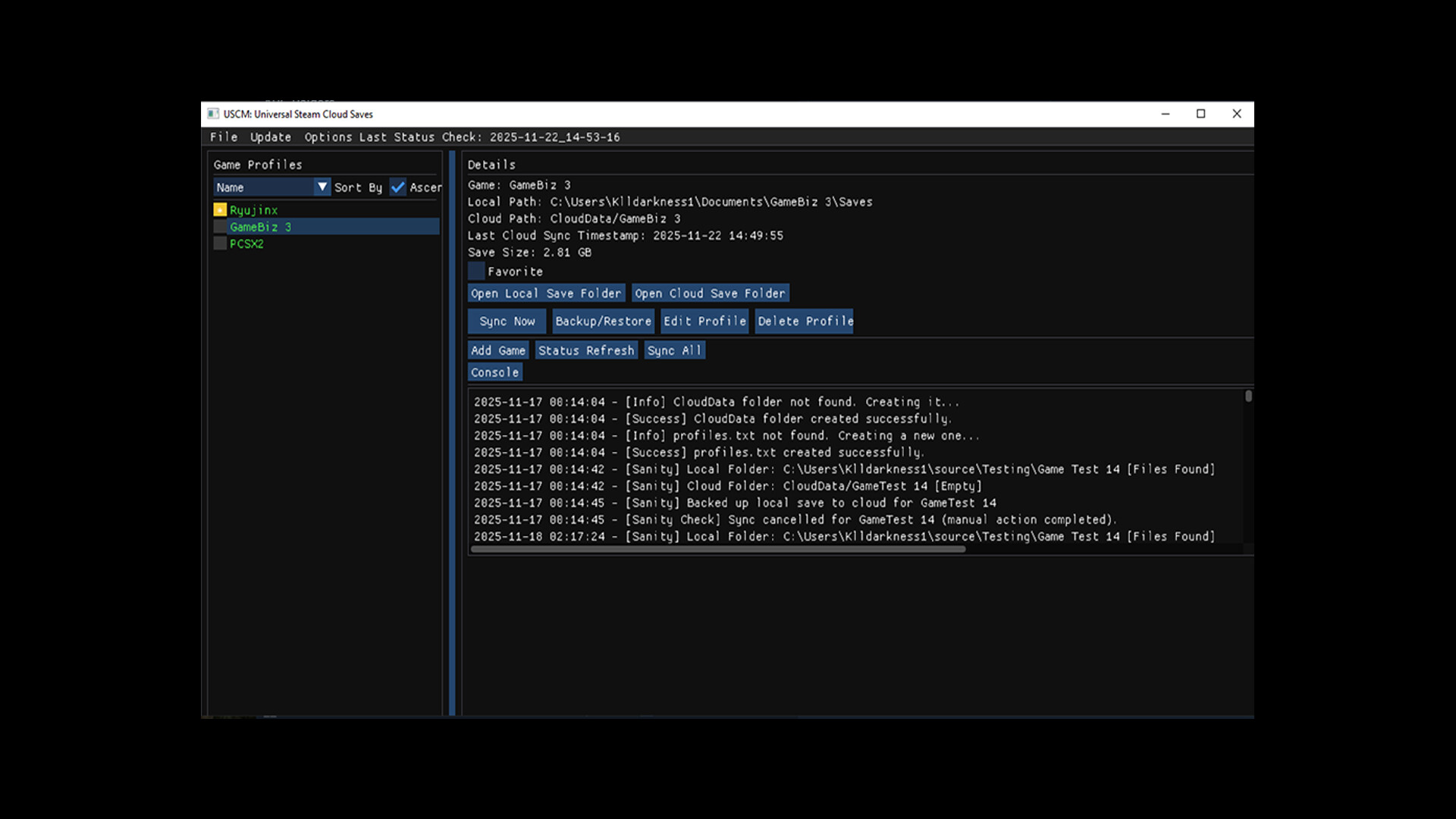
Universal Steam Cloudsave Manager (USCM) brings Steam Cloud saves to every game you own
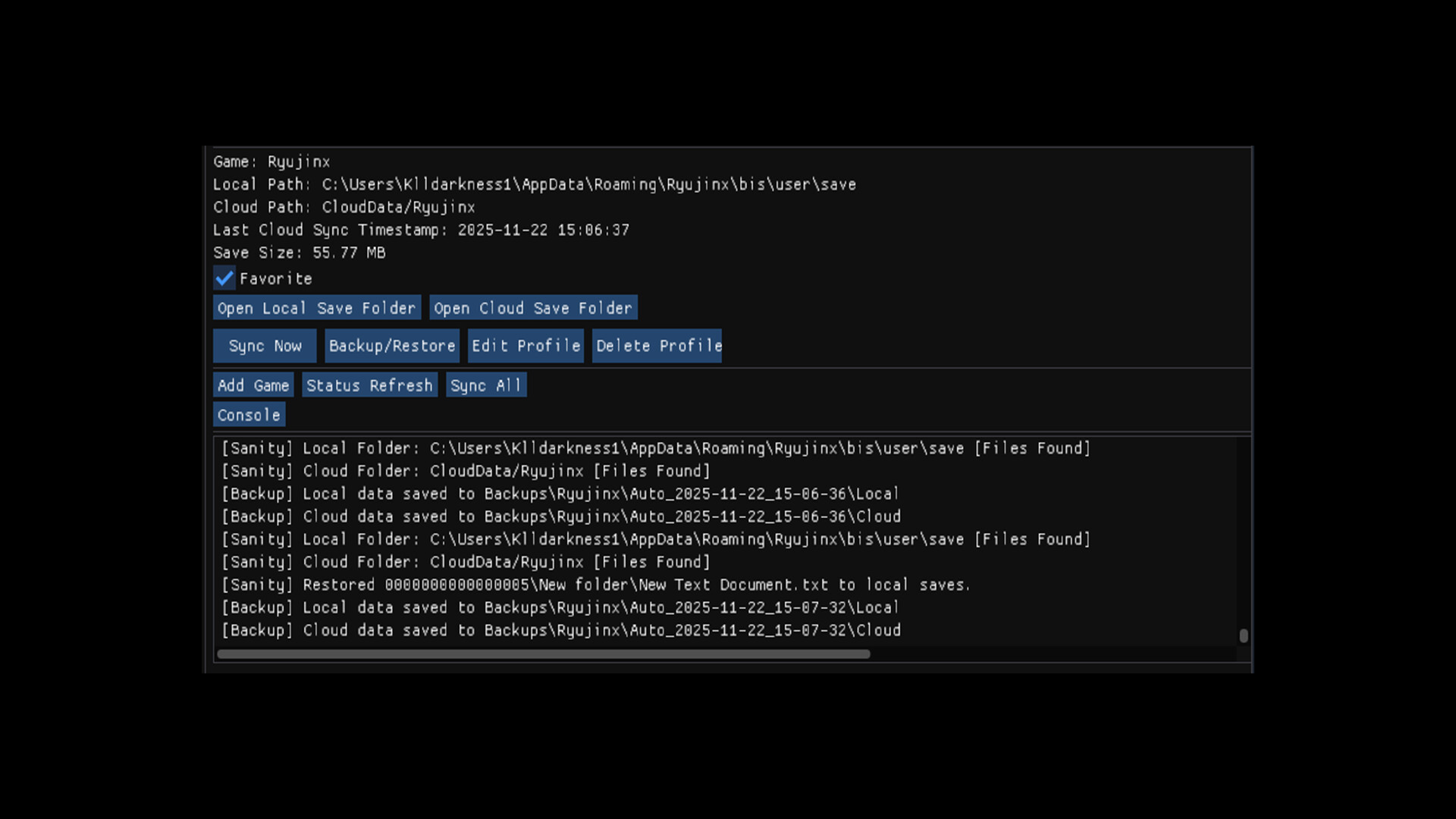
USCM is a cross-platform save backup and sync tool that allows you to safely back up, restore, and synchronize game save data across Windows, Linux, and Steam Deck using Steam Cloud as the transport layer.
Whether you play indie games, classics, modded titles, emulators, DRM-free games, or non-Steam software , USCM gives you a simple, reliable way to keep your progress safe and accessible across all your devices.
Your Saves, Where You Play.
What USCM Is For
Syncing saves between multiple PCs and Steam Deck
Backing up save files for games without native cloud support
Managing saves for emulators, mods, and custom launchers
Protecting progress in older or DRM-free games
Seamless cross-platform save access on Windows & Linux
Current Features
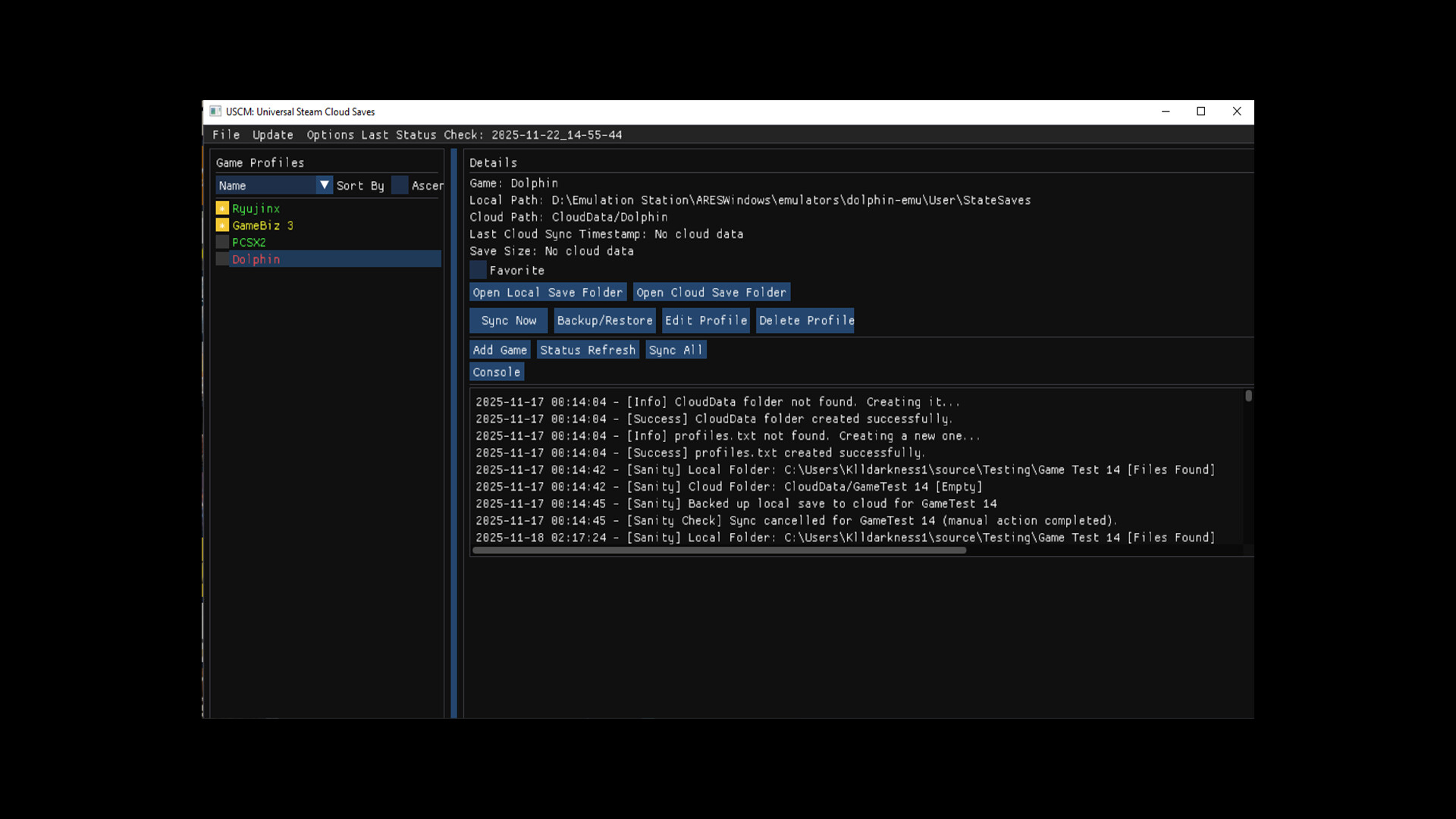
Universal Game Support
Add any game or application, Steam or non-Steam, as a profile.Full Folder Save Backups
Entire save directories are backed up, not just individual files.Steam Cloud Integration
Uses Steam Cloud to sync your saves automatically across devices.Cross-Platform Sync
Works natively on Windows , Linux , and Steam Deck.Profile-Based Save Management
Each game has its own isolated cloud folder and configuration.Automatic Device Detection
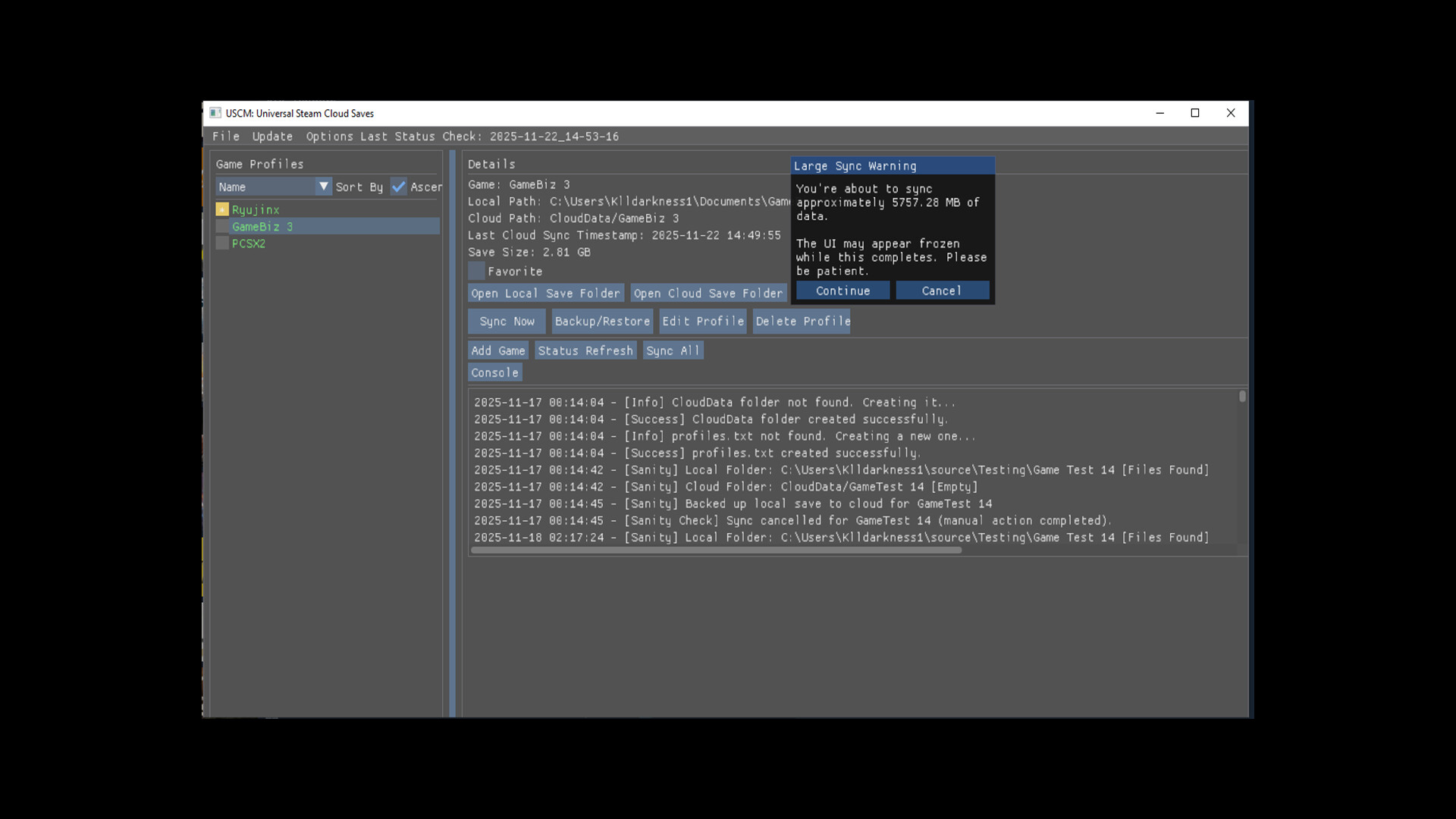
Tracks which save path applies to each device independently.Smart Differential Syncing
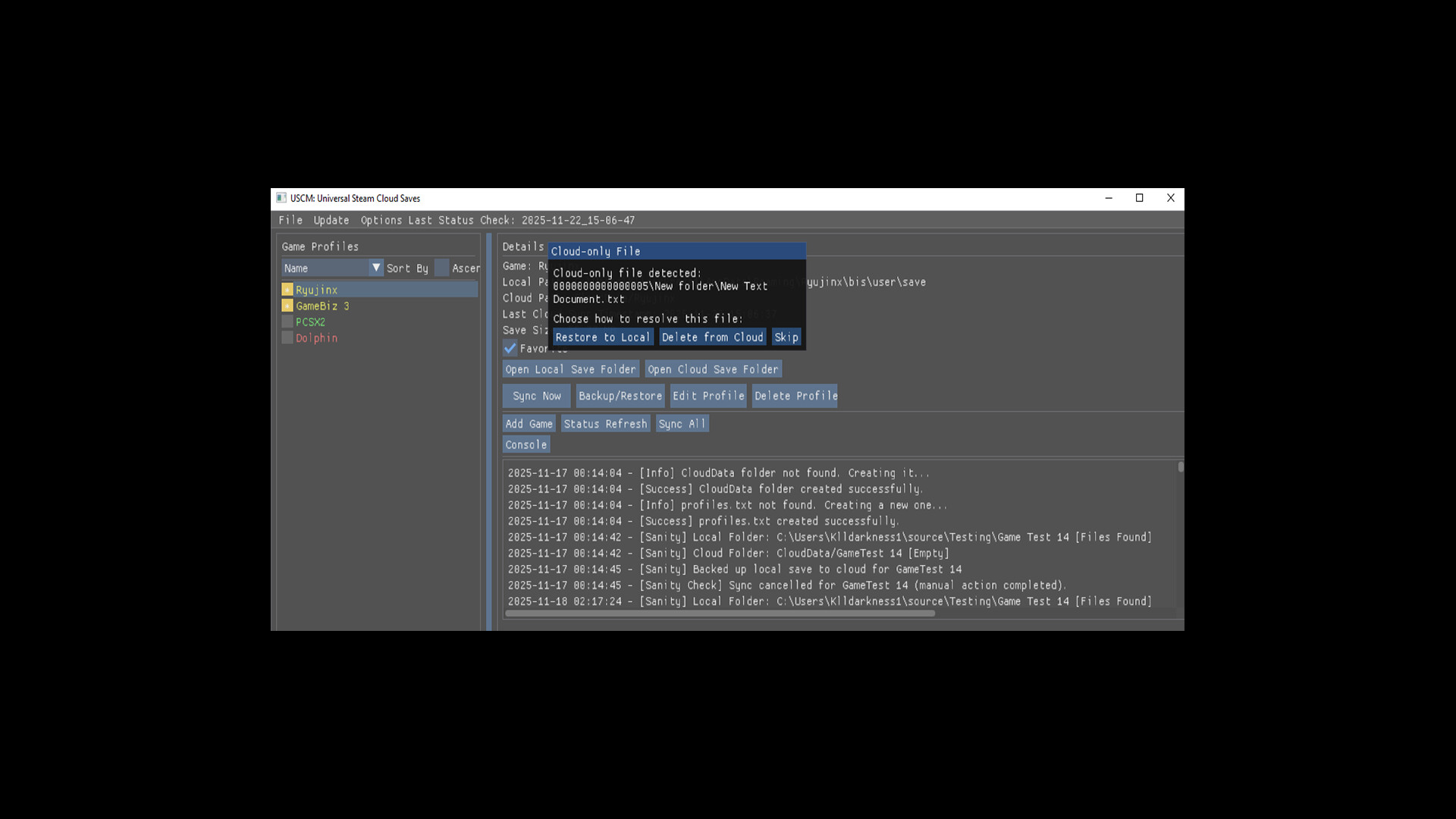
Only changed files are uploaded or restored to improve performance, using timestamps, size, and MD5.Manual Restore & Rollback
Restore saves to local and cloud from backups at any time.Local & Cloud Safety
Cloud data is stored separately from your original save locations.
Who It’s For
Steam Deck owners
Linux gamers
Emulator users
Modded game players
Indie & classic game collectors
Anyone tired of manually copying save files
What USCM Is Not
A DRM system
A launcher replacement
A multiplayer save sync tool
USCM focuses on single-player and local save data.
Linux 2.0 Penguins
Linux penguin (Tux) artwork by Larry Ewing, created using The GIMP.