USBLockScreen
Current prices

|
Unavailable
|
Description
USBLockScreen is a simple but effective screen security utility that enhances the usability of USB storage devices.
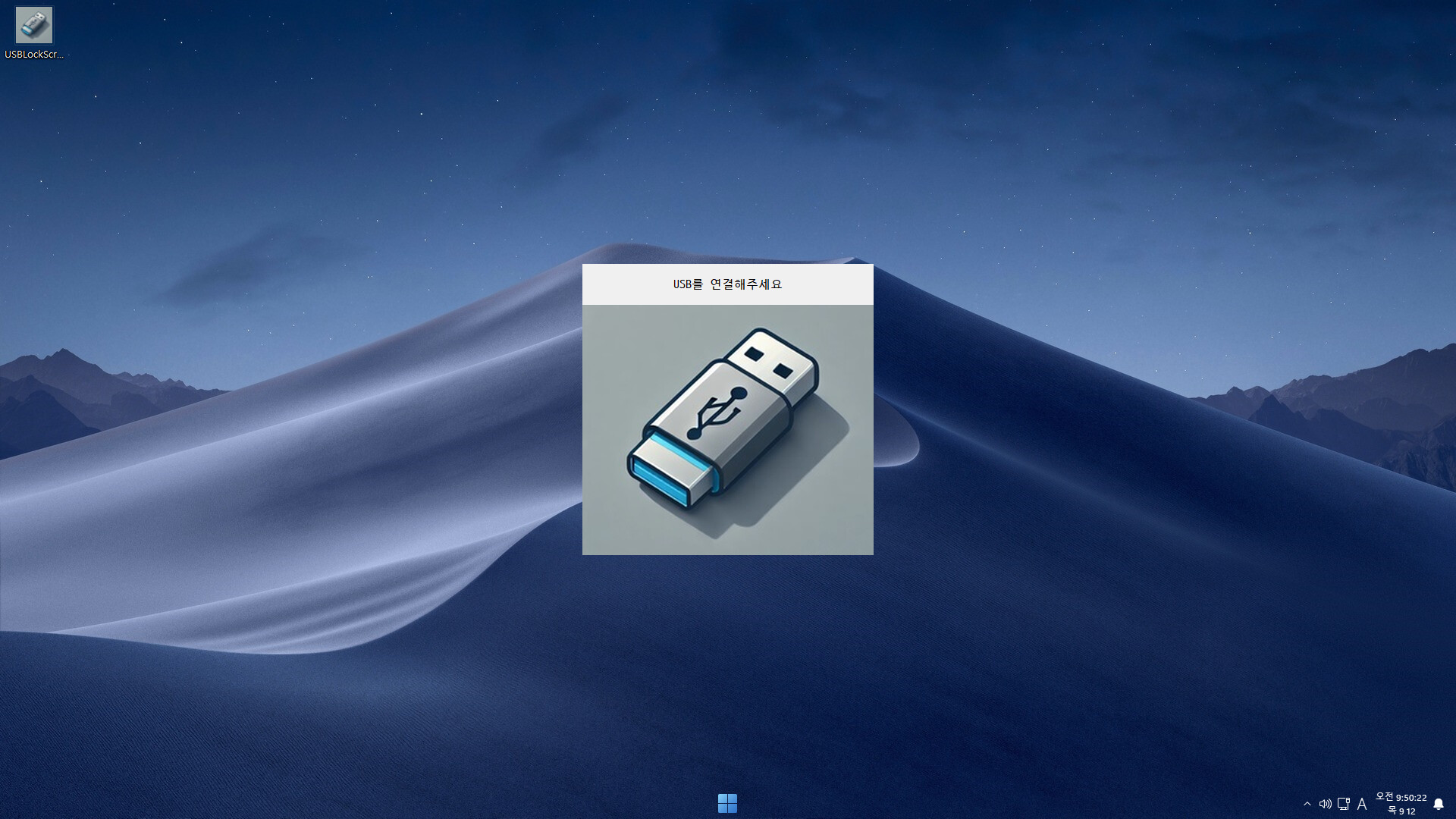
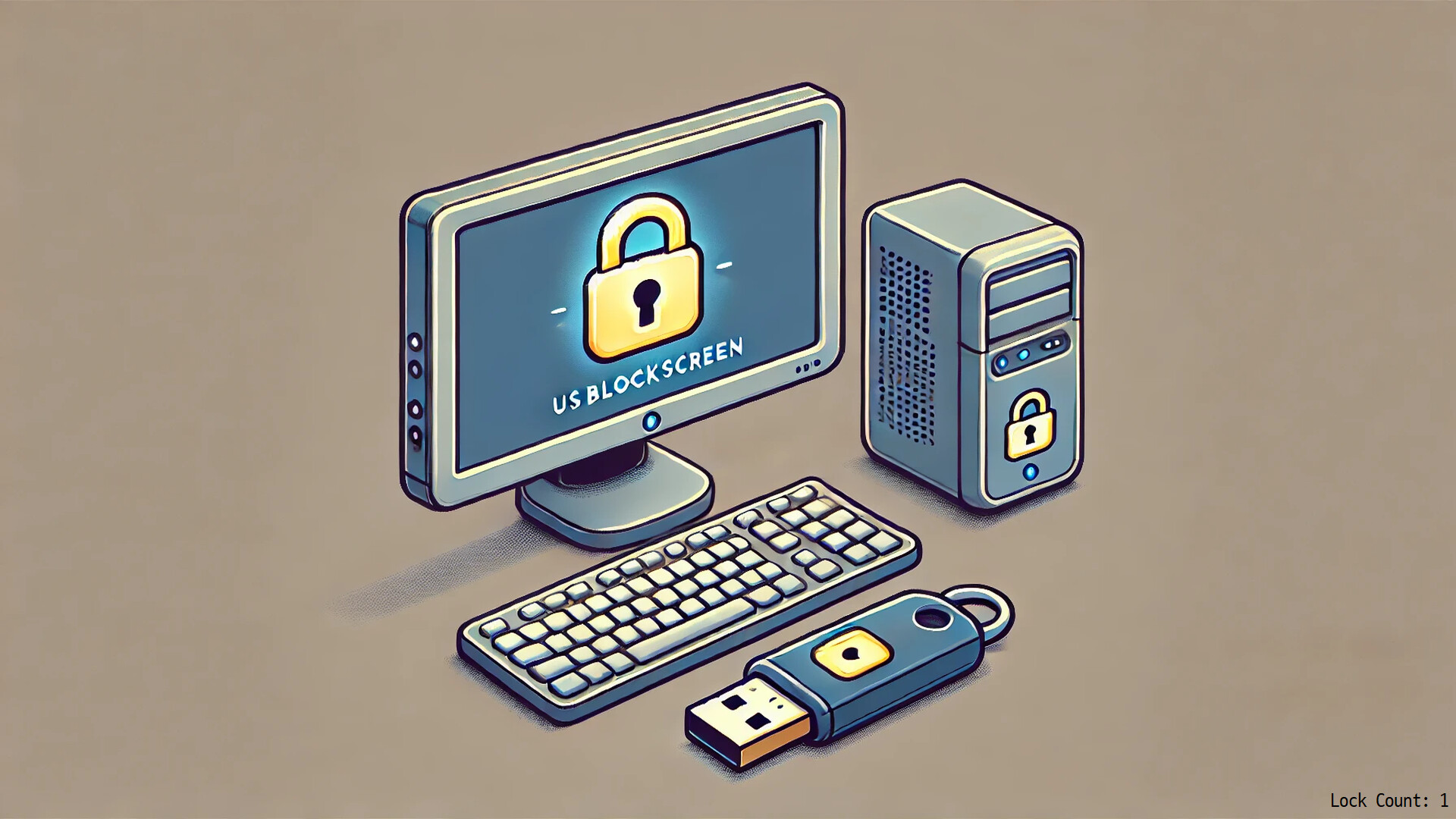
This program automatically locks the screen when an approved USB device is not connected or is removed, restricting the use of the keyboard and mouse on the lock screen.
#Key Features
Automatic Screen Lock: Automatically locks the screen when an approved USB device is removed or an unregistered USB device is connected. This feature enhances security by preventing unauthorized use of the PC.
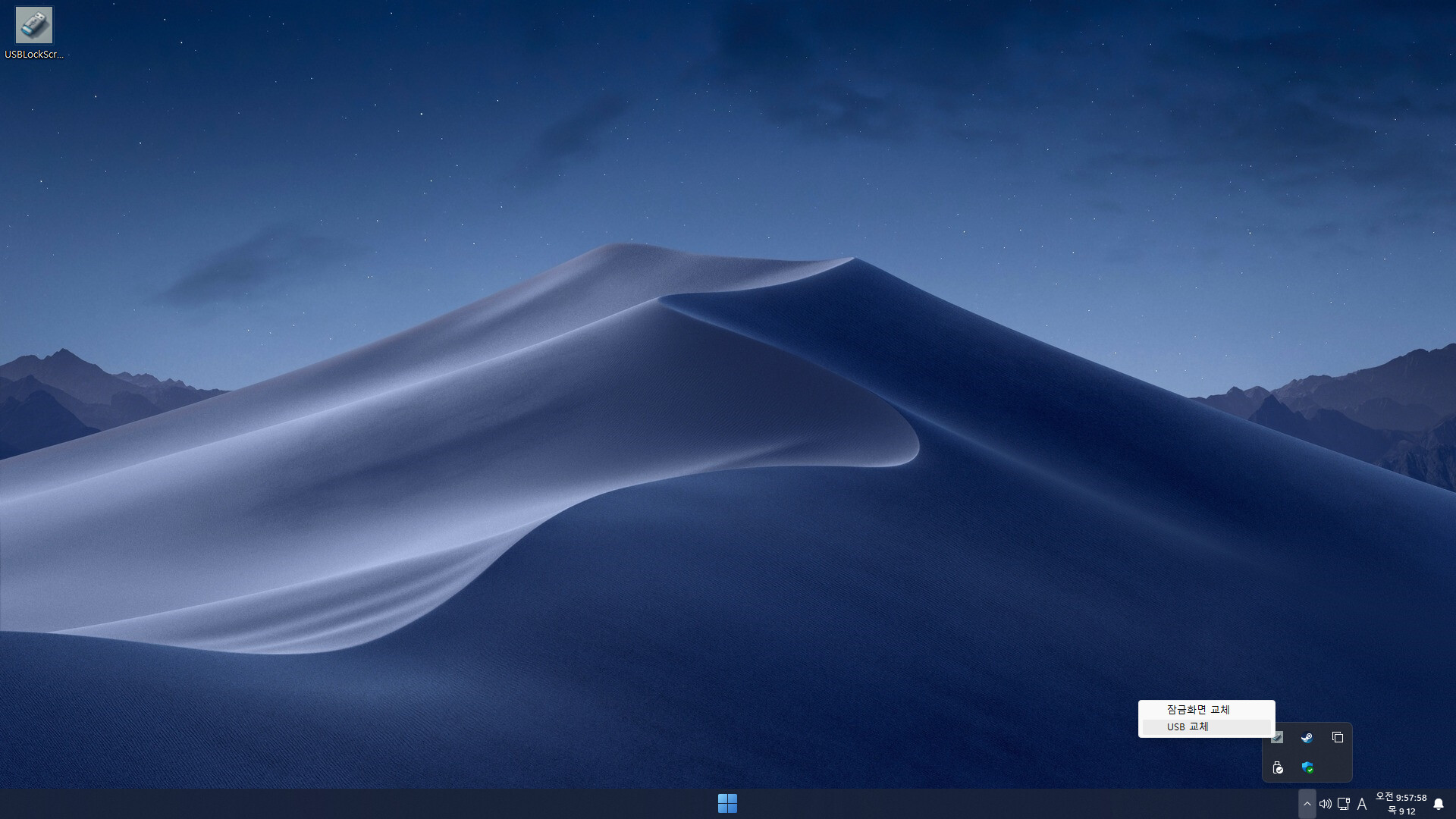
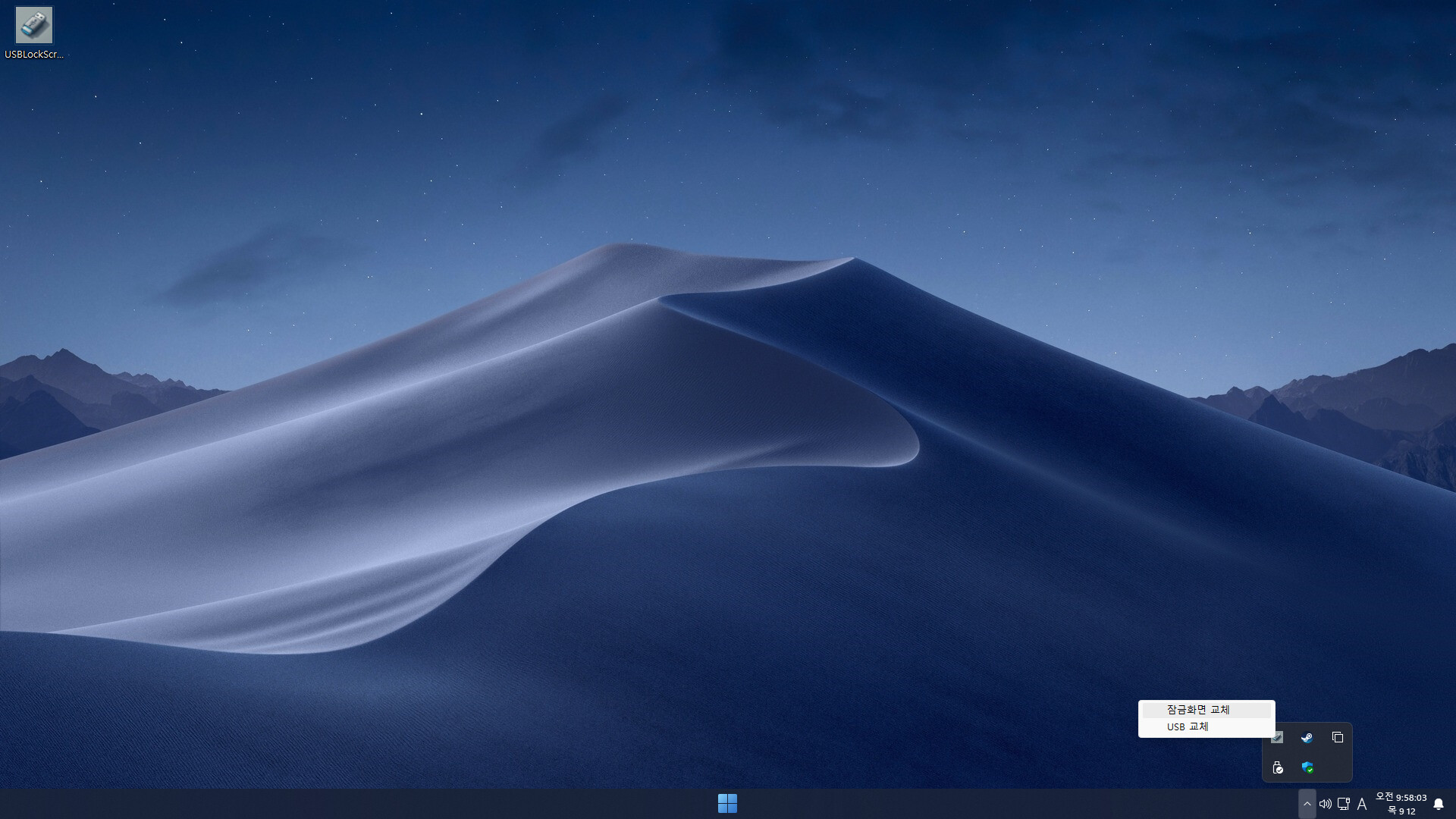
Tray Icon: Easily change the approved USB device and lock screen background from the system tray.
Multi-Monitor Lock Screen: Customize the lock screen per monitor, supporting up to 3 monitors with individual image settings.
Input Blocking: When the lock screen is active, keyboard and mouse input are blocked to prevent unnecessary access by others.
Auto-Lock on Reboot: If the approved USB device is not connected after system reboot, the lock screen will automatically appear.
Screenshot Saving: When the Print Screen button is pressed, screenshots are automatically saved to a date-based folder on the approved USB device.
#Requirements
★ A USB storage device is required. ★