Tower of the Evil: Struggle of Eight Queens
Current prices

|
Unavailable
|
Description
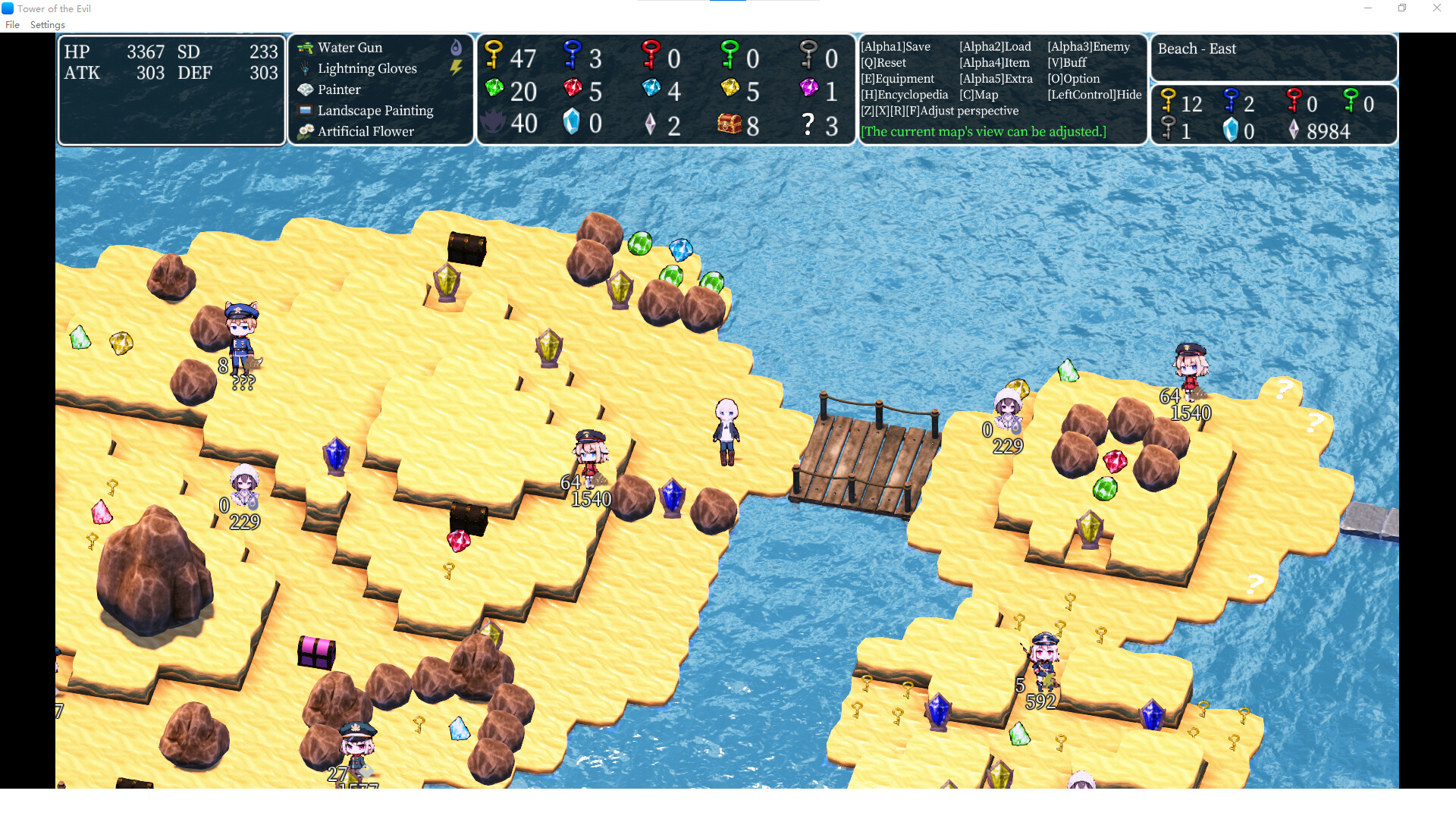
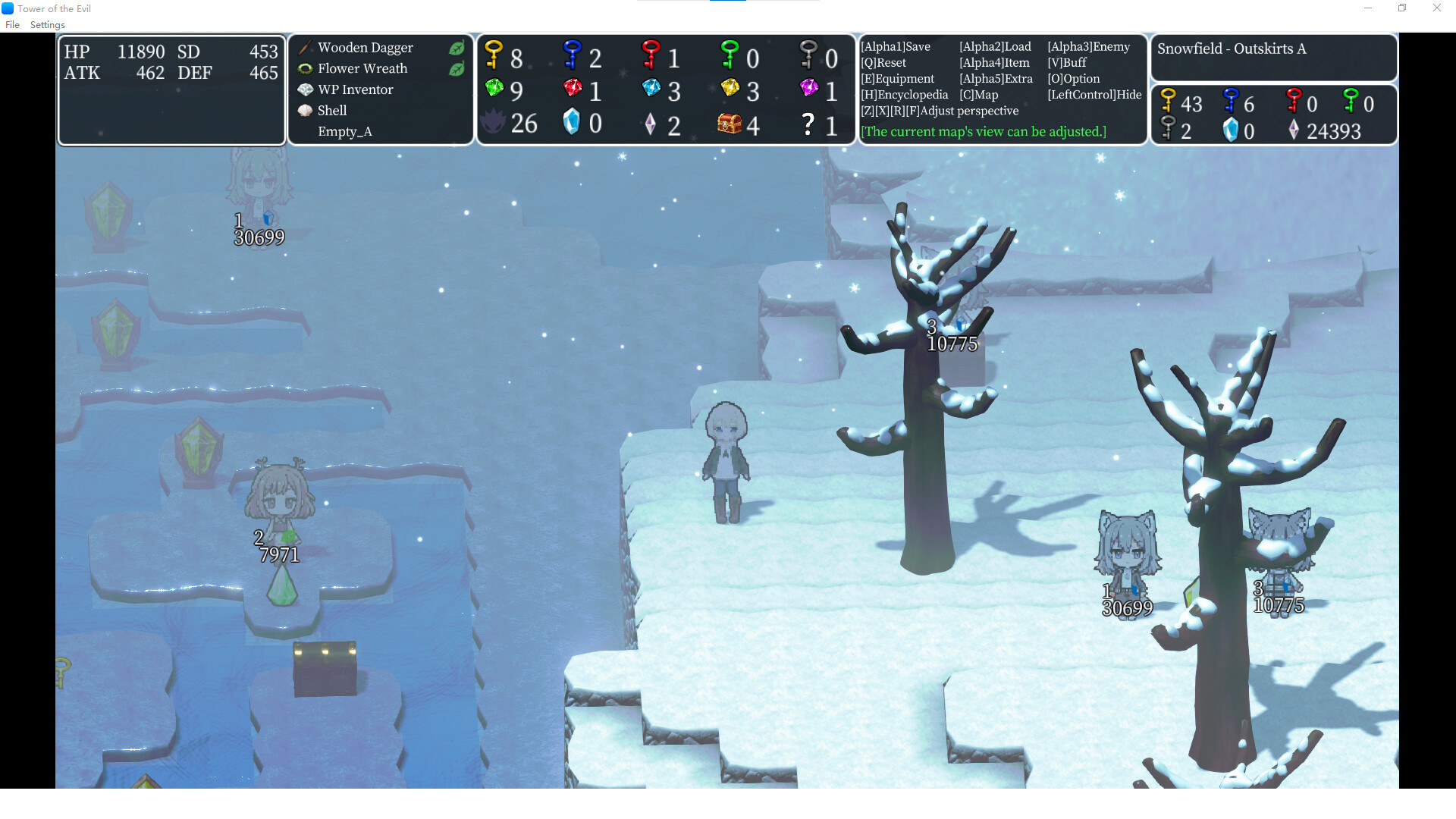
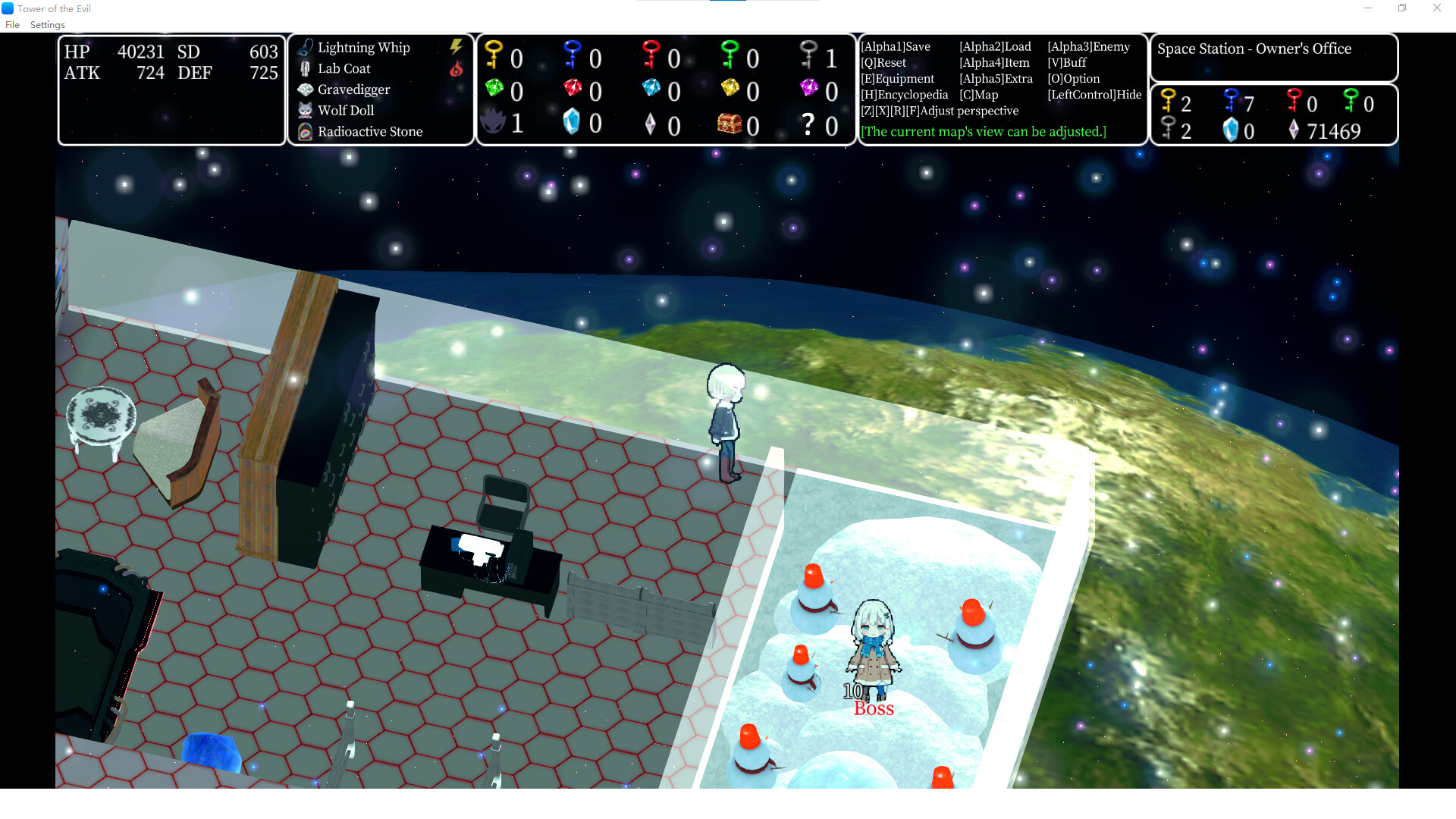
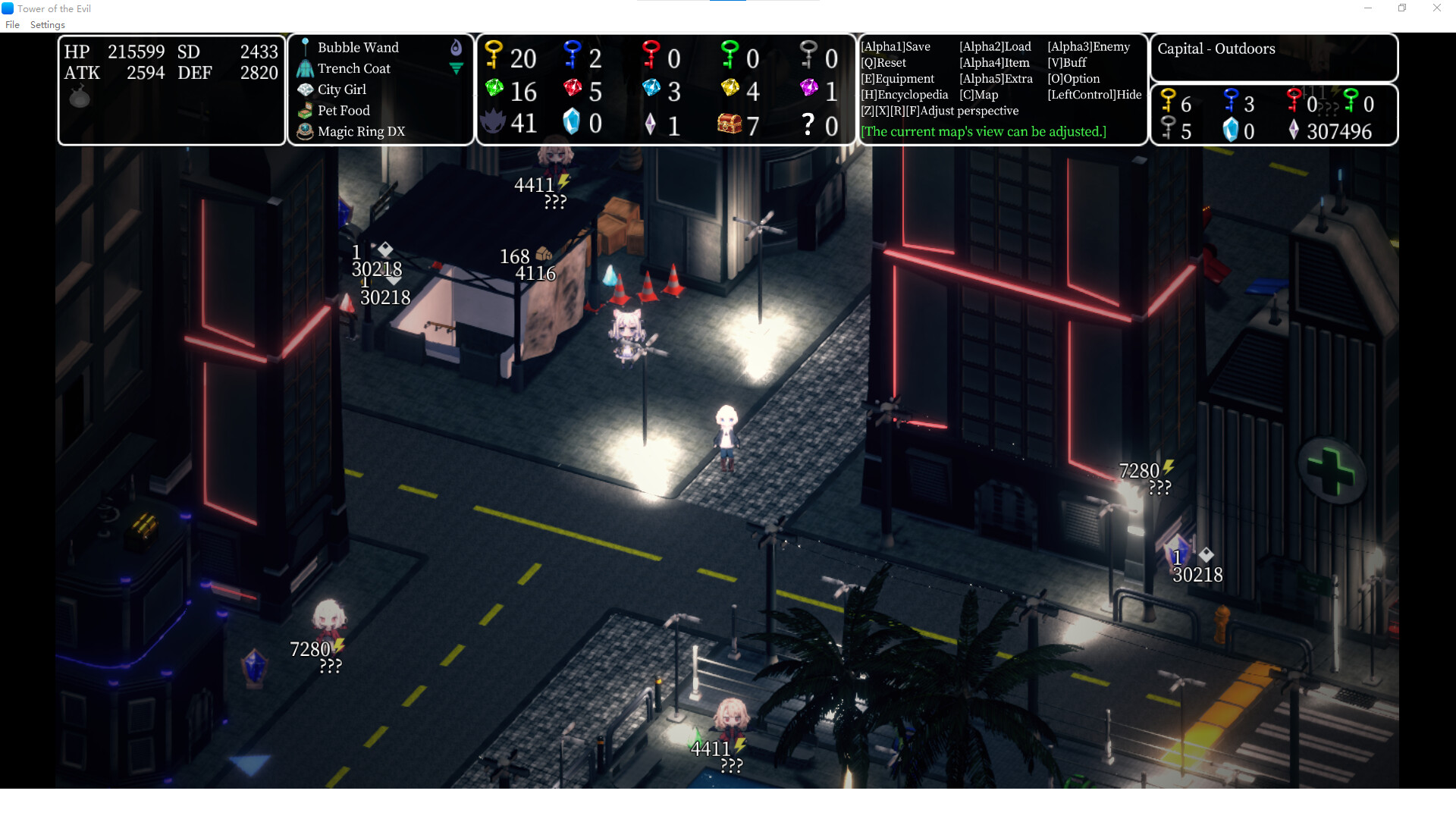
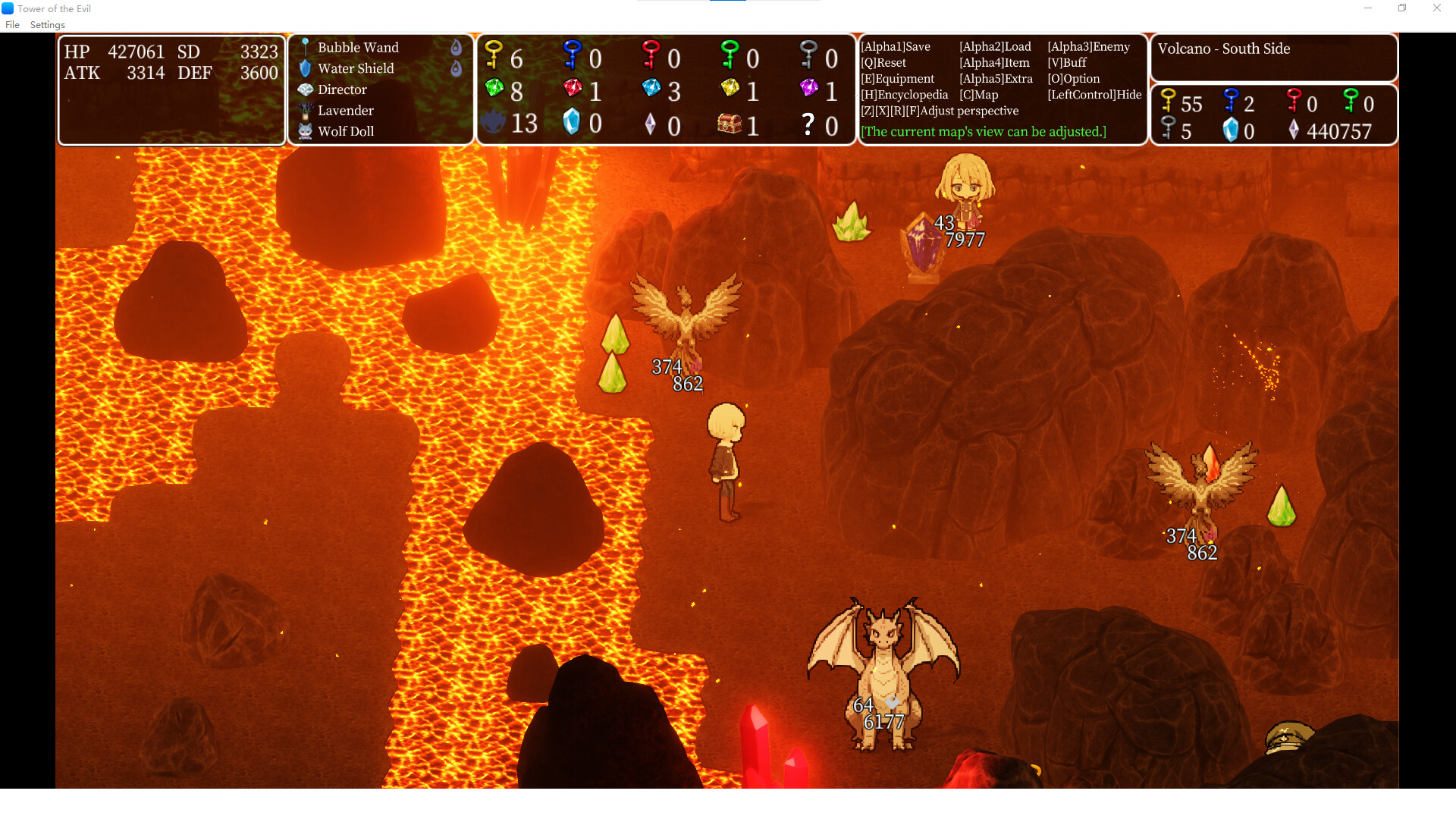
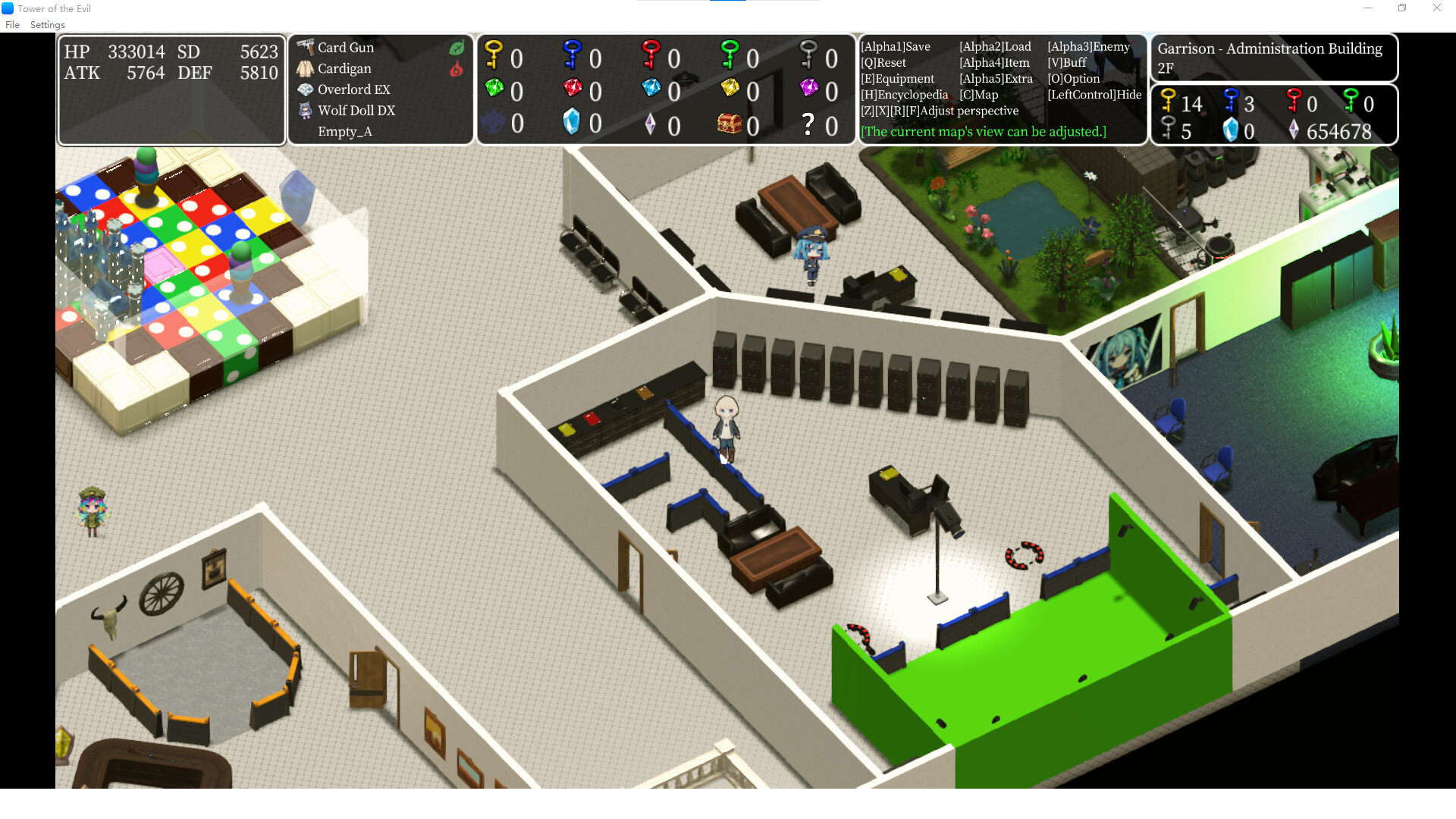
This is a game I created with new software, a trial run to test the new tool. It's a game based on the traditional Tower of the Sorcerer gameplay method, but with some new systems added. I believe the essence of Tower of the Sorcerer lies in route planning under completely fixed values, so there are no random elements in the game. Although the title is "Tower of the Evil", the map is not limited to the tower. Regarding the length of the game, it takes about 10 hours to complete the game at a fast pace. For first-time players, it may take more than 20 hours.
The story is crafted around the hero versus EvilLord plot, based on the tale of the Sacred Sword and the Intellion. Of course, this story is unrelated to the original Tower of the Sorcerer; only some terms are similar, and it is part of the universe I created.
Like other works in this universe, you'll play as the Storyteller, guiding the protagonist through the script crafted by Xisa. The Storyteller directs the adventurous protagonist across diverse regions. The core of the story is adventure, while gameplay centers on resource management. All resources are finite. Th Storyteller must strive to find the best path, plan resource utilization, defeat enemies, overcome all obstacles, and ultimately reach the end of the script.
This game supports two languages. If you find that the language displayed after launch is not your preferred one, please select your desired language under "Change Language" in the "Settings" menu at the top. You will be asked if you wish to leave the game. Selecting "Yes" will close and restart the game. After restarting, the language will be changed.
If this software does not start properly,
updating the graphics driver to the latest version may improve the problem.
If you experience slow performance when using this software, please try the following operations. (This is the method officially provided by the software developer, and I cannot guarantee that it will definitely work.)
- Open the Graphics Settings screen in the Windows Settings menu.
For Windows 10
Right-click on the desktop > Display Settings > Graphics Settings
For Windows 11
Right-click on the desktop > Display Settings > Graphics
Select "the_folder_where_this_software_is_installed/data/bakinplayer.exe" from the Browse button.
Specify "High Performance" from the options.