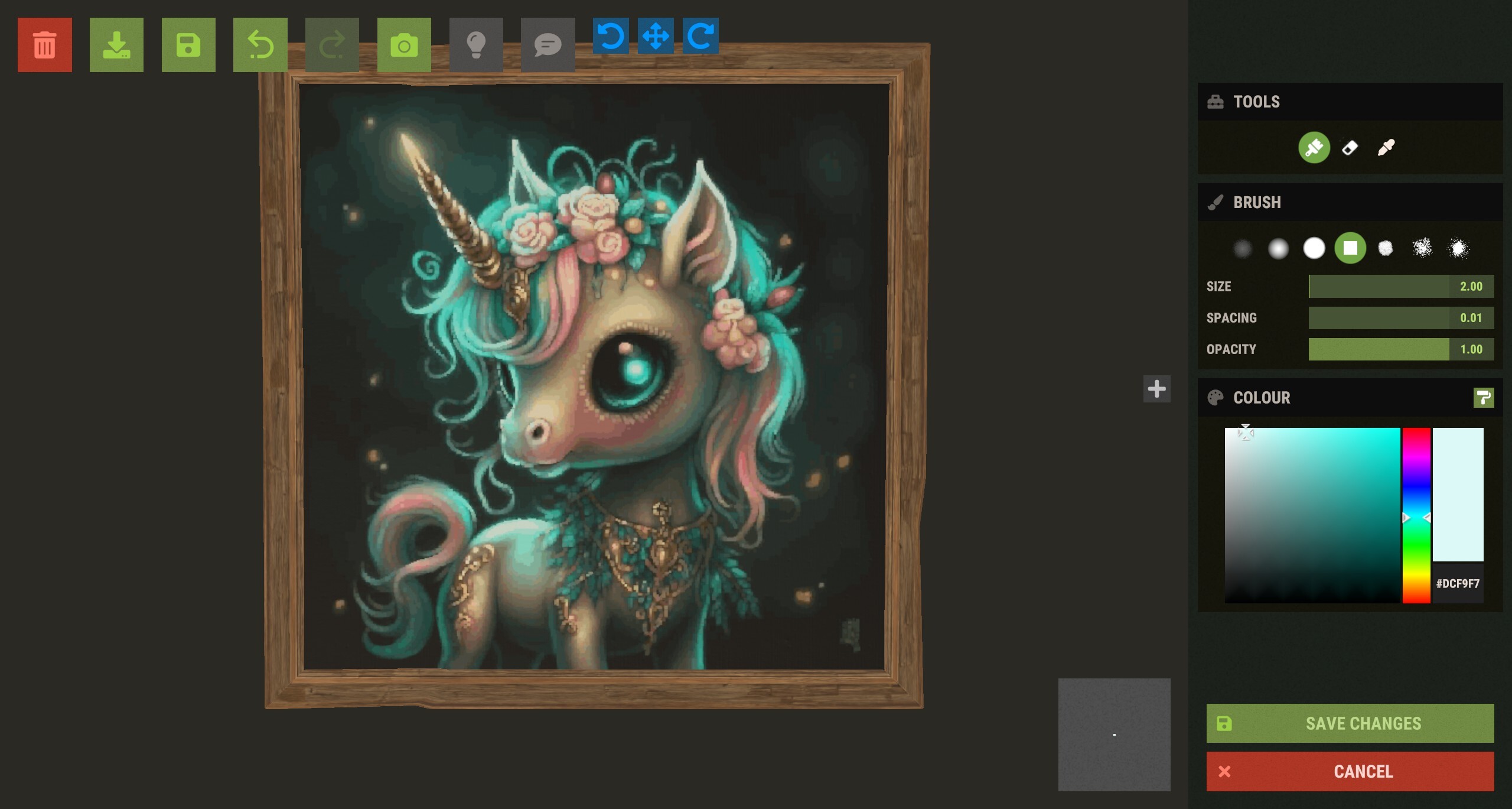
Details
Current prices

|
Steam
Digital
|
$7.99
-20%
|
| Lowest price ever | ||
| Sale ends February 3 | ||
Price history
| All time low | |
| $7.99 | (-20%) |
Description
💎 Premium Features (Unlock The Ultimate Quality)
Upgrade your artistry with advanced algorithms and essential quality-of-life tools:
Advanced Adaptive Palette: Utilize Hex Color codes and vibrant tones to achieve professional-grade color accuracy, including diverse skin tones and gradients.
Resume Painting on Click (F5): Don't let a crash or a raid ruin your progress. Simply press F5 and click any point on the canvas to resume exactly where you left off.
Session Save & Load: Save your progress to a file. Indispensable for massive art projects that take multiple days or sessions to complete.
Integrated Image Editor: Crop your images and add text overlays directly inside RustForge—no external photo editor required.
Timelapse MP4 Creator: Automatically capture your artwork coming to life and export it as an MP4 (with optional music) to share with your clan or social media.
Artistic Control & Filters
Fine-tune your masterpiece before the brush ever touches the sign:
Stylized Filters: Oil Paint, Charcoal Sketch, Comic Book, Watercolor, and more.
Technical Filters: Dithering, Pixel Art/Mosaic, and Line Art.
Image Enhancement: Gaussian Blur, Sharpening, and Median filtering to clean up noisy images.
Background Color Ignore: Tell RustForge to skip specific colors (like white borders or green screens) to save massive amounts of time.
How It Works
Load: Choose any image from your PC or a URL.
Capture: Use the hotkeys to quickly define your in-game palette and canvas area.
Configure: Select your painting speed, filter, and painting method.
Paint: Press Start and watch RustForge handle the rest.
RustForge Sign Painter relies heavily on a stable framerate. The default settings are optimized for all systems, low-end or high-end. Higher FPS means you can have a faster Painting Speed , and a lower Precision Timing Delay value, Lower FPS means you should use lower Painting Speeds , and higher or the default Precision Timing Delay (20ms).
Below are the Recommended Painting Speed Settings based on your average FPS
⚠ Important Notes
• Supported aspect ratios: 4:3 and 16:9 only (standard 1080p / 1440p / 4K).
Ultrawide and other widescreen ratios are not supported.
• Rust in-game UI Scale must be set to 1.0.
Other UI scales change element positions and will cause mis-clicks.
RustForge is built with stability in mind, featuring high-DPI support, advanced painting methods, and tools.[/p]