PartyLAN
Current prices

|
Unavailable
|
Description
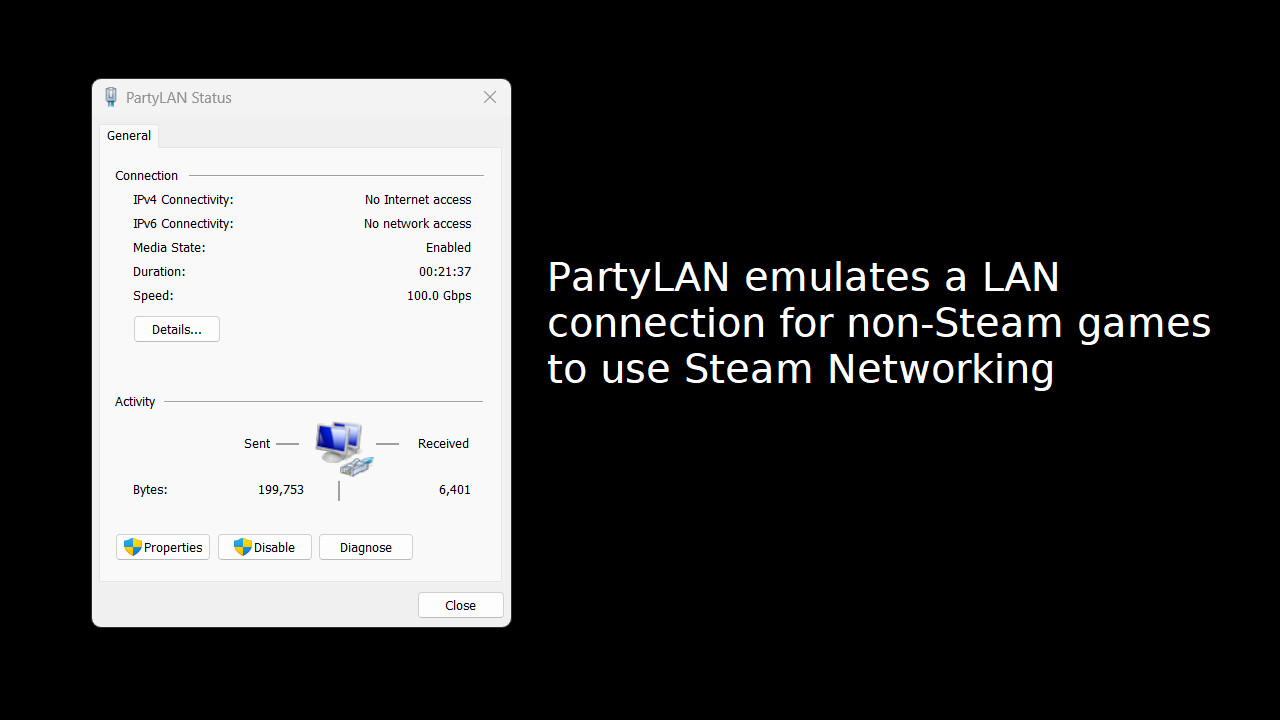
PartyLAN is a tool for playing LAN games over the Steam Network.
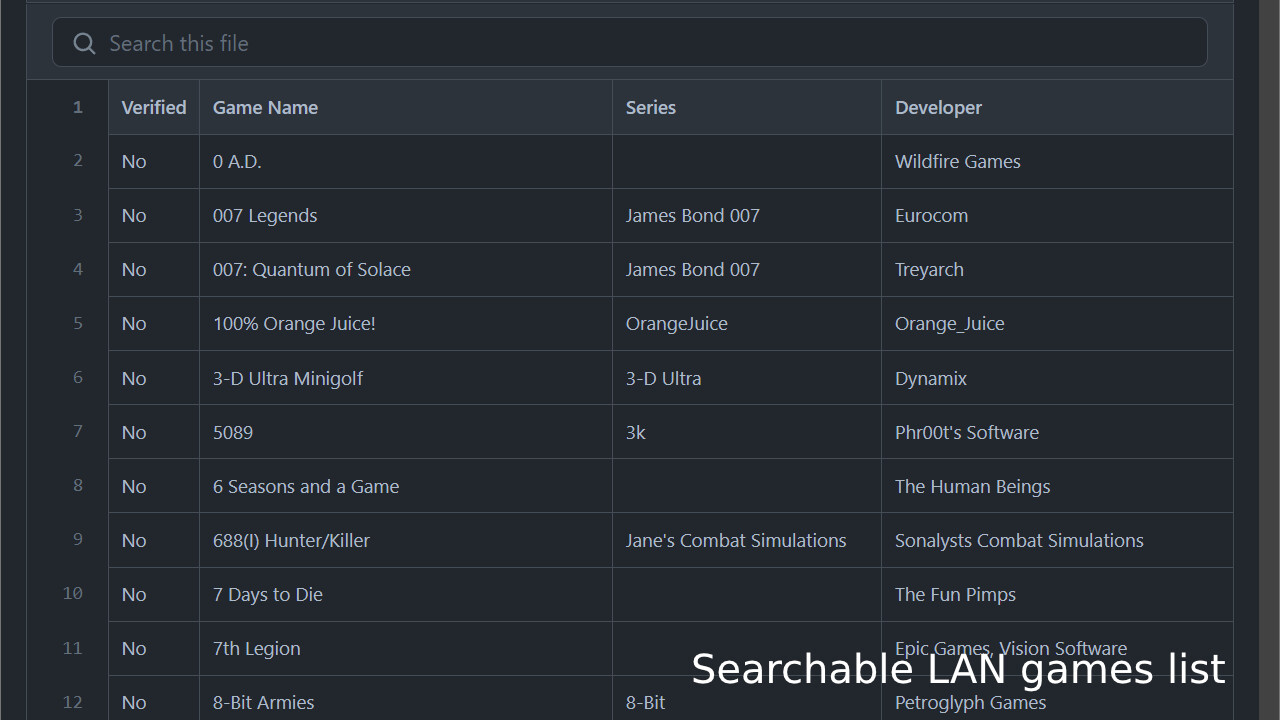
It is designed to be easy to use and work with any game that supports LAN play.
Features
- No frills interface - just the bare minimum for playing LAN games with your friends
- No restarts required - unlike many overlay network solutions, PartyLAN does not require you to restart your computer
Usage
1. Download PartyLAN from Steam.
2. Launch PartyLAN.
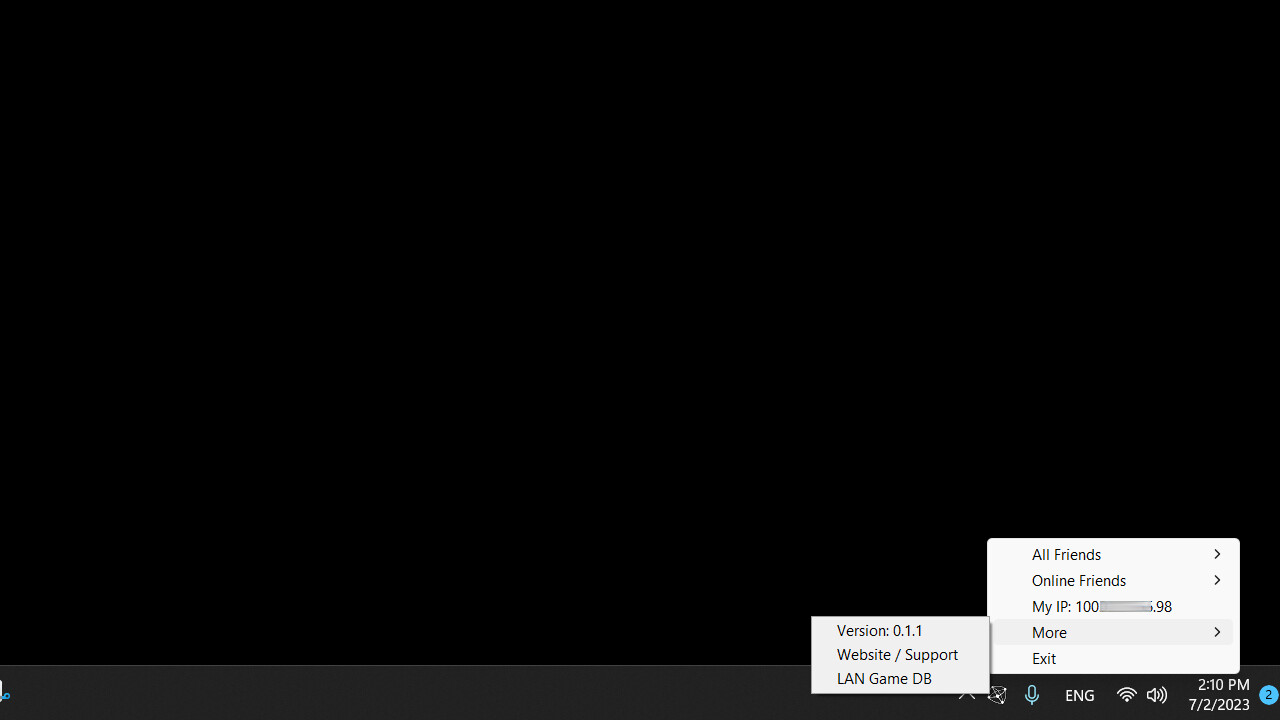
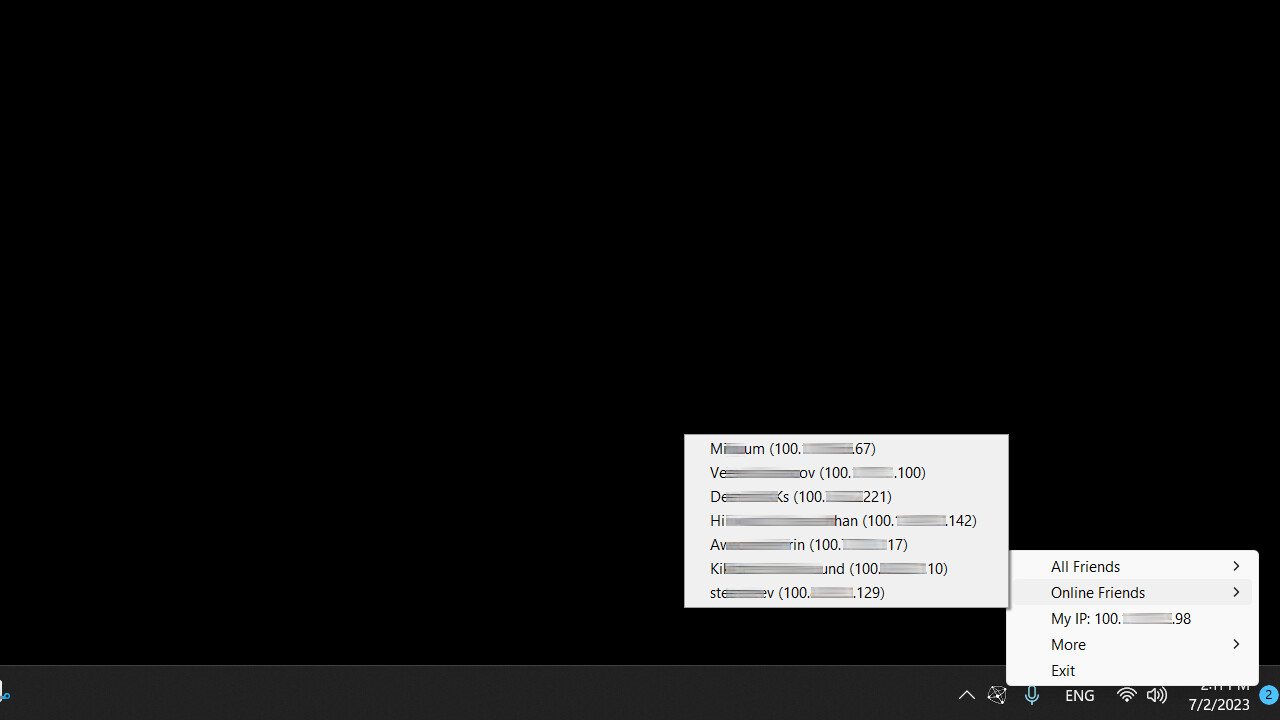
3. Ensure all players have PartyLAN installed and running. PartyLAN icon should be visible in the system tray.
4. For the host, open the game and start as a LAN game host as normal.
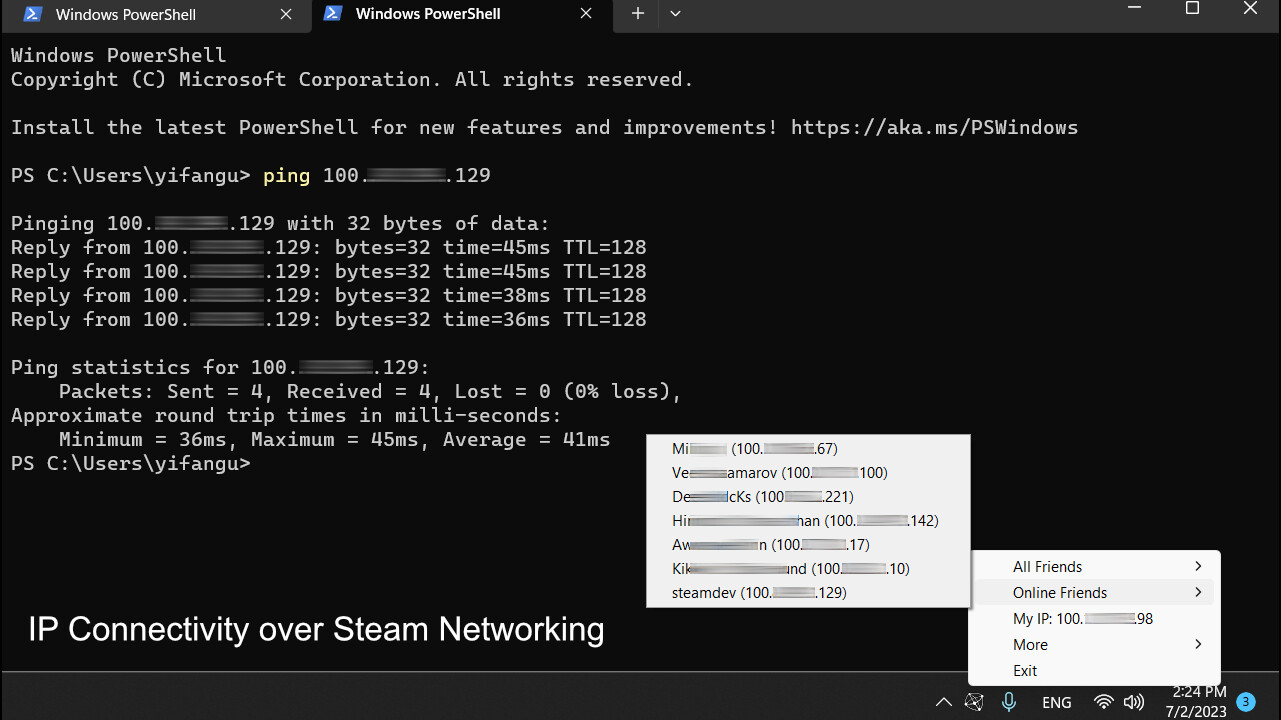
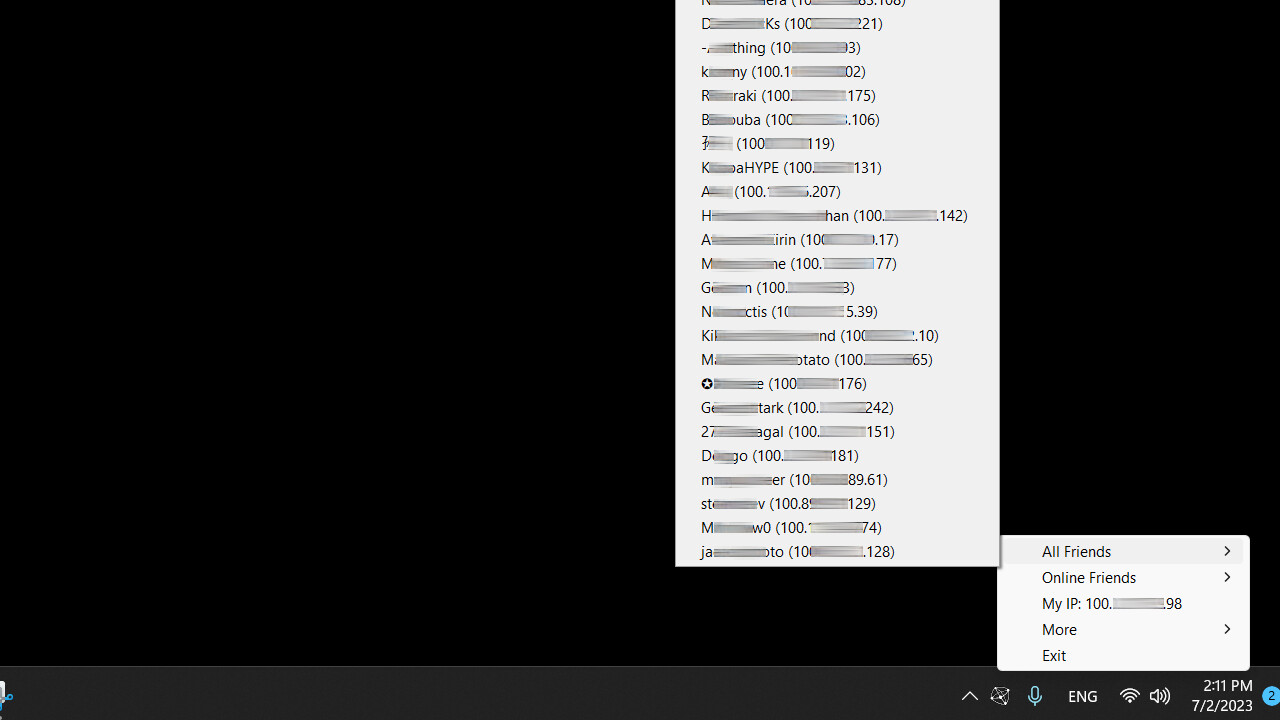
5. For the clients, click the system tray icon , select the host in the "Online Friends" menu, an IP address should be copied to the clipboard.
6. For the clients, open the game and connect to the host using the IP address from the clipboard.