OBS Studio
⭐
⭐
⭐
⭐
⭐
(1)
Not enough ratings yet
Have you played this? Add a rating to help the Deku community.
⭐
⭐
⭐
⭐
⭐
(1)
Not enough ratings yet
Have you played this? Add a rating to help the Deku community.
Details
- Release date: March 21, 2022
- Genre: Utility, Platformer
- Developer: OBS Project
- Publisher: OBS Project
- Platforms: Steam
Current prices

|
Steam
Digital
|
Free
|
Price history
| All time low | |
| Free | |
dekudeals.com
Time range
Description
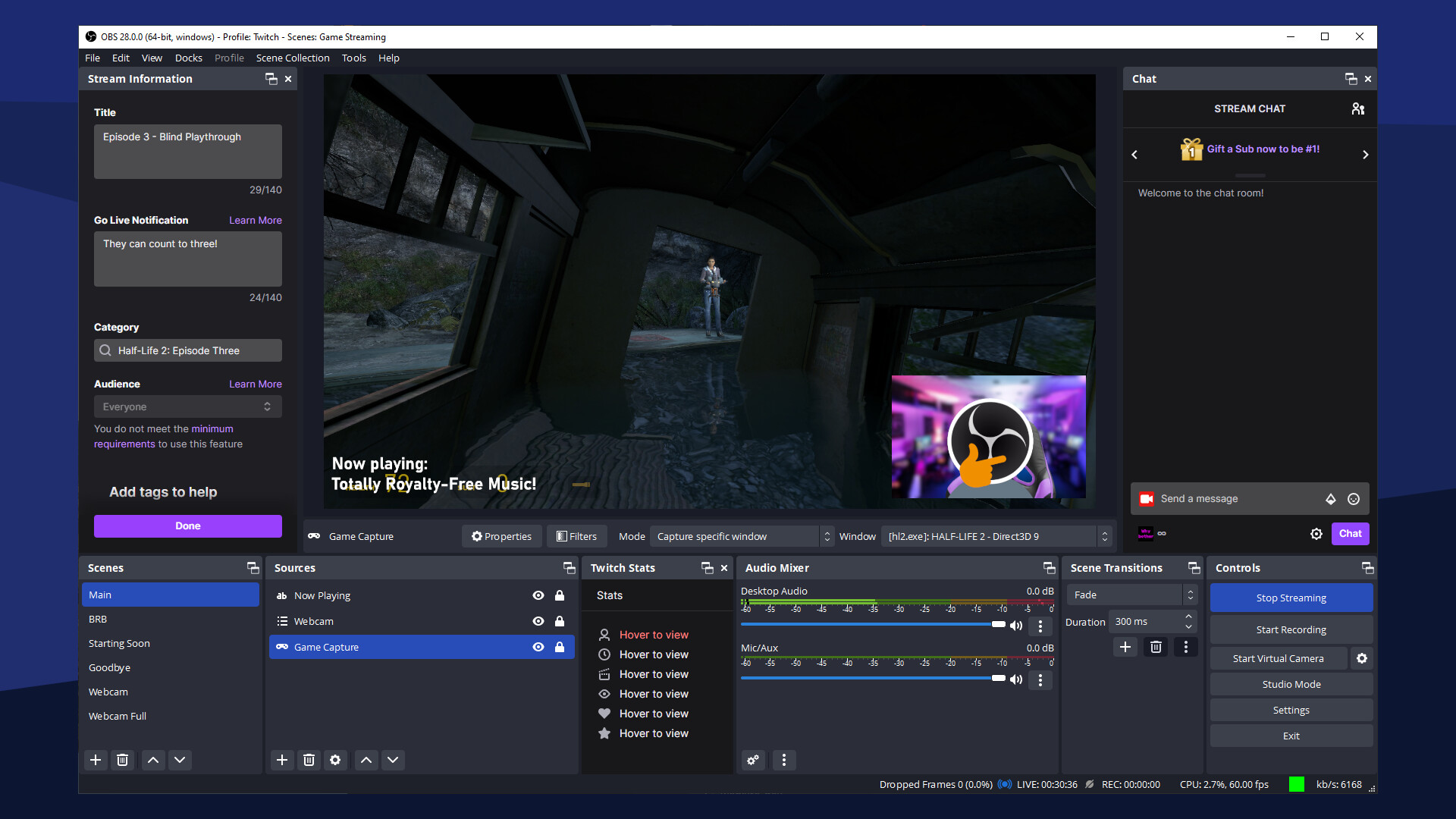
OBS Studio is a free and open source program for livestreaming and video recording.
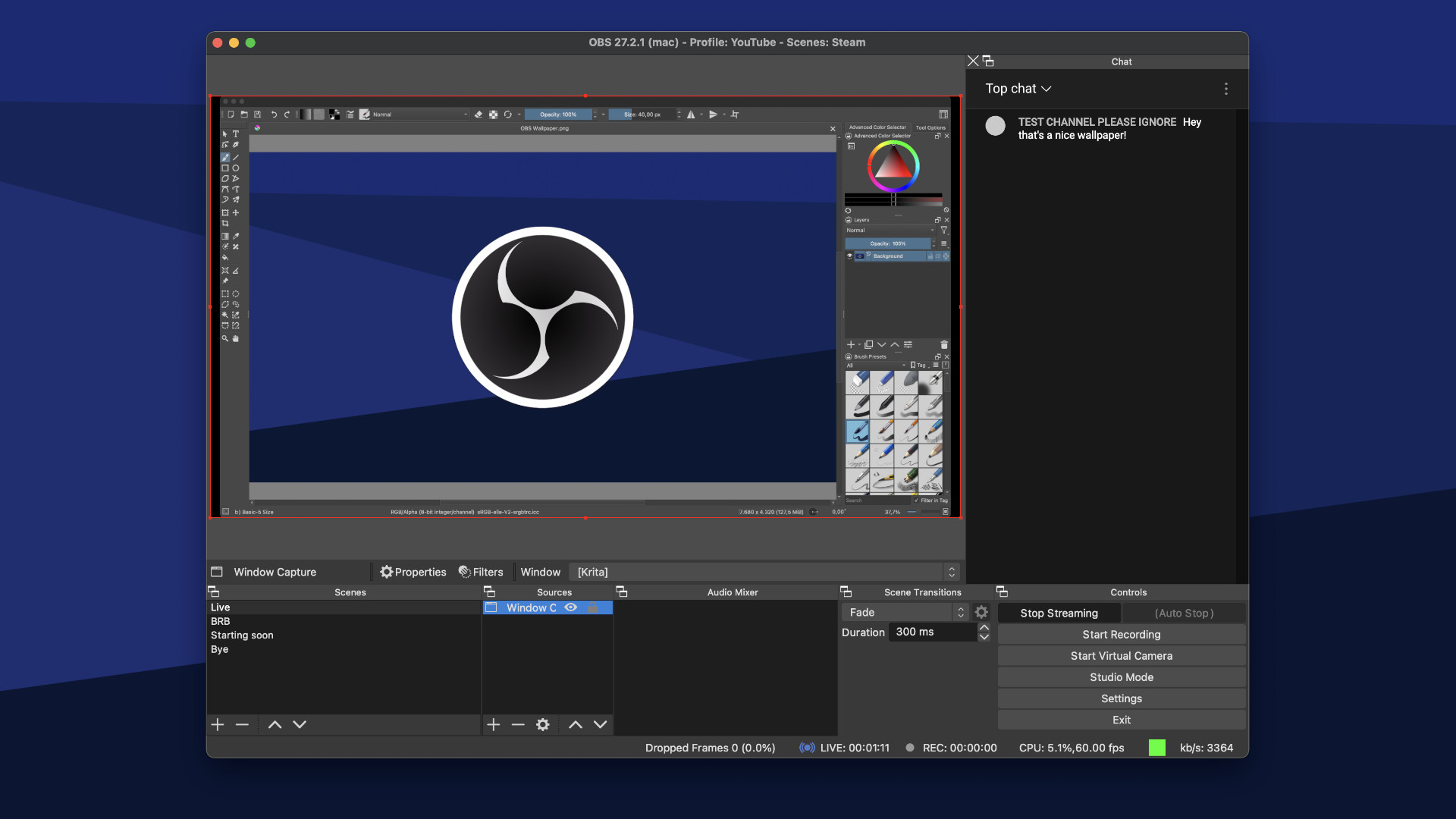
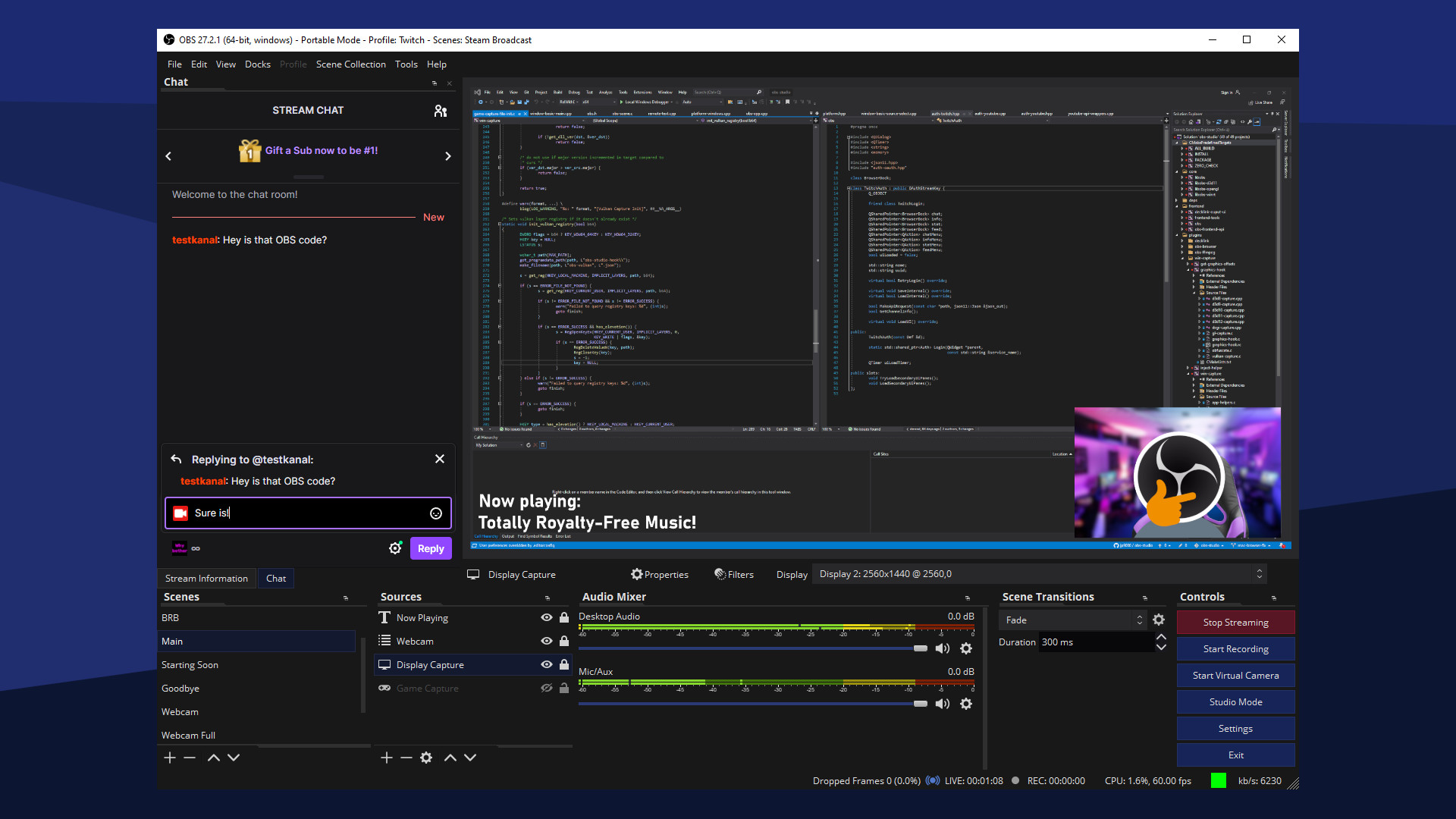
Create scenes with multiple types of video sources, including your computer display, video games, webcams, video files, and more.
Stream your video productions on sites like Twitch, YouTube, or Facebook live, or record your videos locally to share.
Features
- Livestream video to sites like Twitch, YouTube, Facebook Live, and many more, including your own custom servers
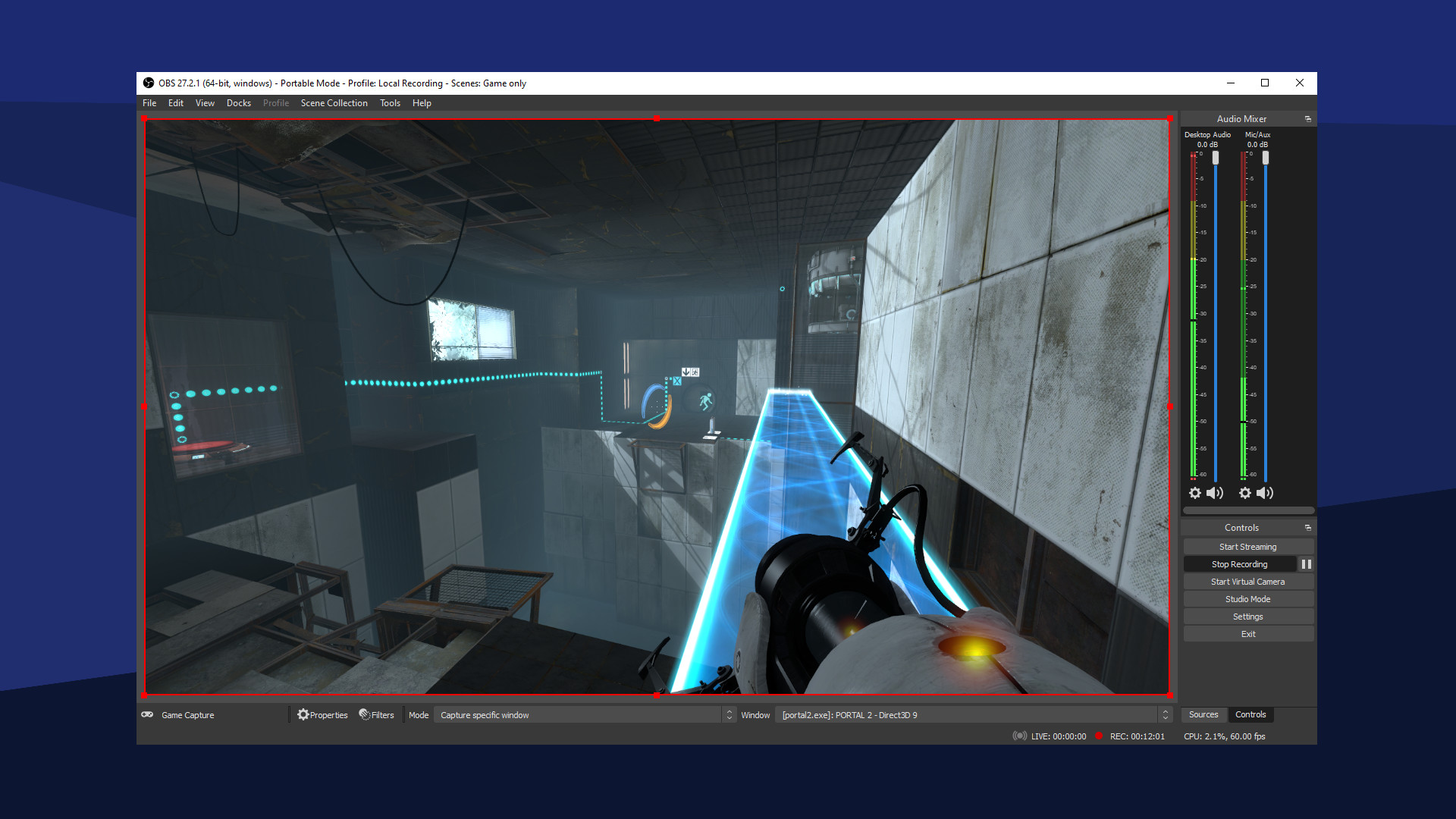
- Record videos to save to your hard drive and share with friends
- High performance real time video/audio capturing and mixing. Create scenes made up of multiple sources including window captures, images, text, browser windows, webcams, capture cards and more
- Set up an unlimited number of scenes you can switch between seamlessly via custom transitions
- Intuitive audio mixer with per-source filters such as noise gate, noise suppression, and gain. Take full control with VST plugin support
- Powerful and easy to use configuration options. Add new Sources, duplicate existing ones, and adjust their properties effortlessly
- Streamlined Settings panel gives you access to a wide array of configuration options to tweak every aspect of your broadcast or recording
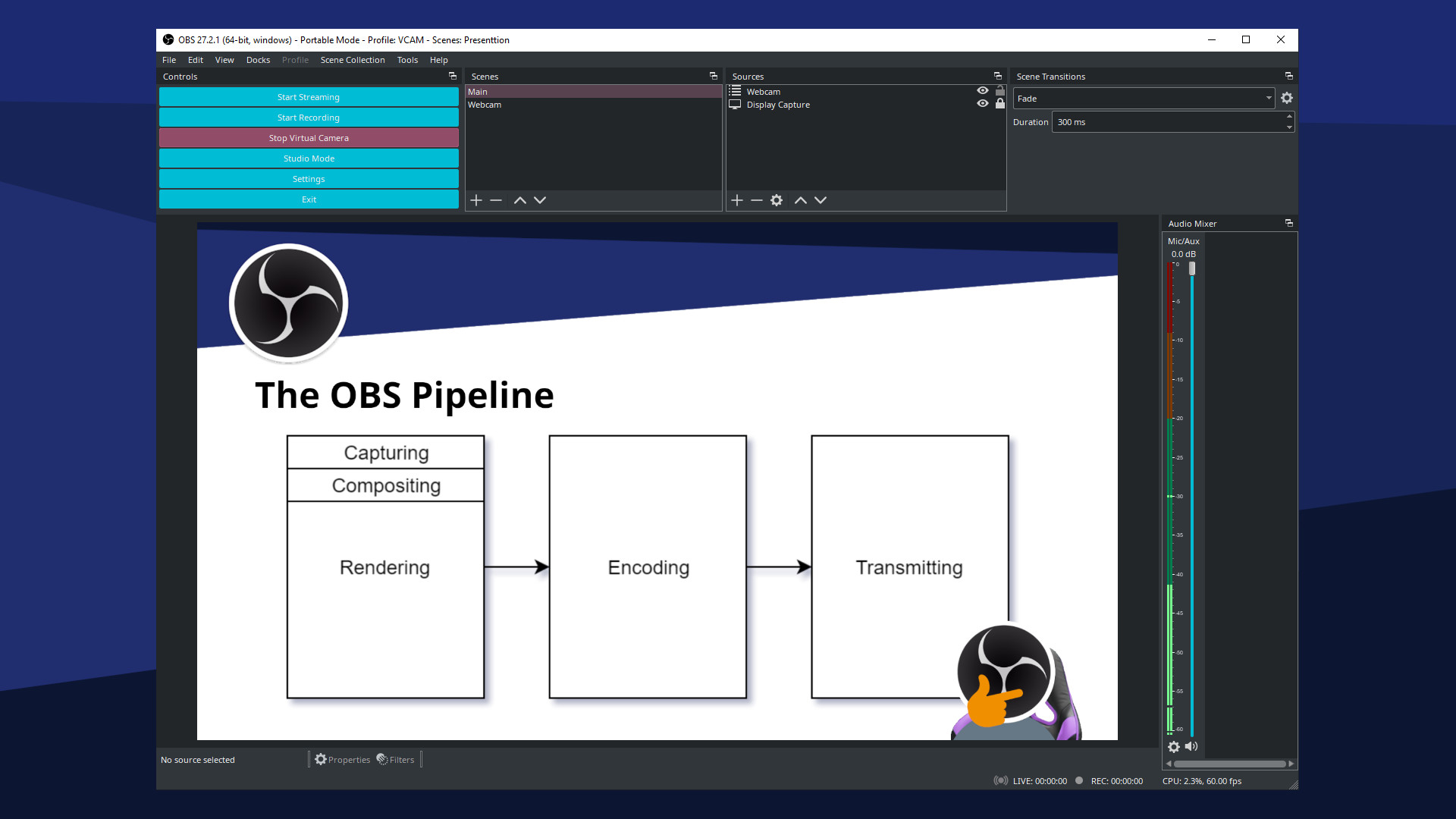
- Modular 'Dock' UI allows you to rearrange the layout exactly as you like. You can even pop out each individual Dock to its own window
- Choose from a number of different and customizable transitions for when you switch between your scenes or add your own stinger video files
- Set hotkeys for nearly every sort of action, such as switching between scenes, starting/stopping streams or recordings, muting audio sources, push to talk, and more
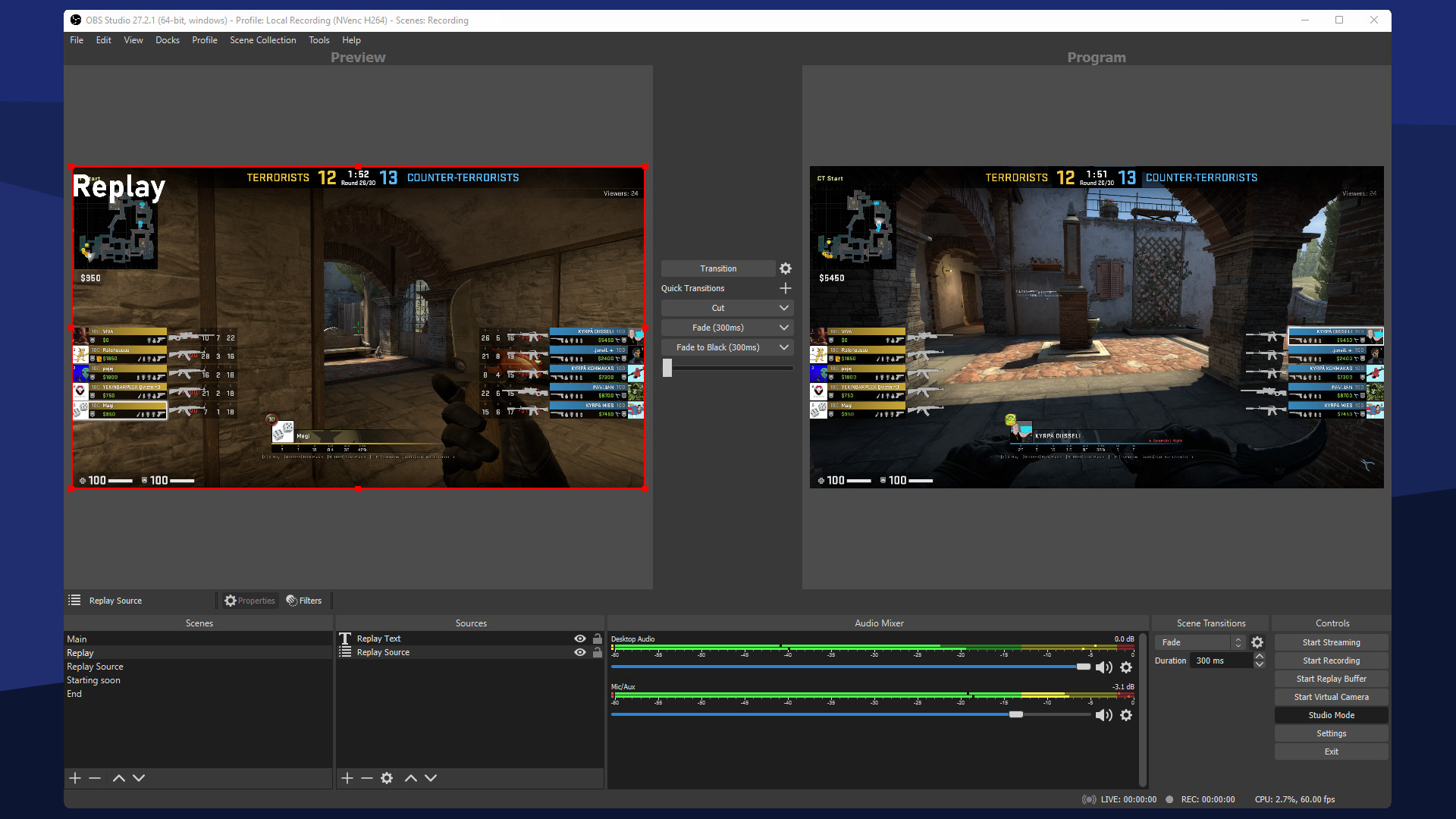
- Studio Mode lets you preview your scenes and sources before pushing them live. Adjust your scenes and sources or create new ones and ensure they're perfect before your viewers ever see them
- Get a high level view of your production using the Multiview. Monitor 8 different scenes and easily cue or transition to any of them with merely a single or double click