Multi Clicker
Details
- Release date: July 1, 2025
- Genre: Utility
- Developer: Michael Hawkins
- Publisher: Michael Hawkins
- Platforms: Steam
Current prices

|
Steam
Digital
|
$1.99
|
Price history
| All time low | |
| $0.99 | (-50%) |
Description
Command your clicks. Control your time.
Multi Clicker is a lightweight, high-performance automation tool built for gamers, testers, developers, and productivity enthusiasts who need reliable mouse automation without unnecessary complexity.
Every control is visible. Every action is predictable. Every setting is designed to be fast, simple, and easy to understand.
Whether you're managing a single click location or hundreds, Multi Clicker gives you complete control over how, when, and where your clicks happen.
Key Features
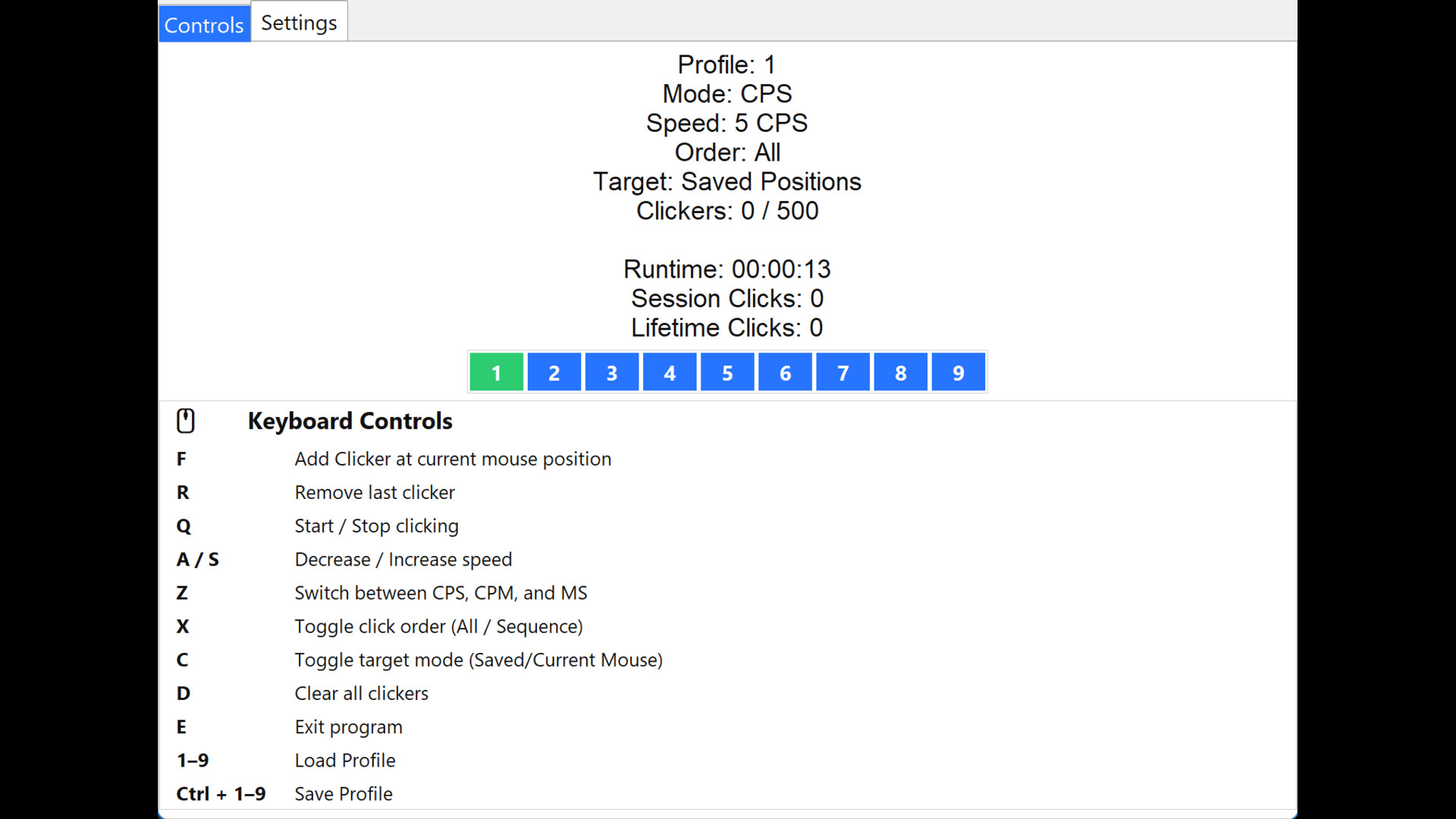
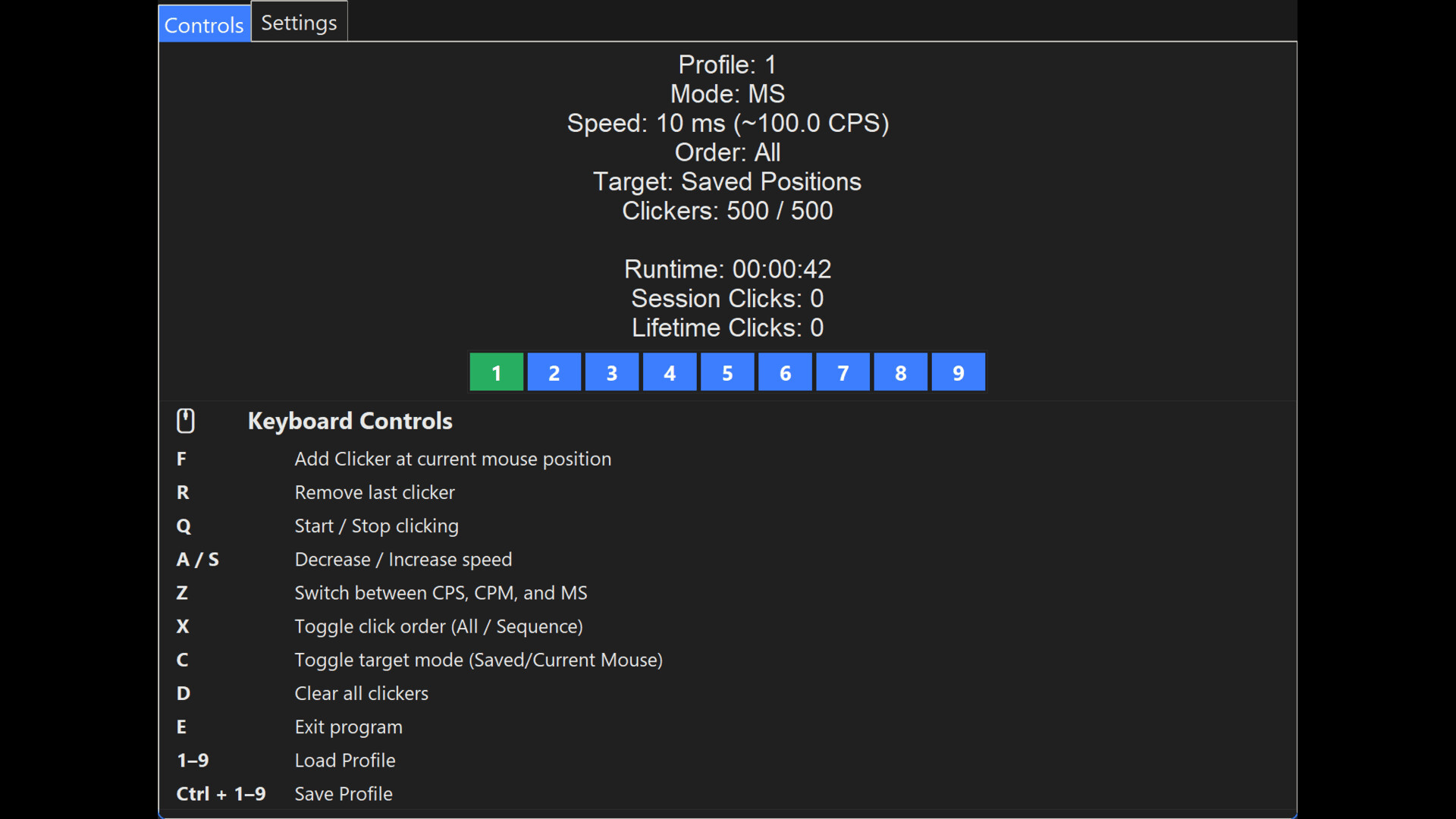
• Up to 500 clickers per profile
• Save and instantly switch between 9 profiles
• Choose between CPS (Clicks Per Second), CPM (Clicks Per Minute), or custom Millisecond timing
• Automatic conversion between timing modes for precise speed control
• Click all locations simultaneously or run them sequentially
• Support for Left, Middle, and Right mouse buttons
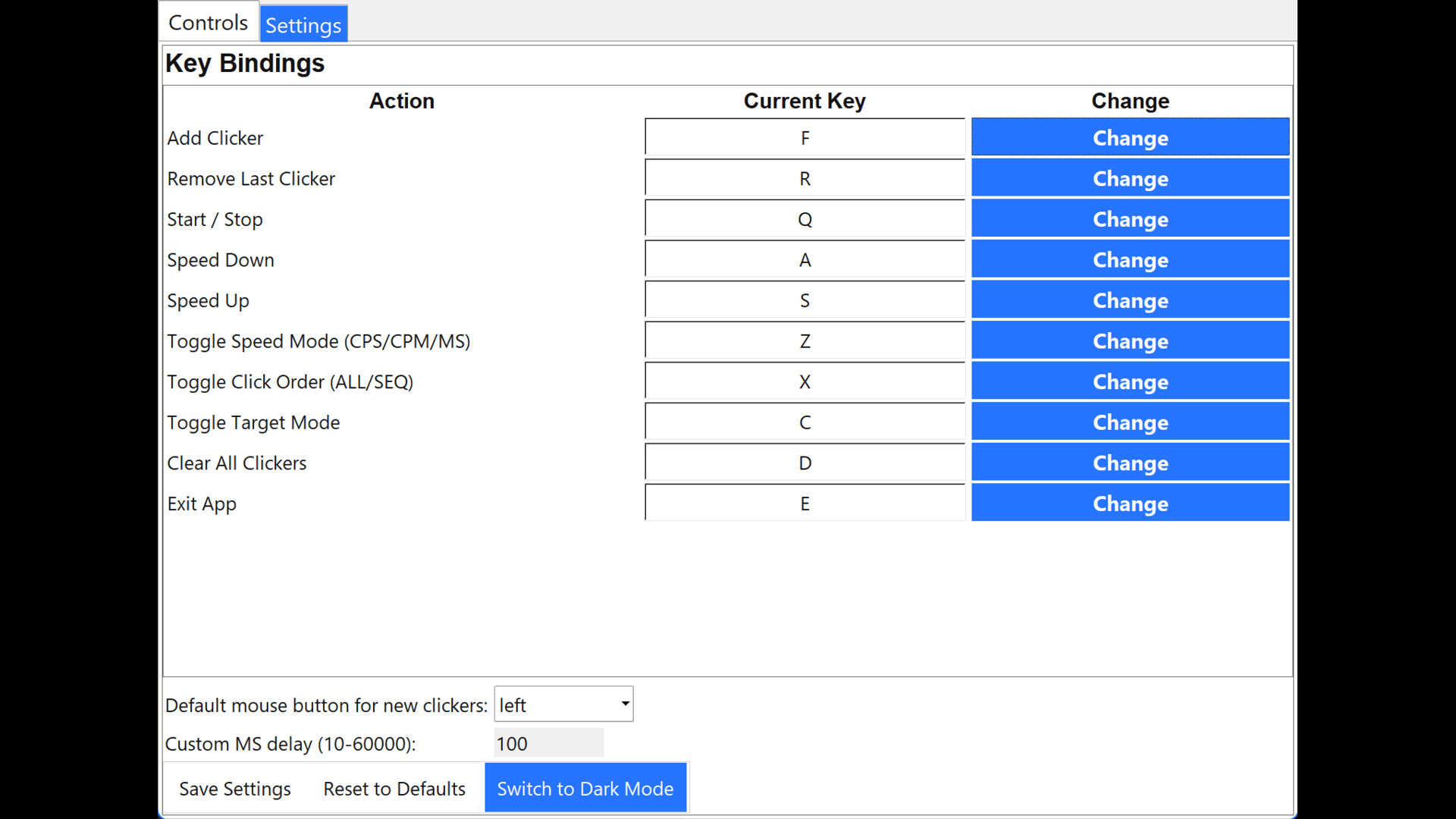
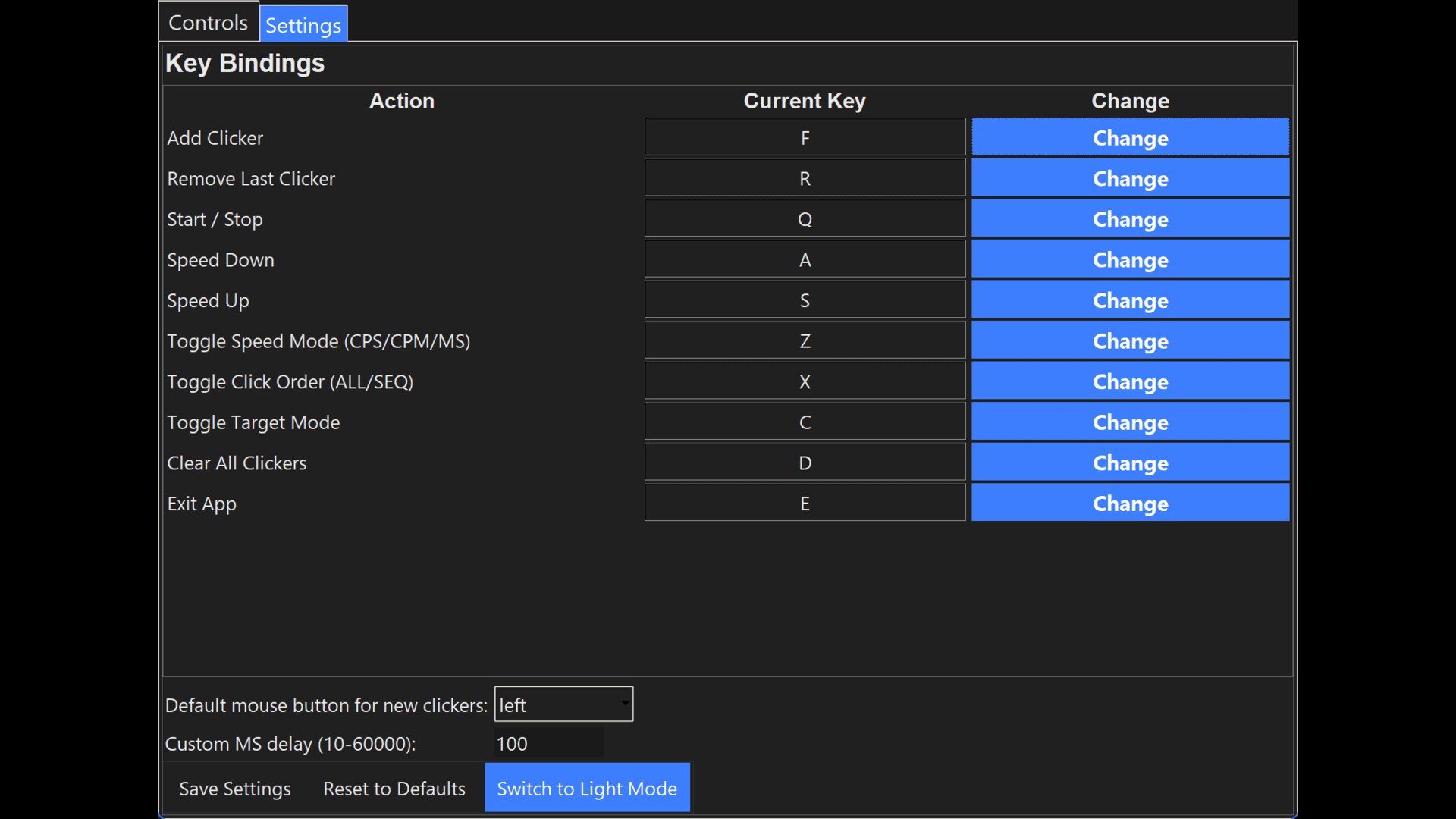
• Fully customizable hotkeys
• Global controls that work while other applications are active
• Session click tracking
• Lifetime click tracking
• Saved settings and profiles that persist between launches
• Lightweight design with no subscriptions, accounts, or internet connection required
Ideal For
• Idle and clicker games
• Incremental and automation-focused games
• Repetitive testing workflows
• QA and software testing
• Productivity automation
• Anyone who needs precise and repeatable mouse input
Built Around Simplicity
Multi Clicker focuses on doing one job well: giving you fast, reliable control over automated mouse input.
No accounts. No cloud requirements. No unnecessary setup.
Just launch, configure, and click.
Built for reliability and tuned for performance, Multi Clicker v4 brings professional-grade mouse automation to anyone — whether you’re grinding idle games, stress-testing interfaces, or saving your wrists from repetitive strain.
Stress-testing software UIs – see if your own app or another program can handle rapid input without freezing or crashing.
Benchmarking click-detection latency – measure how fast an engine or automation API registers events.
Hardware endurance testing – verify mouse drivers, USB polling, or OS input stacks under sustained high frequency.
Demonstrating throttle behavior – show where Windows, DirectInput, or a specific game stops recognizing input.
QA automation – mass-clicking through repetitive dialogs, confirm buttons, or installer screens for testing purposes.
⚙️ Performance Notice
Possible, though unlikely. (Multi Clicker requires very low CPU usage)
Running multiple clickers at high CPS may exceed hardware or OS event limits on older or low-power systems. Adjust speeds and click counts as needed for your setup.
⚠️ Disclaimer
Multi Clicker is intended for personal and productivity use only. Using automation tools in certain games or applications may violate their Terms of Service. The developer assumes no responsibility for bans, restrictions, or penalties resulting from misuse.