[Mulmiyac] for 3D motion sickness
Details
- Release date: August 12, 2025
- Genre: Utility, First-Person
- Developer: Bursia
- Publisher: Bursia
- Platforms: Steam
Current prices

|
Steam
Digital
|
$4.99
|
Price history
| All time low | |
| $2.49 | (-50%) |
Description
Introducing the world’s FIRST and BEST overlay utility designed to reduce 3D motion sickness!
My ex-girlfriend—who is now my wife—used to suffer from severe 3D motion sickness.
I couldn't share the games I had loved my entire life with her.
That was the moment I knew I had to do something.
So I built this utility for her. And now, for all of you.
Don't lose the love of your life over something as small as 3D motion sickness.
This program may cover a small part of your screen...
But it just might show you what true happiness looks like!
⚡ Performance Improvements
Added Mulmiyac On/Off button
Added new Overlay types and styles
Greatly expanded Crosshair customization
Added Forced Borderless Fullscreen mode
Added Subtitle Safe Area
Significantly expanded Hotkey functionality
Added UI Themes
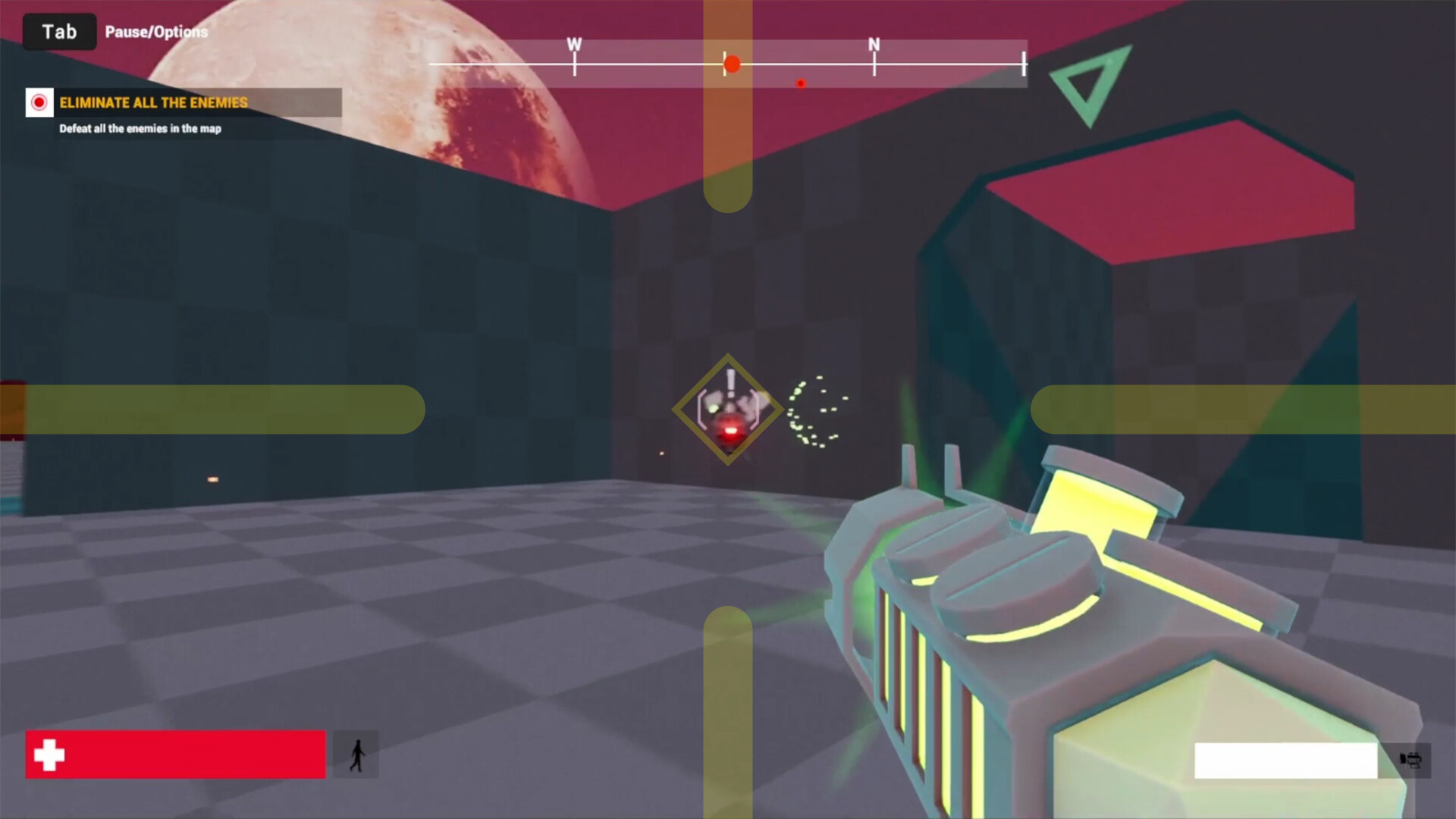
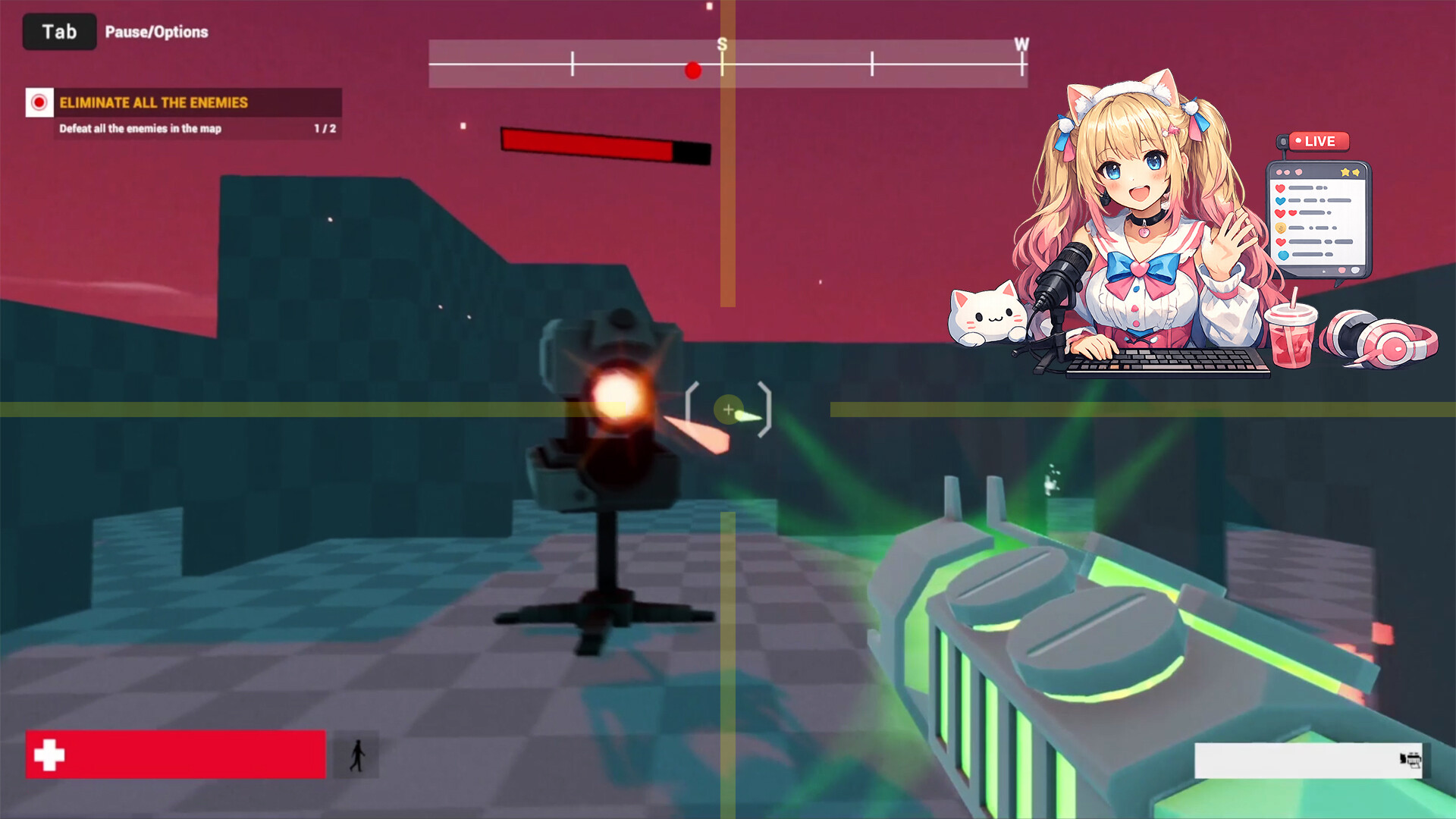
1. Overlay
Show/Hide Overlay (Hotkeys can be assigned)
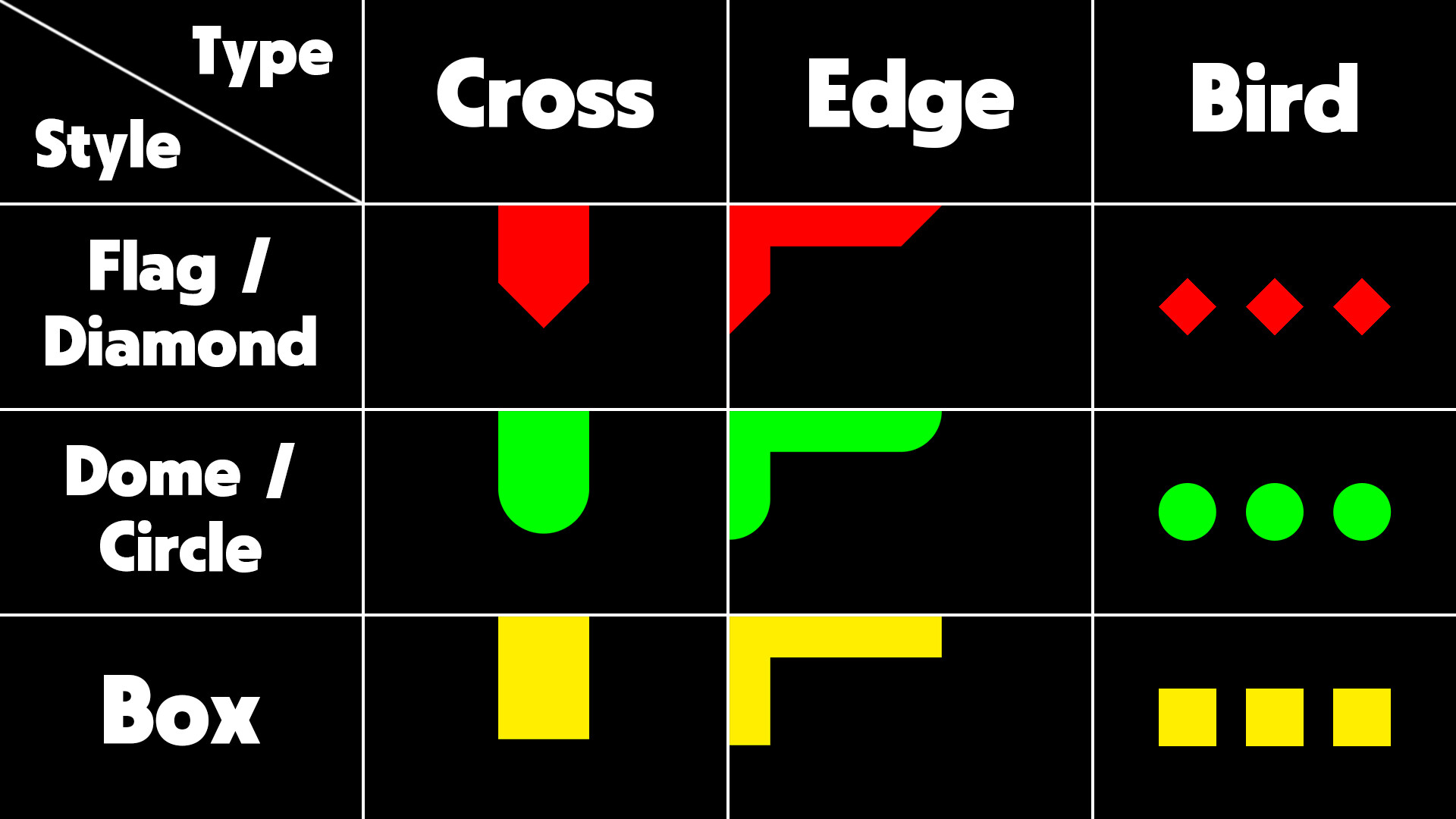
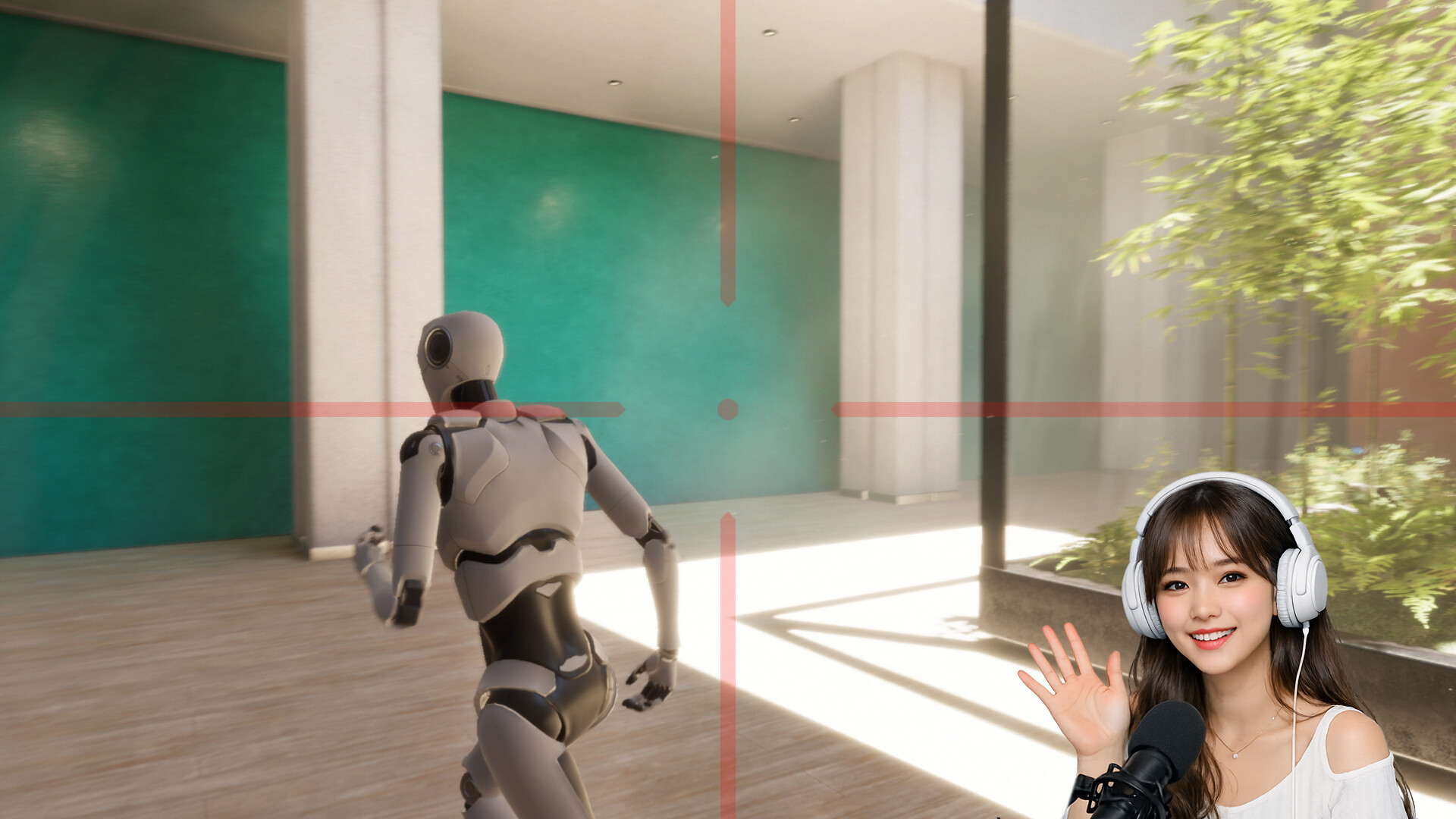
3 Types — Cross, Edge, Bird
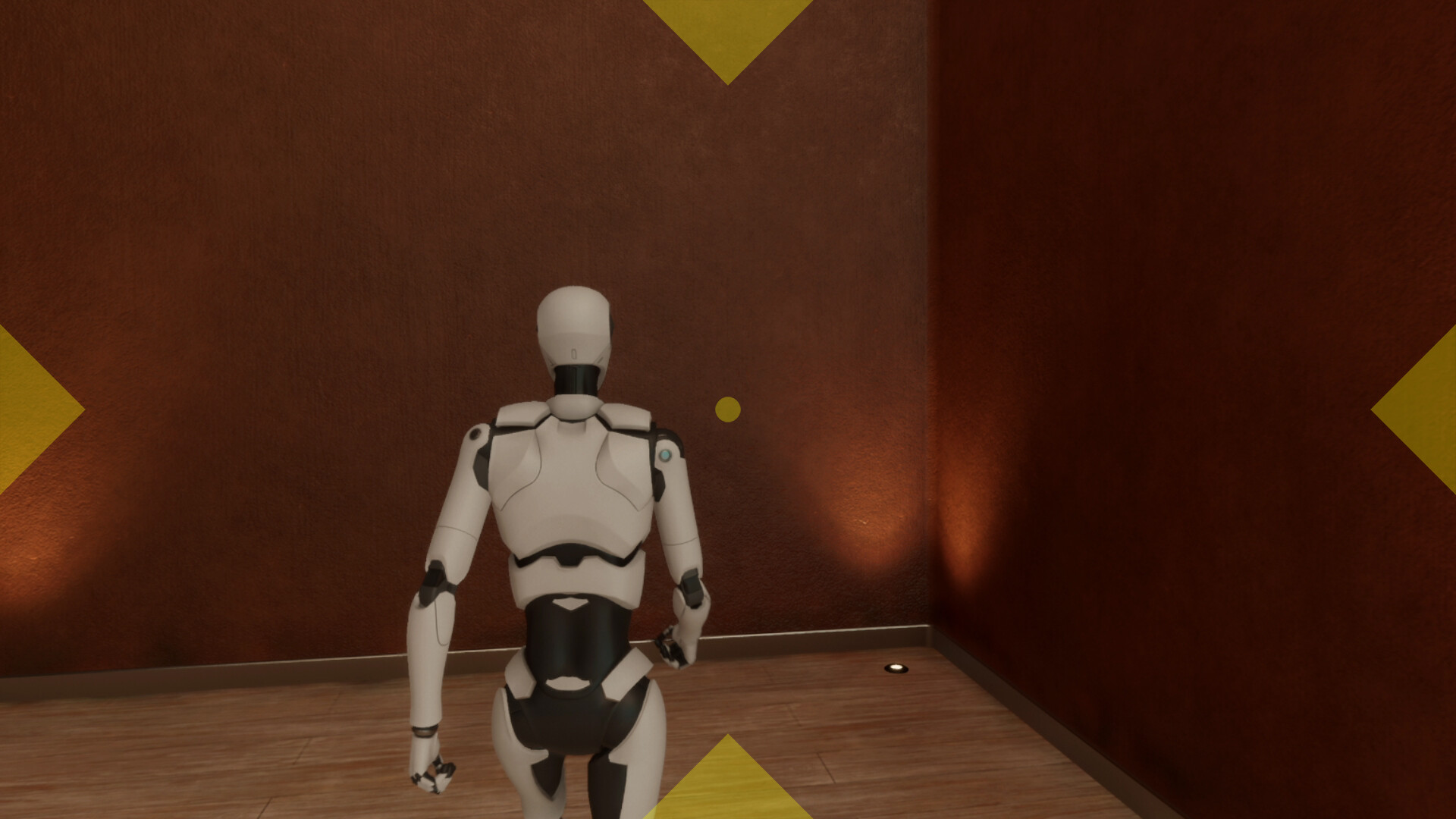
3 Styles — Flag(Diamond), Dome(Circle), Box
Size & Length(Spacing) Slider
6 Aspect Ratios — Auto, 4 : 3, 16 : 10, 16 : 9, 21 : 9, 32 : 9
4 Colors — Red, Green, Yellow, Custom (Hotkeys can be assigned)
Opacity Slider (Hotkeys can be assigned)
2. Crosshair
Show/Hide Crosshair (Hotkeys can be assigned)
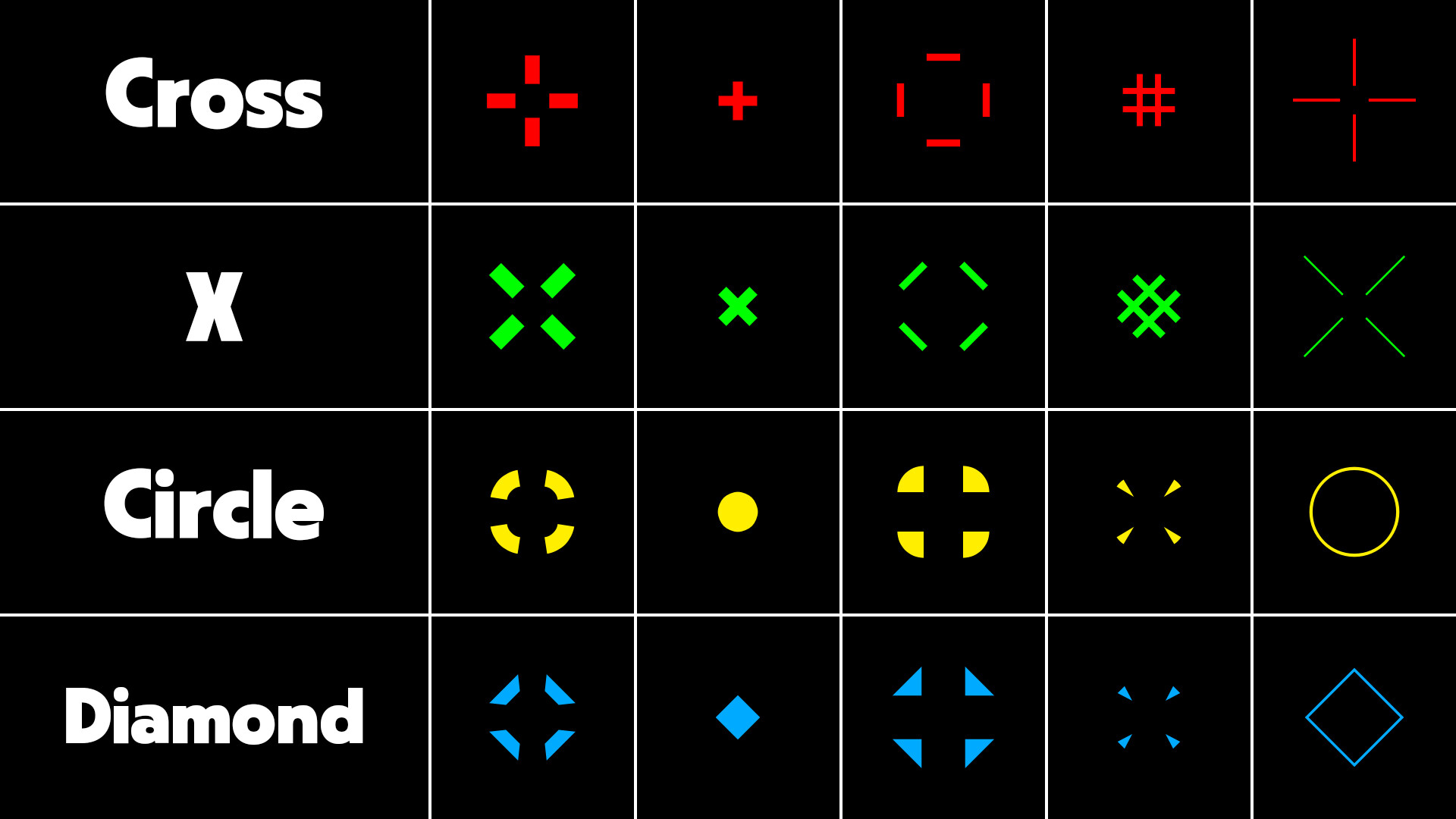
4 Shapes — Cross, X, Circle, Diamond
Size & Length Slider
Thickness & Spacing Slider
Adjust Position — Directly specify X, Y coordinates
4 Colors — Red, Green, Yellow, Custom (Hotkeys can be assigned)
Opacity Slider (Hotkeys can be assigned)
3. Clock
Show/Hide Clock (Hotkeys can be assigned)
3 Time Formats — HH:mm, HH:mm:ss, h:mm am/pm
Font Settings
Color Settings
Adjust Position — Directly specify X, Y coordinates or drag with mouse
Opacity Slider
4. Display
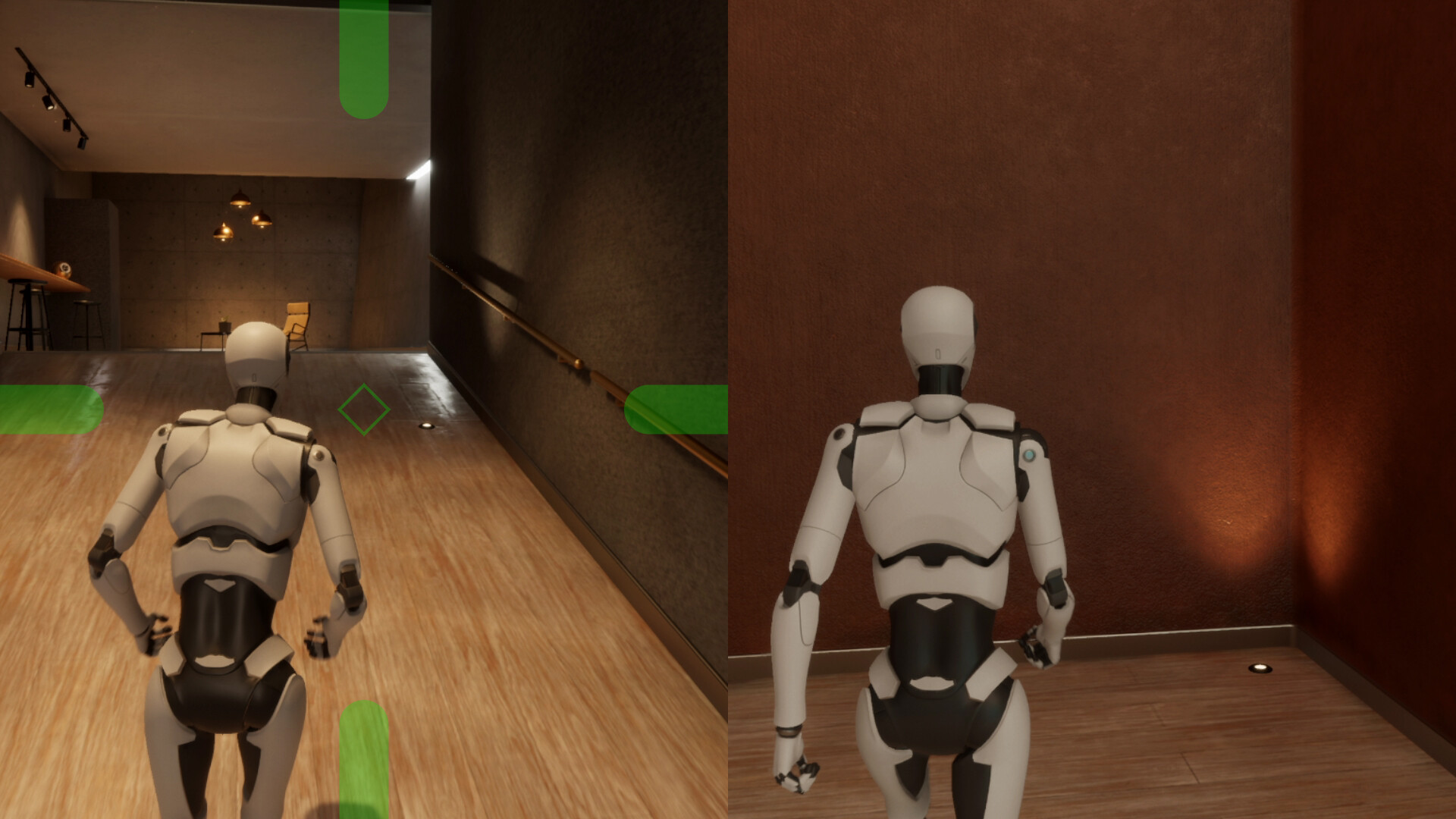
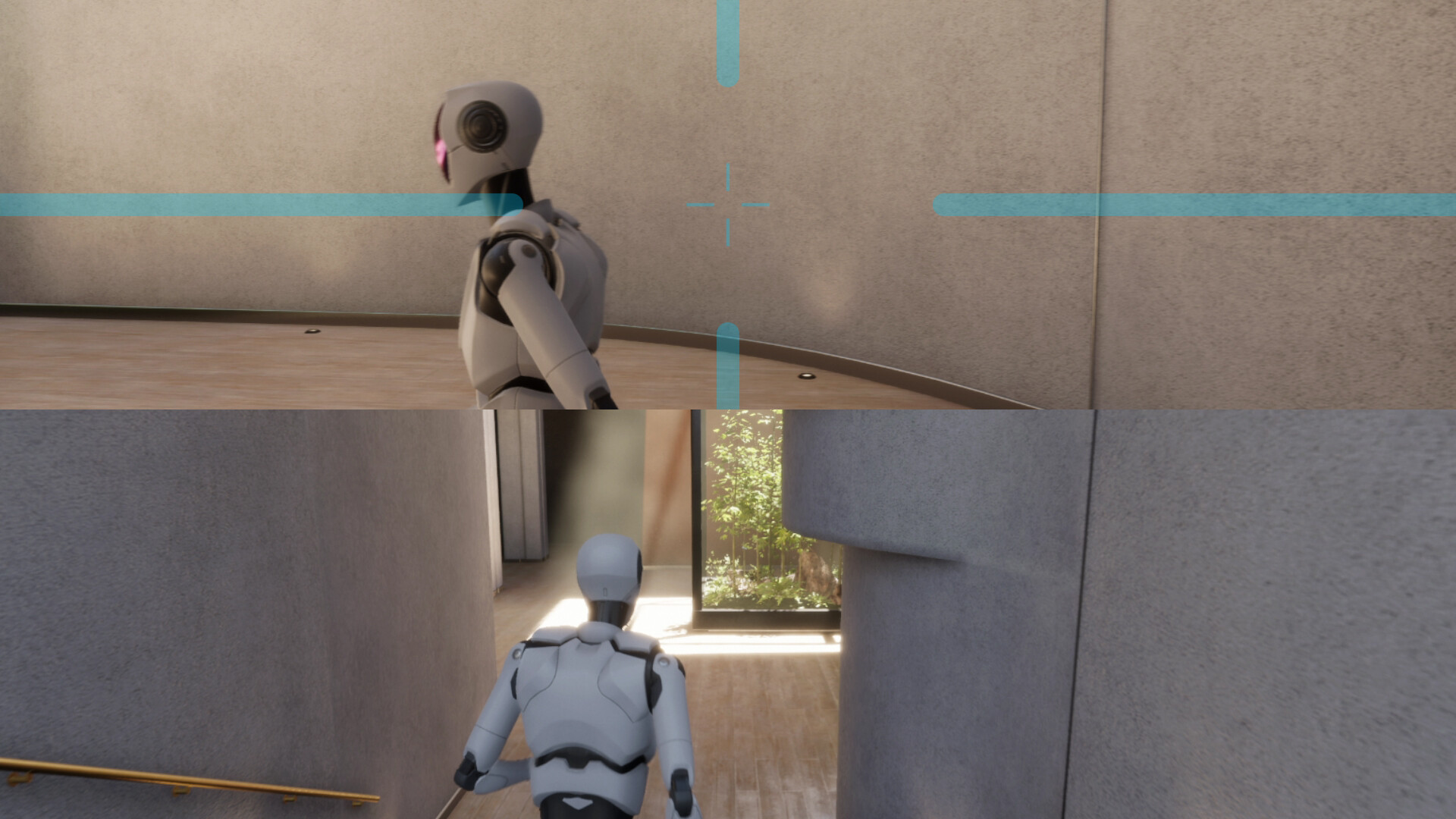
Enable/Disable Split Screen (Hotkeys can be assigned)
12 Split Screen Options — Left, Right, Top, Bottom (Hotkeys can be assigned)
Display Mode — Windowed, Pin to Window (Hotkeys can be assigned)
Window Style — Borderless Window, Borderless Fullscreen (Hotkeys can be assigned)
Enable/Disable Subtitle Safe Area (Hotkeys can be assigned)
Height Slider
5. Hotkeys
10 Enabled / Disabled Hotkeys
8 Color Change Hotkeys — Overlay, Crosshair
8 Settings Adjustment Hotkeys — Opacity, Split Screen
6. Options
Save/Load Profile — Overlay, Crosshair, Clock (Hotkeys are not saved per profile)
Automatic launch at Windows startup option
Minimize to Tray on first launch option
Automatically save settings when closing program option
Show confirmation message before closing program
UI Scale — Auto, 100% ~ 200%
UI Theme — Auto, Light, Dark, Navy, Cyber
Languages — 60 Languages Supported
7. Tray menu
Mulmiyac — On/Off Mulmiyac (Same function as double-clicking the tray icon)
Overlay — Show/Hide Overlay
Crosshair — Show/Hide Crosshair
Clock — Show/Hide Clock
Split Screen — Enable/Disable
Windowed — Enable/Disable
Pin to Window — Enable/Disable
Borderless Window — Enable/Disable
Borderless Fullscreen — Enable/Disable
Subtitle Safe Zone — Enable/Disable
Settings — Open Settings window
Quit Mulmiyac — Exit Software
8. Notes
If the game does not support borderless fullscreen, you can change the window style after pinning the window
If the effect is weak, it is recommended to set the overlay large and find an appropriate opacity
We recommend assigning a hotkey to quickly show or hide Mulmiyac
Settings and profiles can be synchronized through Steam Cloud
May conflict with some anti-cheat software (No conflicts have been reported so far)
Works in most PC environments, including Steam games
If Windows Defender or another antivirus blocks Mulmiyac, add it to the exclusion list before running it