Movavi Video Editor Plus 2022 - Video Editing Software
Details
- Release date: November 6, 2021
- Genre: Education
- Developer: Movavi Software
- Publisher: Movavi Software
- Platforms: Steam
This game is not currently available at any of the stores that Deku Deals tracks.
Price history
| All time low | |
| $7.99 | |
Description
About the Software
Try video editing with Movavi Video Editor Plus!
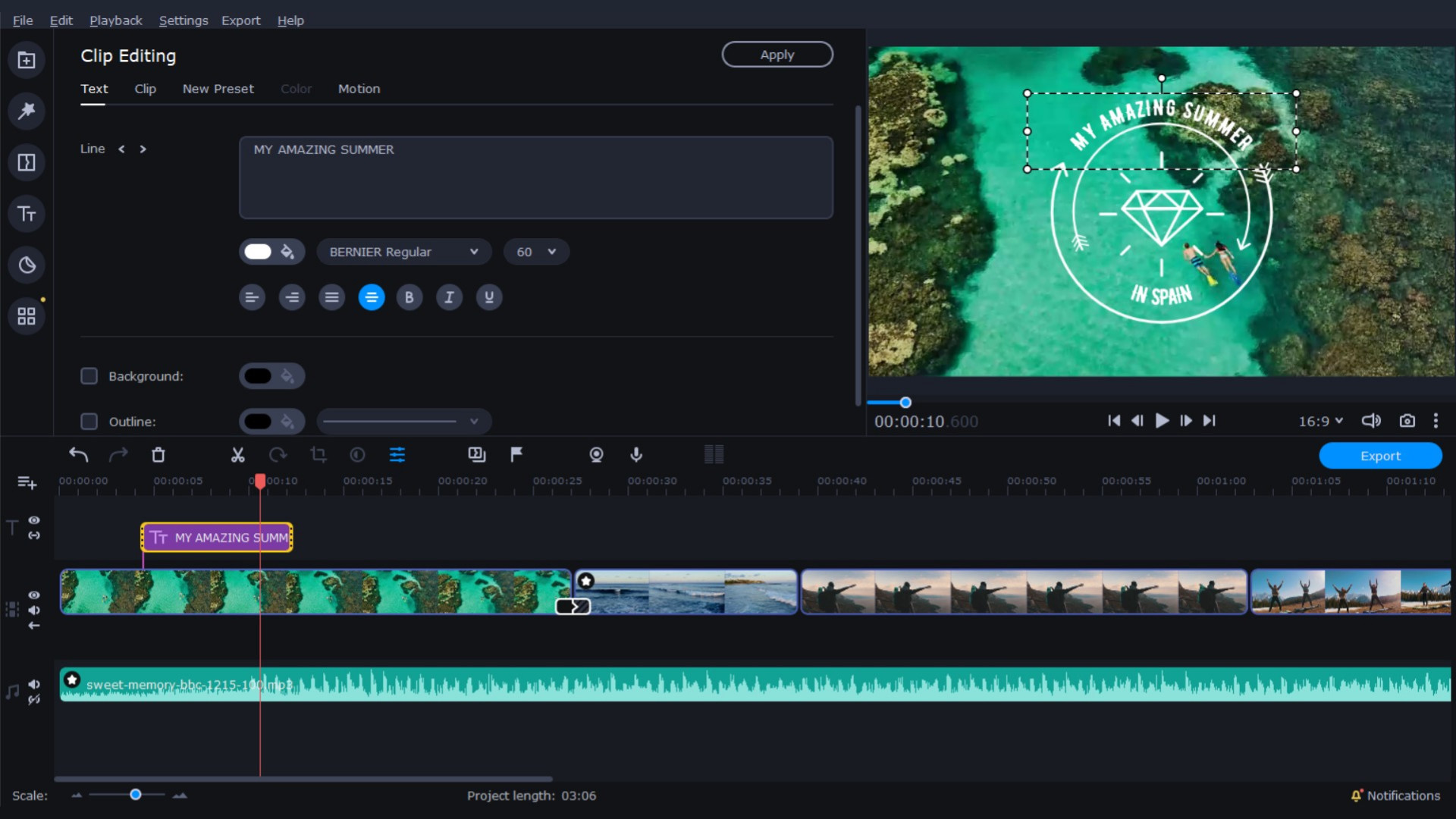
Use the handy montage table to join clips, edit images, and add music and special effects. You will not only learn to montage like a pro but will improve your skills with every project you take on.
What’s New:
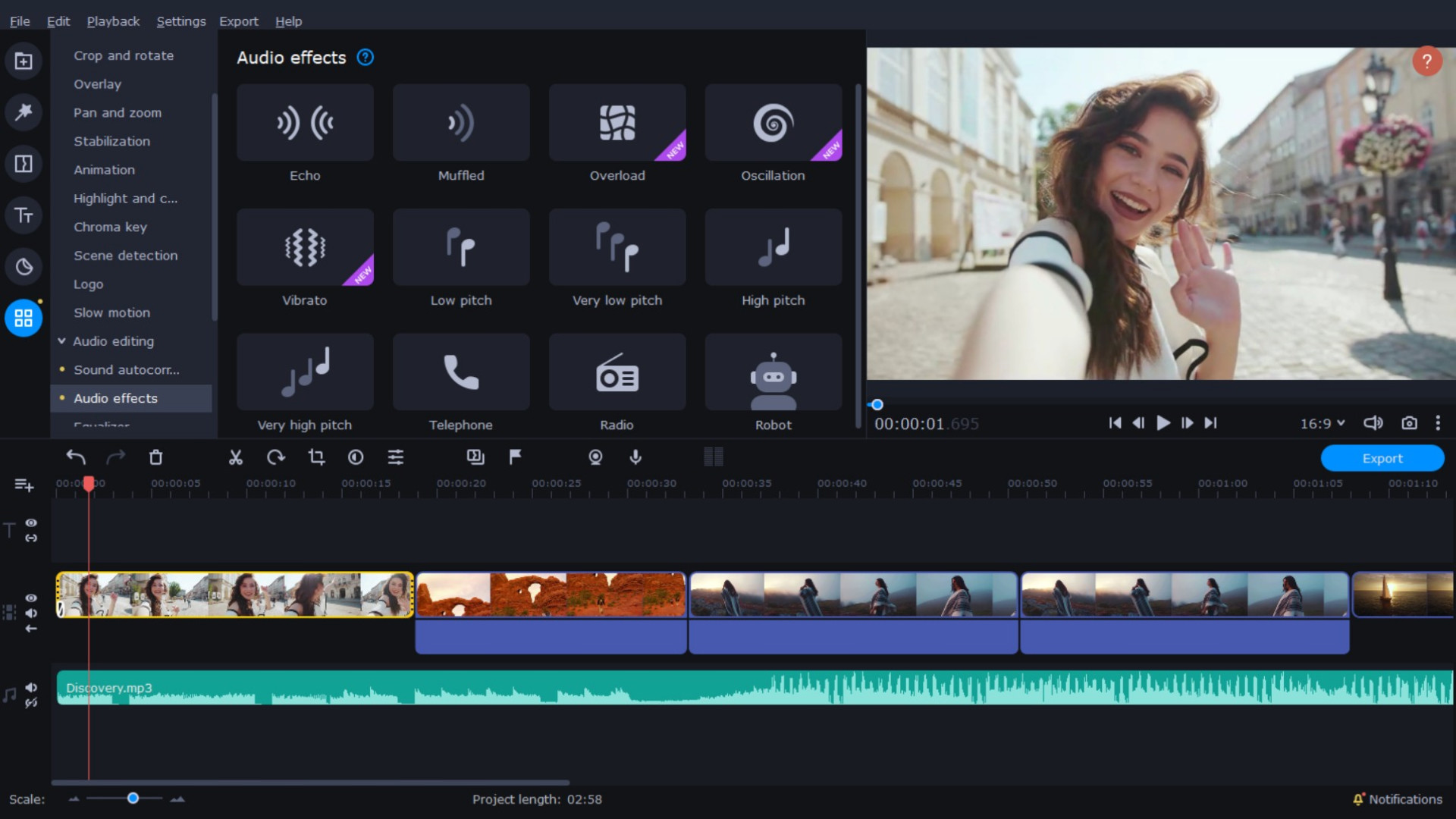
- Audio tools: reduce the difference between loud and soft sounds and set the decibel level
Audio effects for sound and music distortion
Export video quality control
Tooltips for using advanced controls
Anyone can montage videos like a pro. With Movavi Video Editor Plus, even beginners can start video editing right away. Experienced users can upgrade their skills and begin to work with new tools.
For beginners
- Use automated mode: just add your files, choose a video theme, music, transitions, and effects. The program will do the rest
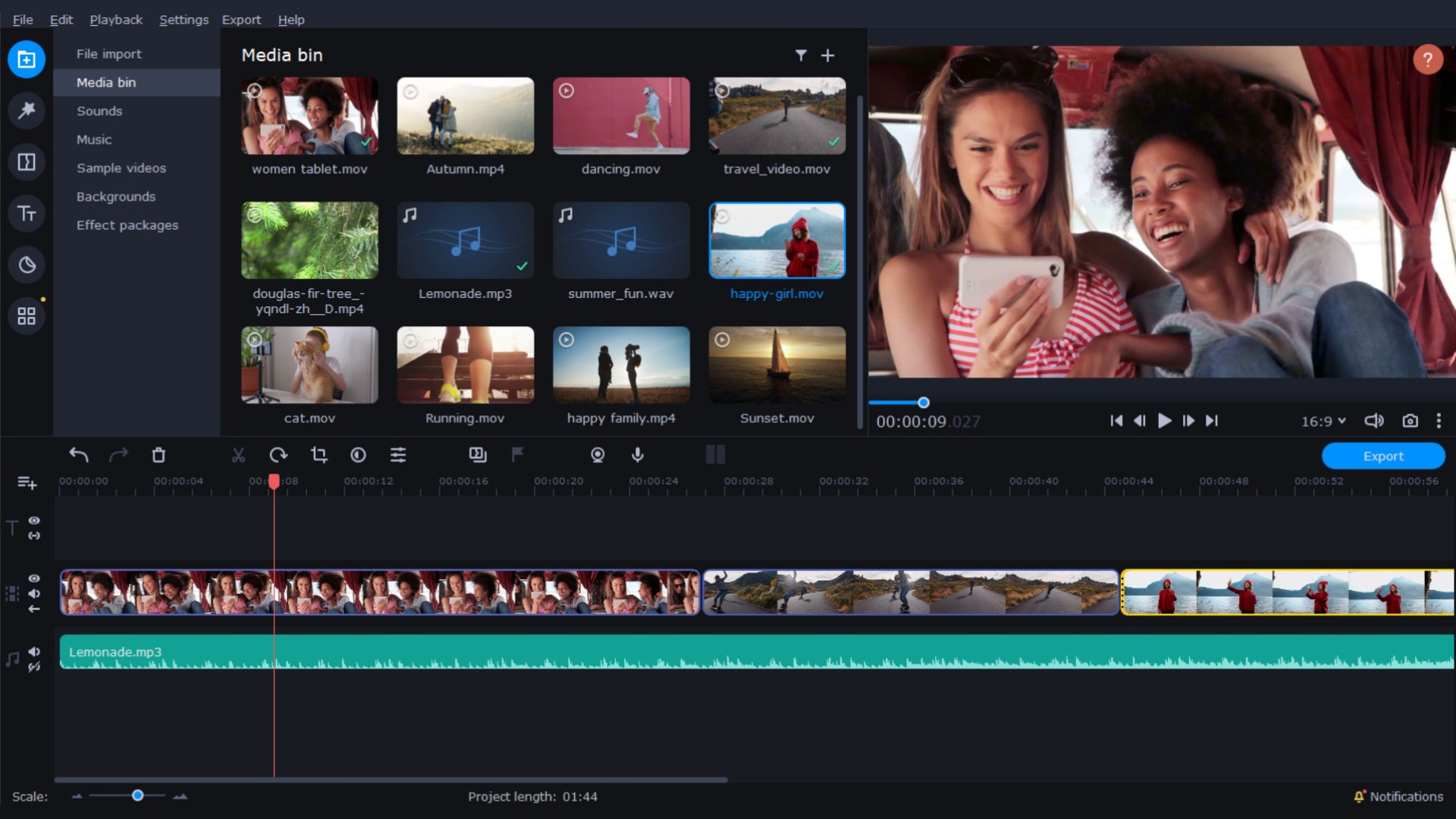
- Add videos, photos, and music on the montage table to edit your files
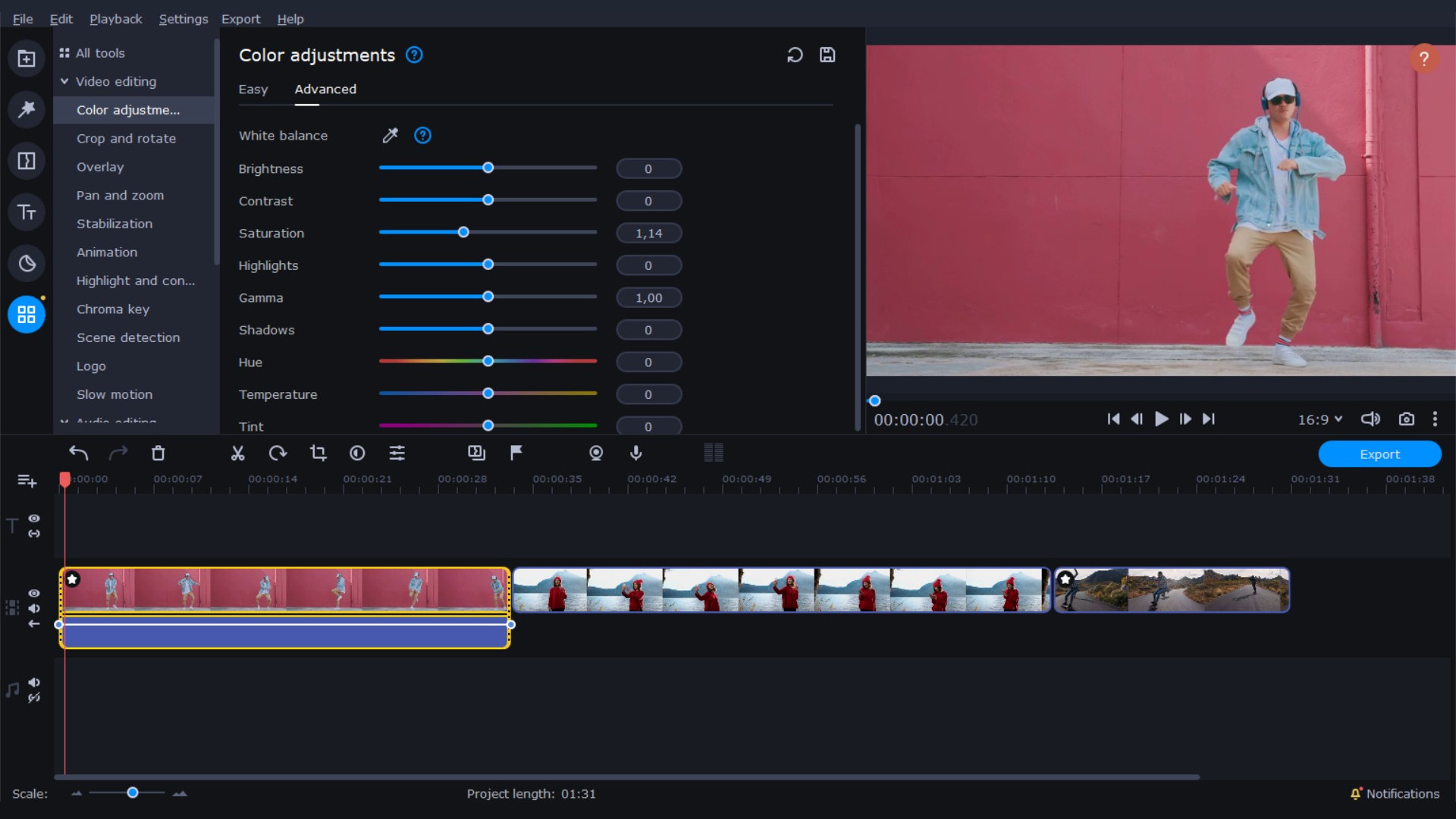
Edit pictures: crop and rotate images, change brightness and contrast levels, and shapren details
Experiment with effects: choose comic stickers, change colors with filters, add glare, or darken images
Change text: choose the font and apply animation
Change volume and decrease background noise
For advanced users
- Attach titles and animations to any moving object
- Work with vertical videos. The program will remind you to change aspect ratios for vertical video and help you to cut the black bars
- Use special effects like Chroma Key, Reverse, Stop-motion
Apply audio effects: distort sounds and set decibel level
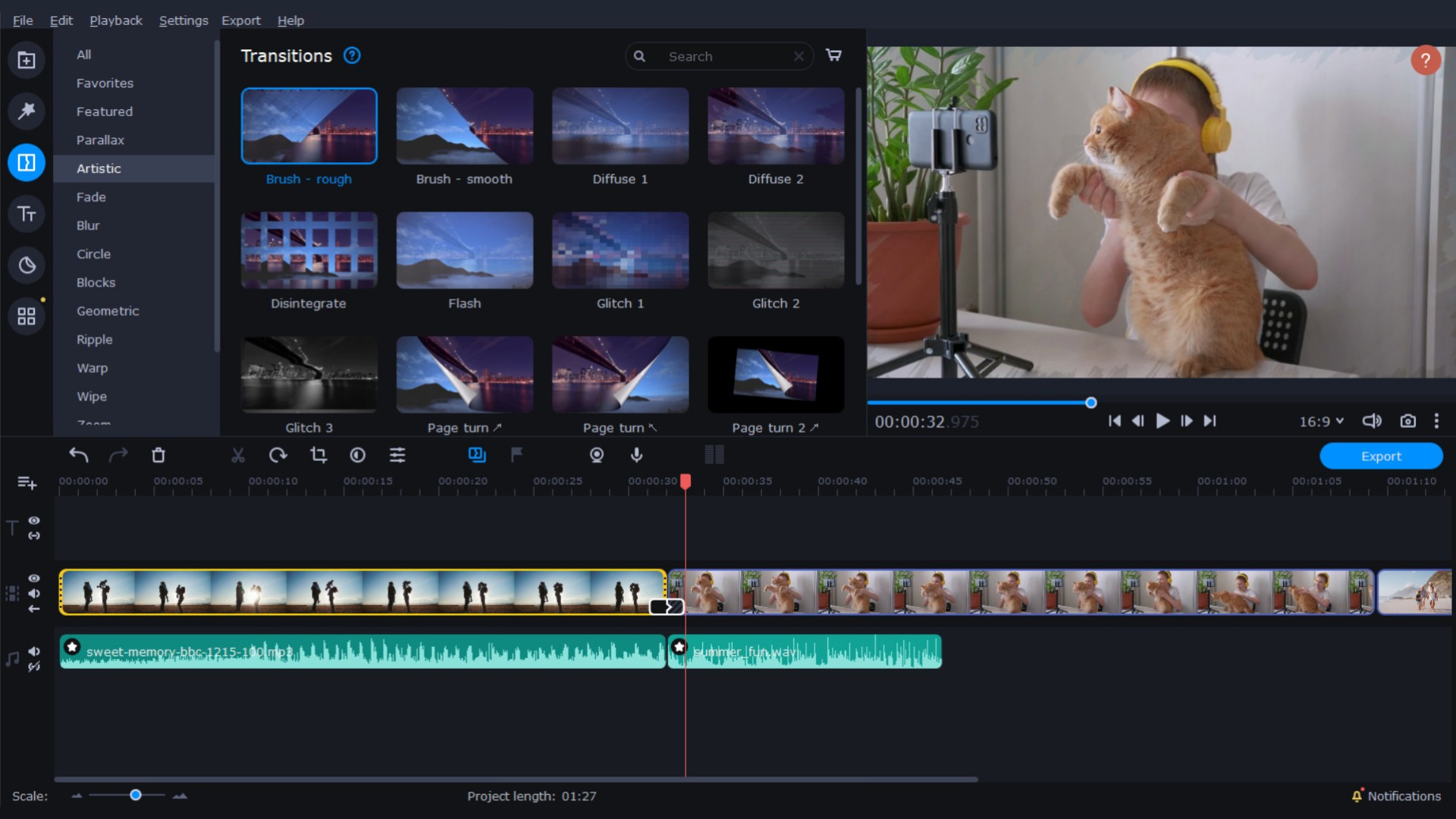
Create opening and closing intros and audio. Add text, effects, and animation
Record a voiceover
Movavi Video Editor Plus is not just an application but a helpful friend who will guide you through the video editing process. No need to spend hours trying to figure out how to use the program – just start editing, and the program itself will guide you.
Why choose Movavi Video Editor Plus?
- Simple interface: it’s easy to understand how you can use all the available tools
User-friendly tooltips will help you with the advanced controls
Multimedia library with dozens of free effects, sounds, and transitions
Motion Table supports up to 99 tracks
Smart Media bin to store and organize your files
Full HD support
Share your projects
Save videos in any format and upload to YouTube and Google Drive right from within the program.