Details
- Release date: March 3, 2026
- Genre: Simulation, Education, First-Person, Indie, Casual
- Developer: Igor Frank, Ursa Masnec
- Publisher: U&I NEXT
- Platforms: Steam
Current prices

|
Steam
Digital
|
$12.99
|
Price history
| All time low | |
| $8.96 | (-31%) |
Description
CNC Lathe Machine DLC – Precision Meets Automation!
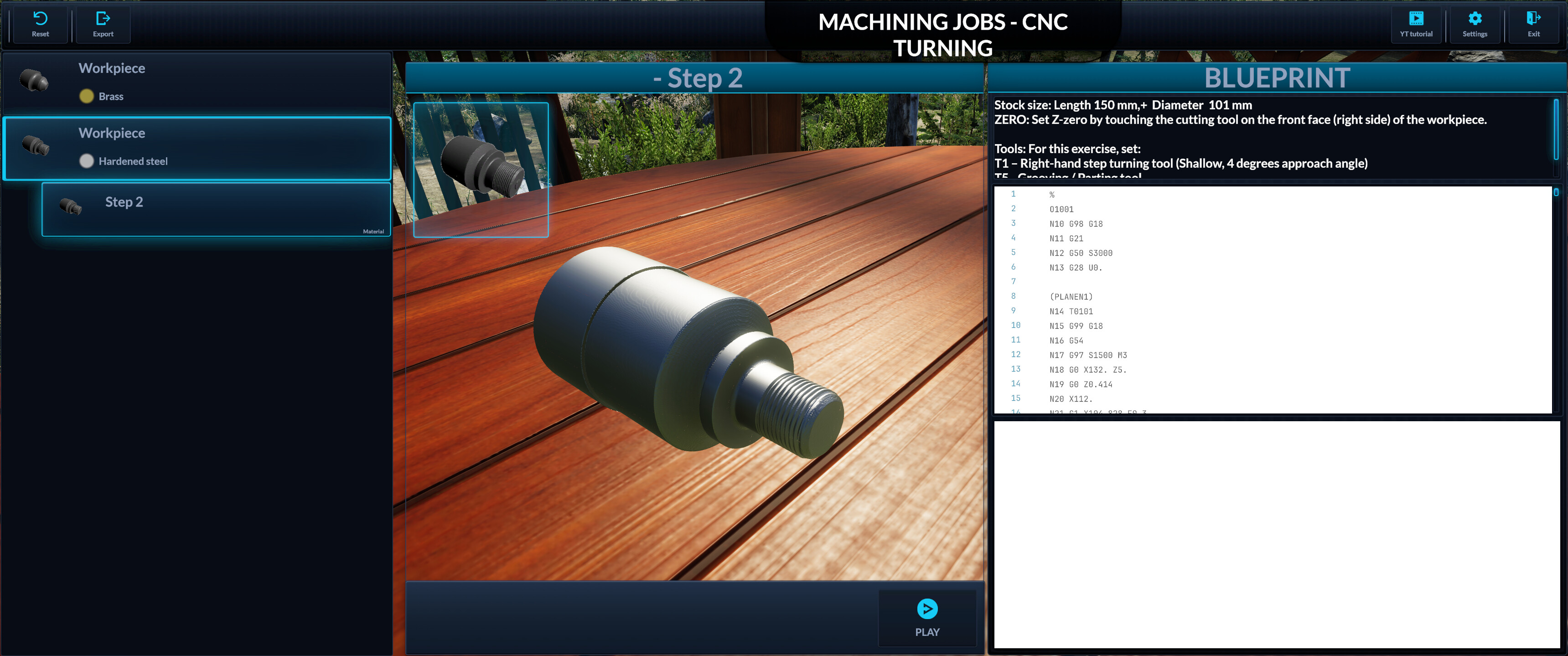
Take your machining skills to the next level with the CNC Lathe Machine DLC for Milling Machine Simulator! This expansion introduces Computer Numerical Control (CNC) turning, allowing you to program and execute precise, automated machining operations just like in real workshops.
Key Features:
Advanced CNC Functionality – Program your turning operations using a realistic G-code system , bringing authentic CNC control to your projects.
Precision & Automation – Utilize CNC technology to execute complex toolpaths with efficiency and accuracy.
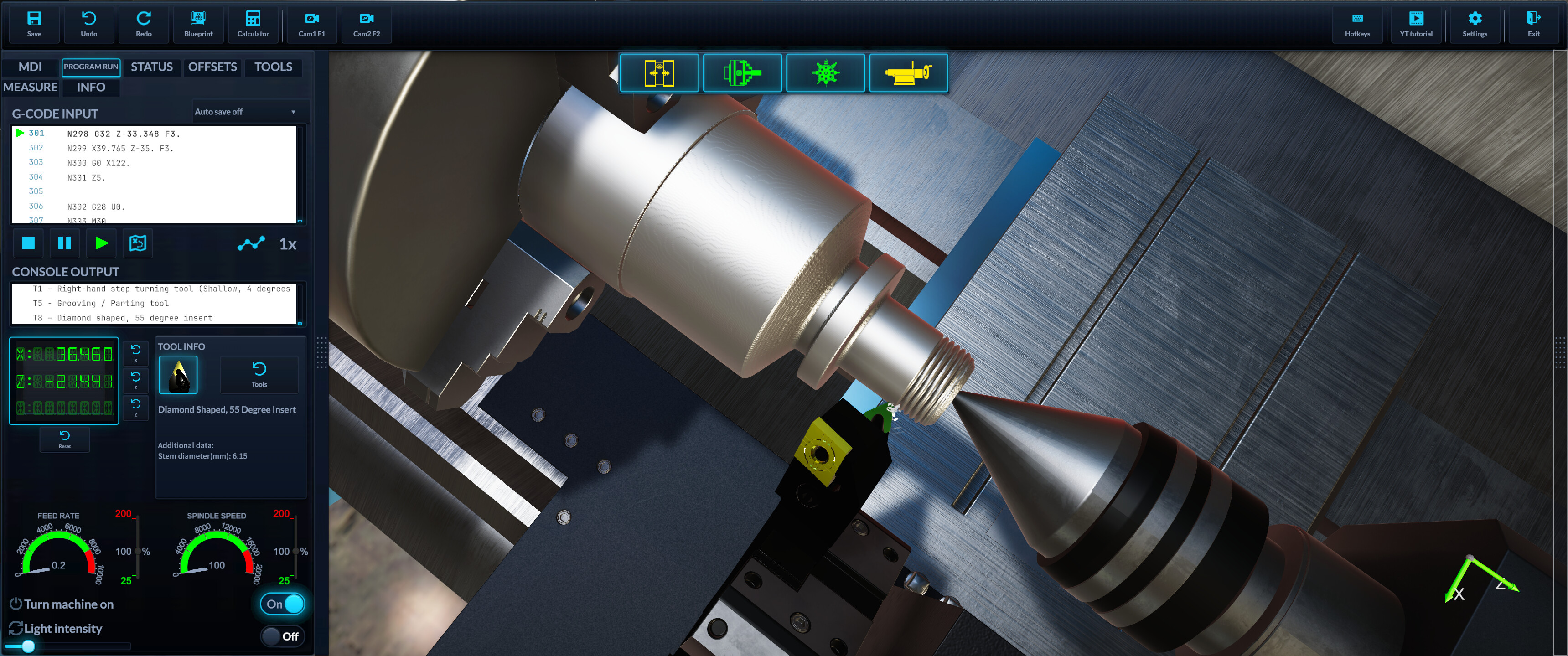
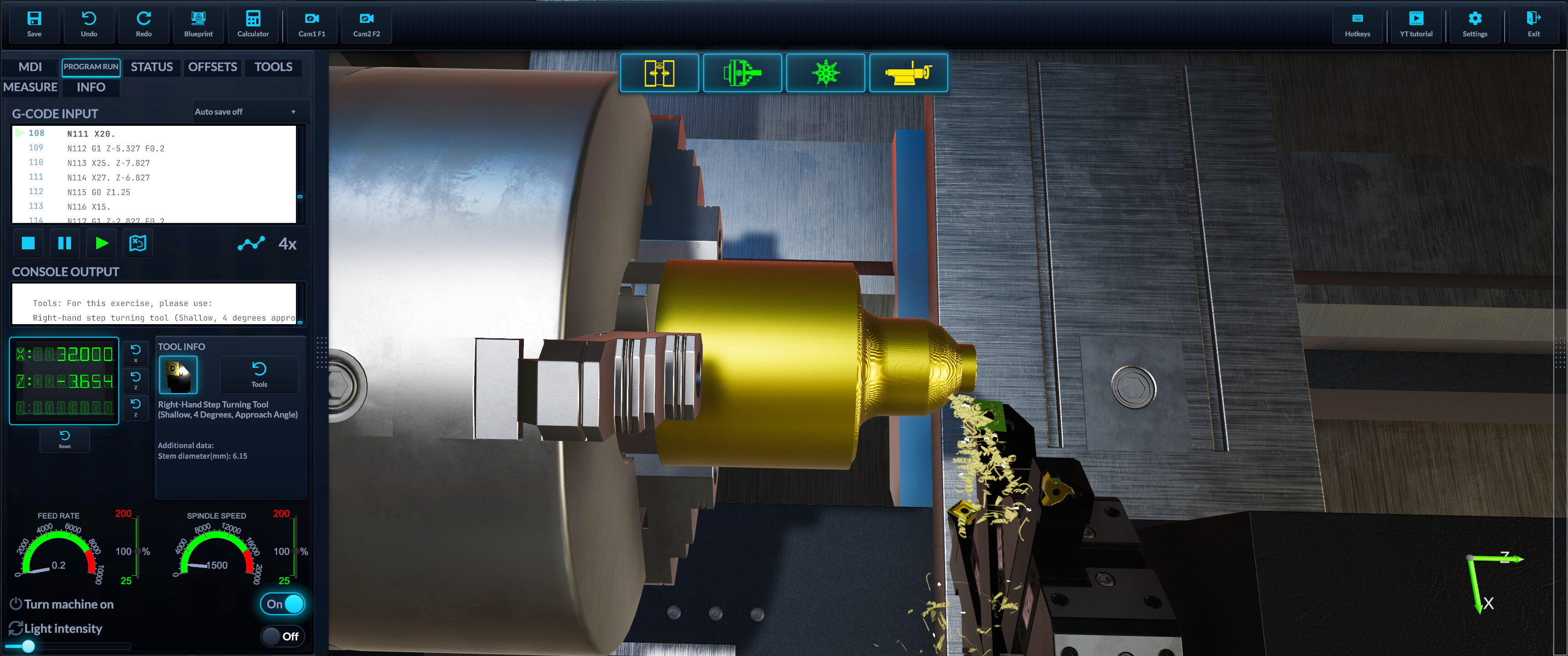
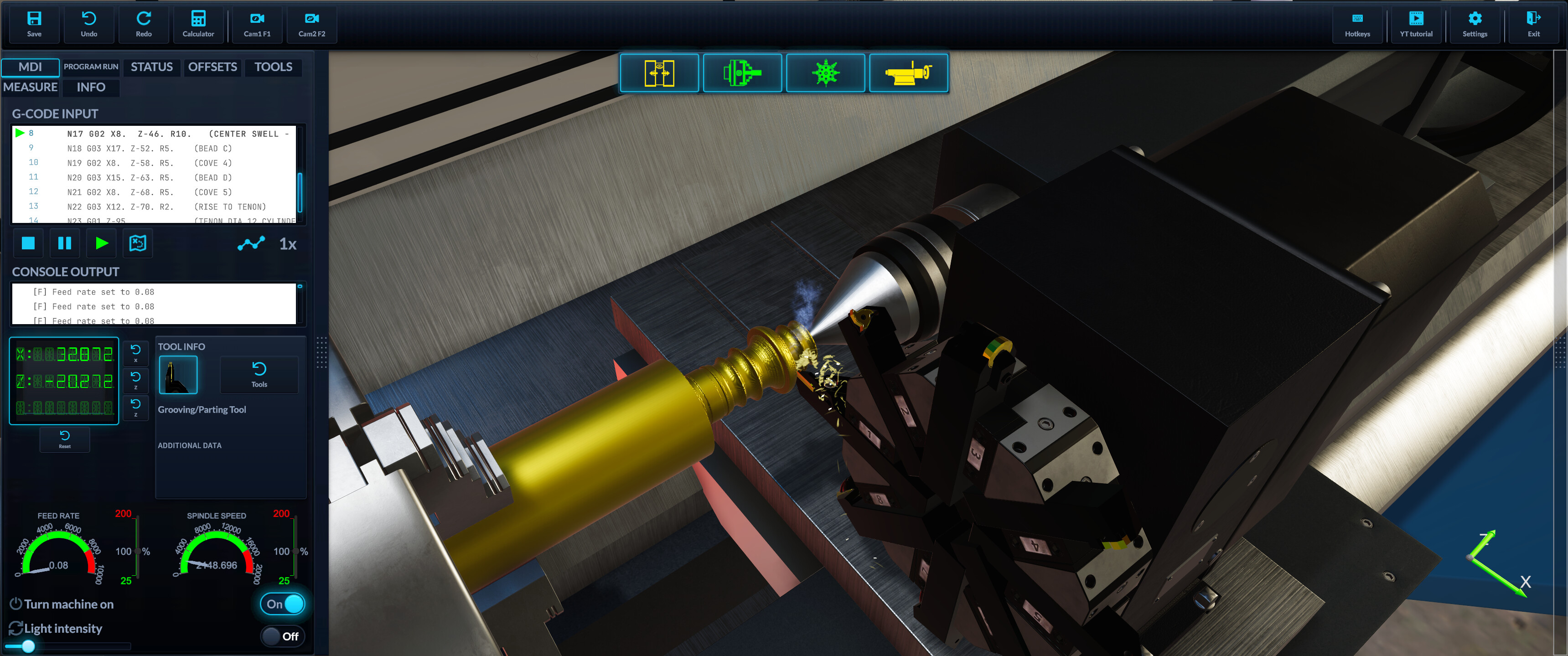
Interactive CNC Interface – Operate a detailed CNC control panel with adjustable parameters, step-by-step execution, and dynamic feedback.
Realistic Tooling & Setup – Choose the right tools and settings to achieve optimal cutting results, just like in real-life CNC machining.
Whether you're experienced in machining or just starting out, this DLC brings an exciting new level of depth to Milling Machine Simulator. Master CNC operations and see your programmed toolpaths come to life!
Real CNC G-Code — Straight From the Lathe
Program the CNC Lathe with authentic, Fanuc-style G-code. Type single commands into the MDI line or run a full turning program — every pass is simulated with real-time, GPU-accelerated voxel material removal, so you watch your part take shape exactly as your code cuts it.
Motion & Interpolation
G0 – Rapid positioning
G1 – Linear feed move (turning & facing)
G2 / G3 – Circular interpolation (CW / CCW), by I/K center or R radius
G32 – Single-point thread cutting (spindle-synchronized feed)
G4 – Dwell (P milliseconds or X seconds)
G28 – Return to machine zero
Planes, Units & Positioning
G18 / G17 / G19 – XZ / XY / YZ plane selection (XZ is the lathe default)
G20 / G21 – Inch / Millimeter units
G90 / G91 – Absolute / Incremental positioning
Feed & Spindle Modes
G94 – Feed per minute
G95 – Feed per revolution
G96 – Constant Surface Speed (CSS) — rpm tracks diameter automatically
G97 – Constant spindle speed (fixed rpm)
G50 – Clamp maximum spindle rpm for CSS
Work Offsets & Coordinate Systems
G53 – Machine coordinate system
G54–G59 – Six work coordinate systems
G10 – Programmable offset setting (L2 / L20)
G43 / G49 – Tool length compensation (apply / cancel)
Turning Cycles
G71 – Longitudinal roughing (Z-parallel passes stepping in X)
G72 – Facing roughing (X-parallel passes stepping in Z)
G70 – Finishing pass along the defined profile
G76 – Multi-pass threading cycle
Drilling on Center
G81 / G82 / G83 – Drilling, drilling with dwell, peck drilling with chip clearing
G84 – Tapping with synchronized spindle reversal
G85 / G86 / G87 / G88 / G89 – Boring cycle variants
G80 – Cancel cycle · G98 / G99 – Retract to initial Z / R plane
Spindle, Turret & Coolant (M-Codes)
M3 / M4 / M5 – Spindle CW / CCW / stop
T – Turret tool change with tool offset
M8 / M9 – Coolant on / off
M0 – Program pause
M2 / M30 – Program end (with / without rewind)
Subprograms
M97 – Local subprogram call (with repeat count)
M98 – External subprogram call
M99 – Subprogram return
Macro Programming (Parametric G-Code)
Go beyond static programs with full Fanuc-style macro support:
Variables – #100 = 10 + 5, then use X[#100 / 2] inline
Math functions – SIN, COS, TAN, ASIN, ACOS, ATAN, SQRT, ABS, ROUND, FIX, FUP, LN, EXP
Operators – Full arithmetic, comparison and logic in expressions
Flow control – IF [cond] GOTO n, IF [cond] THEN #var = expr, and nestable WHILE [cond] DOn … ENDn loops
Built for Learning
MDI mode for quick single-line testing
Full program editor with live console feedback and alarms
Toolpath preview and dry run before you commit metal
On-screen reference of every supported command with example snippets
From facing and roughing to single-point threading, the G-code you write here is the same G-code you'd run on a real turning center.