MALMIJAL - Basic
Details
- Release date: March 20, 2025
- Genre: Utility, Education
- Developer: PANAX SYSTEM
- Publisher: PANAX SYSTEM
- Platforms: Steam
Current prices

|
Steam
Digital
|
Free
|
Price history
| All time low | |
| Free | (-100%) |
Description
🧩 About This Software — MALMIJAL Basic
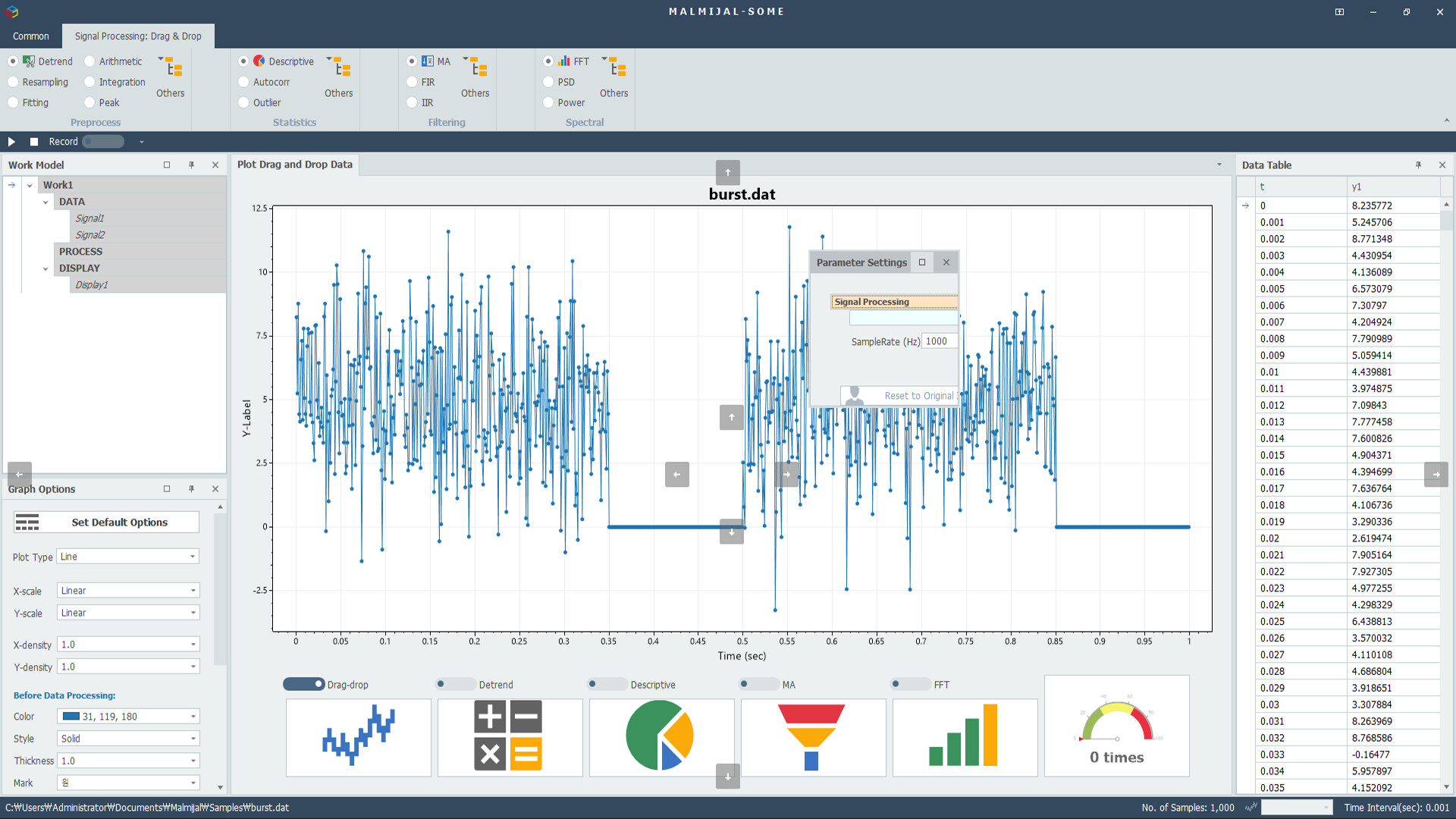
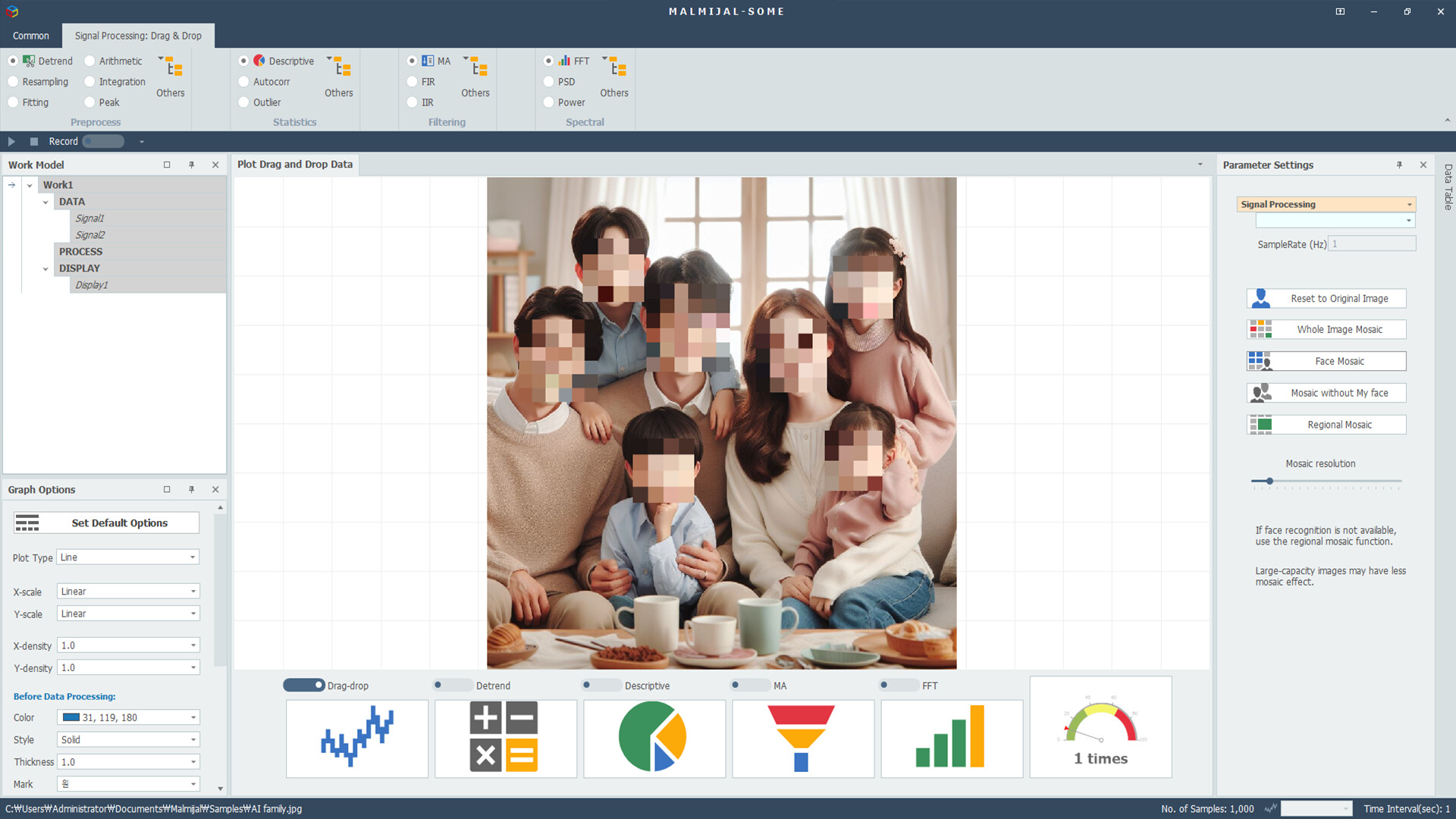
MALMIJAL Basic is a free, drag-and-drop data analysis platform that lets you process and visualize data intuitively — no coding required.
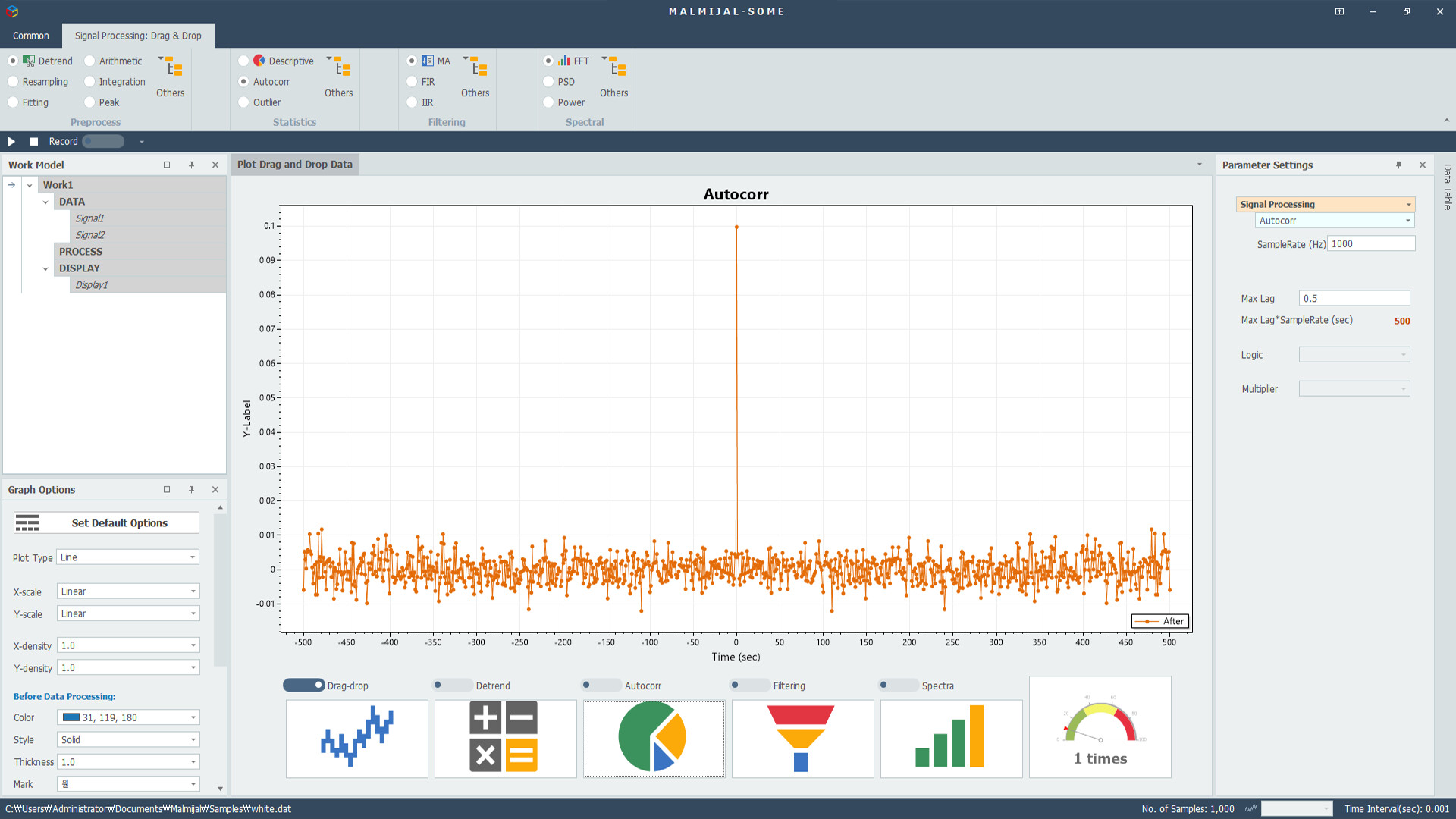
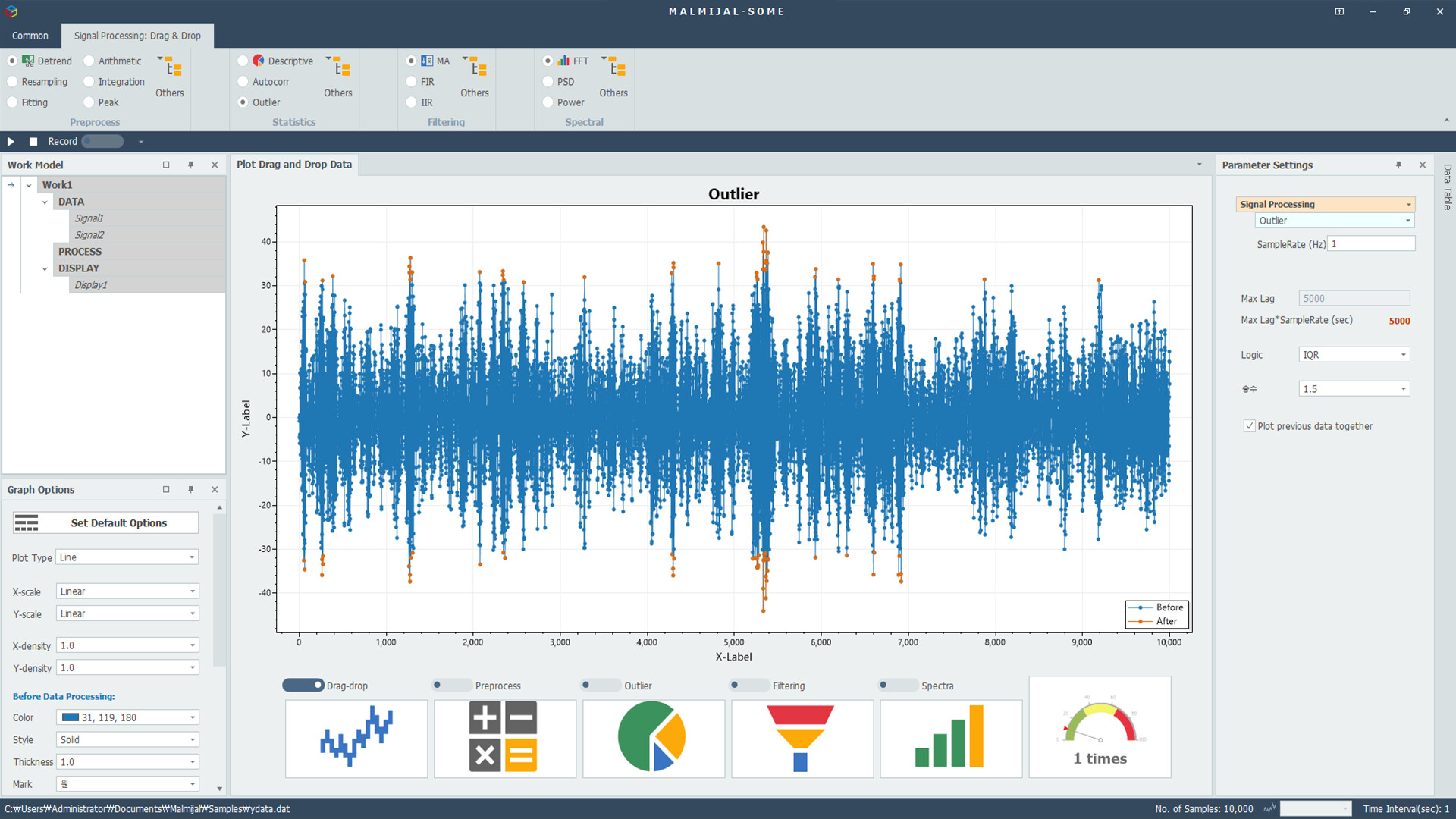
With just a few clicks, you can perform preprocessing, statistical analysis, filtering, and spectrum analysis,
then visualize the results as graphs or export them as files.
Every step follows a visual pipeline structure (DATA → PROCESS → DISPLAY),
making it easy to see how your data flows through each stage.
The streamlined single-path workflow allows you to complete complex analyses quickly and effortlessly.
🔹 Key Features
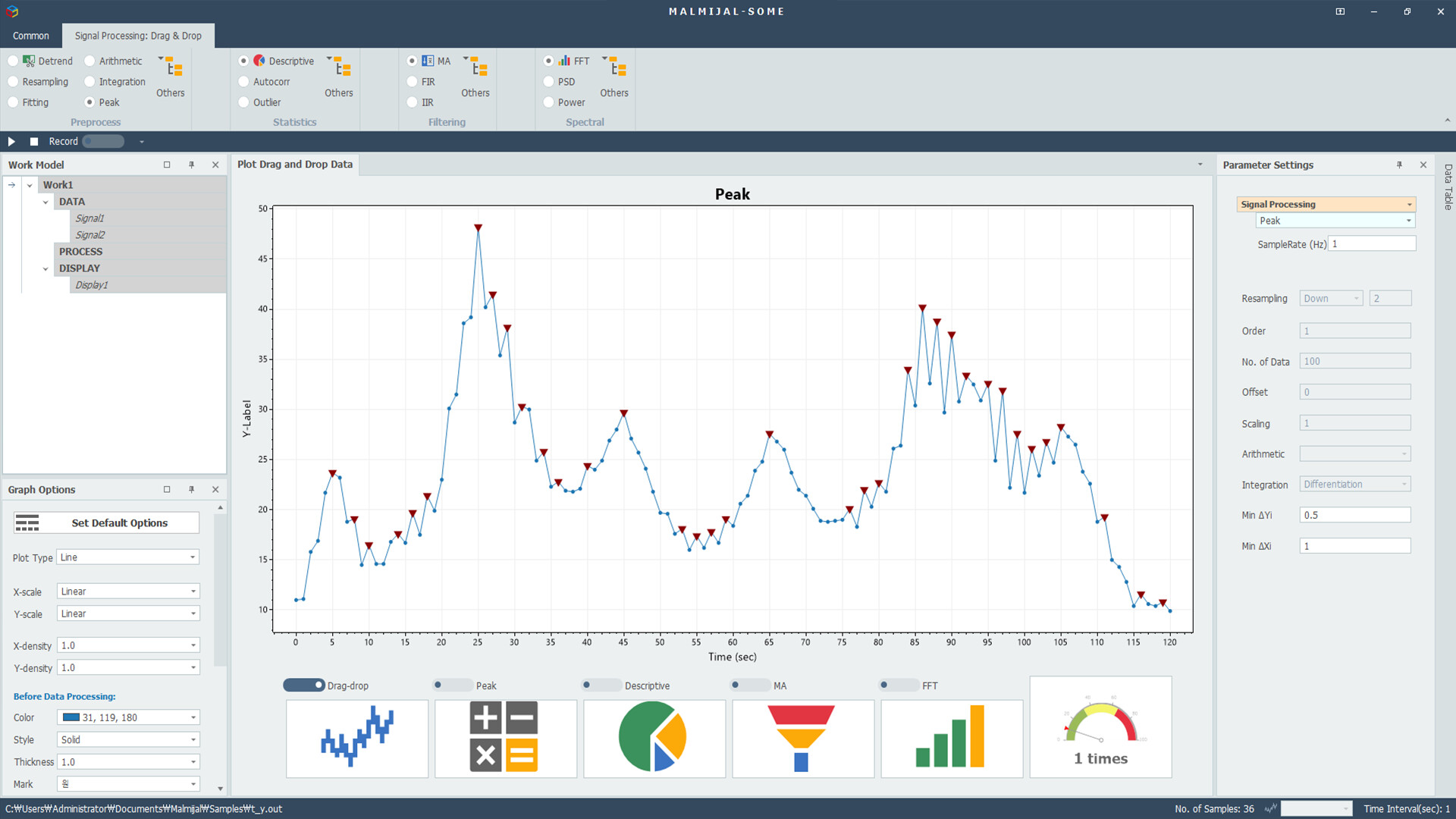
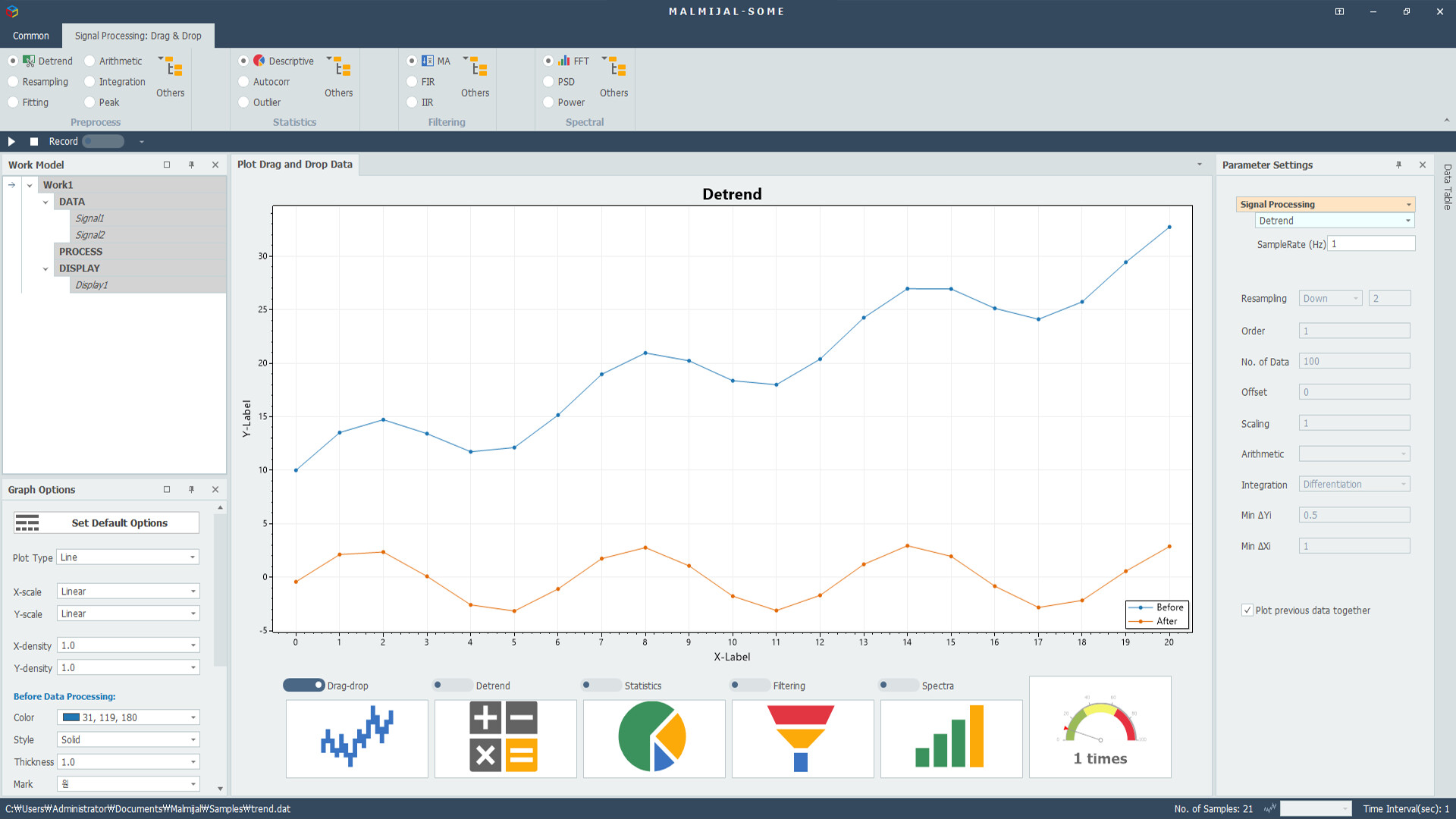
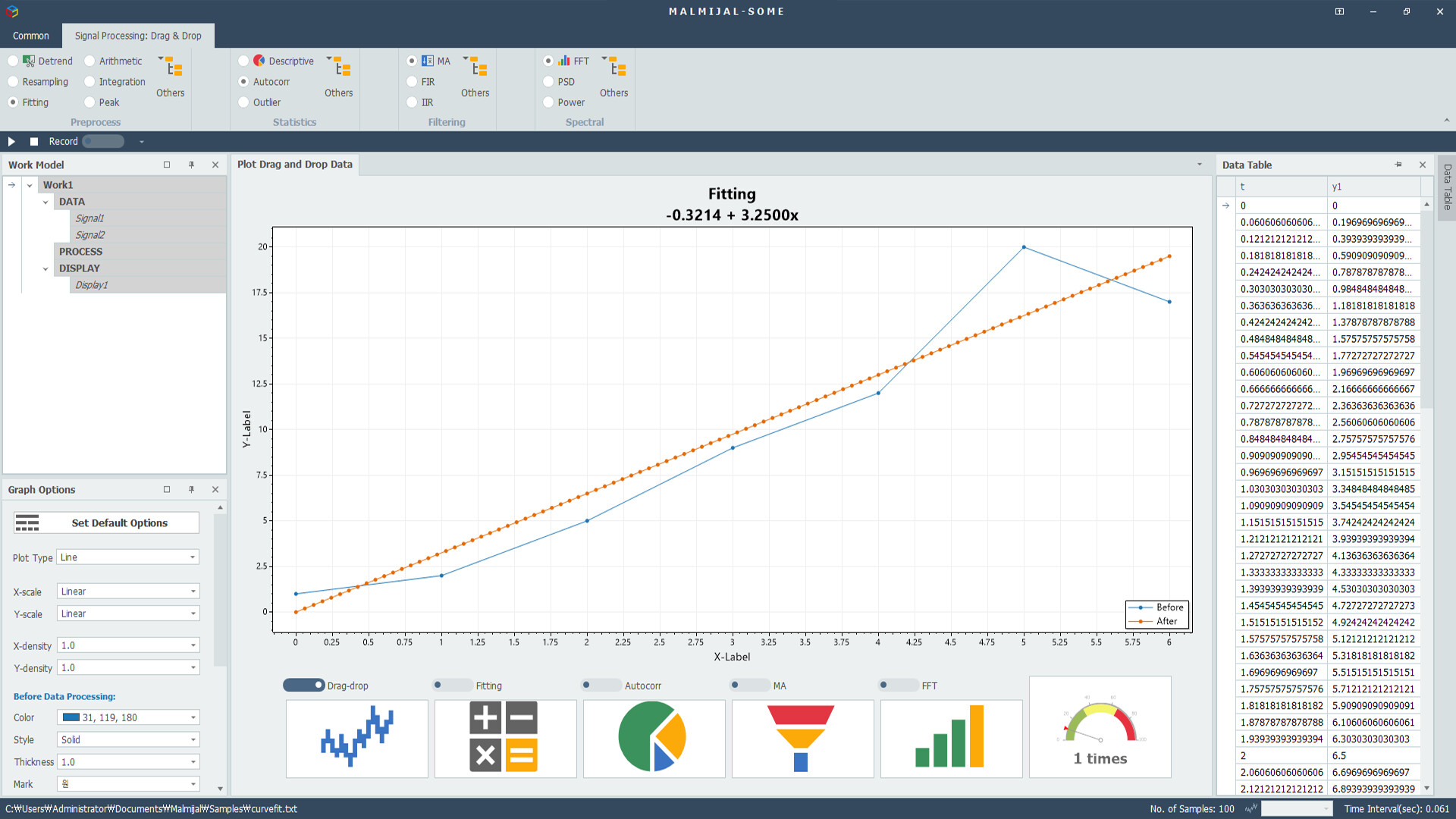
Preprocessing: trend removal, resampling, curve fitting, arithmetic operations, differentiation, integration, peak detection
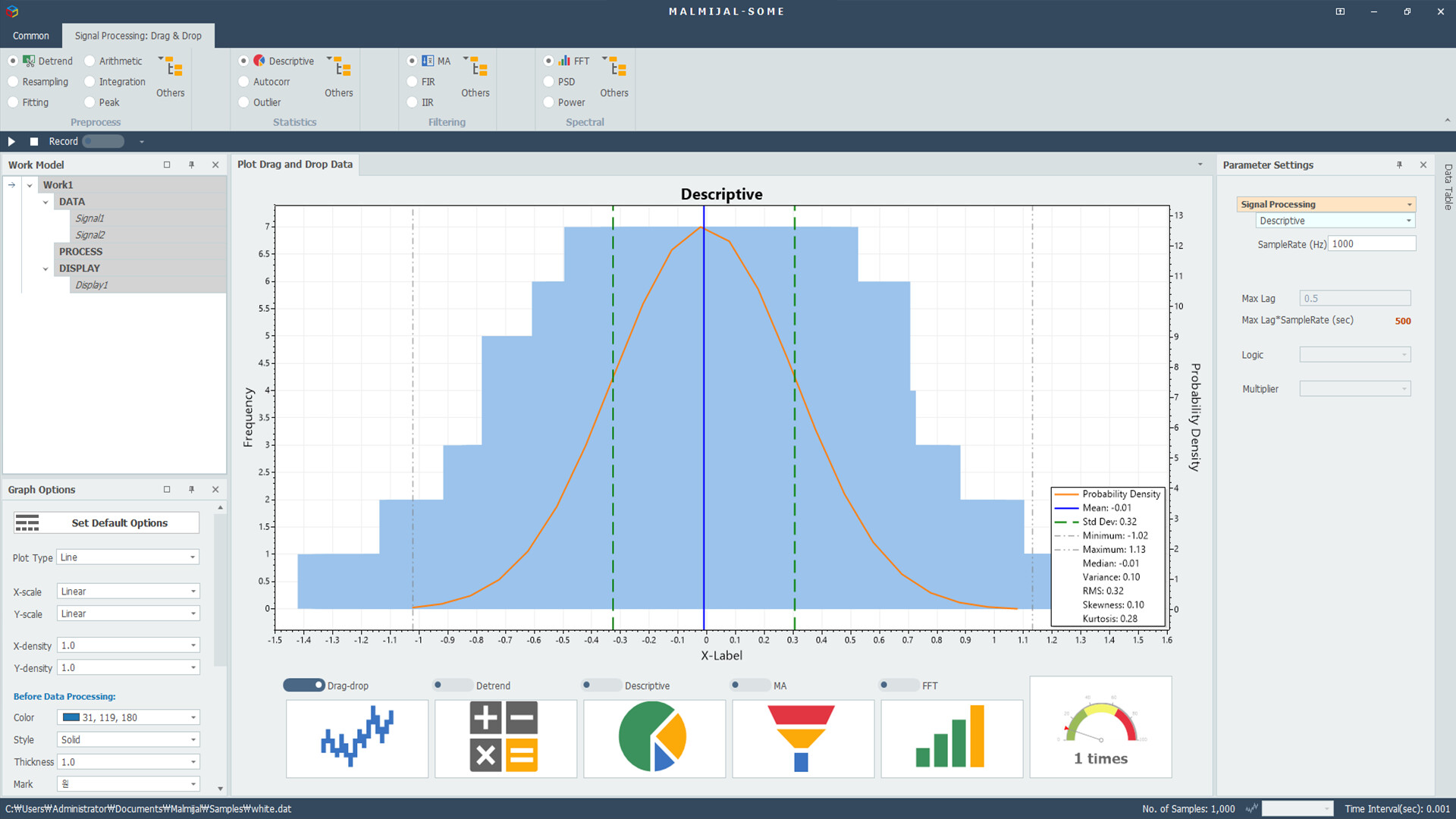
Statistical Analysis: max, min, median, standard deviation, variance, RMS, skewness, kurtosis
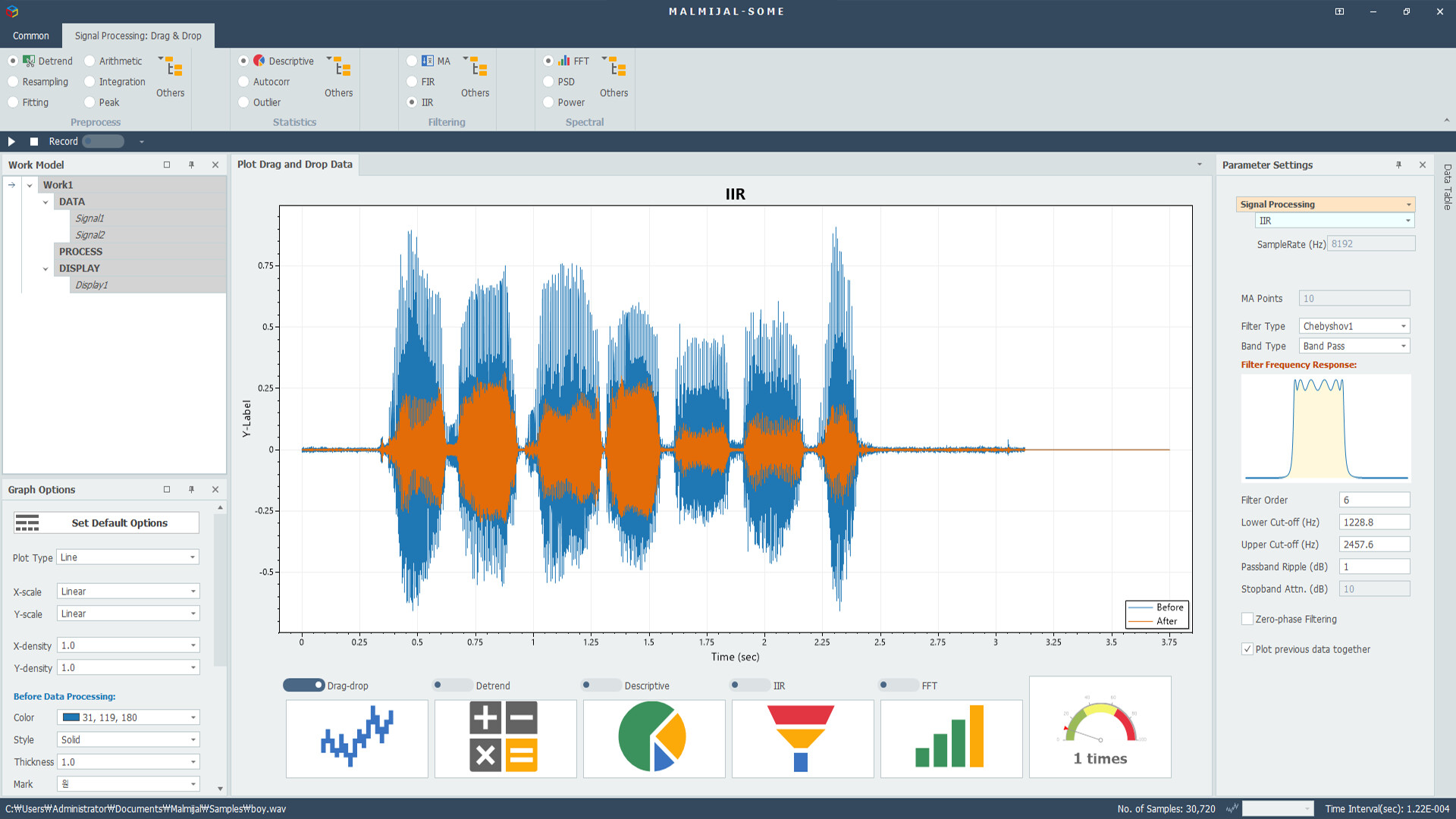
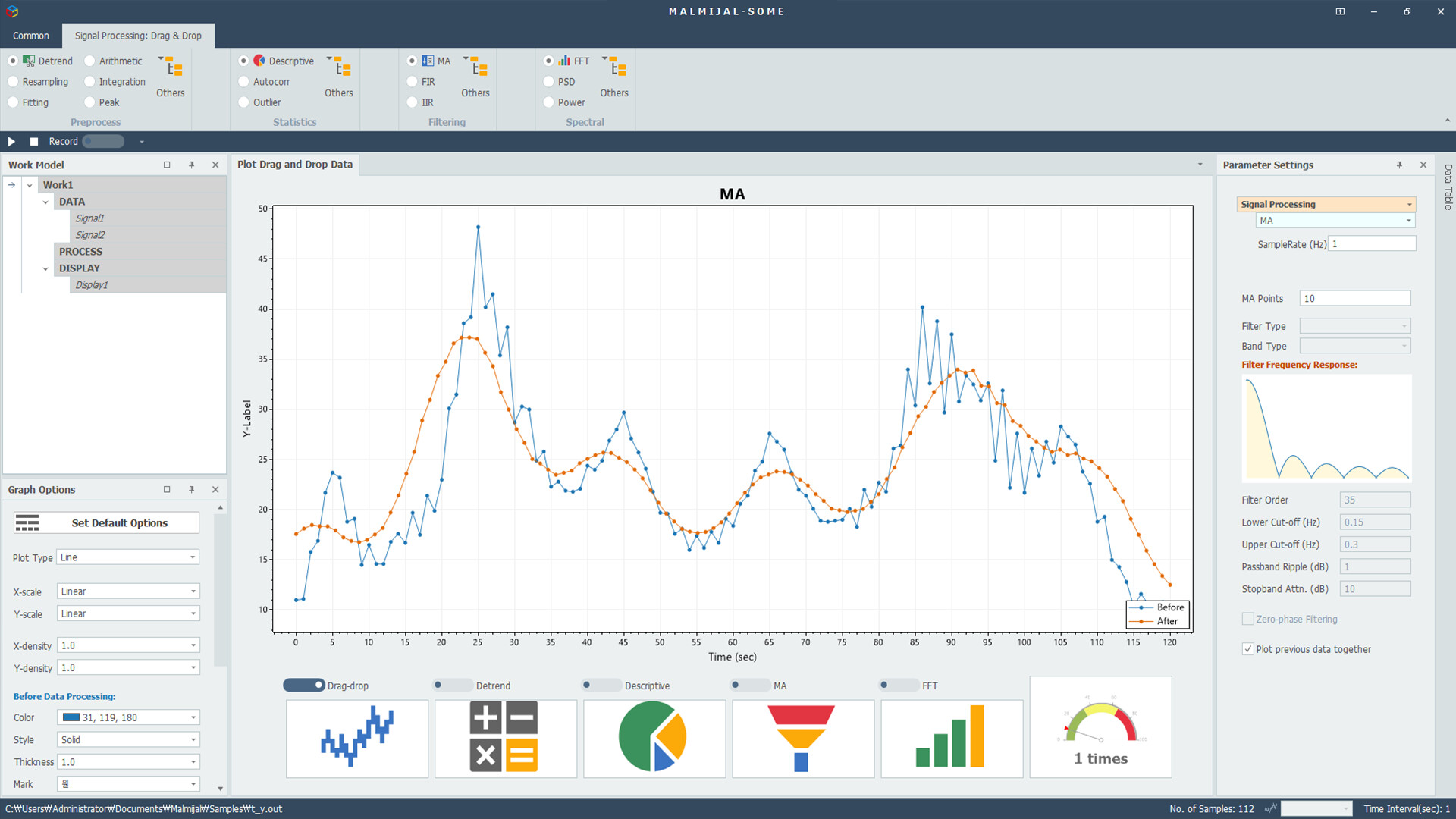
Filtering: moving average, exponential moving average, FIR/IIR filters (Butterworth, Chebyshev, Elliptic)
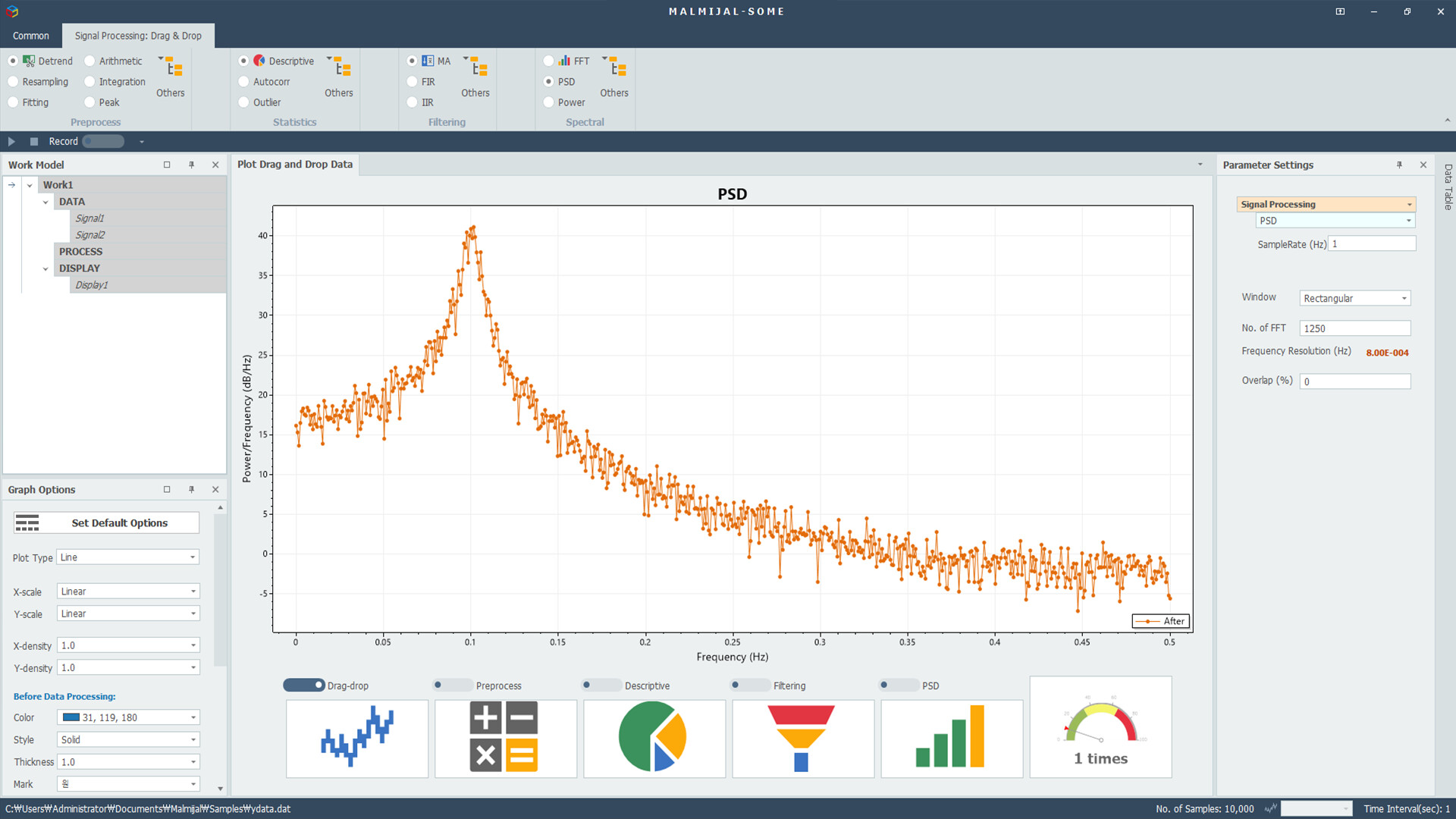
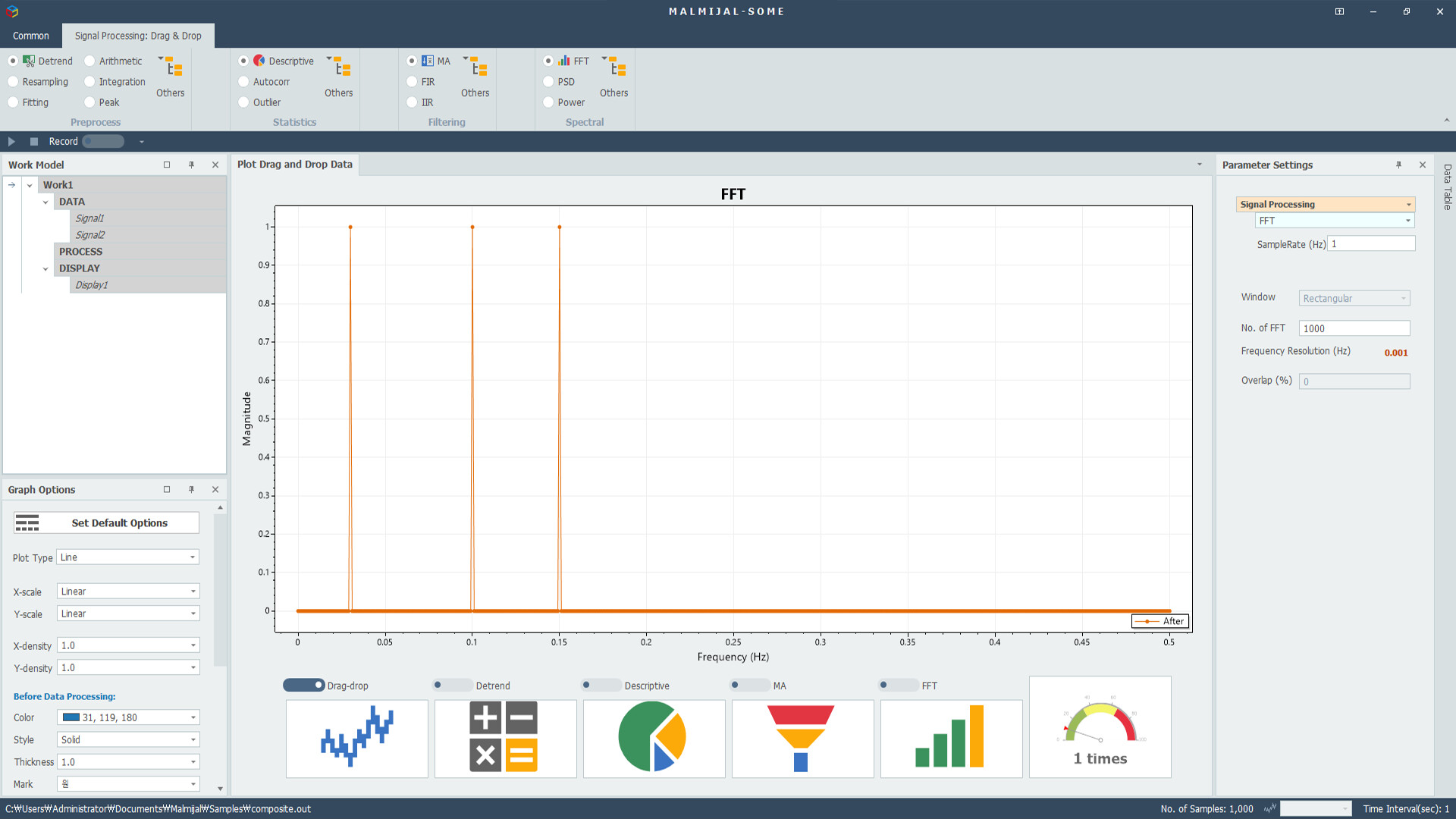
Spectrum Analysis: FFT, PSD, Power Spectrum, STFT, 1/3-Octave analysis
Data I/O: supports MATLAB (.mat), Excel (.xlsx), audio (.wav, .flac, .mp3, etc.), and text (.txt) files
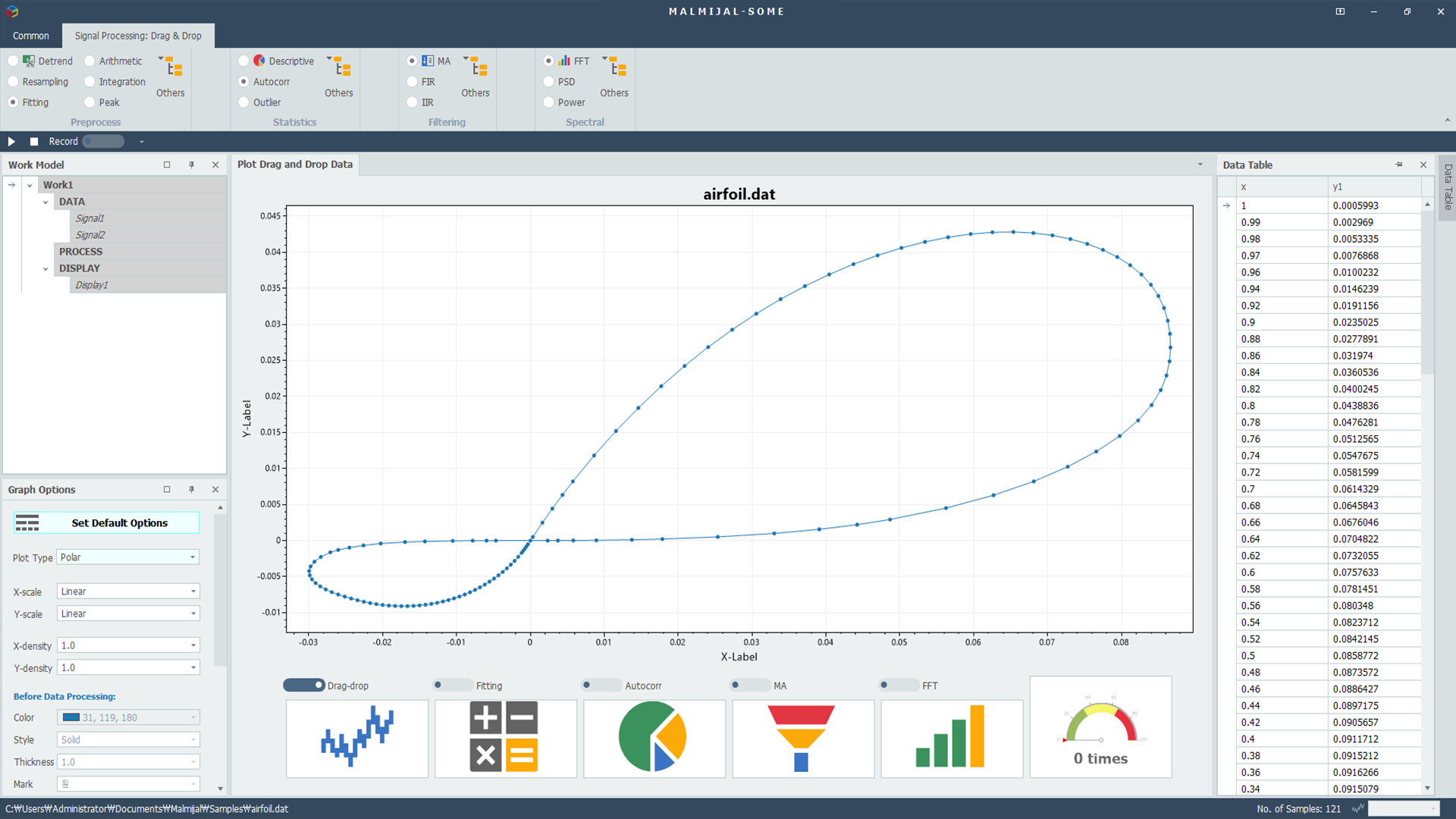
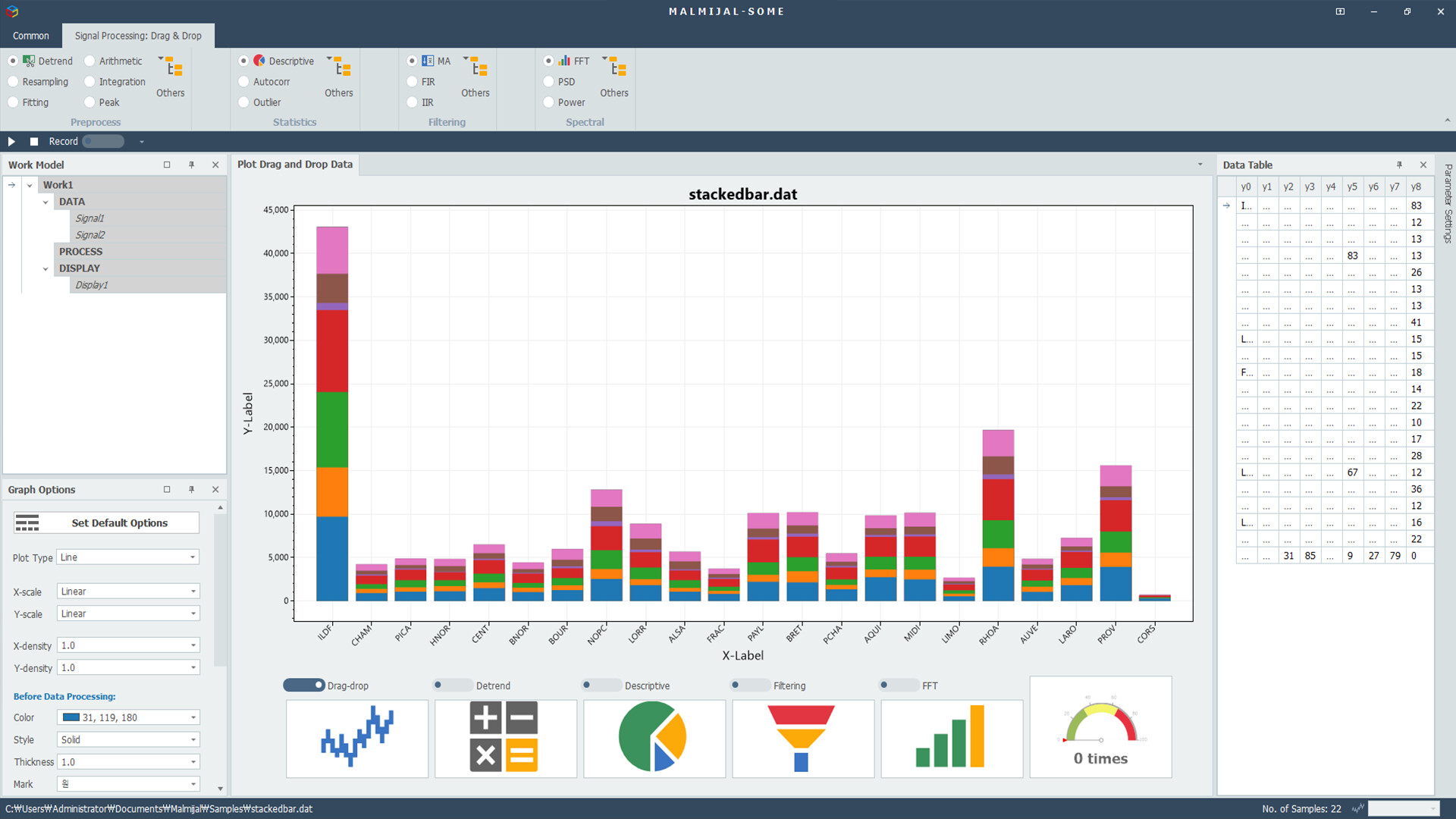
Graph Options: automatic bar/line/pie chart conversion, customizable markers, line styles, colors, and data cursors
🔹 Difference from MALMIJAL-Modeling
Basic focuses on a single-flow visual pipeline , perfect for quick and simple data analysis.
In contrast, MALMIJAL-Modeling provides a block-based modeling environment ,
where you can freely add and connect multiple DATA, PROCESS, and DISPLAY blocks to build complex models.
With Basic , you can analyze one dataset efficiently.
With Modeling , you can design, expand, and automate entire analysis systems.
When you upgrade to MALMIJAL-Modeling , you’ll be able to:
Process multiple inputs in parallel
Create and reuse custom operation blocks
Save complex workflows as reusable models
The familiar Basic interface carries over, so you can seamlessly use from quick analysis to advanced modeling.
🔹 Example Scenario
Import an audio file containing background noise, apply filtering to remove the noise, and perform FFT analysis to visualize the frequency content.
All steps can be executed with simple clicks — and when you’re ready to go further,
switch to MALMIJAL-Modeling to save the same process as a reusable model for deeper analysis.