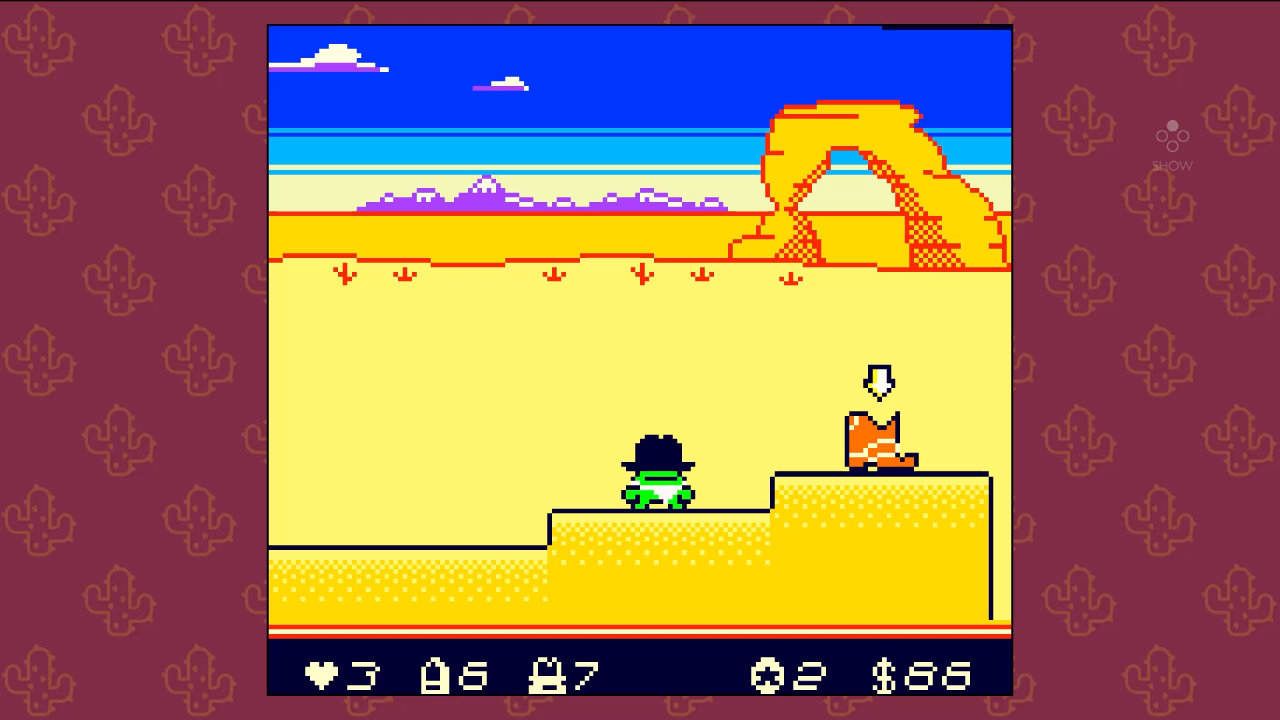
Kero Kero Cowboy
Details
- MSRP: $9.99
- Release date:
- Steam
December 29, 2025 - Switch
August 21, 2026
- Steam
- Genre: Action
- Number of players:
- Offline: 1
- Developer: MetagameMike
- Publisher: Ogre Pixel
- Download size: 957 MB
- Metacritic: tbd tbd
- How Long To Beat:
- Main Story: 1½ hours
- Main + Extra: 2 hours
- Completionist: 2½ hours
- ESRB Rating: Everyone
- Play modes: TV, Tabletop, Handheld
- Languages: English, Spanish
- Platforms: Nintendo Switch, Steam
Current prices

|
Switch
Digital
|
$7.49
-25%
|
| Lowest price ever | ||
| Sale ends in 24 hours | ||
Price history
| All time low | |
| $7.49 | (-25%) |
Description
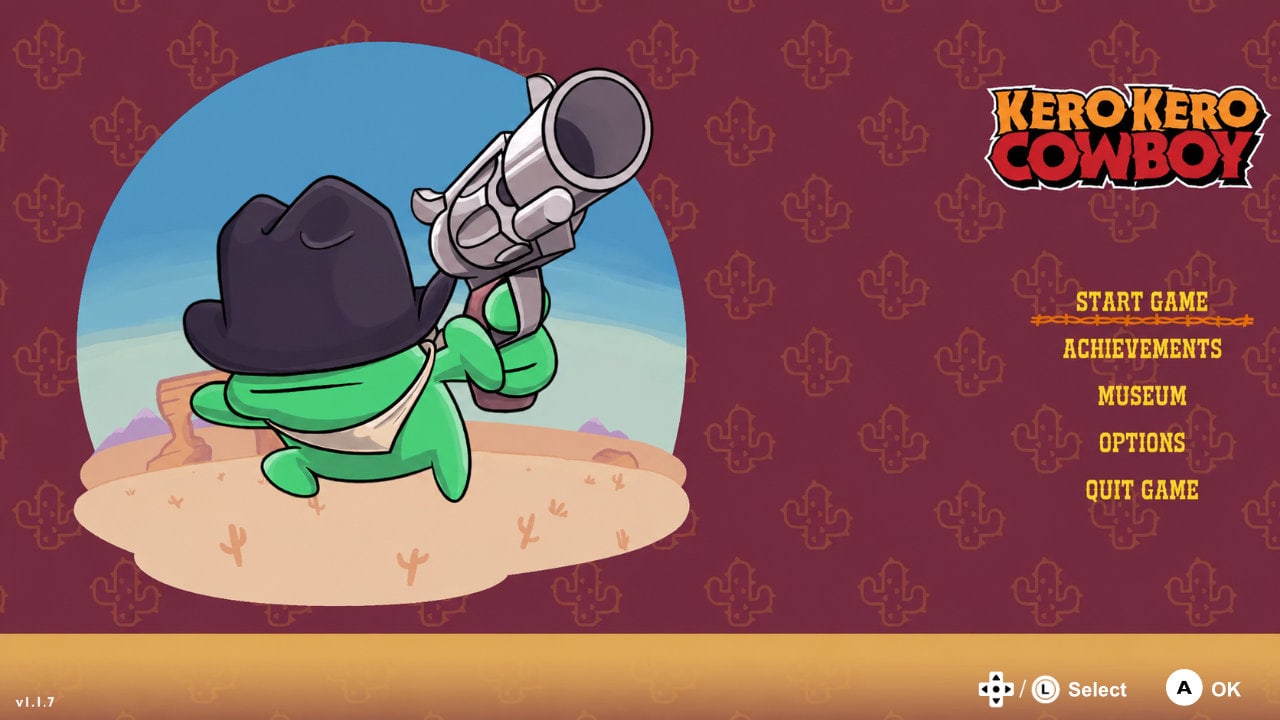
Explore the frontier as Kero Kero, a cowboy frog on a quest to bring peace and justice to the Wild West. Use your extendable tongue, trusty six-shooter, and wits to conquer the wildest outlaws of the west. Yeehaw!
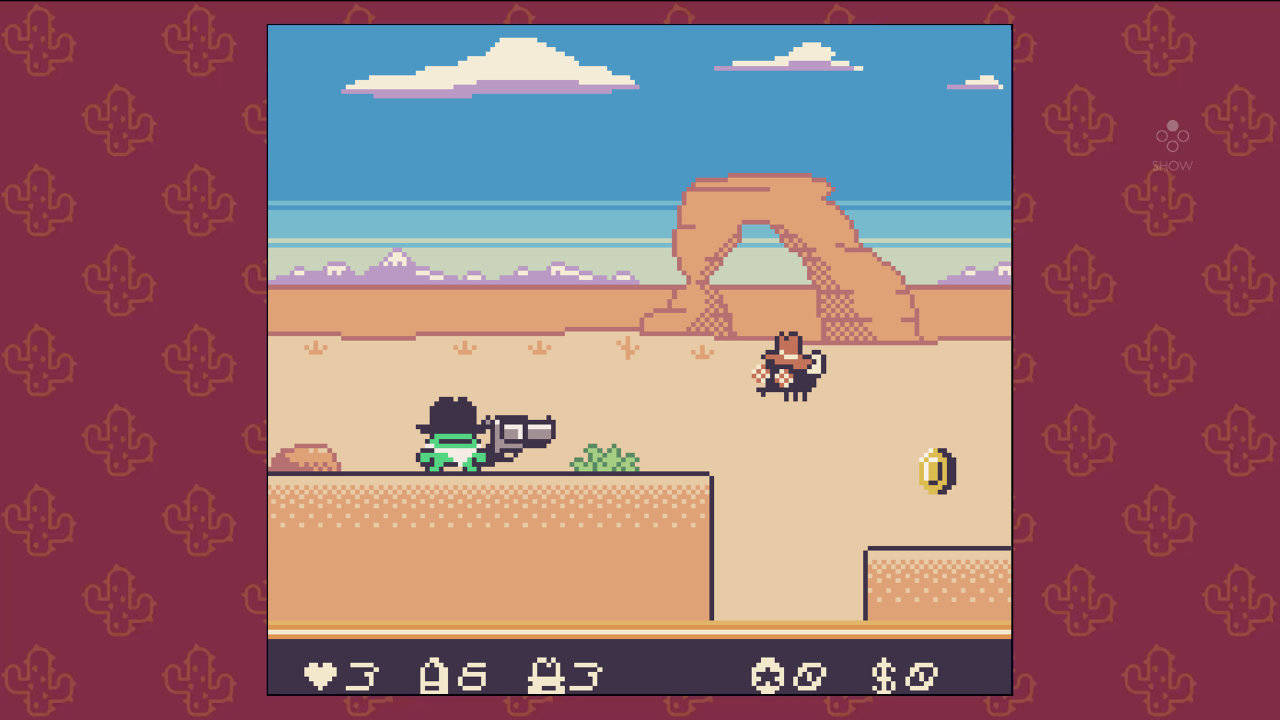
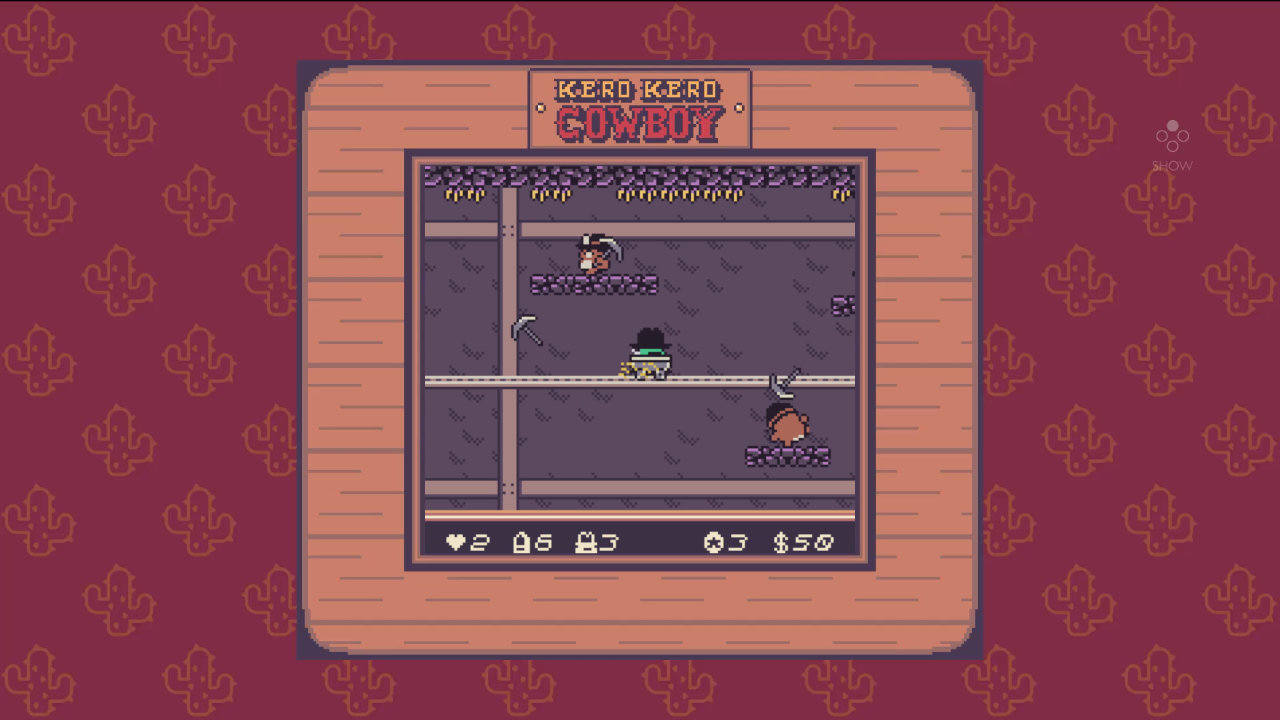
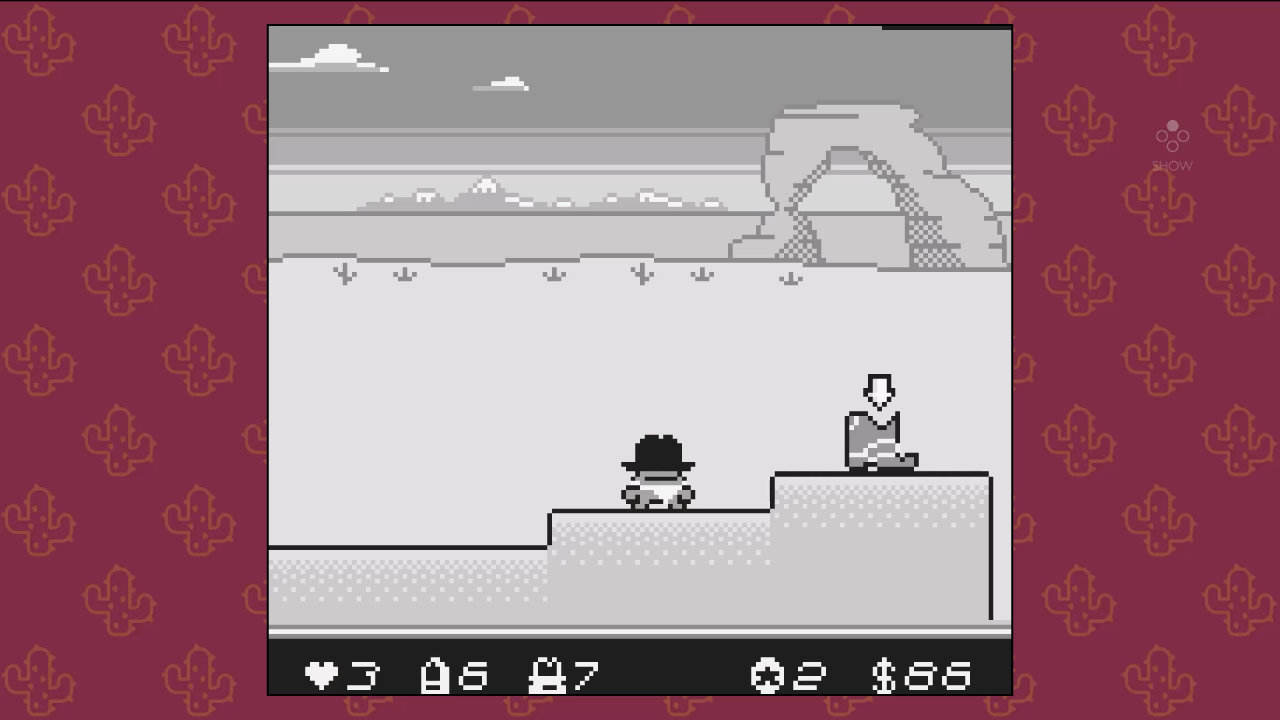
Face dastardly foes, perilous platforming challenges, and intense shootouts across deserts, mines, mountains, trains, forests, and beyond!
Kero Kero features an array of techniques and abilities to help him on his quest. He can eat enemies, spit them back out, or even brandish a giant revolver to dispatch far-off foes! But be aware, a 6-shooter only has room for 6 bullets, so use them wisely! He can also swim with ease, ride in a giant cowboy boot to stomp enemies, ride rails in a mine cart, and spit hot fire after eating a spicy jalapeño pepper. How to best utilize his abilities in each scenario is up to you, the player!
Features:
- 25 levels of rootin' tootin' retro platforming action!
- 5 intense & challenging boss fights!
- Special collectibles that unlock extra-challenging bonus levels!
- In-game music player to jam out to the Kero Kero Cowboy original soundtrack!
- Diverse environments to explore, including deserts, mines, trains, forests, mountains, and more!