Input4All - Hand / Face Controlled Virtual Gamepad
Details
- Genre: Utility, First-Person
- Developer: Evermore Software
- Publisher: Evermore Software
Current prices

|
Unavailable
|
Description
**The controller was always you.**
Input4All transforms your webcam into a powerful input device — turning hand gestures and facial expressions into real game controller outputs and keyboard strokes in real time. No special hardware. No gloves. No sensors. Just you and a camera.
**How It Works**
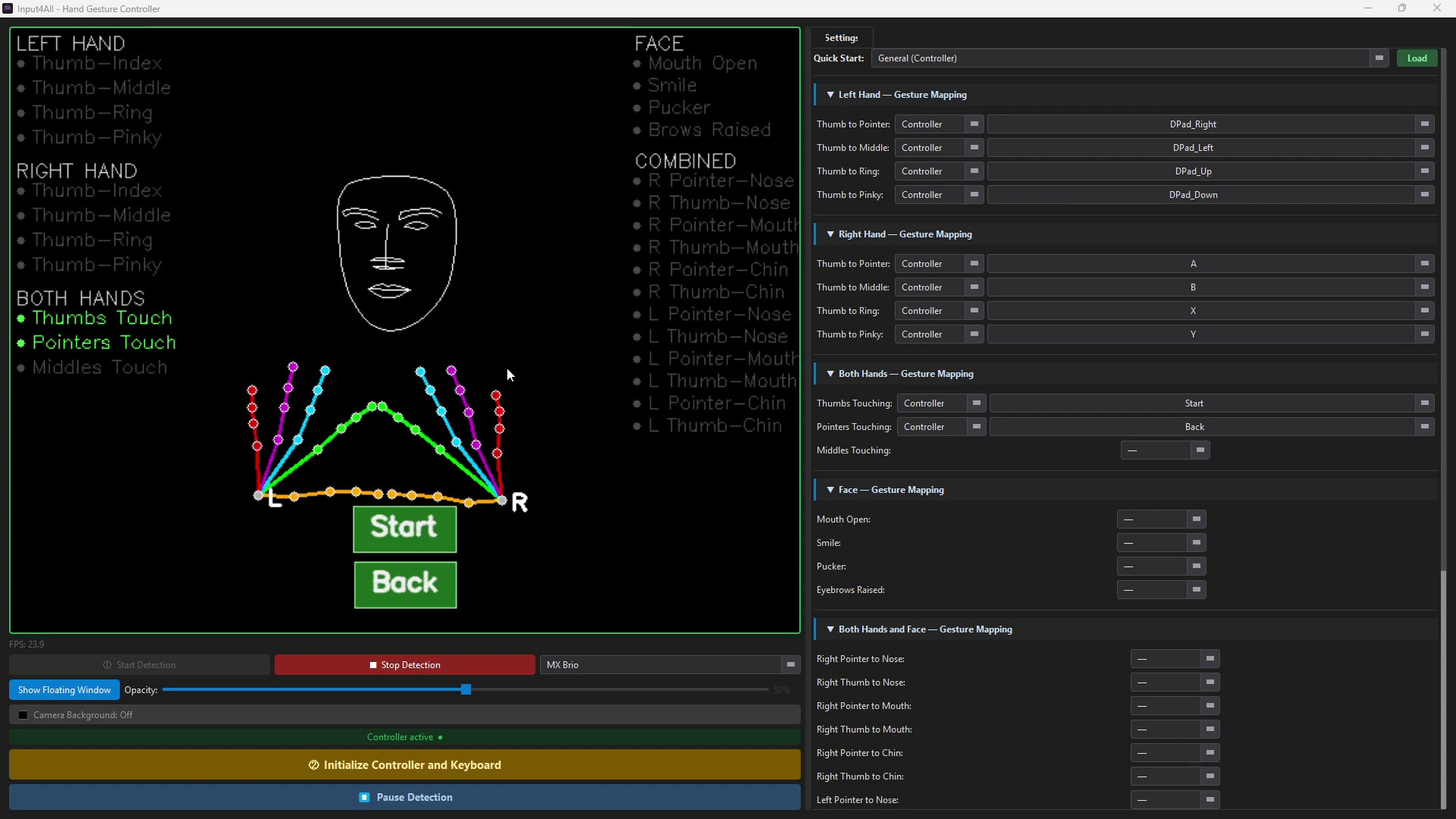
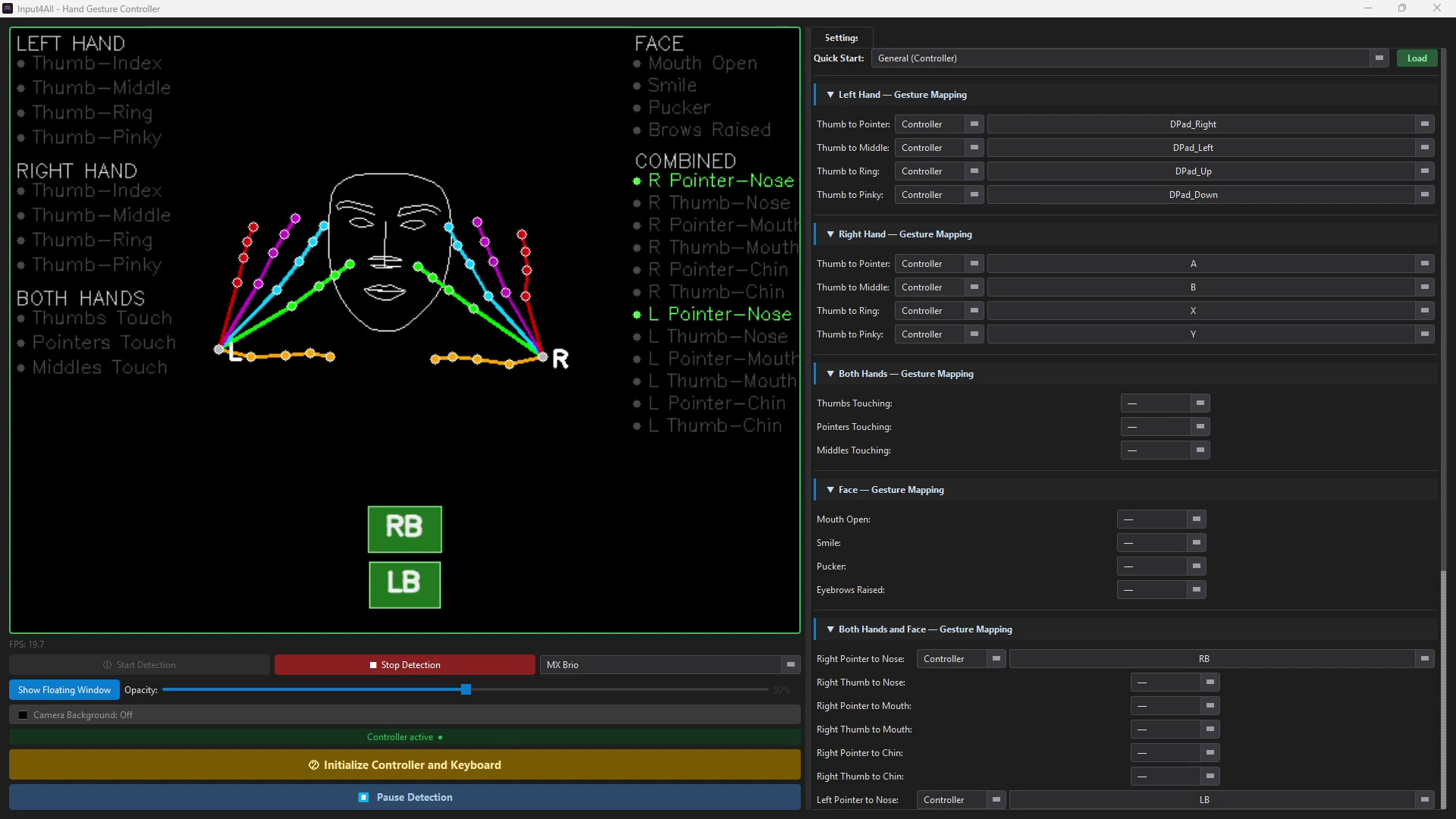
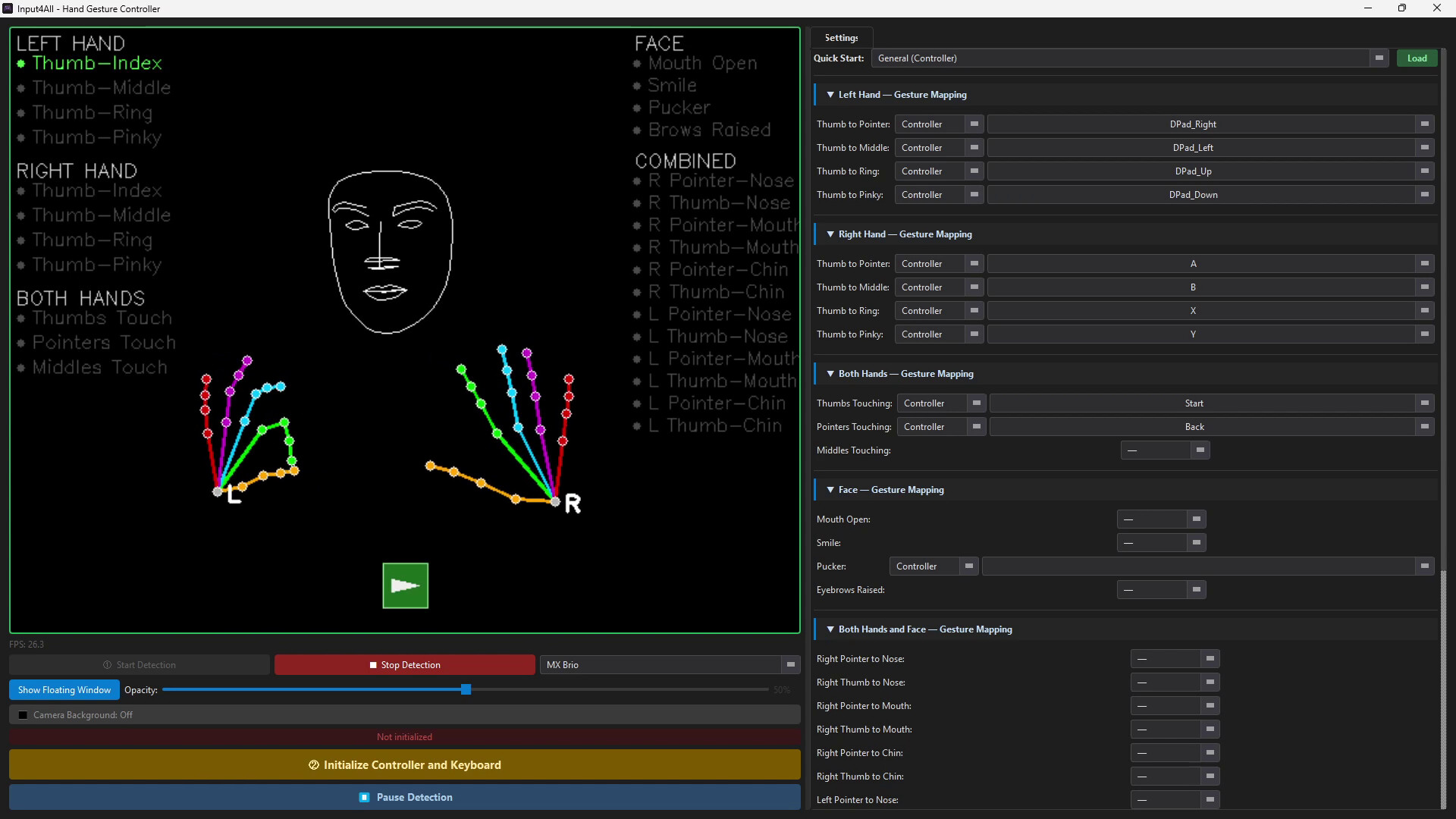
Point a USB webcam or your computer's built-in camera at yourself, map your gestures to the buttons or keys you want, and start playing. Input4All uses computer vision to track your hands and face live — detecting pinches, presses, and expressions and translating them into virtual controller inputs or keyboard commands that any game or application can read.
**Key Features**
🎮 **Virtual Controller Output** — Outputs a fully recognized Xbox controller via the ViGEm Bus Driver. Works with any game that supports a gamepad.
⌨️ **Keyboard Output** — Map gestures to any key or key combination. Works across any application.
✋ **Hand Gesture Detection** — Four pinch gestures per hand, tracked independently for left and right.
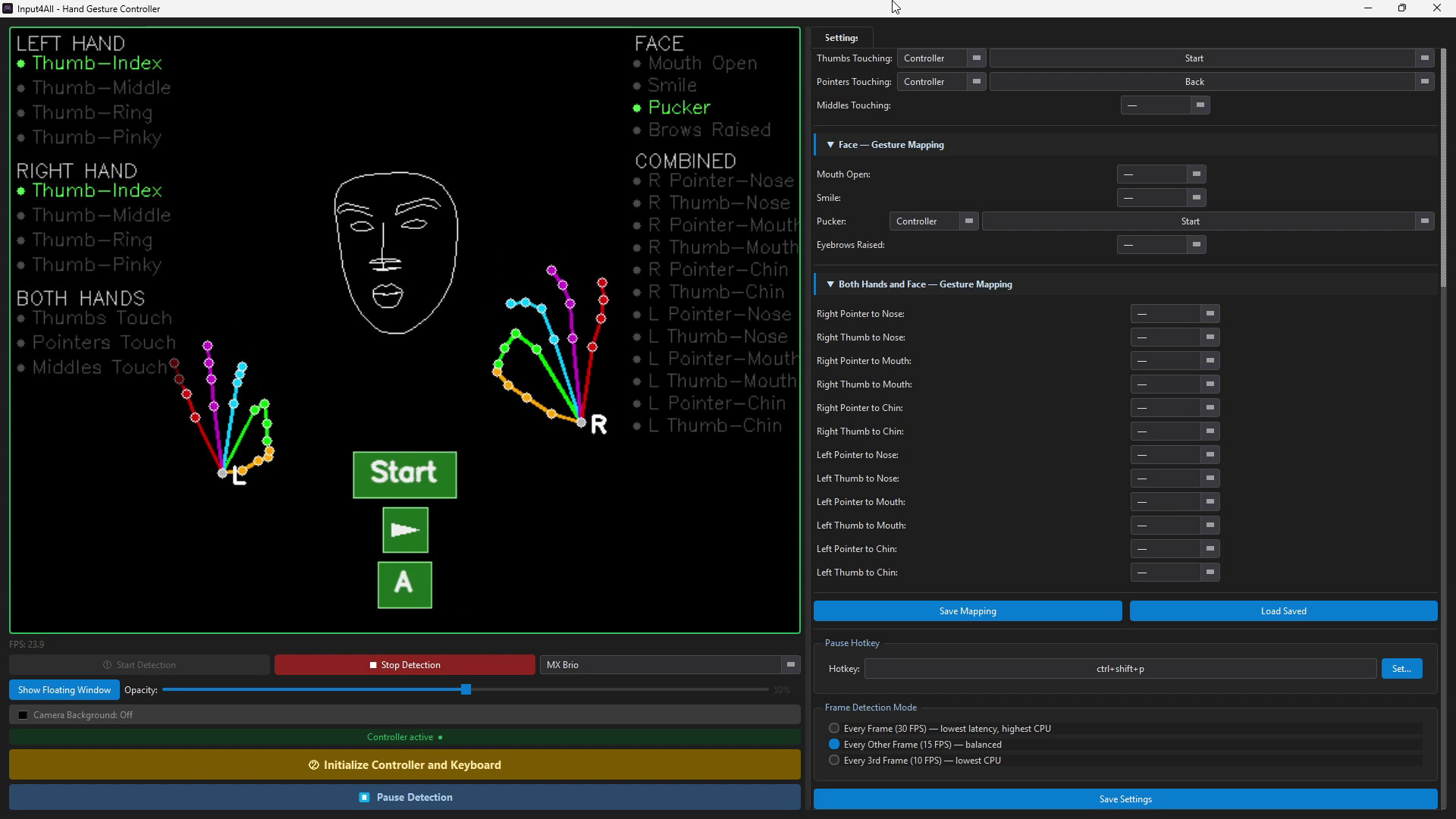
😮 **Face Gesture Detection** — Mouth open, smile, pucker, and eyebrows raised — each mappable to any action.
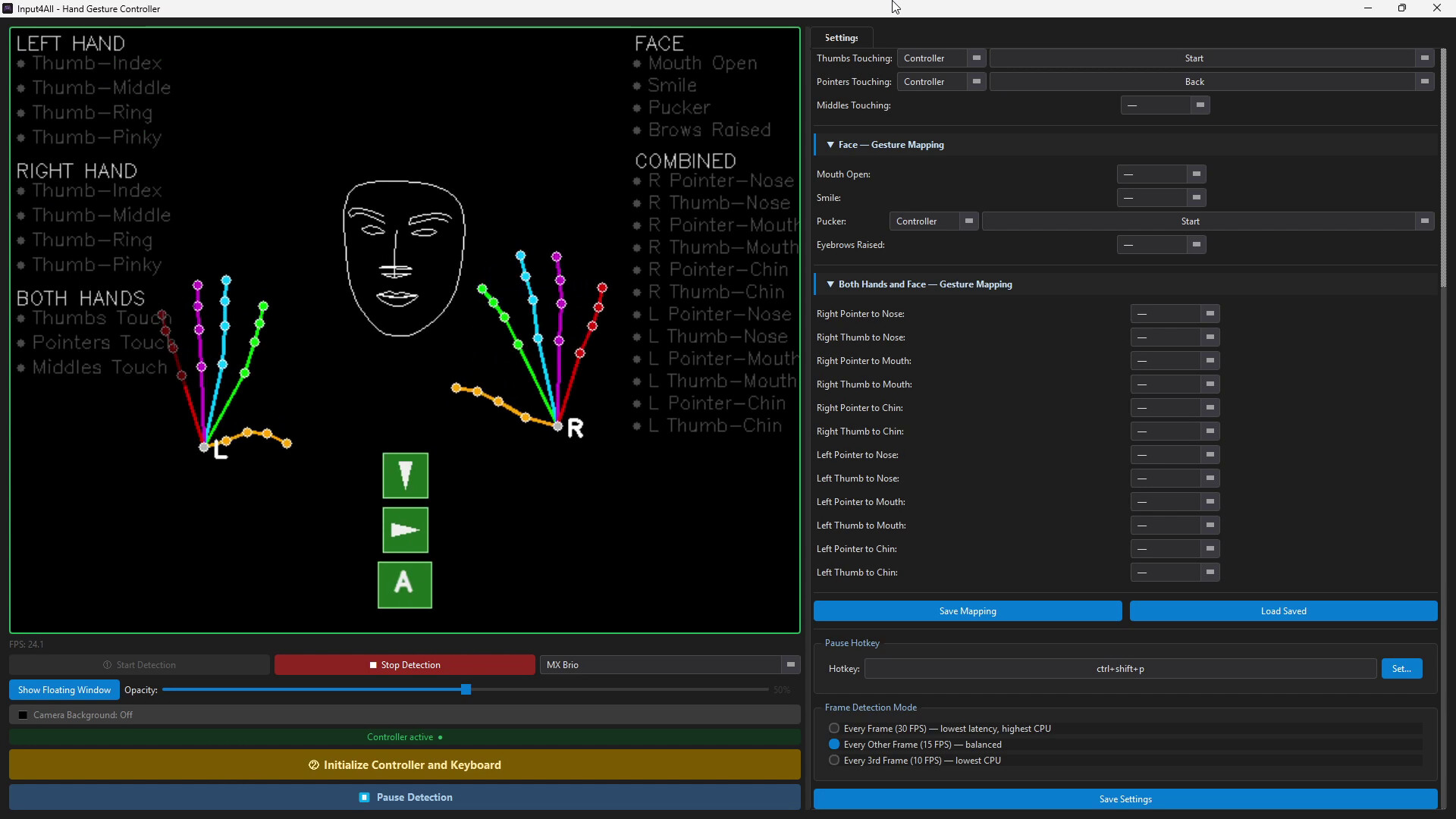
⚡ **Live Action Badges** — See exactly which button or key fires the moment a gesture is detected, overlaid directly on your camera feed.
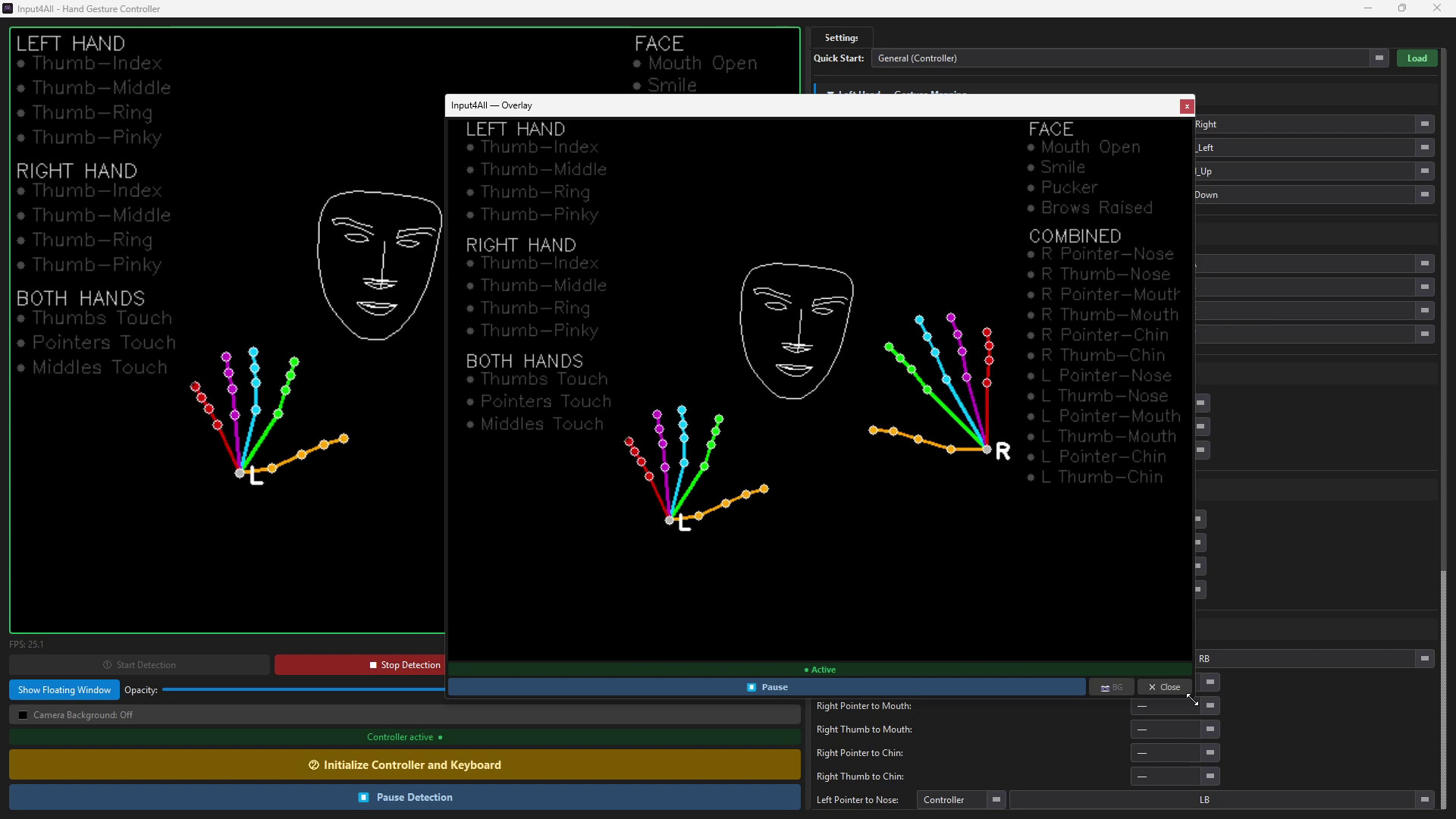
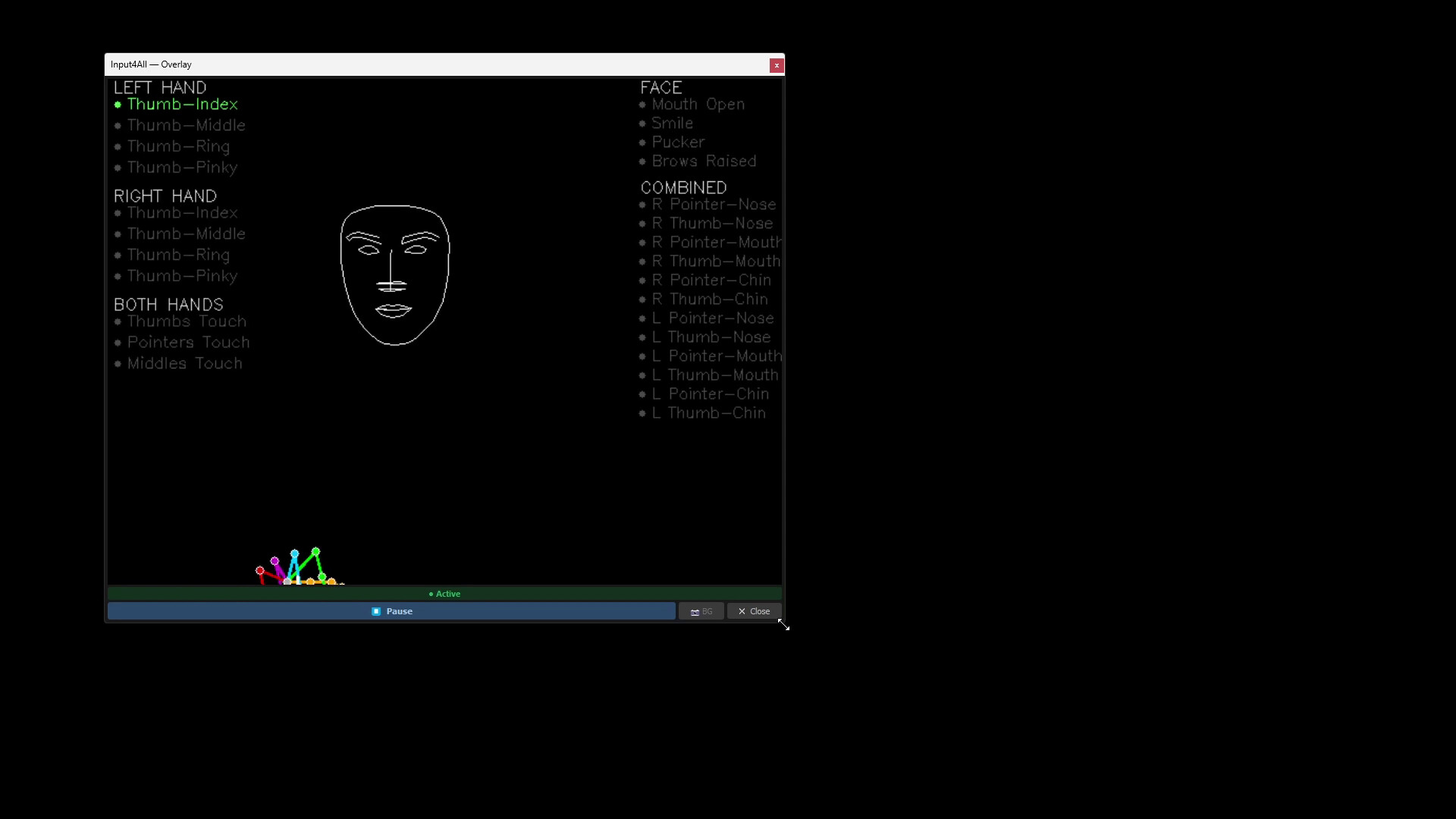
🖥️ **Floating Overlay Window** — Keep a compact, resizable camera preview on top of your game at all times.
⏸️ **Instant Pause** — Suspend all output with one click, without closing anything.
📷 **Skeleton Mode** — Toggle the camera background off to show only your hand and face wireframe on a clean black canvas.
💾 **Profiles & Quick Start Presets** — Save and load custom mapping profiles. Built-in presets get you playing in seconds.
**Built For Everyone**
Input4All was designed with accessibility at its core. Whether you're a streamer looking to add a hands-free input layer, a player with limited hand or movement mobility looking for a more comfortable way to play, or someone working through physical rehabilitation who wants to make prescribed movements more engaging — Input4All meets you where you are.
**Requirements**
A USB webcam or built-in camera is required. The ViGEm Bus Driver is included in the installer and installed automatically for virtual controller support.