Details
- Release date: September 2, 2026
- Genre: Utility
- Developer: BlackSails.com
- Publisher: BlackSails.com
- Platforms: Steam
Current prices

|
Steam
Digital
|
Free
|
Price history
| All time low | |
| Free | |
Description
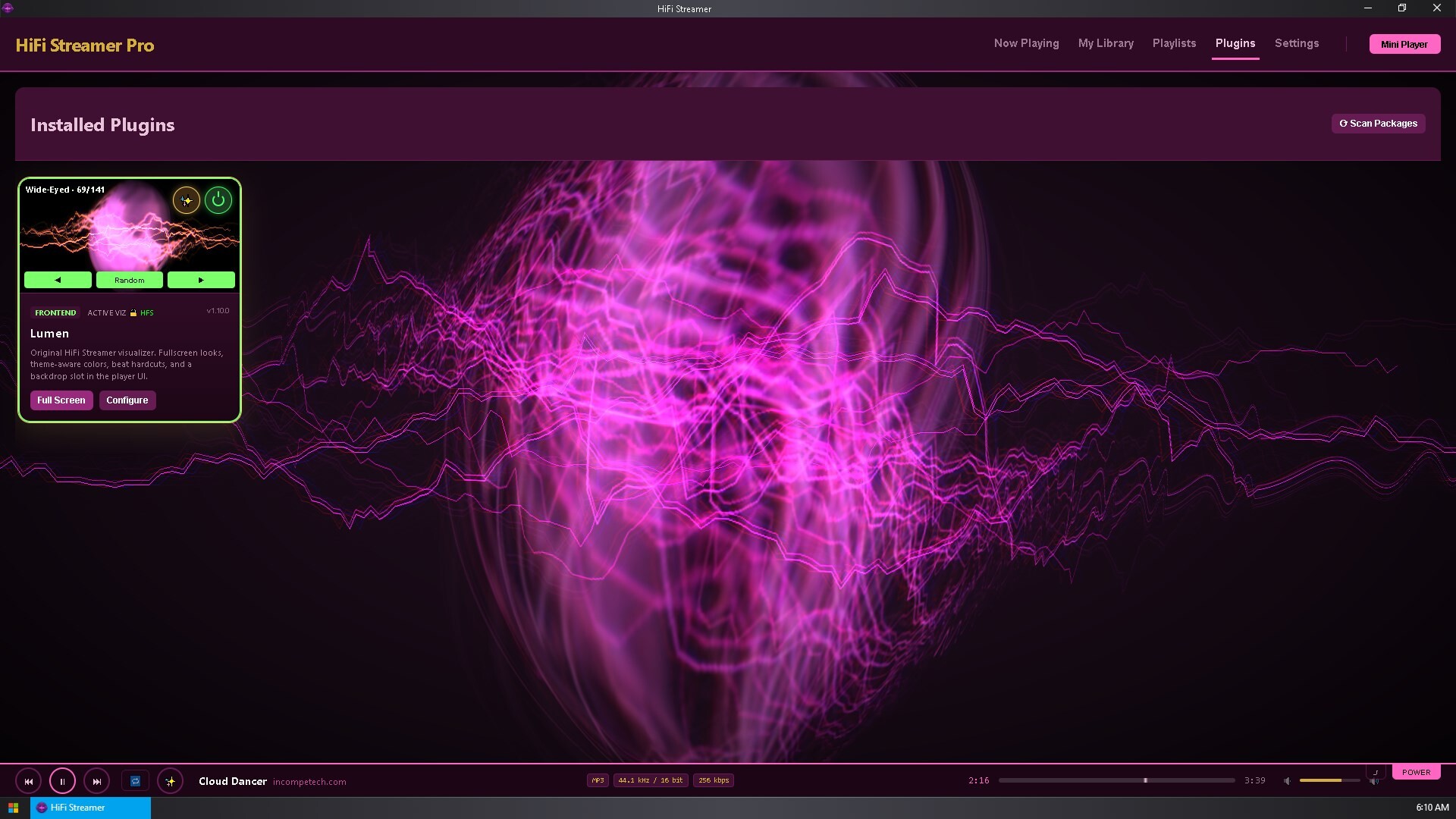
HiFi Streamer Pro - Lumen Visualizer Plugin
Original music visualizer for HiFi Streamer Pro. Fullscreen looks, beat-reactive hardcuts, and a backdrop that lives inside the player.
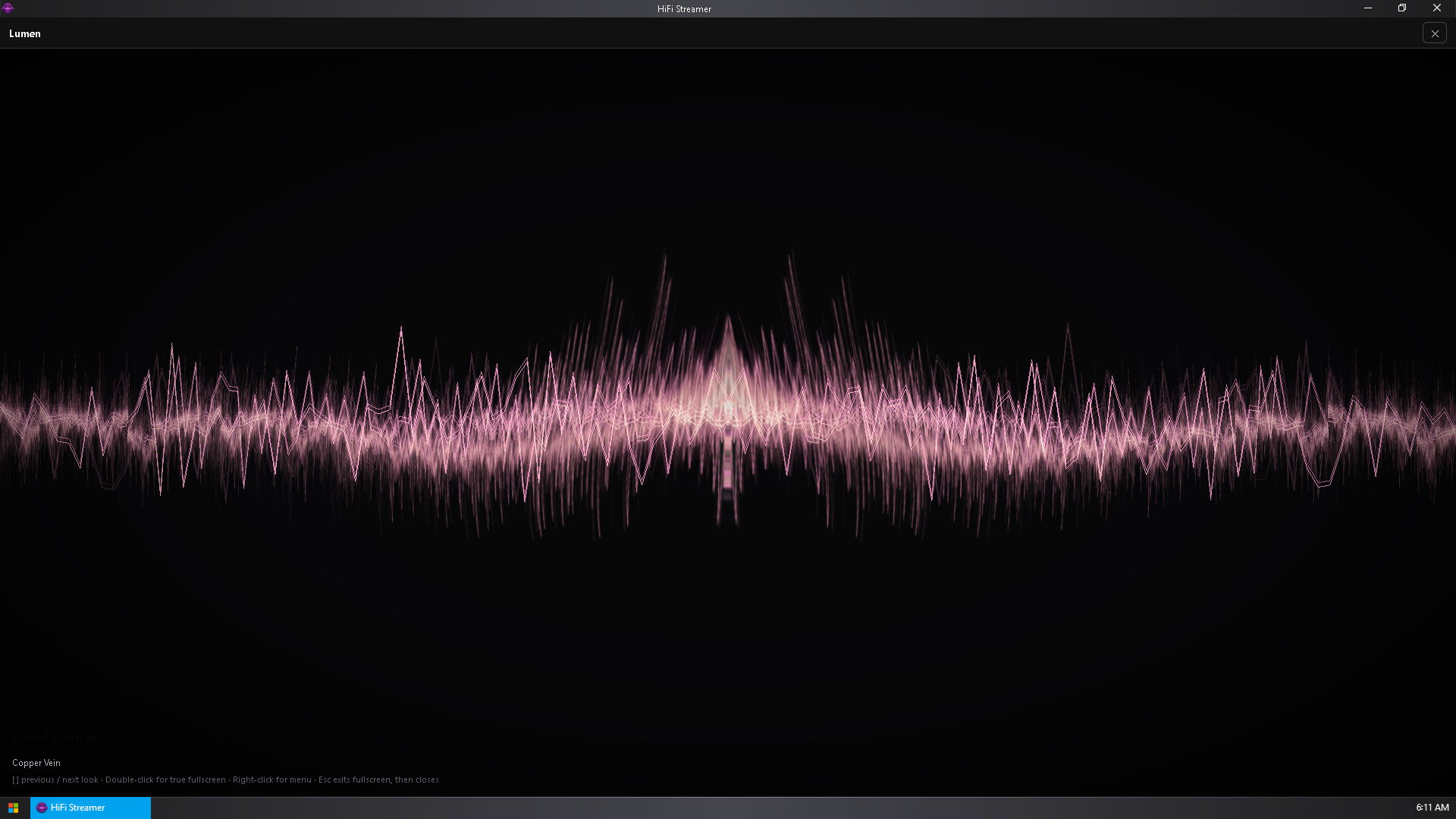
Lumen is HiFi Streamer Pro's original visualizer plugin — a purpose-built WebGL feedback engine with over 100 built-in looks that react to what you are playing: vortexes, kaleidoscopes, wormholes, chroma-split raves, and alien geometries.
Run it on the fullscreen stage, park it in the Now Playing panel, fill the app wallpaper, or drop it into the mini player. Colors can cruise the spectrum, stay in a four-color palette you pick, or follow the UI theme you already installed.
Key Features
100+ Built-in Looks: A curated library of original presets. Uncheck the ones you do not want in the rotation — at least one stays on.
Fullscreen Stage: Double-click for true fullscreen. Previous and next look keys, a right-click menu, and an optional track-title overlay that can stay up, fade after a few seconds, or stay hidden.
Beat Hardcuts: Snap to a new look when the bass spikes. Tune the threshold and overall sensitivity so it hits with the mix, not against it.
Player Backdrops: Put Lumen in the Now Playing panel, the full app wallpaper, or the tear-away mini player. Album art in that slot comes back when Lumen is off.
Color Treatment: Spectrum cruise walks the rainbow. Custom locks the engine to four colors you pick. Theme mode follows the installed UI theme and updates when you change it.
Auto-cycle & Shuffle: Blend to the next look on a timer, keep the order, or randomize it.
Requirements
Requires HiFi Streamer Pro. Lumen installs as a plugin and appears under Installed Plugins. The visualizer reads shared-mode audio — turn off WASAPI Exclusive if you want it to react to playback.