GIF Slicer
Details
- Release date: June 25, 2026
- Genre: Utility
- Developer: BlackSails.com
- Publisher: BlackSails.com
- Platforms: Steam
Current prices

|
Steam
Digital
|
$1.99
|
Price history
| All time low | |
| $1.15 | (-42%) |
Description
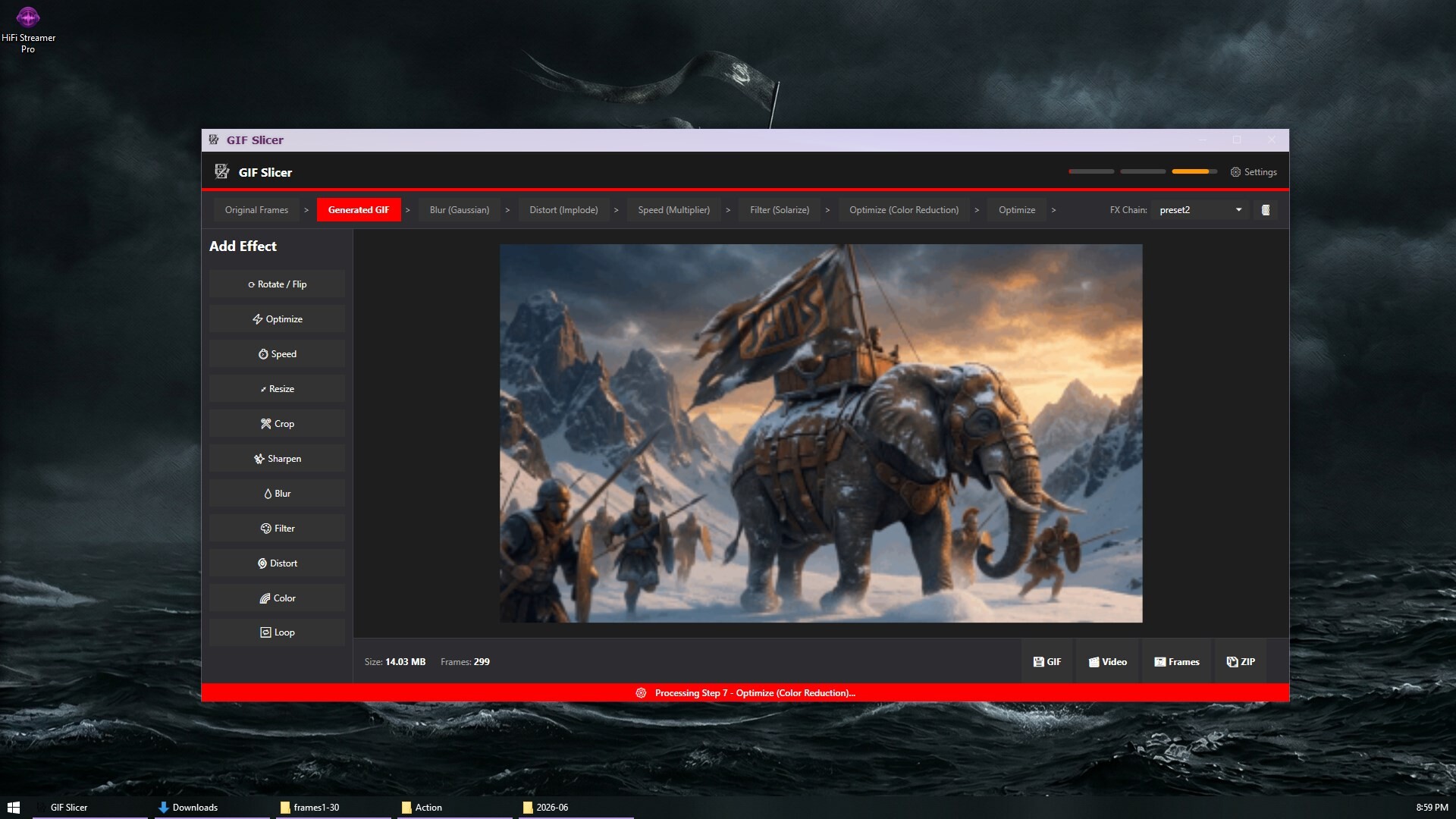
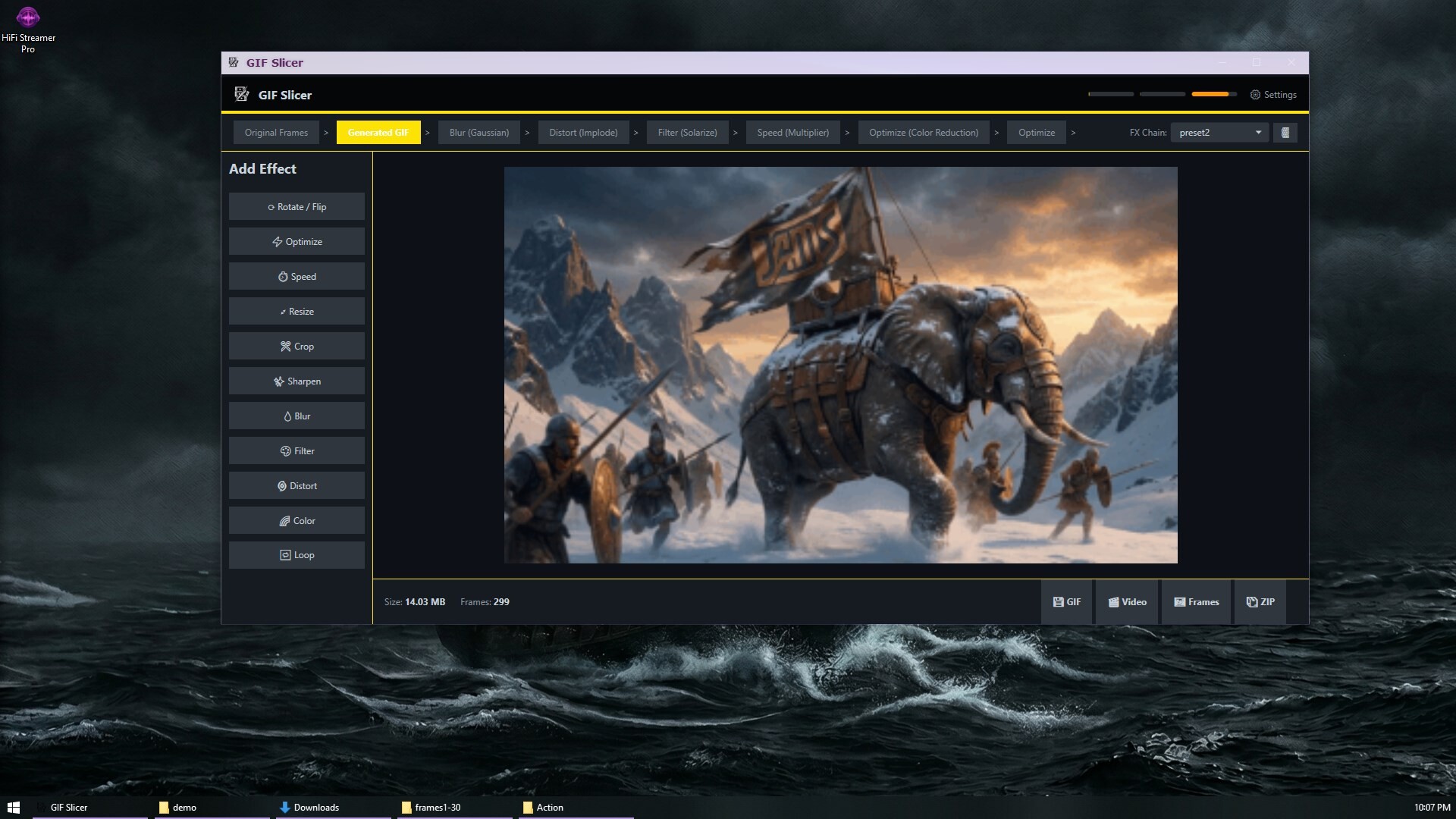
GIF Slicer is your ultimate toolkit for manipulating animated media. Powered by the industry-standard ImageMagick and FFmpeg engines, it delivers professional-grade editing in a lightweight, user-friendly interface. Whether you are creating high-quality emotes, optimizing heavy GIFs for the web, or converting video clips into perfectly looped animations, GIF Slicer gives you the exact tools you need without the bloat of traditional video editors.
🛠️ Total Frame Control
Drag and drop your images, GIFs, or video files straight into the app.
Frame-by-Frame Editing: Delete, duplicate, skip, or reorder individual frames with ease.
Precision Timing: Adjust delays globally, apply exact millisecond delays, or target a specific FPS.
Smart Skipping: Automatically remove every Nth frame to drastically cut down file sizes without manually deleting frames.
Split: Cut the clip on the timeline. Keep the left or the right, trim both ends, or drop a section from the middle.
Loop: Turn the clip into a ping-pong boomerang, or repeat the sequence.
⛓️ Non-Destructive FX Pipeline
Build your edits using a step-by-step stage history. Don't like an effect? Just delete or modify that stage without starting over. Save your favorite setups as FX Chains to instantly apply your signature look to future projects.
Transform: Rotate, flip, crop, and resize with high-quality resampling filters (Lanczos, Bicubic, etc.).
Adjust & Colorize: Fine-tune brightness, contrast, hue, and saturation, or apply custom hex-color overlays.
Distortions: Get creative with Implode, Swirl, Wave, and Fisheye effects.
Filters Galore: Apply dozens of built-in filters including Cinematic, Cyberpunk, Lo-Fi, Retro, Oil Paint, Sketch, and Edge detection.
Draw: Stamp a shape, a line of text, a still image, or paint onto every frame. The frame stays the same size.
Borders: Frame the picture with solid, polaroid, glow, neon, dashed, bevel, shadow, and other styles.
Motion: Shake, zoom, pan, spin, or bounce the picture, and fill the gaps with a color you choose.
Fades: Fade in, fade out, crossfade into the next frame, dip to a color, or flash.
Key: Remove a screen color, flood from a point you pin, or fill a box. Click the picture to sample the color.
Video: Lay another clip over the whole frame, or inside a box you position, with its own speed, start, and opacity.
⚡ Advanced Optimization
Keep your file sizes low and your quality high.
Lossy Compression: Dial in the exact level of compression to save space.
Color Reduction: Downsample your color palette (up to 256 colors) for authentic, lightweight retro GIFs.
Transparency Optimization: Automatically detect and optimize transparent pixels to shave off unnecessary kilobytes.
Tight Frames: Save each frame as only the box of pixels that changed, so unchanged areas are not stored again.
Similar Frames: Drop exact copies, or frames close enough to the one before, and add their time to the frame that stays.
Match Previous: Copy pixels that nearly match the frame before, then keep only the rectangle that changed.
Target File Size: Choose a size in kilobytes and let compression work toward it.
🎬 Versatile Export Options
Export your creations exactly how you need them.
Standard GIF: Perfect for web sharing and messaging.
Video Formats: Export directly to MP4 (H.264 / HEVC), WebM (VP9 with transparency support), MOV (ProRes 422 for video editors), AVI, MKV, or FLV.
Frame Dumps: Export your animation as a ZIP archive or a folder of individual PNG frames for sprite sheets and game dev.
Soundtrack: Add a background track or a sound effect. GIF and frame saves stay silent. Video export mixes the audio in.
🎨 Highly Customizable Workspace
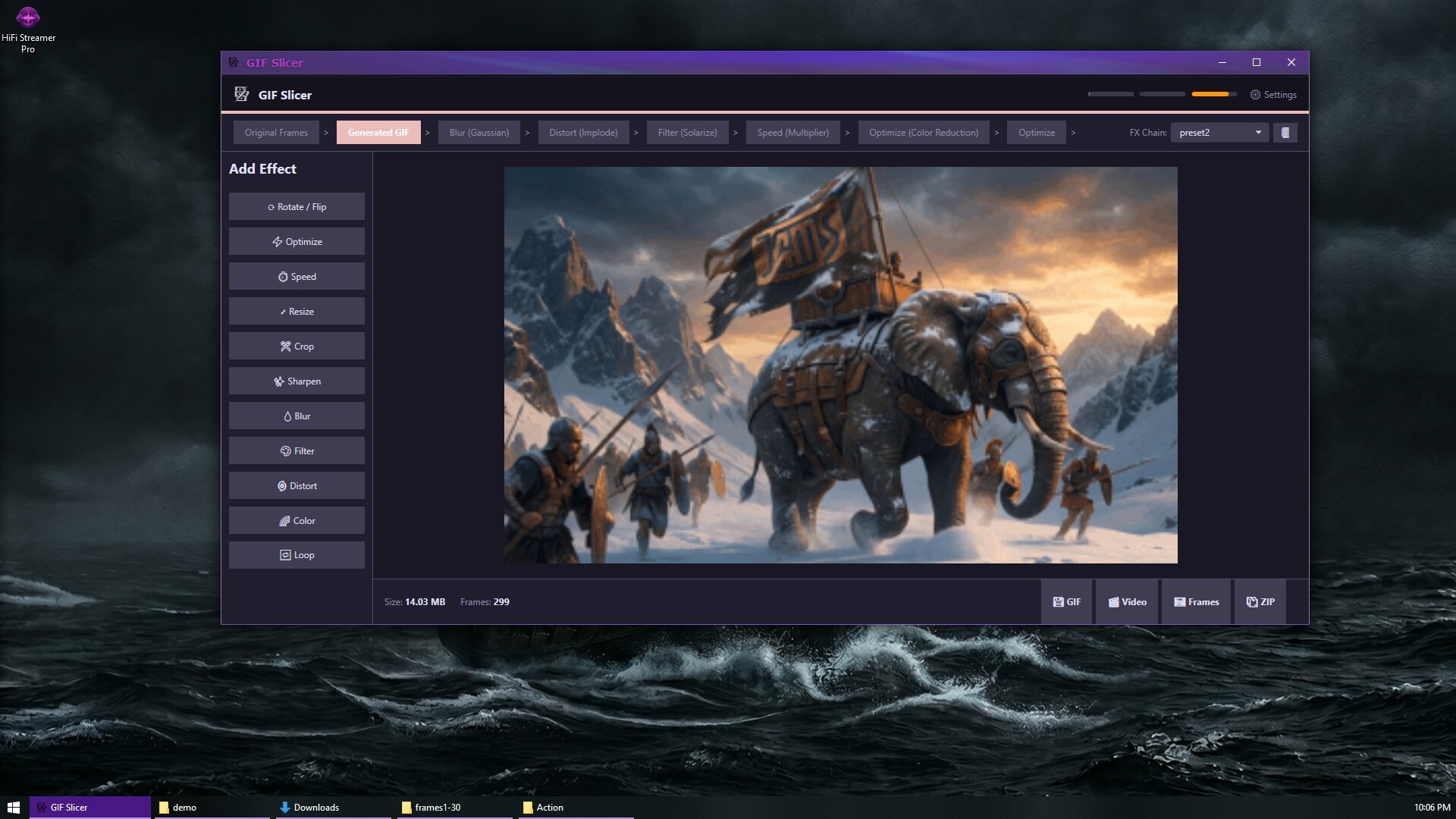
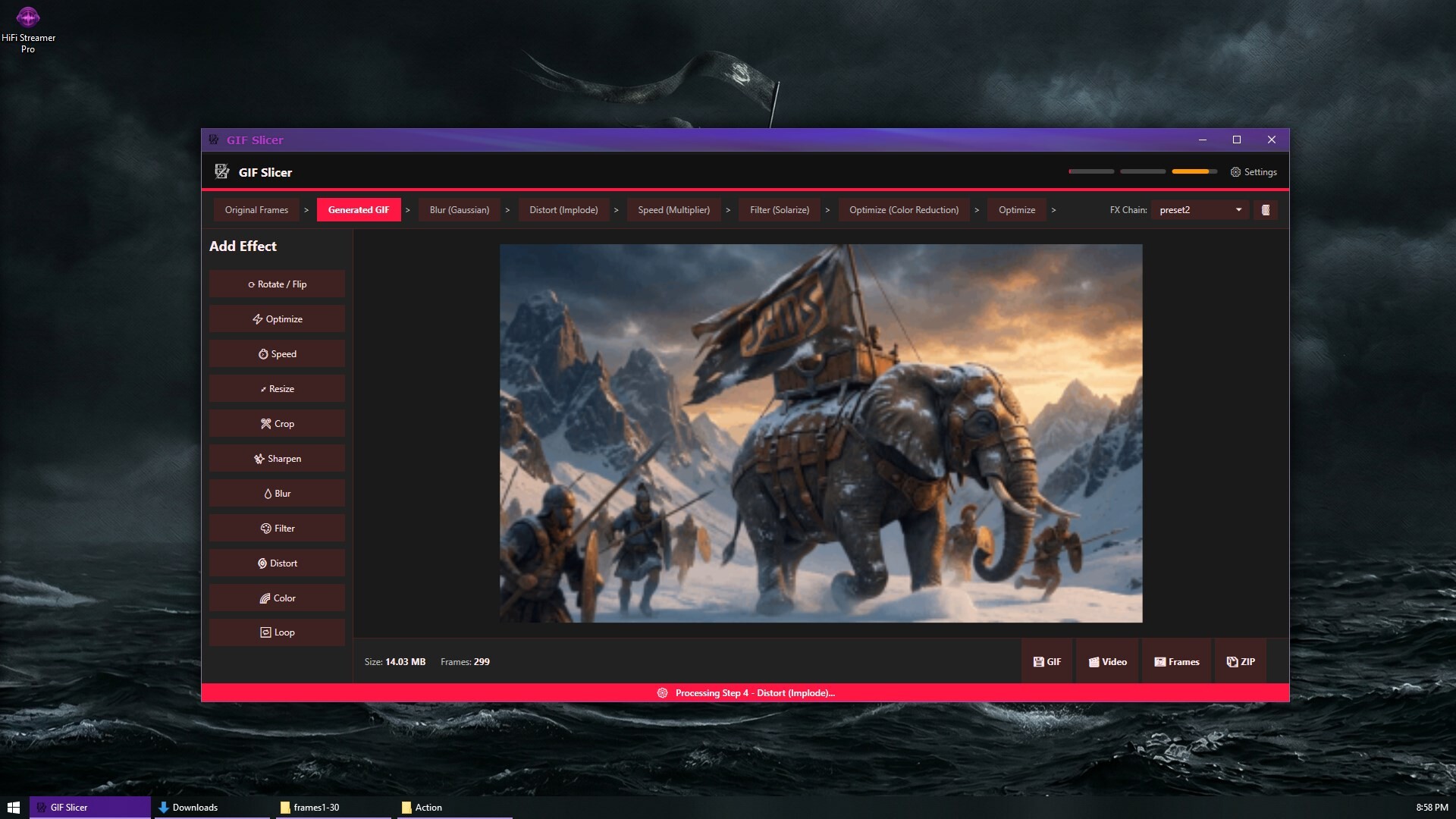
Make the workspace your own. GIF Slicer features hardware acceleration and a highly customizable interface.
Themes: Choose from dozens of stunning UI themes including Dracula, Nord, Cyberpunk, Vaporwave, and Minimalist Mono.
Localization: Fully translated and supported in 30 different languages.
Audio Cues: Optional sound effects for pipeline completion, stage updates, and notifications so you know exactly when your renders are updated or finished.