FrameLess: A Borderless & Ultrawide Helper
Details
- Release date: December 22, 2025
- Genre: Utility, Casual
- Developer: Terabyte Software
- Publisher: Terabyte Software
- Platforms: Steam
Current prices

|
Steam
Digital
|
$12.99
|
Price history
| All time low | |
| $10.39 | (-20%) |
Description
Use this software if you:
Want to automatically resize and position different apps & games
Play games in "windowed mode" and want to remove the title bar
Use an Ultrawide or Dual-Wide monitor, but don't play all of your games in full screen
Frustrated with other similar applications that just don't quite seem to work correctly
How it Works:
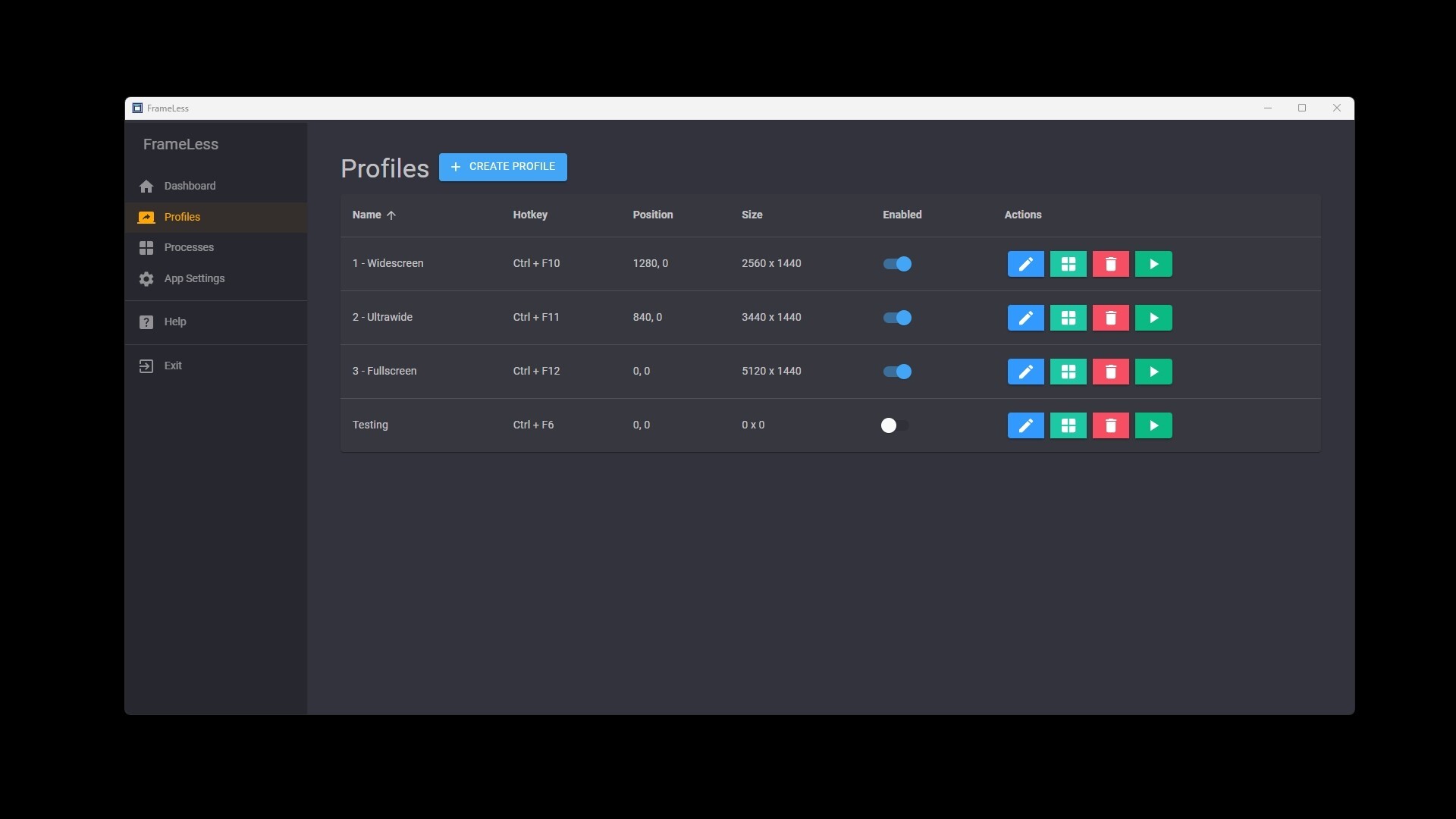
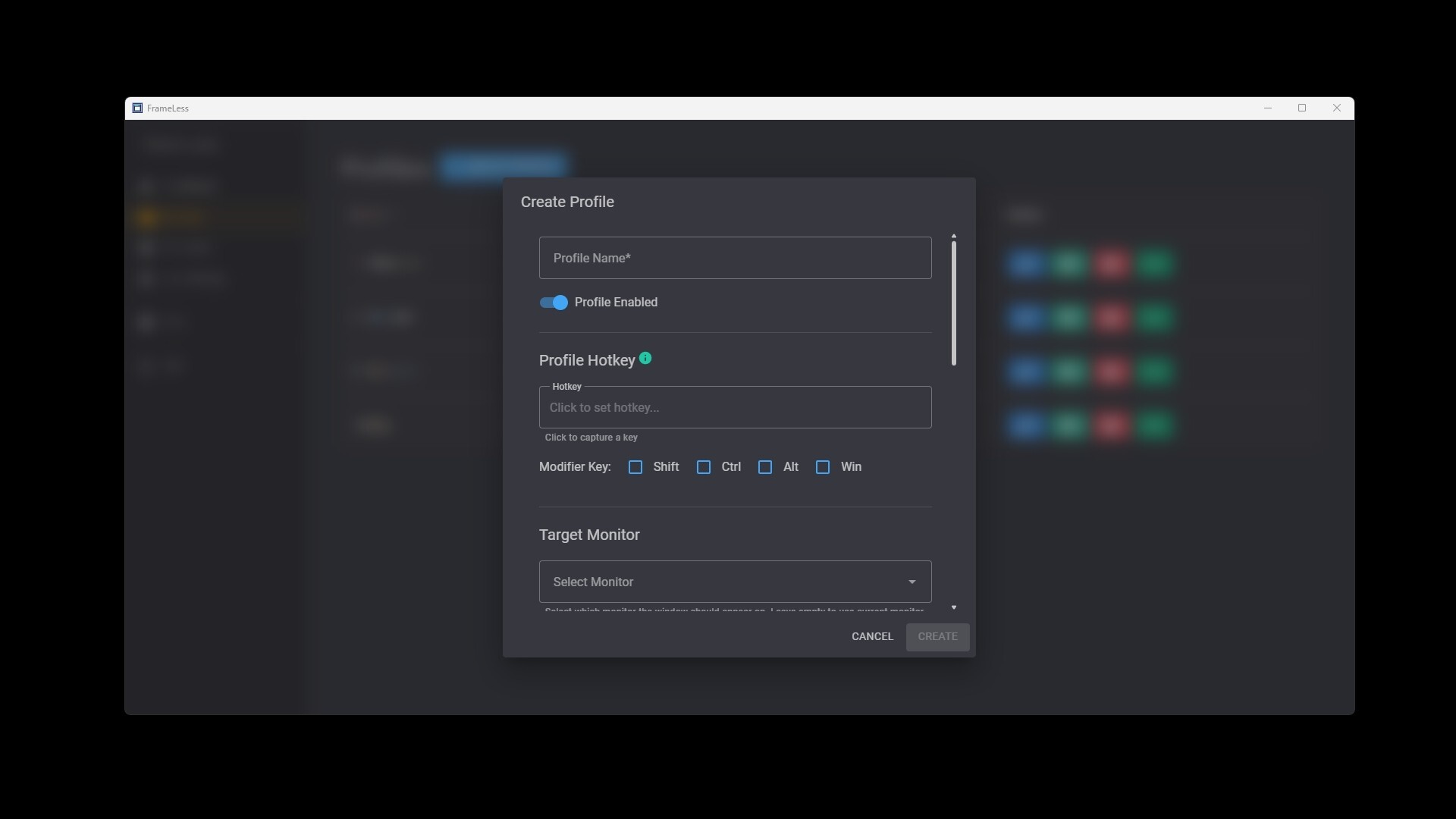
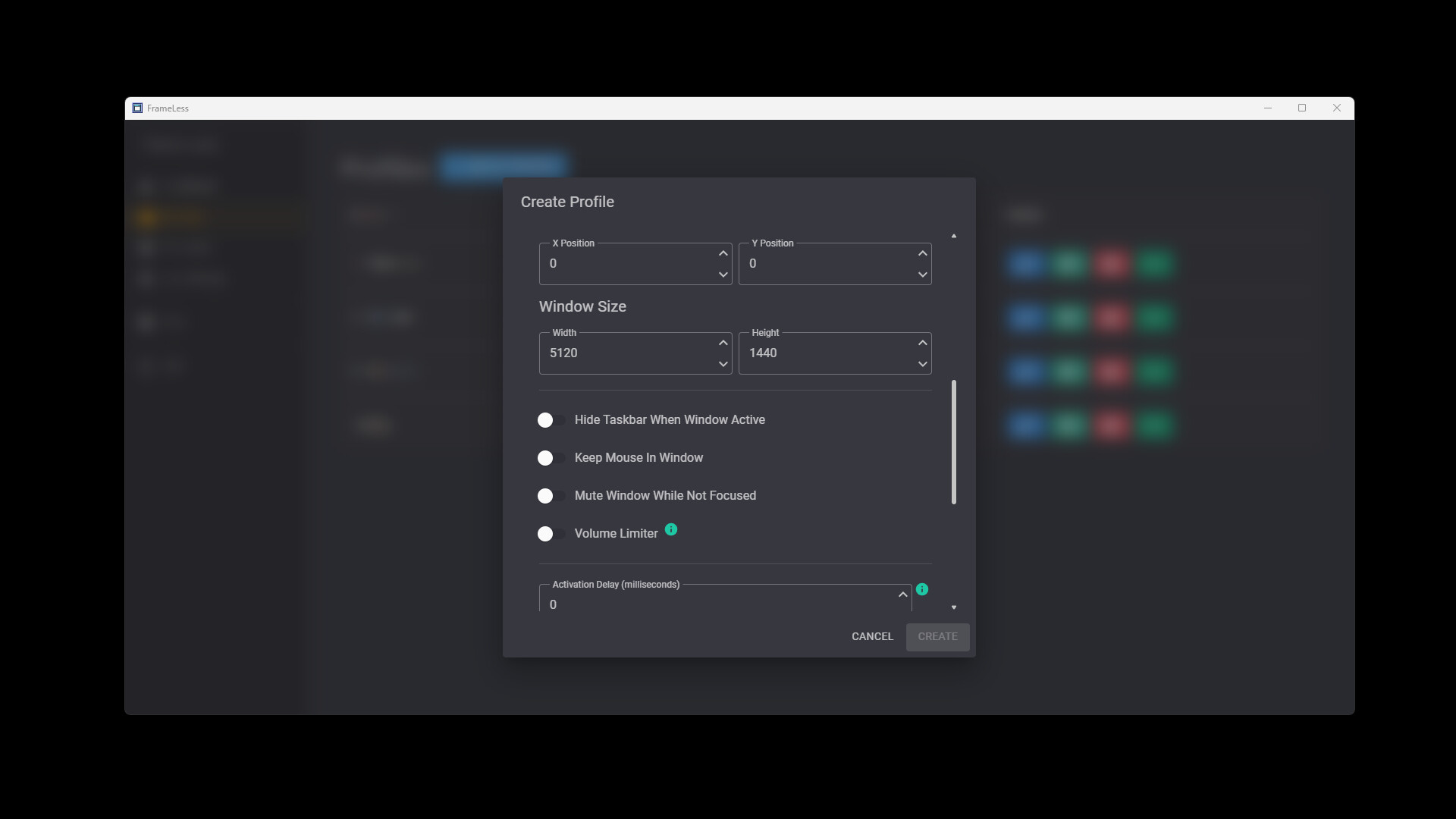
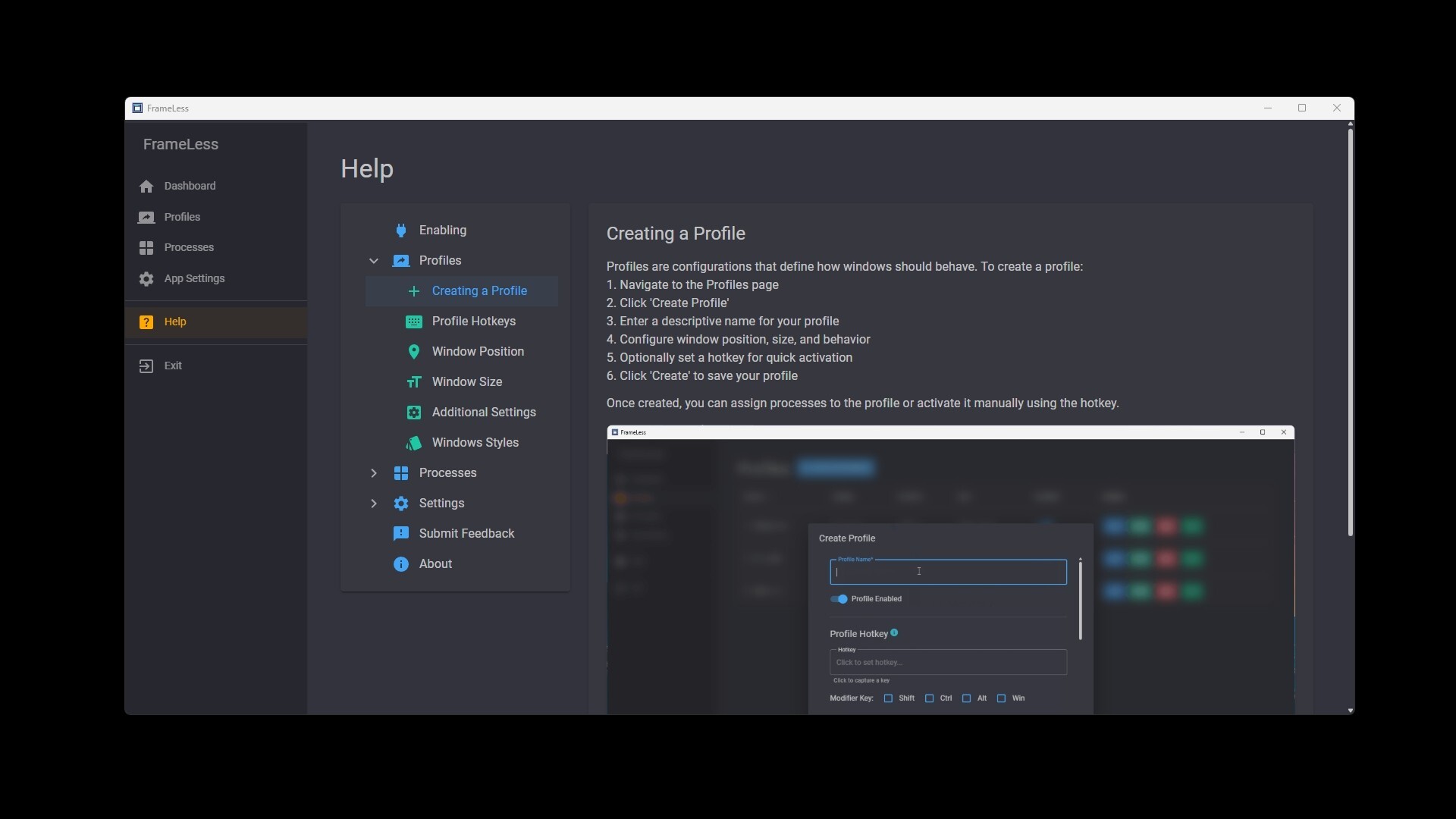
1. Create a Profile with settings to your liking (window position, size, mouse lock, etc.)
Optionally, assign a Hotkey to the Profile
2. While a game or application is focused, hit your profile's hotkey
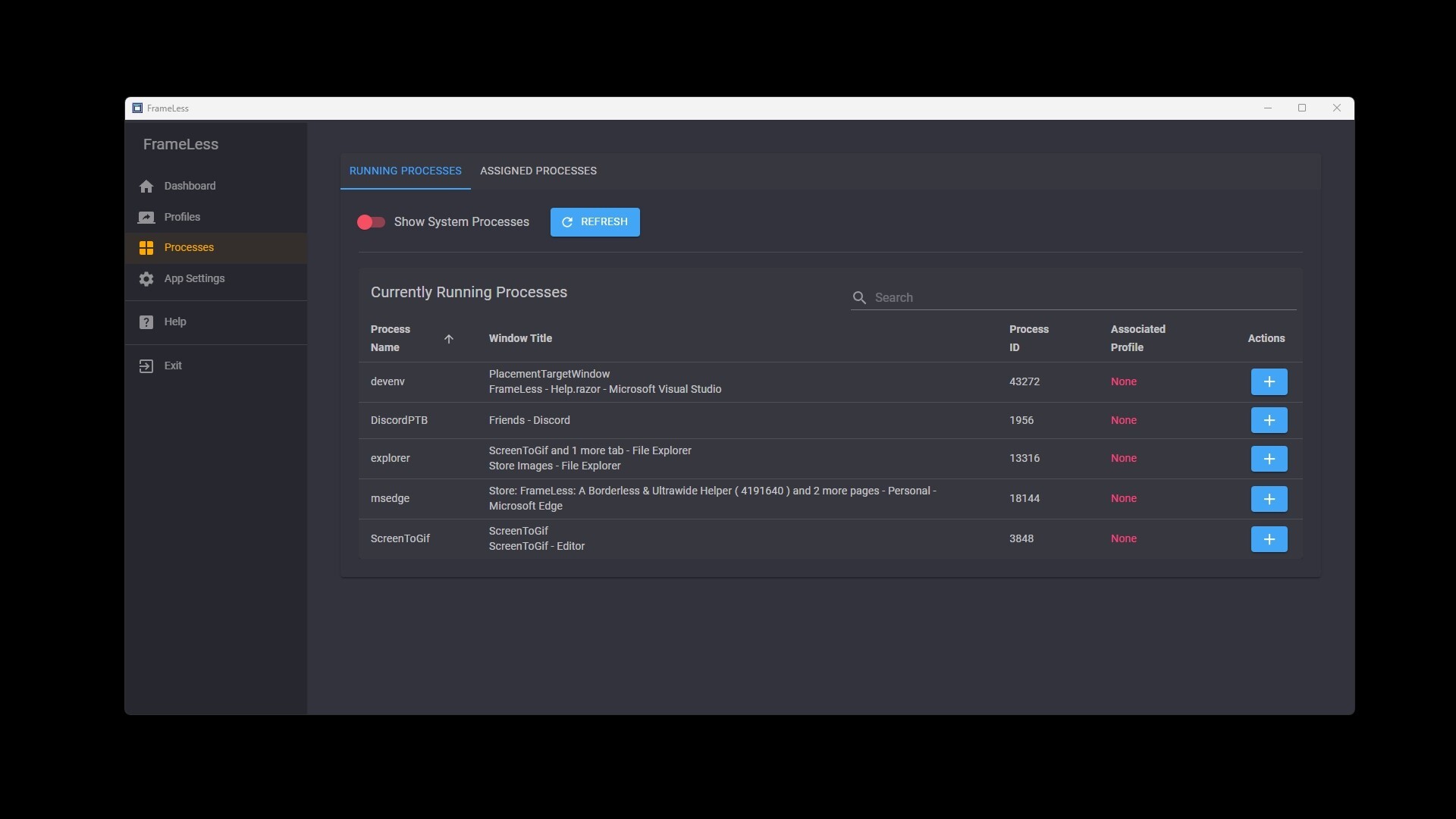
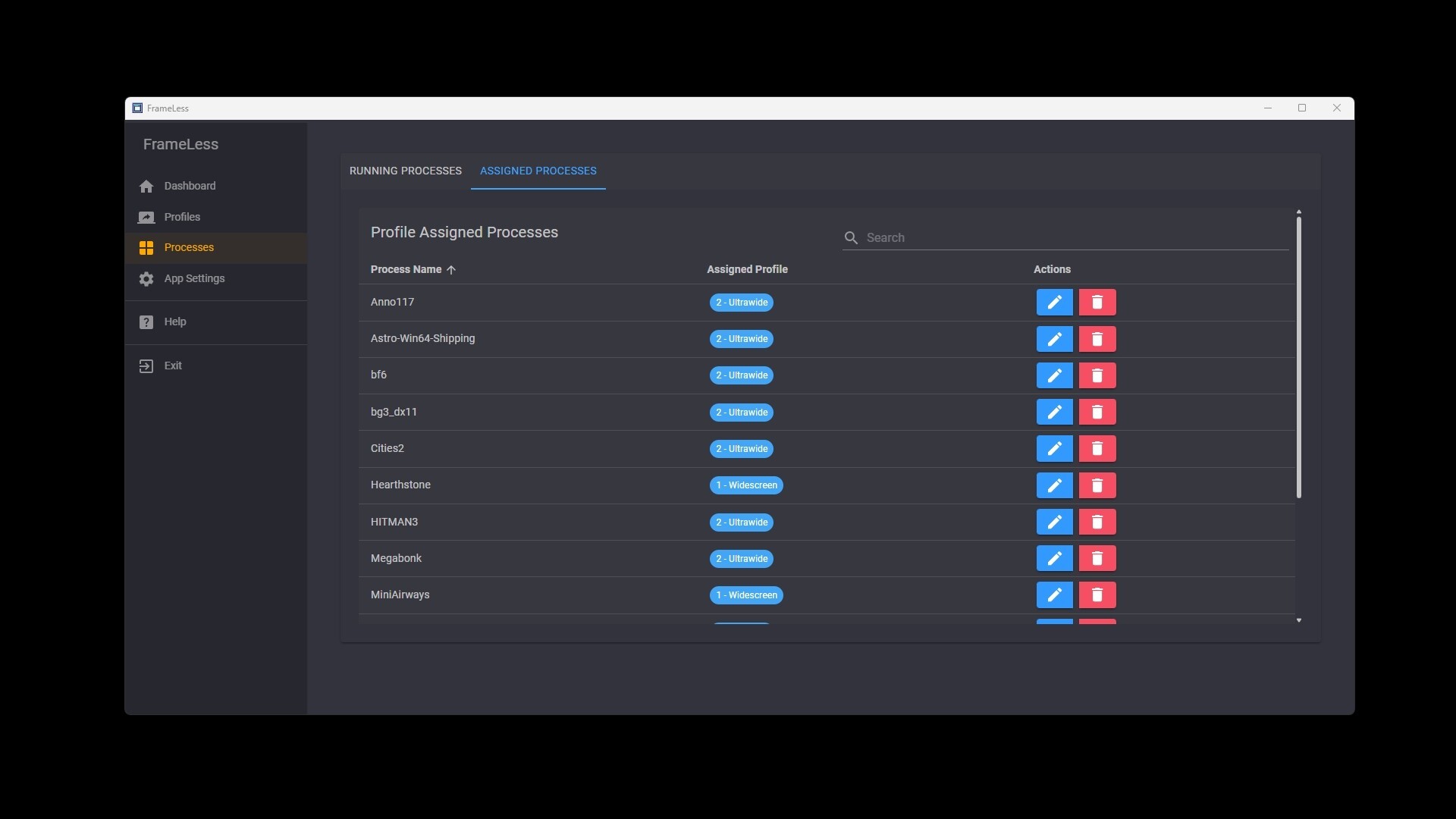
Alternatively, use in the Process Browser in the GUI to assign a profile to a game/app
3. That's it! The rest will happen automatically from now on, as long as FrameLess is running!
Features:
Remove title bars, borders, and apply a selection of native Windows styles to your apps & games
Automatically resize and position your windows
Lock your mouse cursor in a window
Force hide the taskbar while focused in a window
Automatically mute a window when it loses focus
Limit application volumes
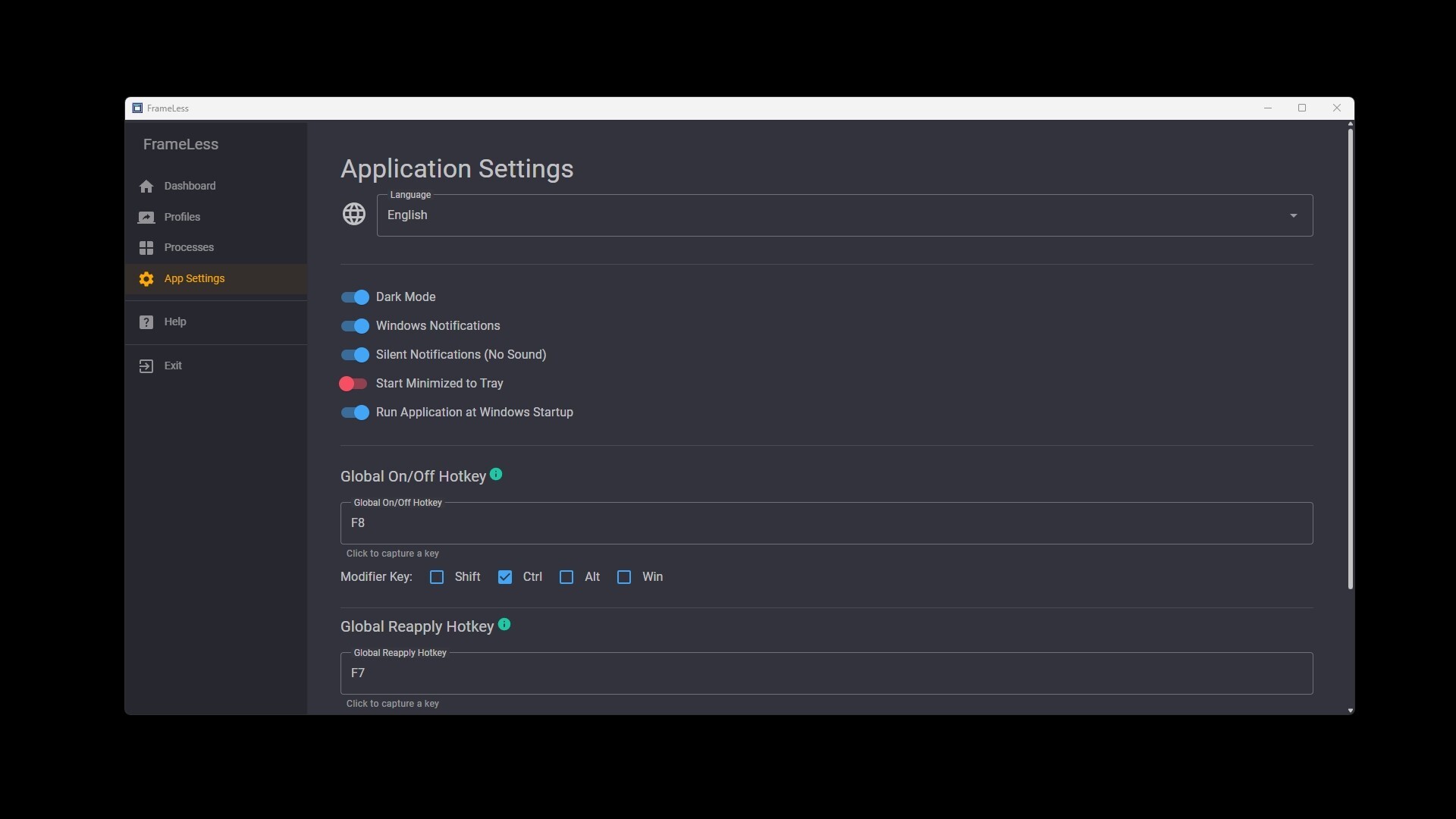
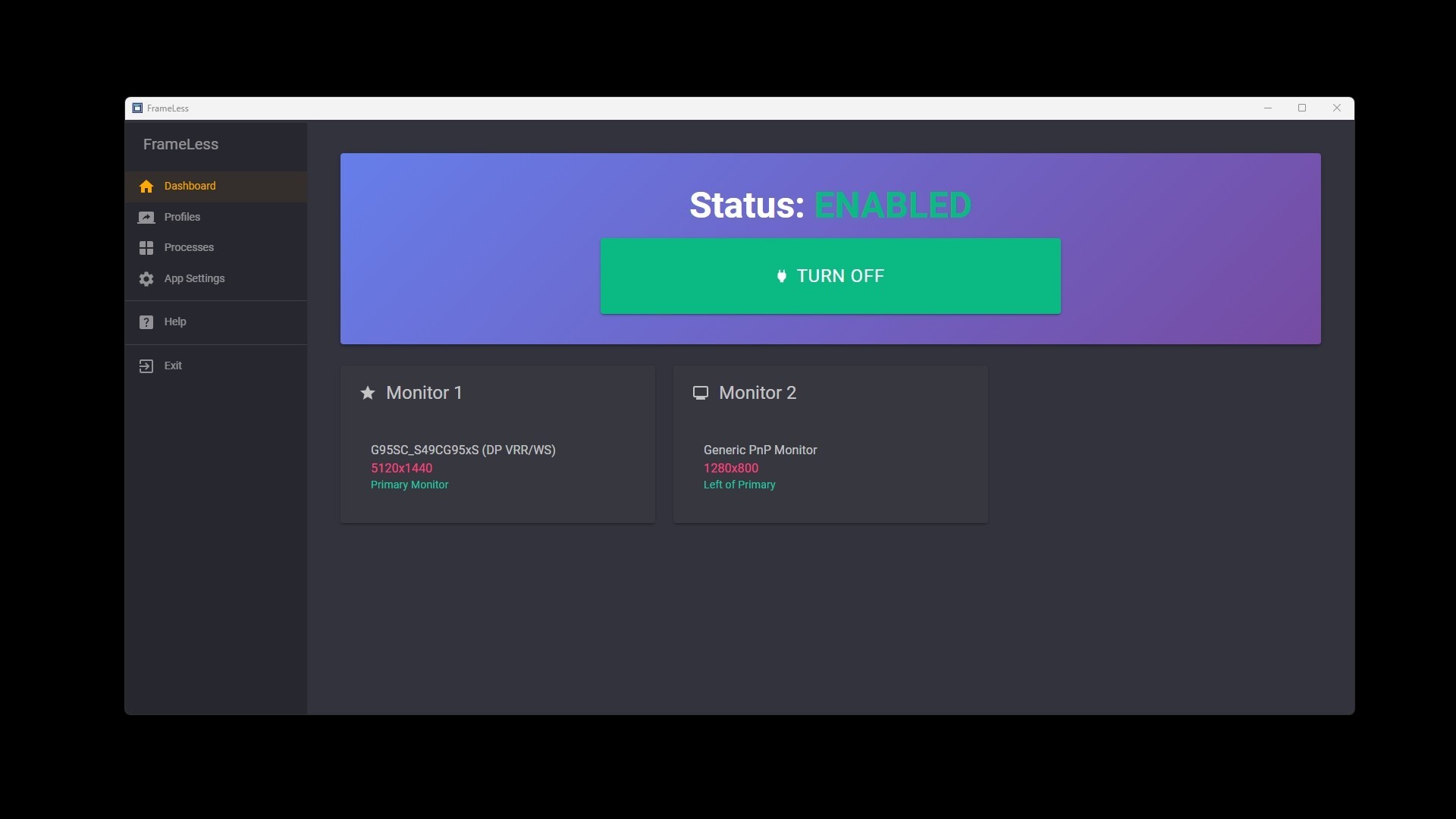
Global On/Off to easily disable window modifications
Windows restore to original state when FrameLess is disabled or closed
Easy Profile setup
Profile Hotkeys
Per-Profile Enable/Disable functionality
Intuitively associate processes (apps, games, etc.) to a profile with Hotkeys or the GUI
Dark Mode
Many languages supported
Notifications when a window is modified (with a silent option)
Lightweight and very low system resources