Details
- Release date: September 30, 2025
- Genre: Casual, Role-Playing
- Developer: LancerKoi
- Publisher: 白夜星象馆
This item is not currently available at any of the stores that Deku Deals tracks.
Description
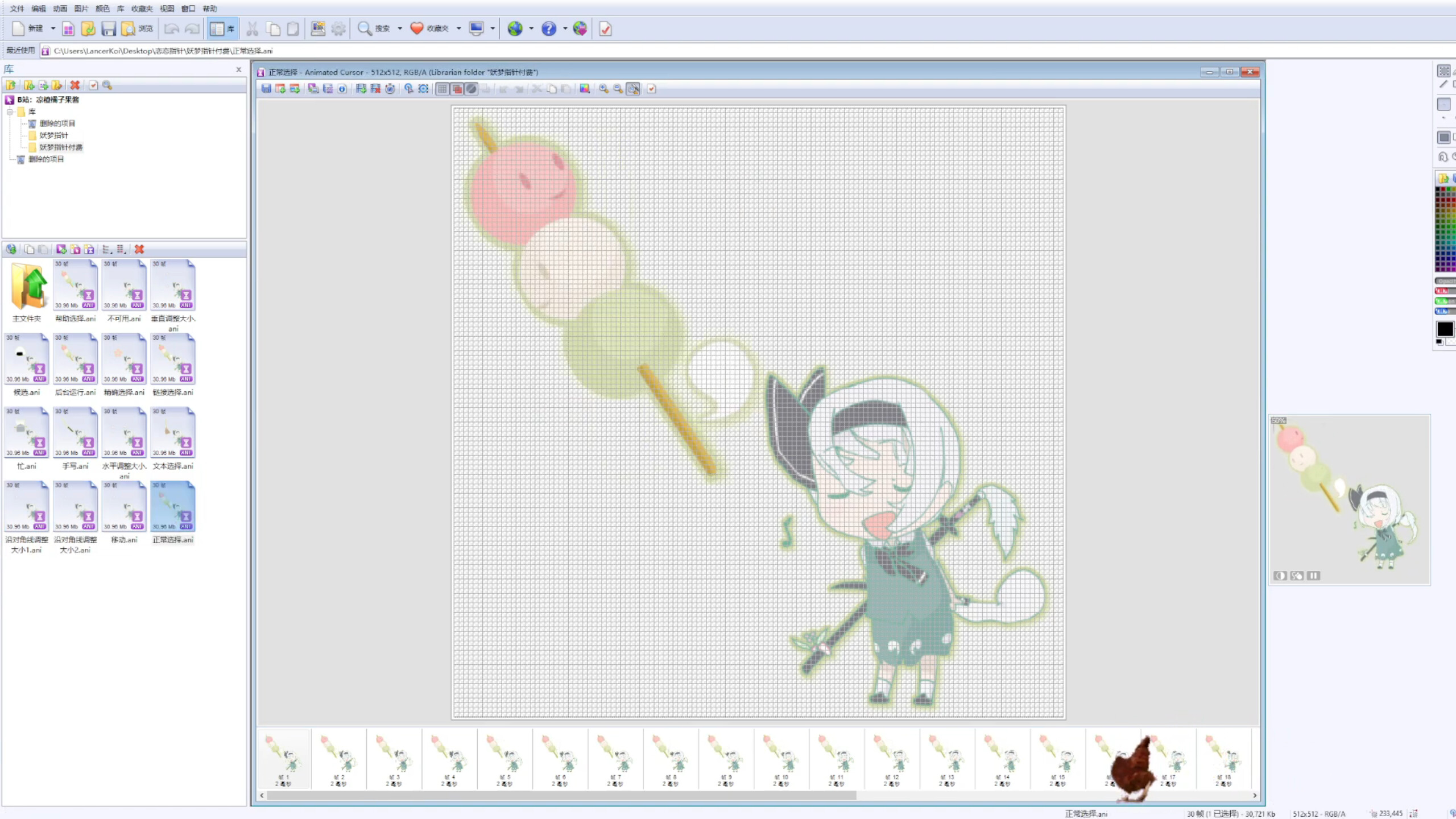
This is a dynamic-style cursor made by myself.
Since it involves modifying system files and has a relatively large size, you’ll need to install it manually!
Scripted Installation:
In Steam, click the gear icon in the upper right → Manage → Browse Local Files
Open the path and find the “DLC” folder (...\feeding yuyuko\DLC\Cursor-***)
Inside the cursor folder, right-click Install.inf and select Install
Go to Windows Settings → Personalization → Mouse Pointers, and select the pointer scheme you just imported
If the scripted installation fails, please install manually:
Right-click Install.inf, choose Open with → Notepad
Open Windows Settings → Personalization → Mouse Pointers, create a new cursor scheme
Replace each pointer one by one according to the file names
If the cursor appears too small:
Open Windows Settings → Ease of Access → Mouse Pointer, and adjust the pointer size.