EigaScript: Script-Based Video/Audiobook Maker
Details
- Release date: January 22, 2026
- Genre: Utility, Indie
- Developer: EigaScript
- Publisher: EigaScript
- Platforms: Steam
Current prices

|
Steam
Digital
|
$13.99
-30%
|
| Lowest price ever | ||
| Sale ends March 18 | ||
Price history
| All time low | |
| $13.99 | (-30%) |
Description
EigaScript is a simple yet powerful markup‑based engine that lets writers and storytellers instantly turn text into fully narrated, image‑rich videos and audiobooks — all without touching traditional video‑editing software.
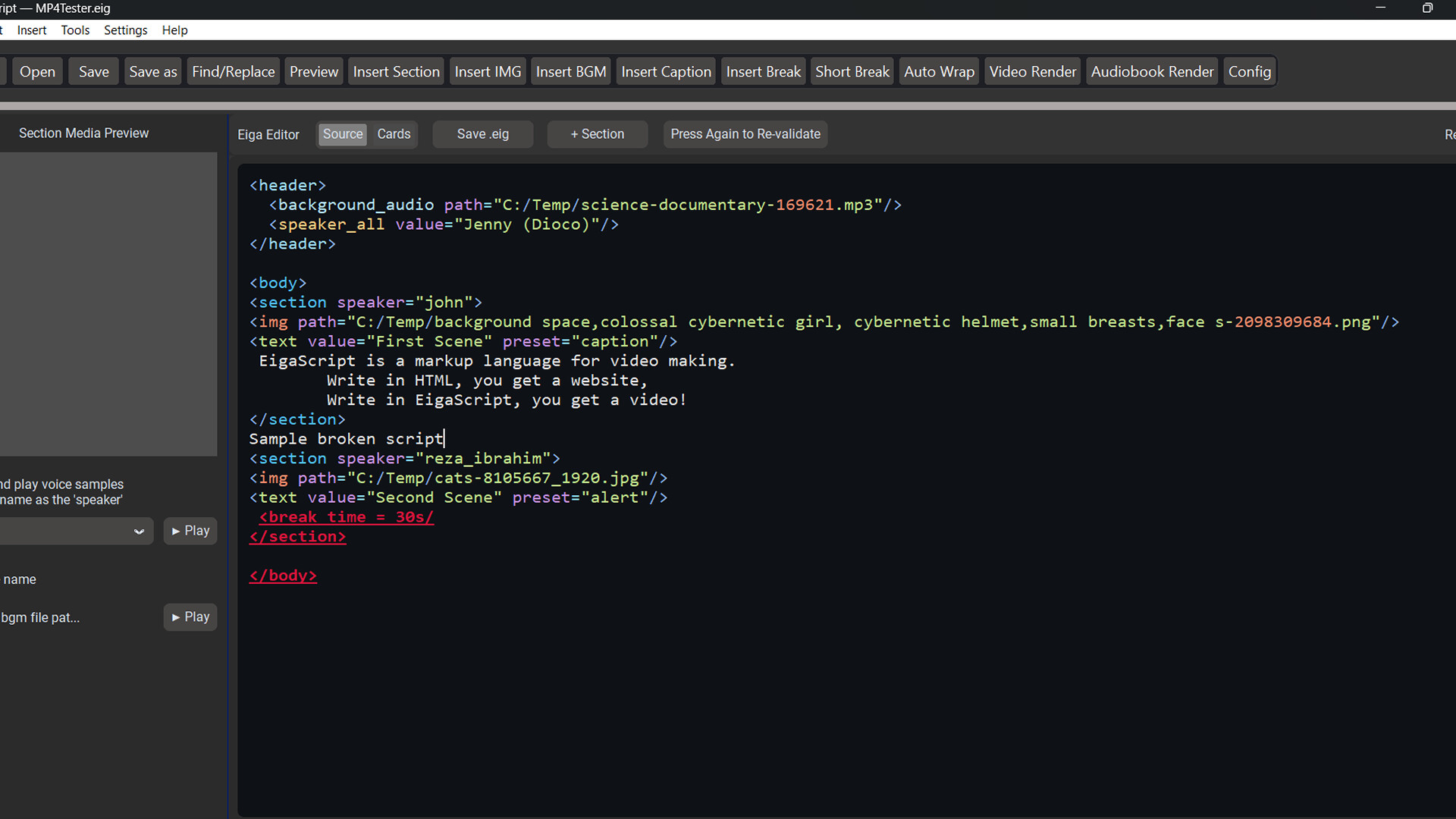
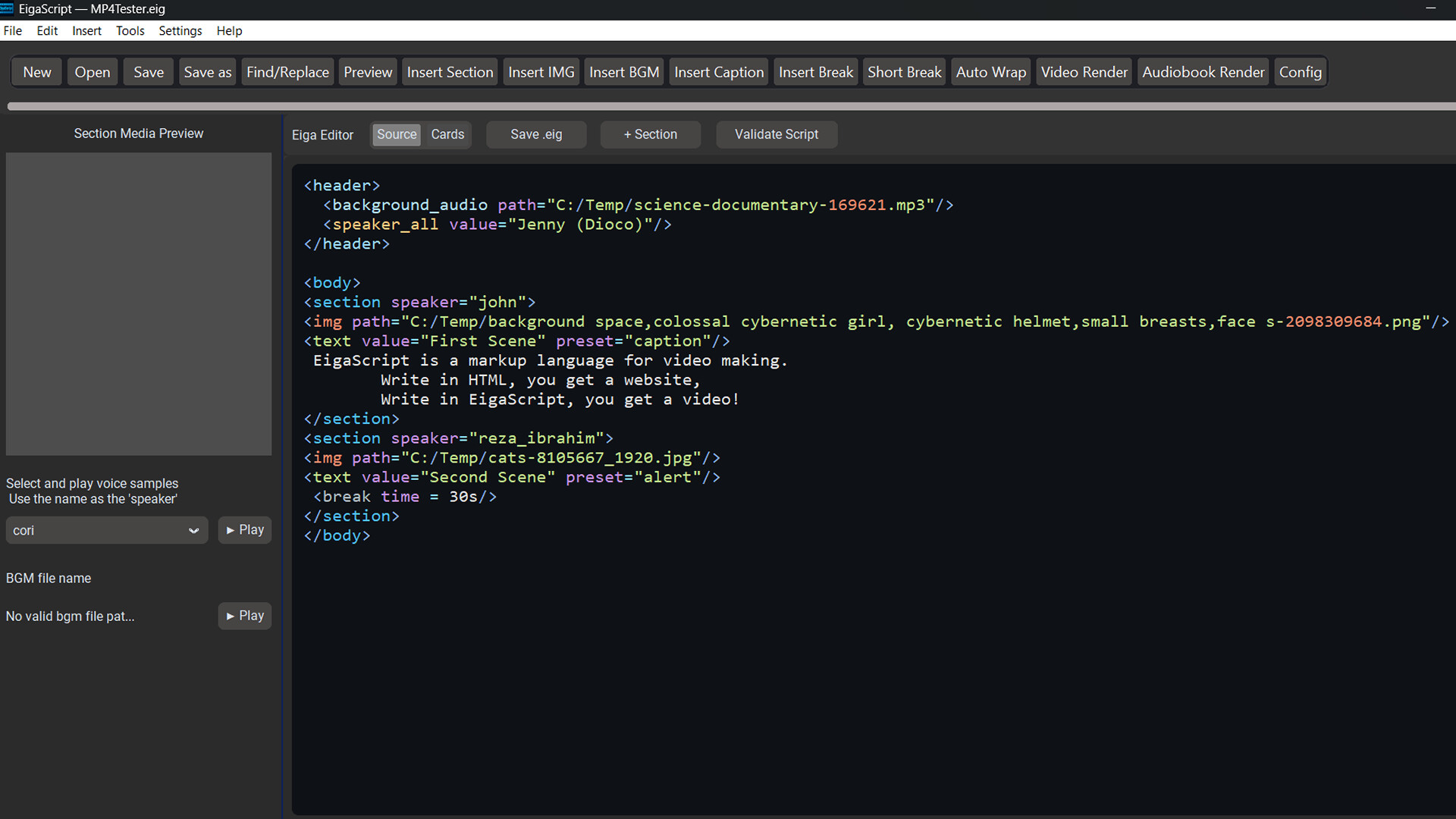
Built on a Script‑to‑Video workflow, EigaScript uses clean, HTML‑like tags to define scene changes, character voices, background music, and visuals (your own uploaded resources).
If you can write a paragraph, you can produce a complete video.
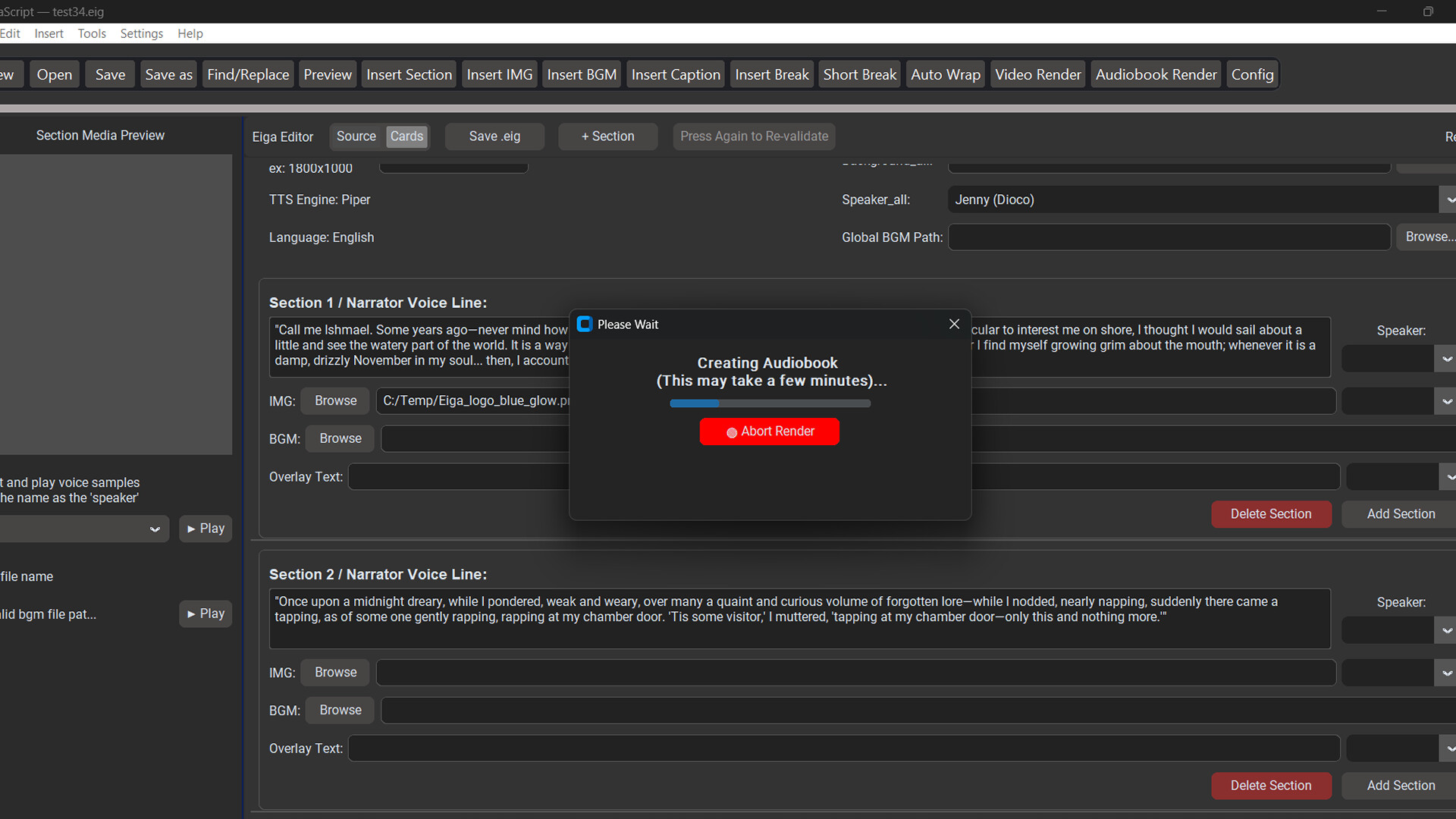
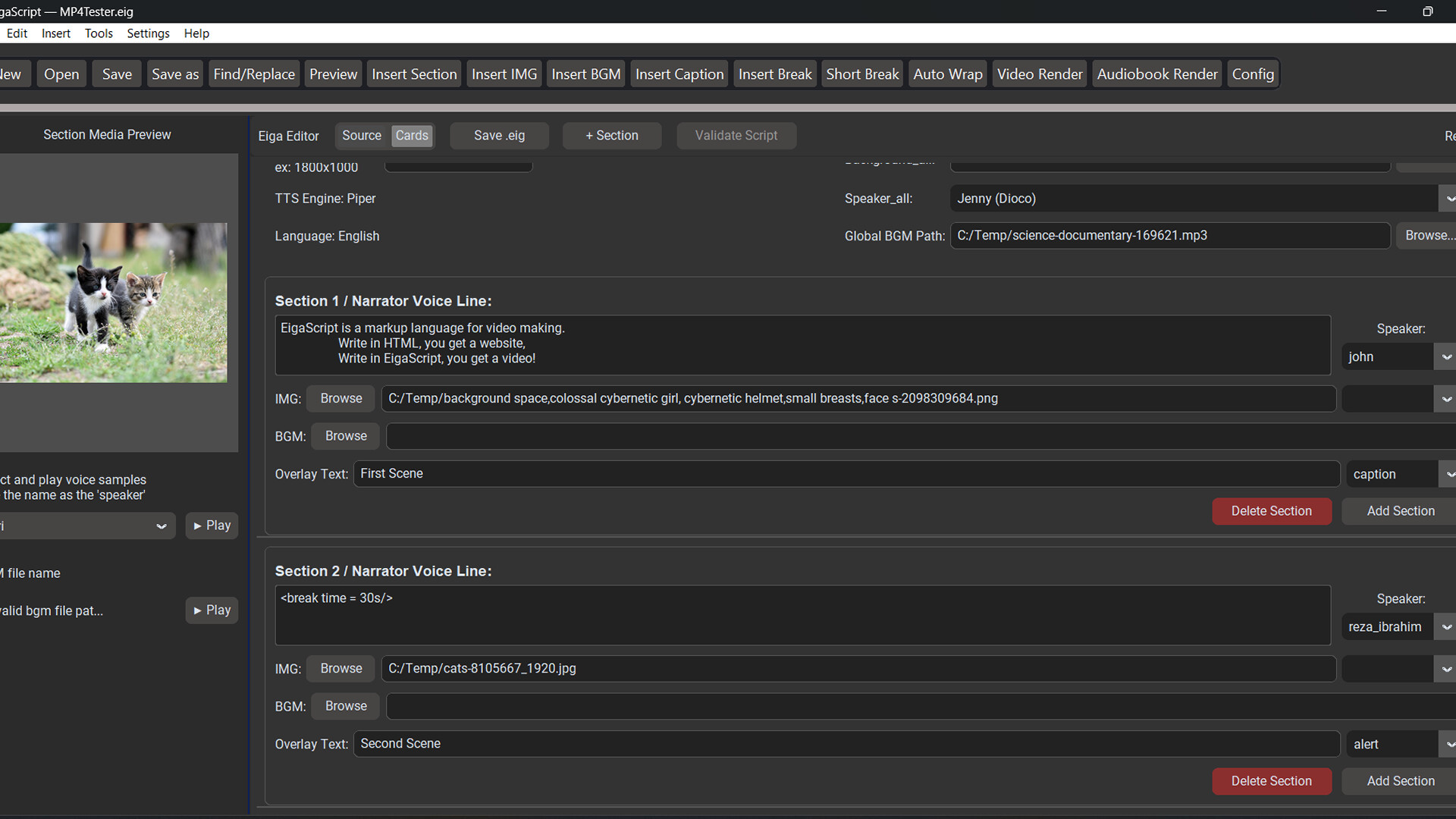
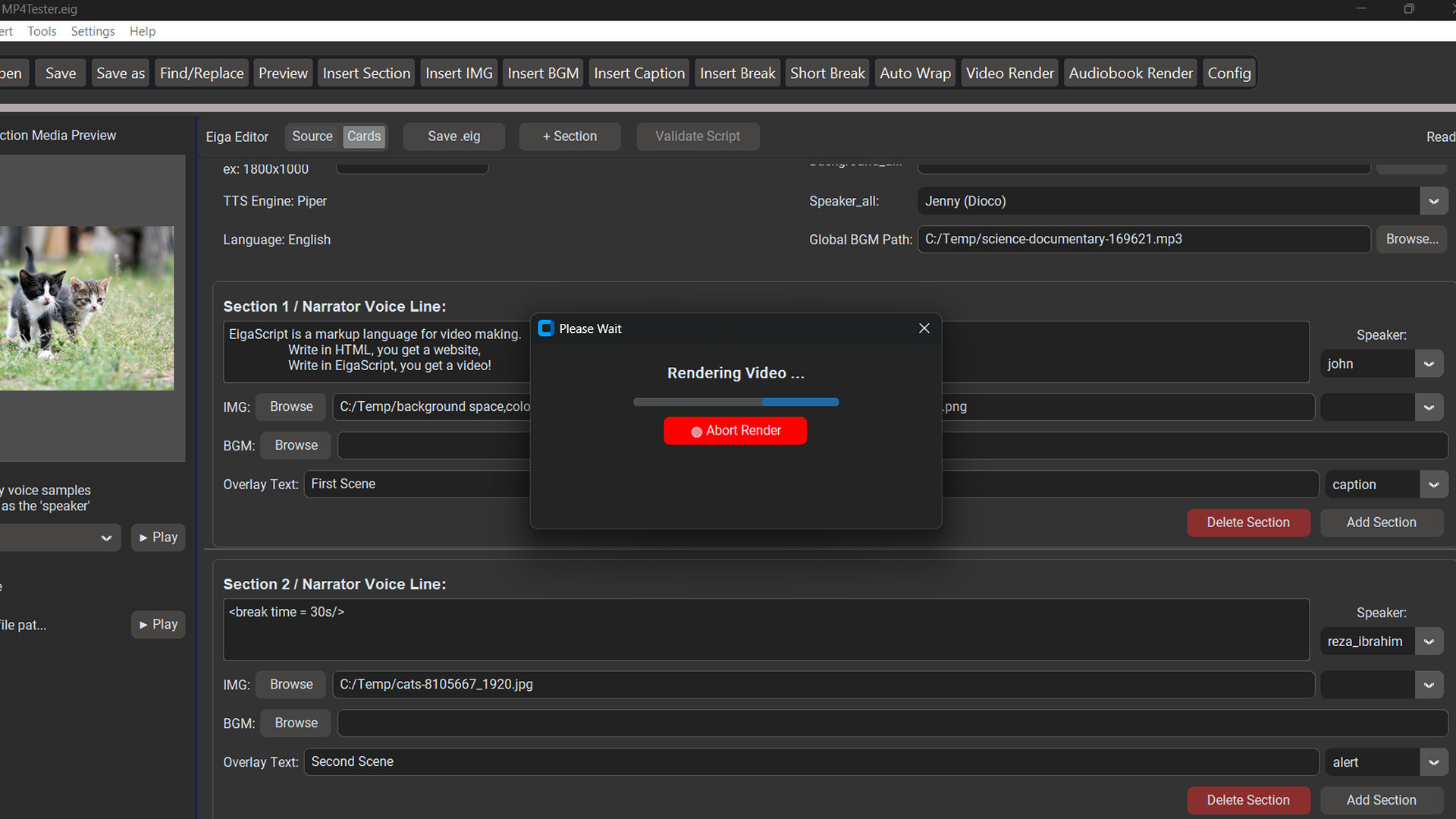
And, you can turn to the GUI (Card Mode) to simply fill out the form, without even typing the scripts yourself, to make your video.
Simple html-like markup or intuitive GUI (filling out a ' form' instead of writing the scripts) to compose and edit your video without every touching video editing tools.
Supports static images (jpg, png, etc.) and video clips (mp4, mkv, etc.) for the entire movie or each scene (section) to display images.
Background music that runs across the entire movie or by scenes.
Text banners (captions, subtitles, titles, and more) for visual story-telling.
Unlimited voice-over with eleven difference voices. All built-in. No monthly fees or limits! (Only English language text-to-speech is supported at this moment.)
No limits in lengths. Your videos or audiobooks can be thousands of words long, turning a full book or episode of novels into visual/audio formats.
Turn long manuscripts into EigaScript format with a single click. You can turn a whole book of manuscript into an audiobook or visualized narrative content (video).
Can render your script into videos AND audiobooks.
Control the flow of narration (pauses) using '<break time = ...s />' or '<p/>' tags. These tags can be used to control the length of sections without voice-over to create 'speechless' videos, too.
See the ' Getting Started' guide in the app for more details.
Some AI-assisted images have been used the store front page and the trailer video.