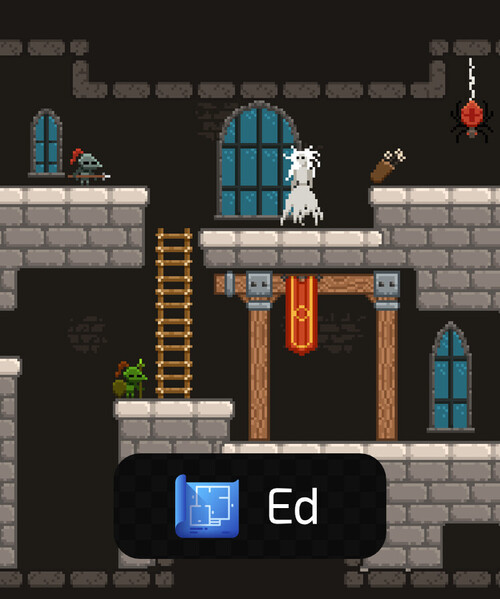
Ed
Details
- Release date: September 3, 2024
- Genre: Utility
- Developer: Chilling Moose Games
- Publisher: Chilling Moose Games
- Platforms: Steam
Current prices

|
Steam
Digital
|
$1.49
-95%
|
| Lowest price ever | ||
| Sale ends January 5 | ||
Price history
| All time low | |
| $1.49 | (-95%) |
Description
Prototype your games and design levels with Ed ✨
Design your 2D games anytime, anywhere. Features:
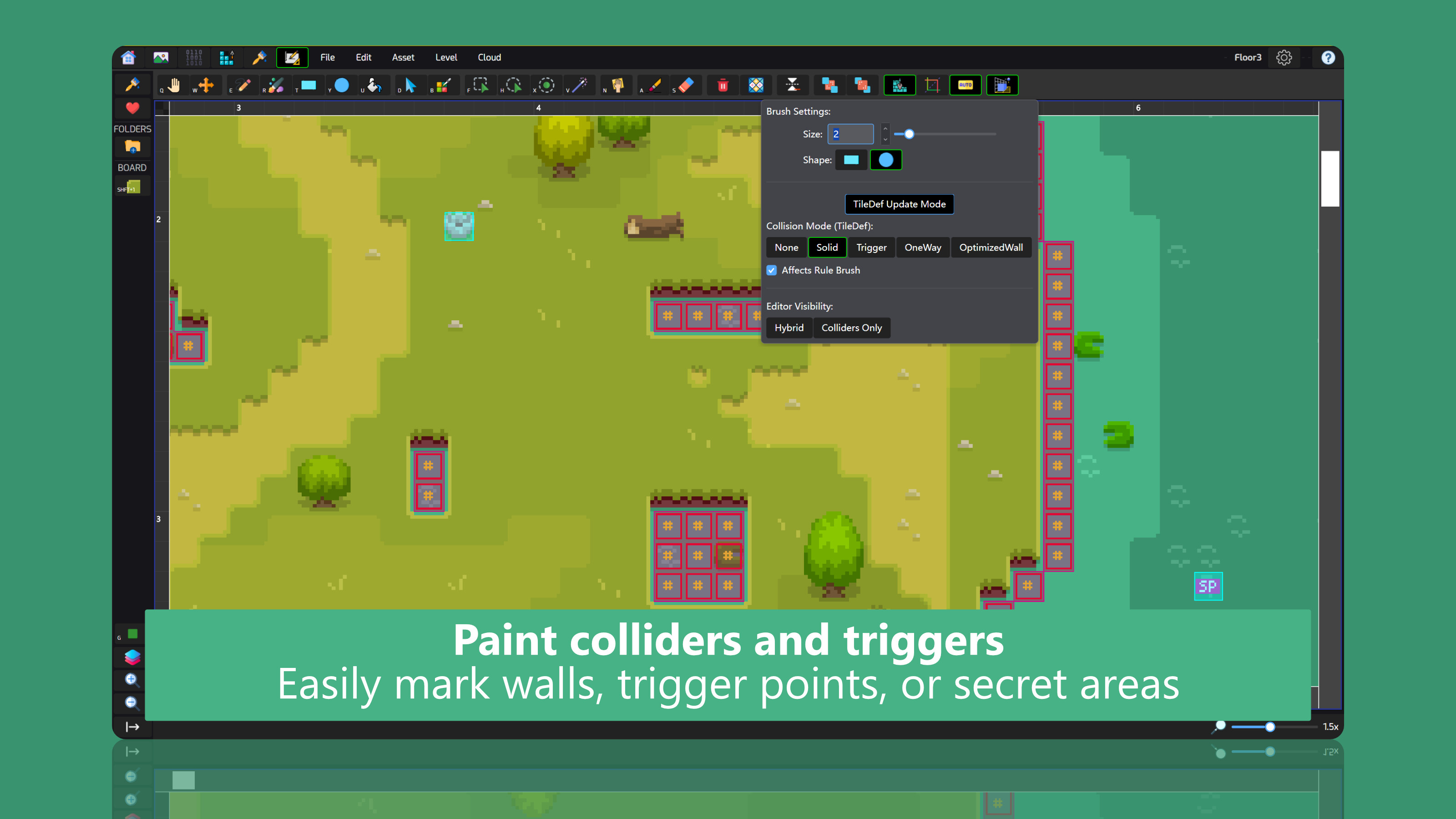
Room-based metroidvania support
Set optional page (room) sizes per level. You can also name pages individually and mark tiles to have page-specific properties. This data is then exported to your engine to make page-based games.
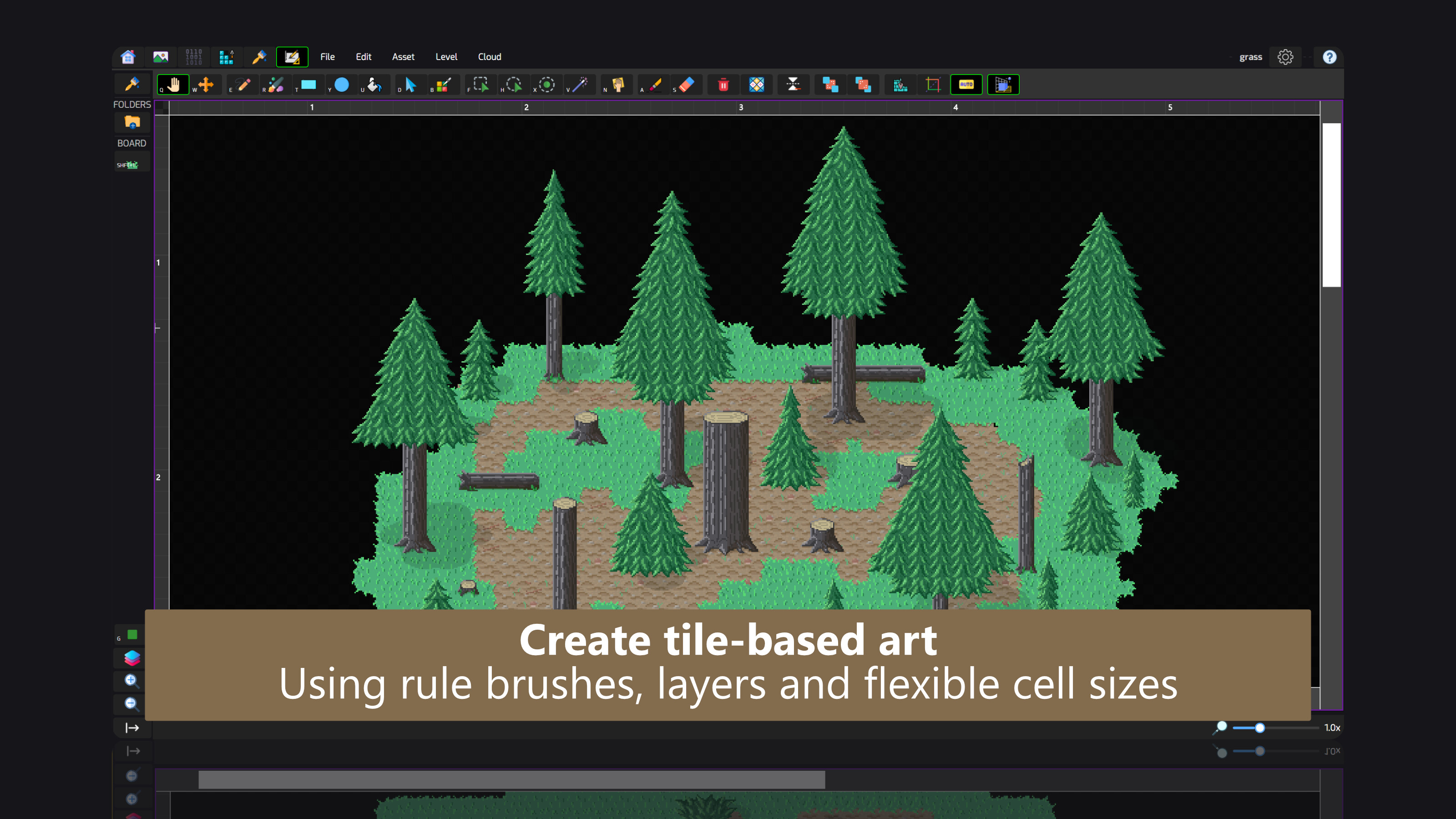
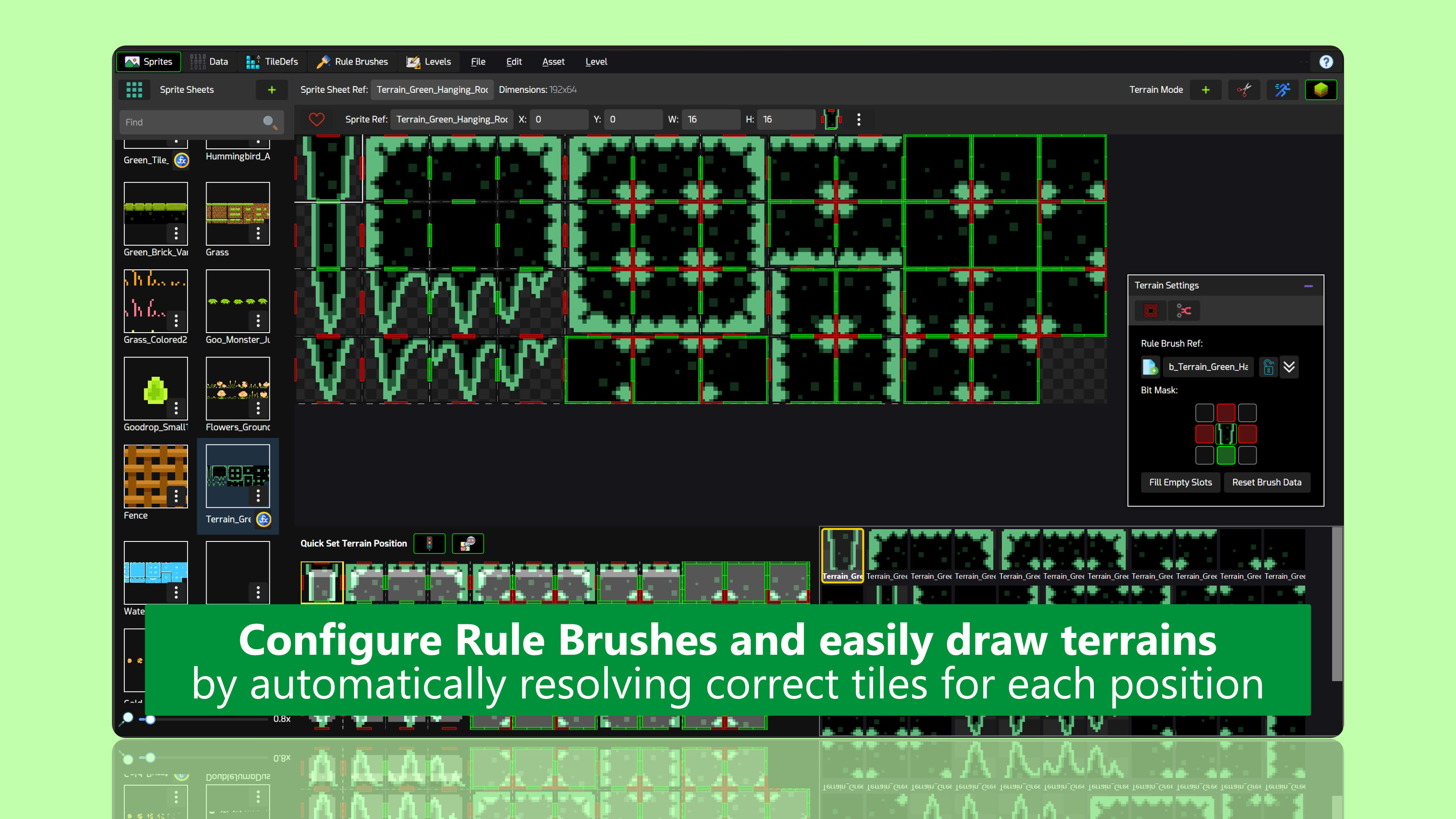
Rule-based brushes
Set up rule-based brushes for terrains, platforms and other features by assigning rules to sprites, so the appropriate sprites are automatically chosen depending on their neighbors. Built-in support for bitmasking, 47-tiles and 4x4 tiles terrains. Draw or erase large areas with thick brushes, quickly creating levels.
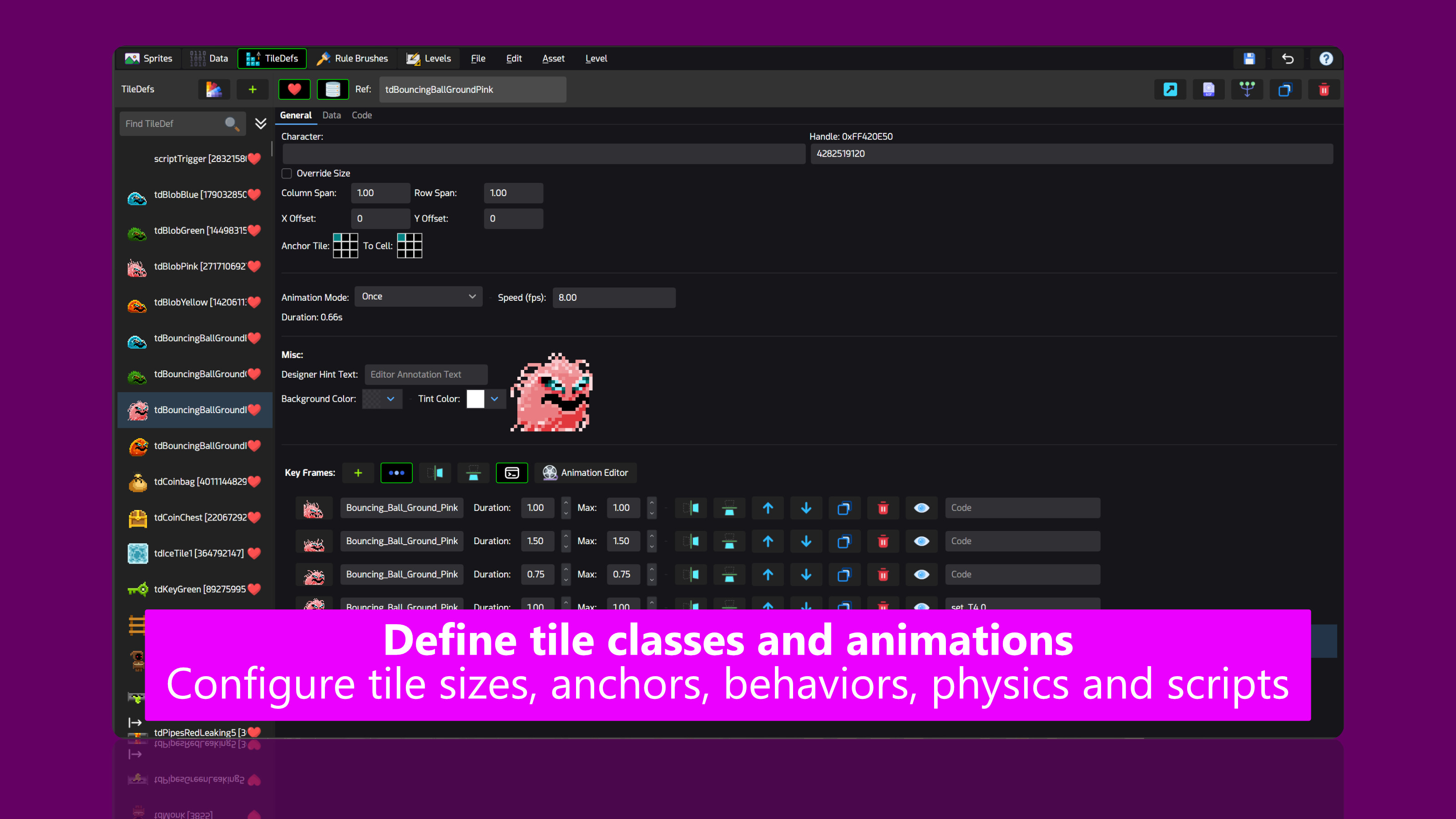
Tile definition classes
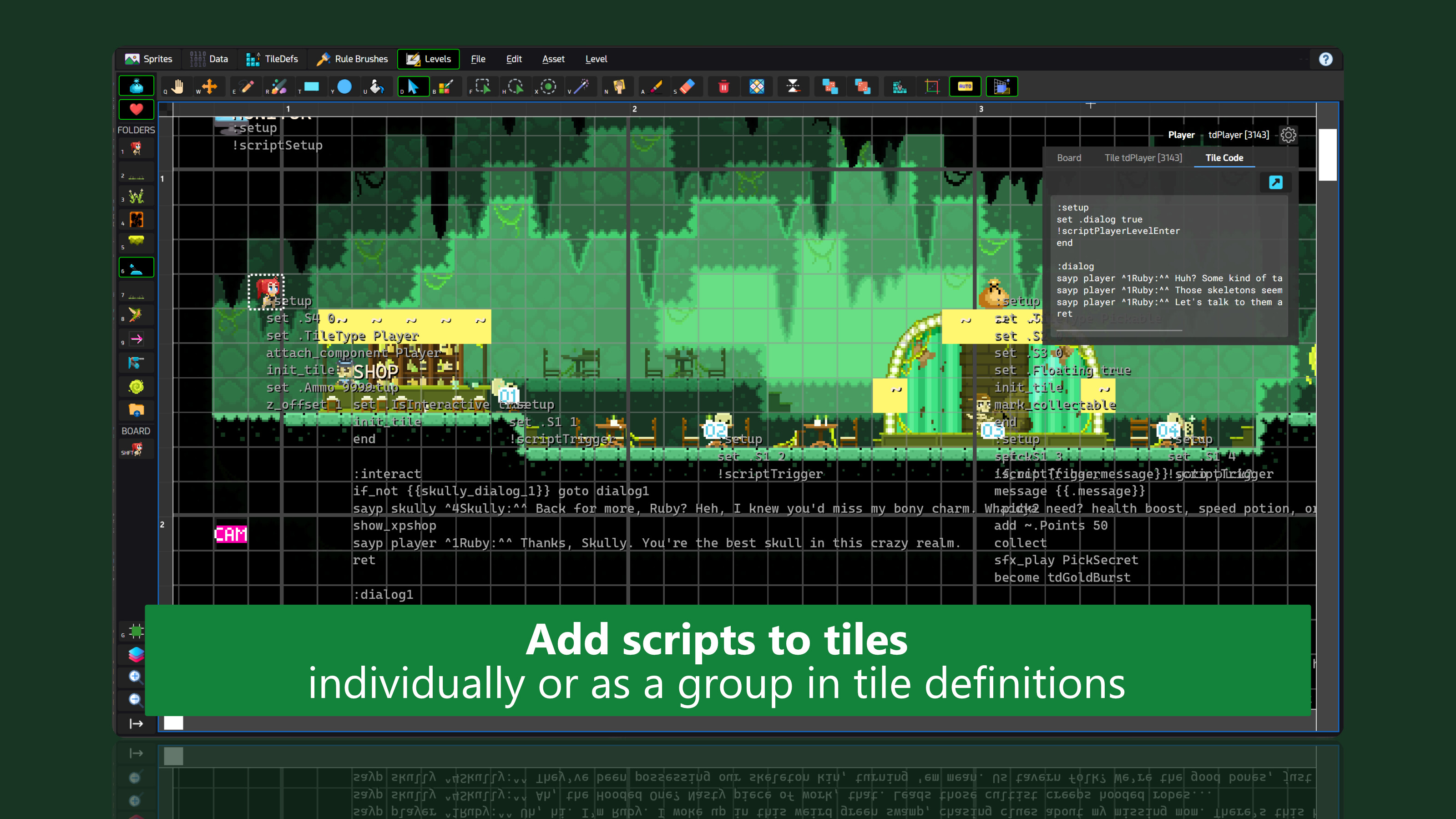
Set up tile definitions with various animation settings, background and tint colors and override their sizes and offsets on the grid. Additionally, you can assign variables and values to them and write custom scripts for tile definitions.
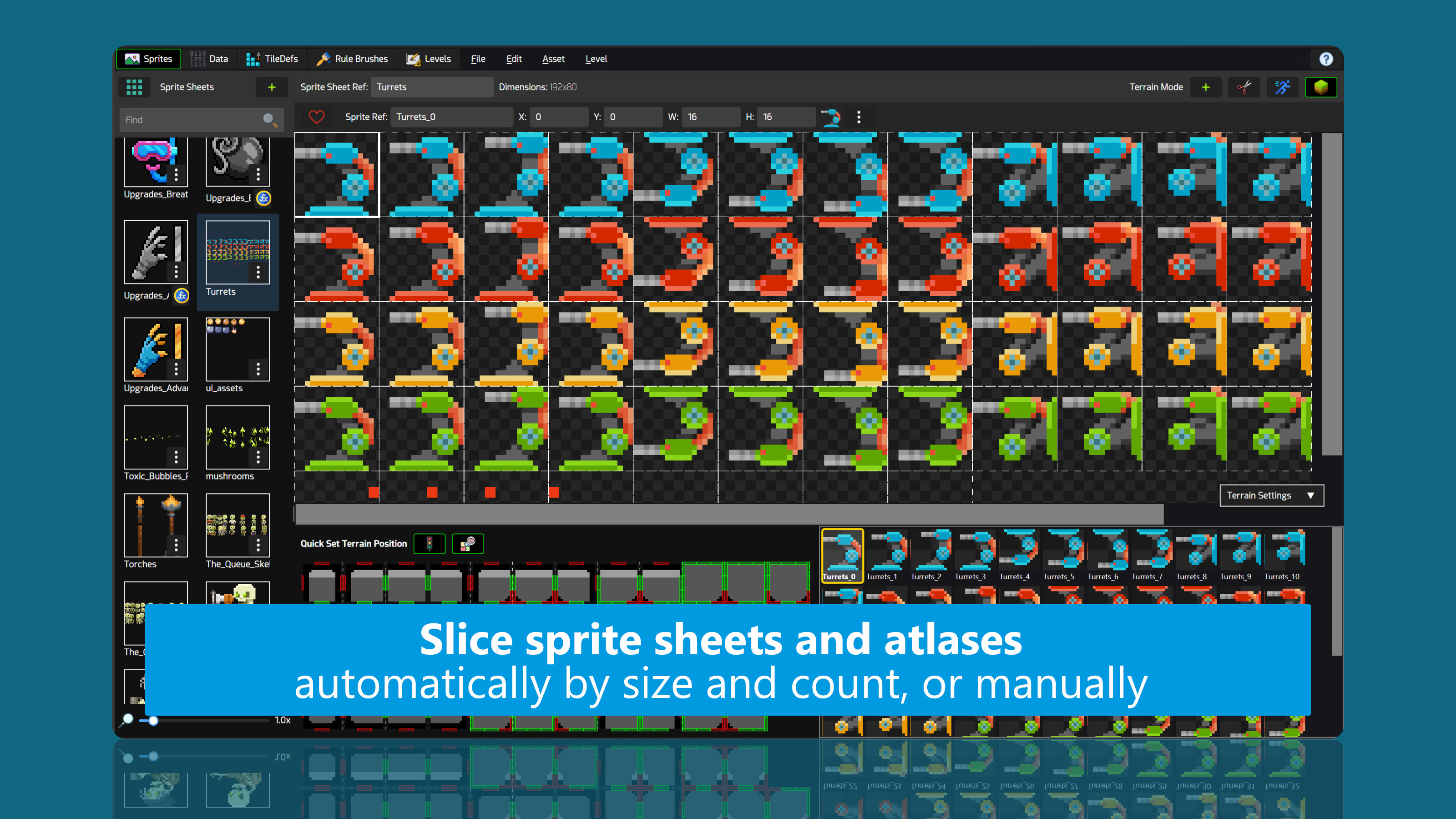
Sprite management
Import and slice your sprite sheets, remove opaque backgrounds by specifying a key color and set up tile bitmasks and brushes right within the sprite sheet editor and export them to rule brushes.
Auto terrain
Automatically generate an entire 47-tile terrain set from a single sprite. Adjust corner radiuses individually, and optionally stamp decal sprites on different sides. Export generated terrains as PNG and further edit them in your image editing programs.
Auto brush
White box your levels and puzzles with generic tiles and define auto brush regions that automatically transform them into high quality environments. Swap environments instantly without having to redraw levels.
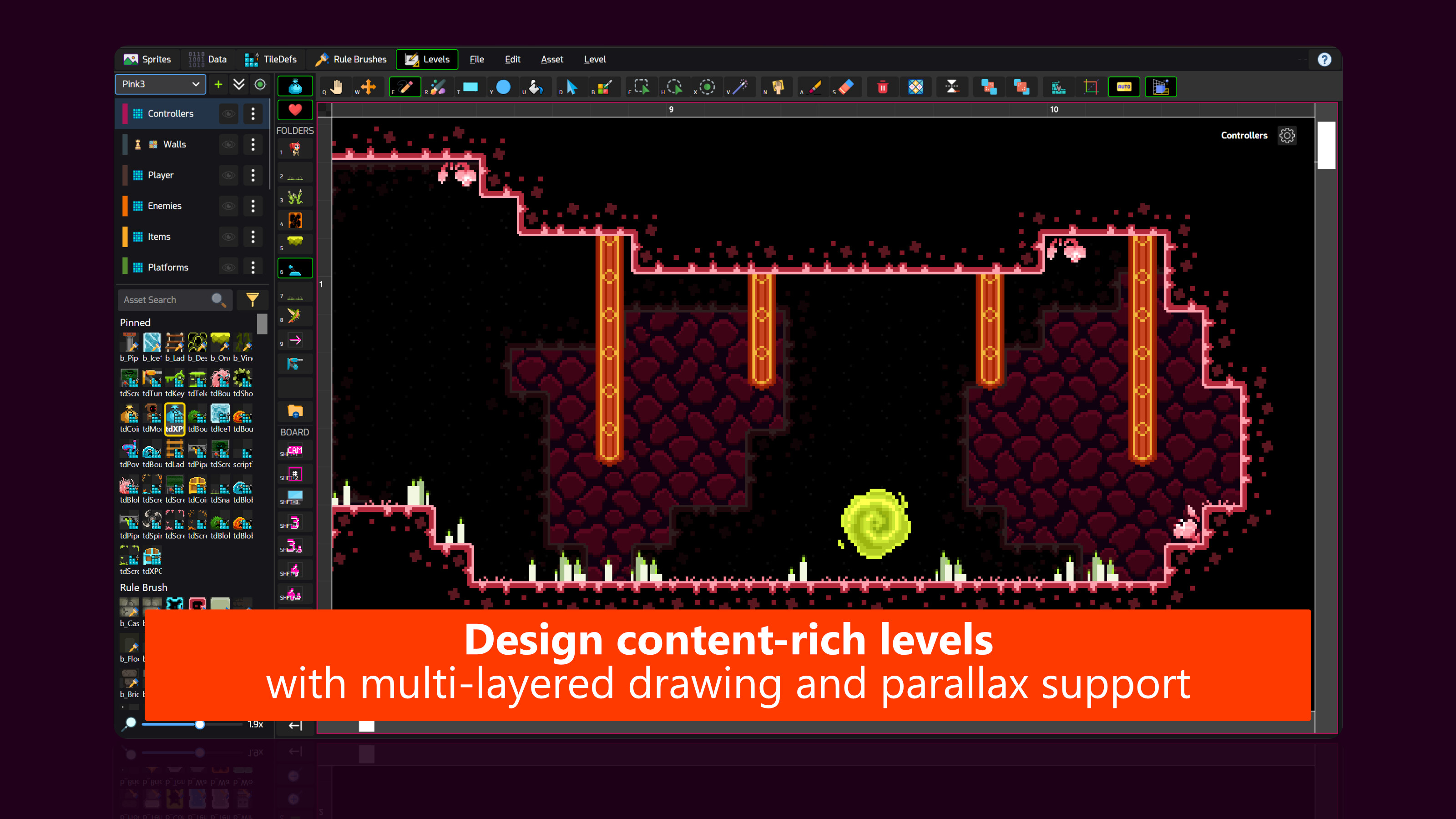
Multi-layer level design
Create multiple boards per level and benefit from onion tools to draw on different layers with ease. Export levels as PNGs or ASCII-based scripts. Use Quads to add non-grid based 2D entities to your levels.
Fully-customizable boards
Adjust the grid size of boards individually, as well as modifying the horizontal and vertical gaps, background colors, alpha blending modes and tint colors. Each object in a level has its own parallax settings to enable parallax scrolling effects.
Create and draw patterns
Draw repetitive areas by creating patterns from a selected set of tiles. Stamp them with precision, or use the rectangle or ellipse fill tool to paint the pattern in a repetitive style on a designated area. Patterns can be created from any board and drawn on different boards or even other levels.
Color palettes and pixel art
Import color palettes, create your own, and draw solid colors on grids. Create your pixel art directly in Ed, export them as a linked-sprite sheet back to the sprite sheet editor and slice them into sprites, redrawing them on your game levels. End-to-end, from pixel art into games, can be achieved without ever leaving Ed.
Export directly to Unity
Directly generate assets tailored for Unity: Automatically sliced sprite sheets (Texture2Ds,) data files and levels, in a git-friendly fashion. The output is code-based, so you can easily integrate it into your own logic or just press a button and generate sprites for the whole level on your unity scene.
(Note: You still have to program your own game, Ed is not a game engine.)
Easily readable JSON
Export your project to a ZIP package, containing your rendered sprite sheets and a JSON file containing the entire project. You can parse the JSON file in your favorite engine and easily give life to your creation in a very straightforward way.
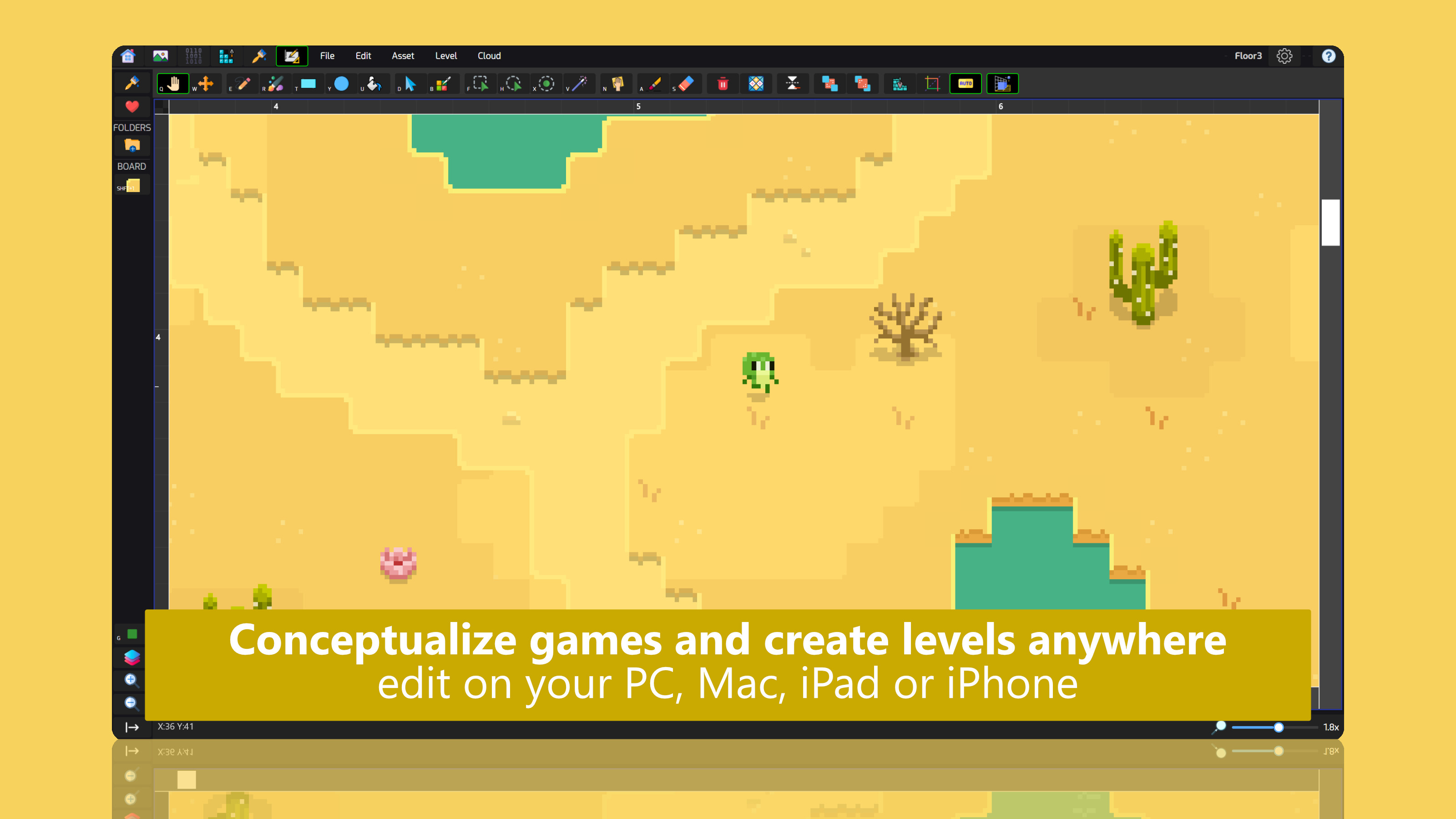
Design anytime, anywhere
Ed is available on your desktop, tablet and even iPhone. Open your Ed files on your mobile device and design your game on the go. With Cloud sync, you can begin on your computer, and seemlessly load your last cloud save on your iPad or iPhone on the go to continue editing or showing it to the others.
A Chilling Moose Production