Details
Current prices

|
Steam
Digital
|
$3.99
-20%
|
| Matches previous low | ||
| Sale ends February 14 | ||
Price history
| All time low | |
| $3.99 | (-20%) |
Description
Level up your PC personalization and productivity with Alt Tab Toolkit: Power Tools.
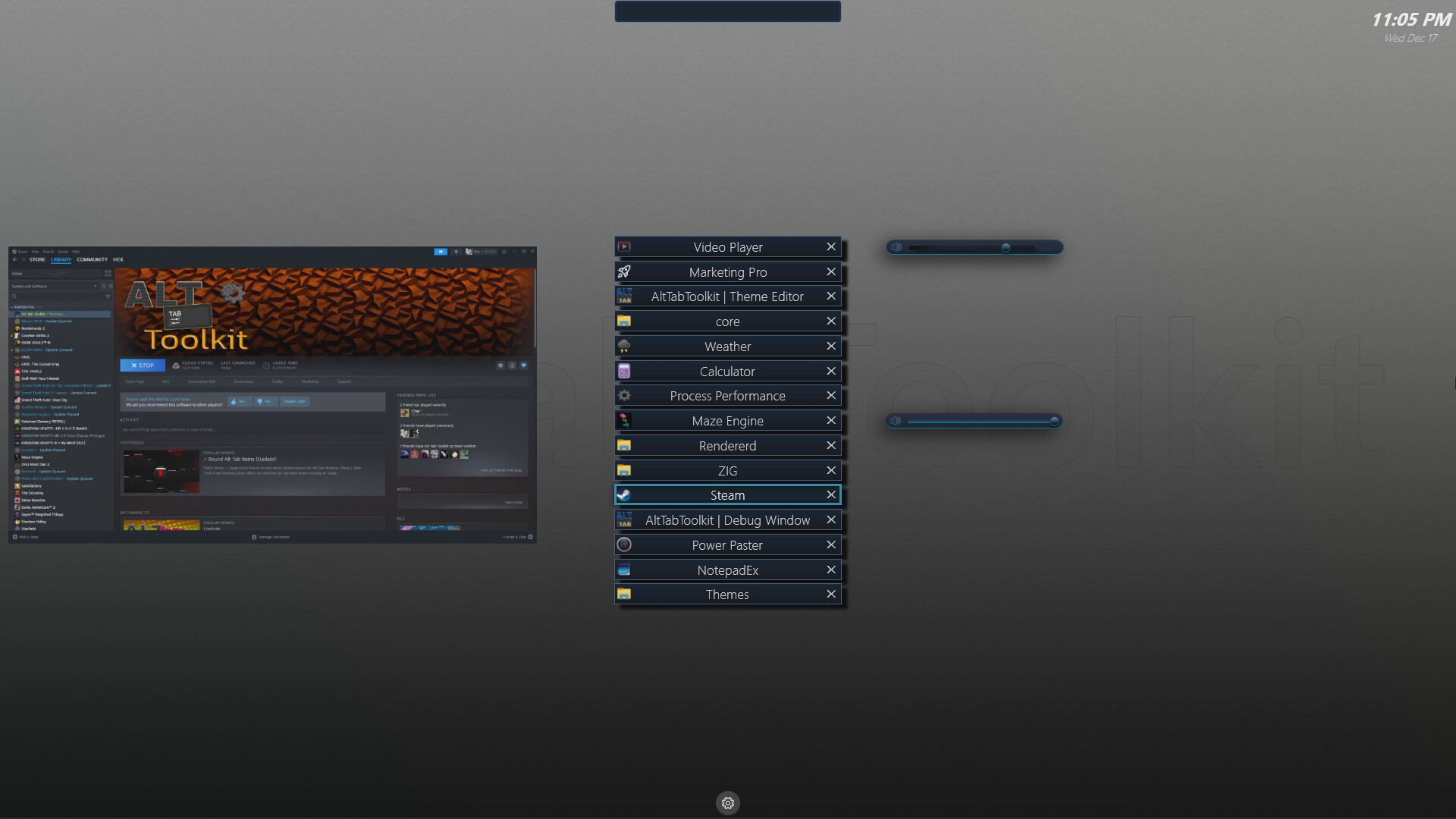
All Features are deeply integrated with the core Alt Tab Toolkit app and also include some direct upgrades to the Alt Tab window itself.
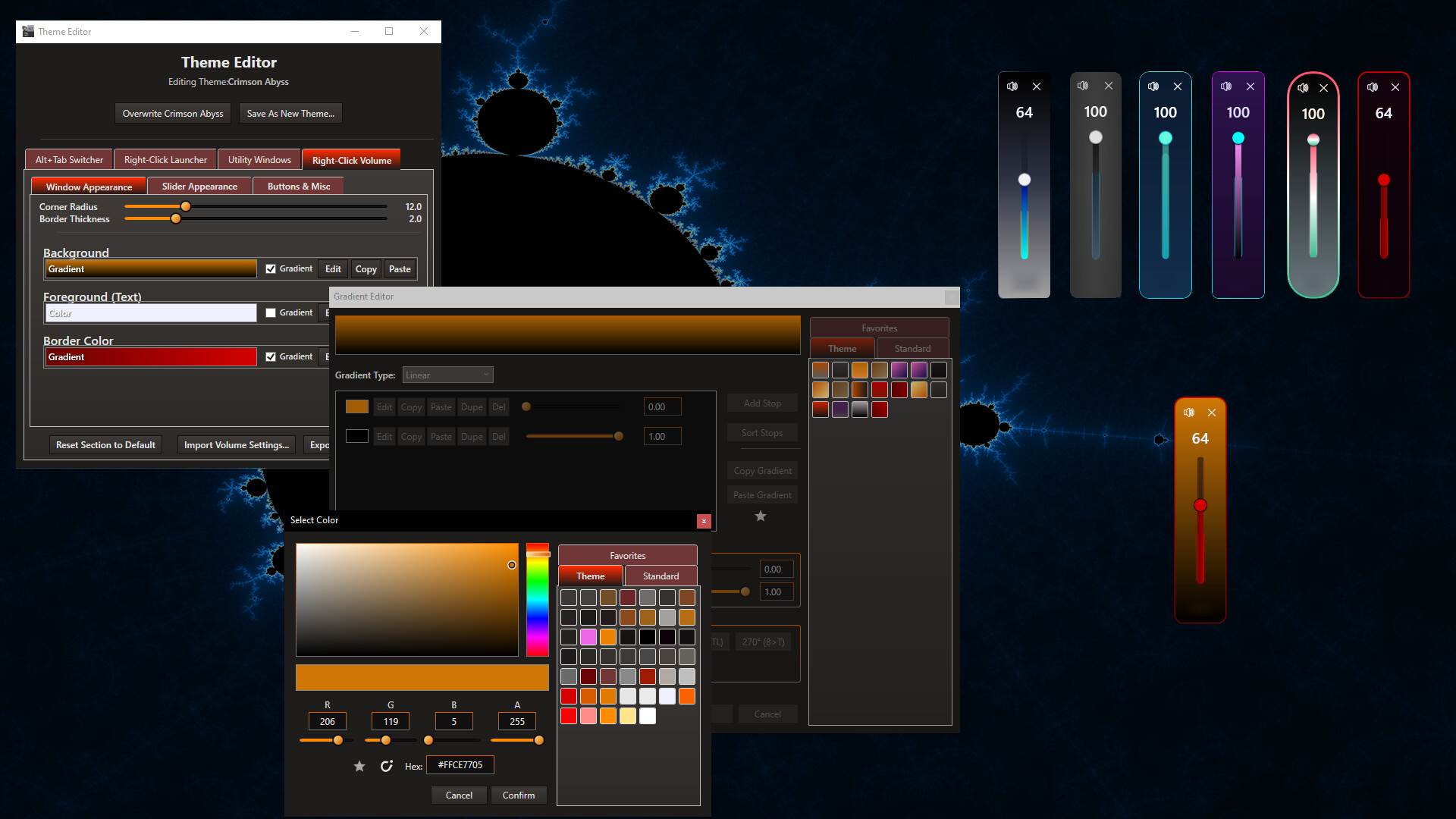
All features are highly customizable, and include Theme Editing and Steam Workshop support.
The core of the feature additions are:
+ App Launch Animations (configurable / optional): Any time you launch an app, the app icon (or custom app icon) will perform an animation on screen (slide in from top for example)
+ Volume Sliders: Hotkey + RightClick a window to summon a floating Volume Slider control at your mouse.
+ "Auto" Volume Sliders: Volume sliders that appear automatically each time you show the alt tab window. Can be pinned to window or items.
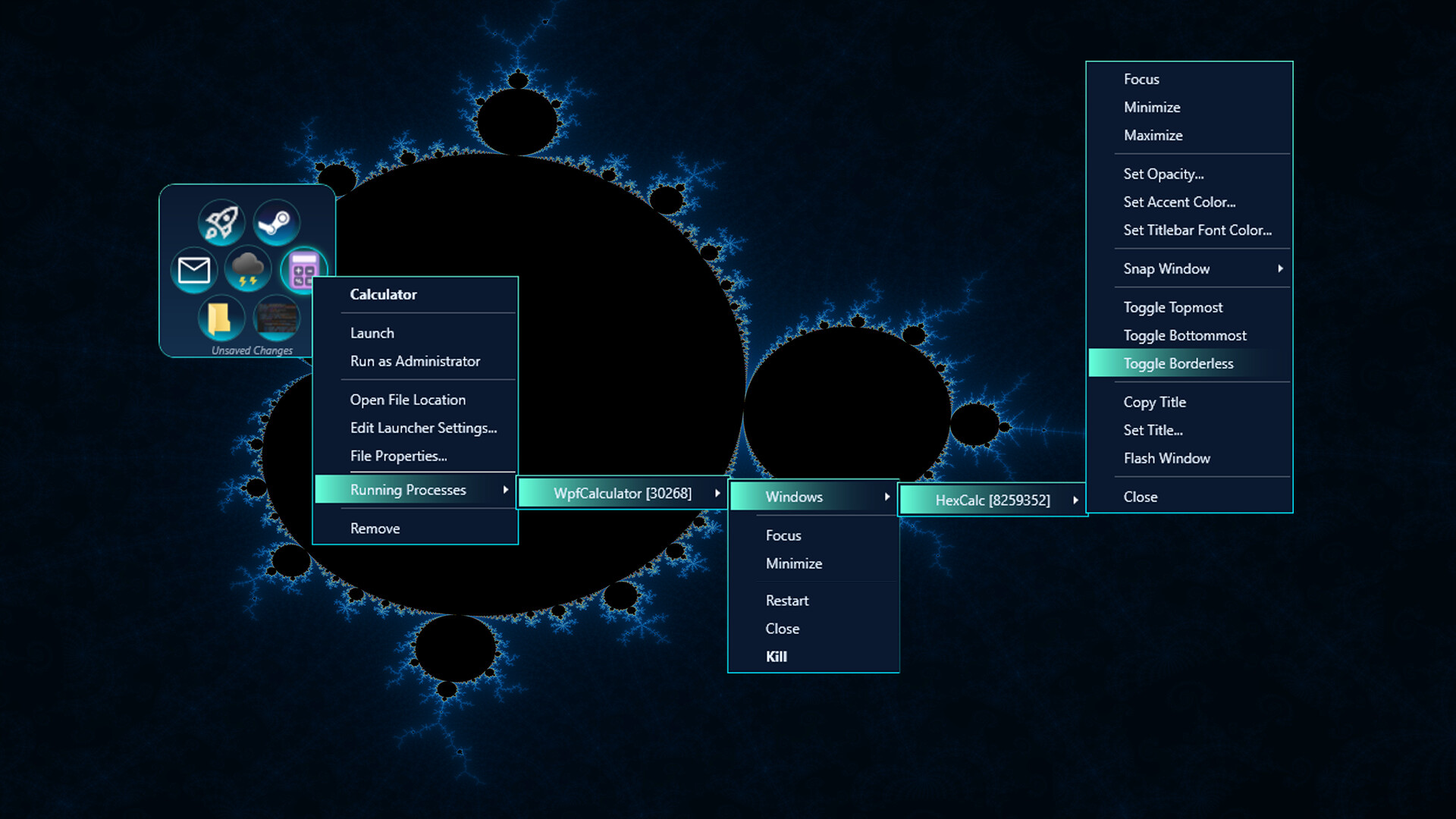
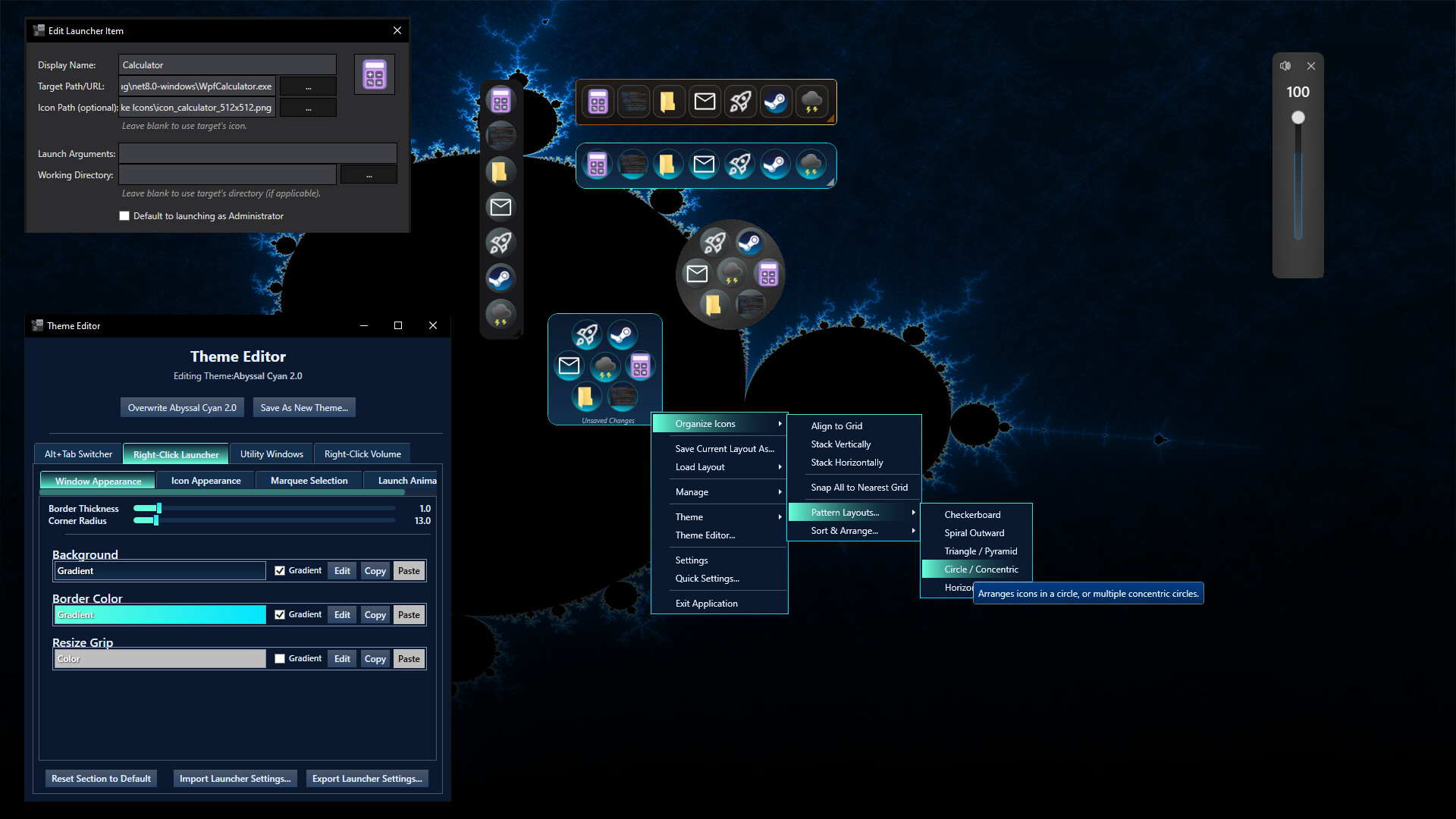
+ App Launcher / Running App Manager: Hotkey + RightClick to summon a floating App Launcher at your mouse that also doubles as a task manager like utility to view running processes, or windows of a given App Item.
- Customize window size, border, roundness; Icon sizes, spacing, layouts (automatic layouts including patterns) and more.
- Adjust Window Settings Per Window (I.e. Attempt to make Borderless , Topmost, Transparent, etc)
Alt Tab Items gain some capabilities of the app launcher, and volume slider when right clicked.
Alt Tab Search will now display matching apps from the app launcher. shift + enter to launch apps, just "enter" by itself still commits to whichever window you have selected. (Searchbar optionally doubles as both a filter for the windows and will suggest apps that match as well simultaneously)
All components are Customizable and Shareable on Steam Workshop